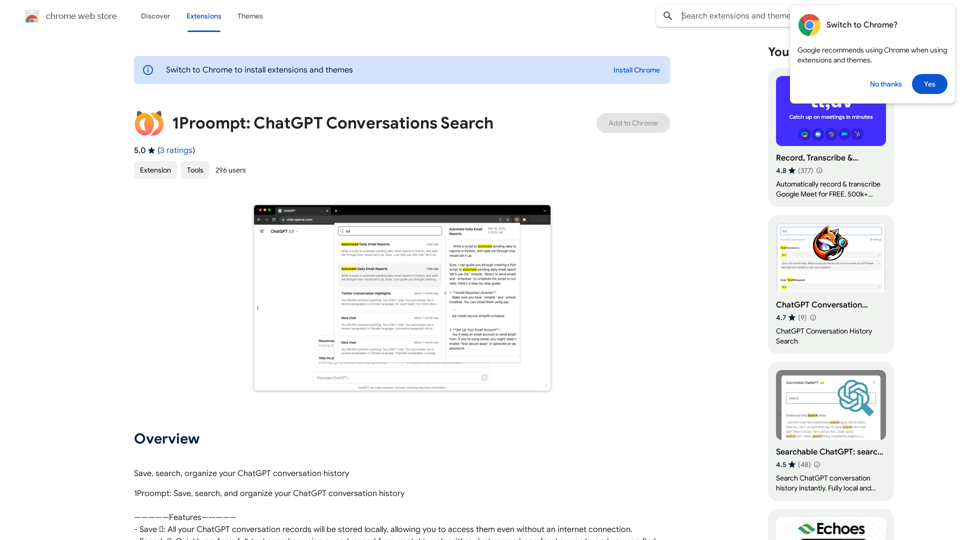
Proompt is a Chrome extension designed to enhance the ChatGPT experience by providing a comprehensive solution for saving, searching, and organizing conversation history. This tool allows users to maintain access to their ChatGPT interactions even when offline, making it an invaluable resource for frequent ChatGPT users. Proompt offers a range of features aimed at improving the management and retrieval of conversation data, all while maintaining user privacy and data security.
ChatGPT Conversations Search
Save, search, and organize your ChatGPT conversation history.
Introduction
Feature
Save Conversations Locally 💾
Proompt enables users to store all their ChatGPT conversation records on their local device. This feature ensures:
- Offline access to conversations
- Enhanced privacy and data control
- Permanent record of valuable interactions
Advanced Search Functionality 🔍
The extension incorporates a sophisticated search system:
- Full-text search capability
- Advanced fuzzy matching algorithm
- Quick retrieval of old conversations using keywords
Organize Conversations 📁 (Upcoming Feature)
Proompt is developing an organizational system that will include:
- Categorization of conversations into folders
- Tagging system for easy reference
- Improved conversation management
Free to Use
Proompt offers its features at no cost:
- No subscription required
- Free installation from Chrome Web Store
- Unlimited use of all available features
Offline Accessibility
Users can access their saved conversations without an internet connection:
- Review past interactions anytime
- Utilize saved information in offline scenarios
- Ensure continuous access to important data
FAQ
How do I start using Proompt?
To begin using Proompt:
- Install the extension from the Chrome Web Store
- Start saving your ChatGPT conversations
- Use the search and organization features as needed
Is my data used for training purposes?
No, Proompt does not collect or use your data for training purposes. Your conversations remain private and secure.
What search capabilities does Proompt offer?
Proompt provides:
- Full-text search functionality
- Advanced fuzzy matching algorithm
- Keyword-based search for quick retrieval of old conversations
Are there any tips for maximizing Proompt's effectiveness?
To get the most out of Proompt:
- Save conversations regularly
- Utilize the search feature for efficient retrieval
- Organize conversations using folders and tags (once available)
- Take advantage of offline access when needed
Related Websites
Stability Matrix CivitAI Integration This document outlines the integration of Stability Matrix into Civitai. What is Stability Matrix? Stability Matrix is a powerful tool for evaluating and comparing different AI models. It provides a comprehensive set of metrics to assess model performance across various tasks, including text generation, image generation, and code generation. Benefits of Integrating Stability Matrix into Civitai: * Enhanced Model Discovery: Users can easily identify high-performing models based on their desired tasks and preferences. * Improved Model Selection: The detailed metrics provided by Stability Matrix allow for informed decision-making when choosing a model for a specific project. * Community-Driven Evaluation: By leveraging the collective wisdom of the Civitai community, Stability Matrix fosters a transparent and collaborative approach to model evaluation. * Accelerated Model Development: Developers can use Stability Matrix to track the progress of their models and identify areas for improvement. Implementation Details: * Stability Matrix scores will be displayed alongside model descriptions on Civitai. * Users will be able to filter models based on their Stability Matrix scores. * The integration will initially focus on text generation and image generation models. Future Enhancements: * Expand support for additional model types, such as code generation models. * Implement interactive visualizations of Stability Matrix data. * Allow users to contribute their own model evaluations to the platform.
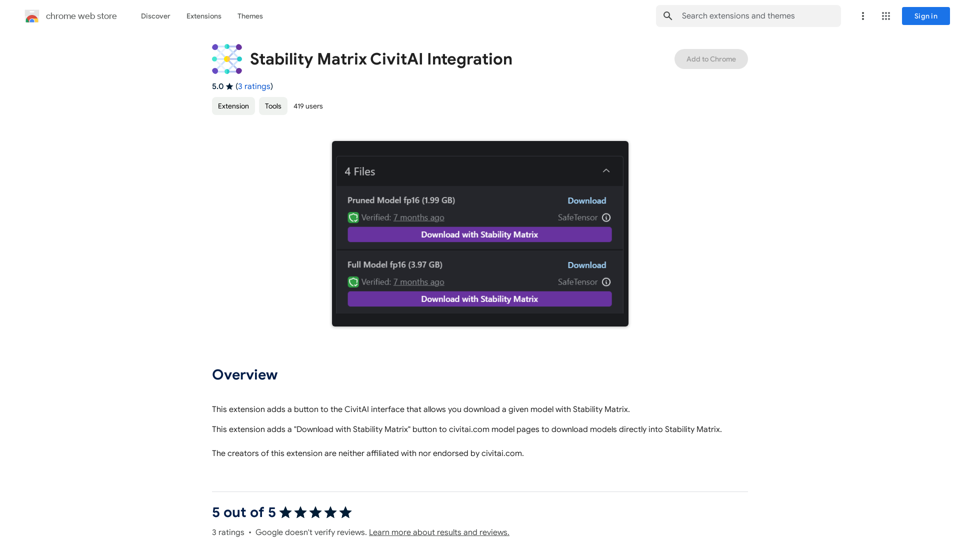
Stability Matrix CivitAI Integration This document outlines the integration of Stability Matrix into Civitai. What is Stability Matrix? Stability Matrix is a powerful tool for evaluating and comparing different AI models. It provides a comprehensive set of metrics to assess model performance across various tasks, including text generation, image generation, and code generation. Benefits of Integrating Stability Matrix into Civitai: * Enhanced Model Discovery: Users can easily identify high-performing models based on their desired tasks and preferences. * Improved Model Selection: The detailed metrics provided by Stability Matrix allow for informed decision-making when choosing a model for a specific project. * Community-Driven Evaluation: By leveraging the collective wisdom of the Civitai community, Stability Matrix fosters a transparent and collaborative approach to model evaluation. * Accelerated Model Development: Developers can use Stability Matrix to track the progress of their models and identify areas for improvement. Implementation Details: * Stability Matrix scores will be displayed alongside model descriptions on Civitai. * Users will be able to filter models based on their Stability Matrix scores. * The integration will initially focus on text generation and image generation models. Future Enhancements: * Expand support for additional model types, such as code generation models. * Implement interactive visualizations of Stability Matrix data. * Allow users to contribute their own model evaluations to the platform.This extension adds a button to the CivitAI interface that allows you to download a given model with Stability Matrix.
193.90 M
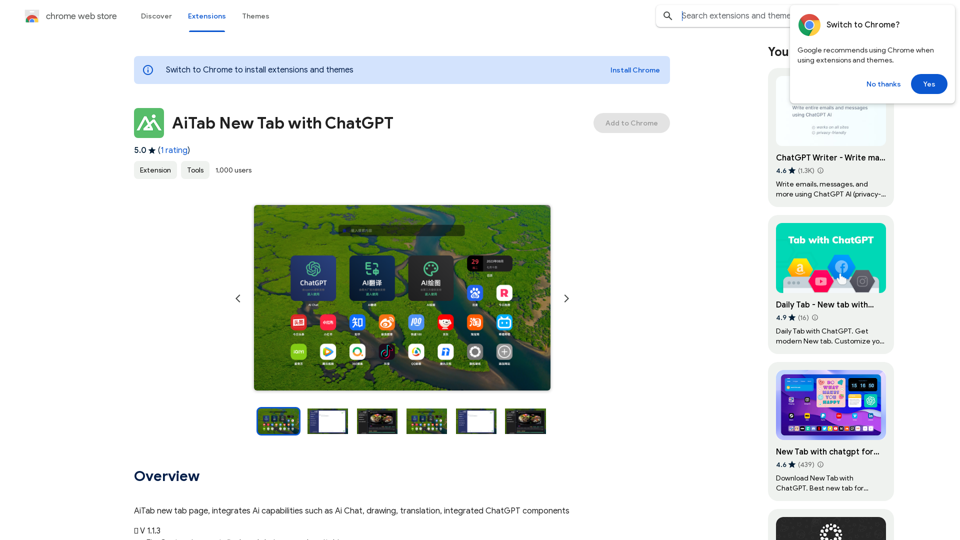
AiTab new tab page, integrates AI capabilities such as AI Chat, drawing, translation, and integrated ChatGPT components
193.90 M

Image Translator - ai photo/image Translator use ChatGPT This is a tool that uses ChatGPT to describe images. You can upload a photo and ChatGPT will generate a written description of what it sees.
Image Translator - ai photo/image Translator use ChatGPT This is a tool that uses ChatGPT to describe images. You can upload a photo and ChatGPT will generate a written description of what it sees.AI Photo/Image Translator, Supports 130 Languages
193.90 M
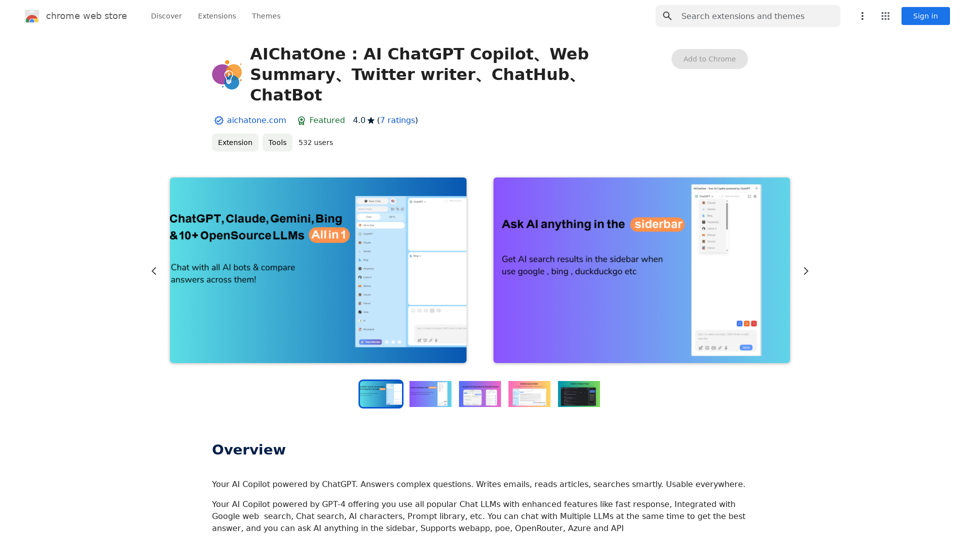
AIChatOne: AI ChatGPT Copilot, Web Summary, Twitter Writer, ChatHub, ChatBot
AIChatOne: AI ChatGPT Copilot, Web Summary, Twitter Writer, ChatHub, ChatBotYour AI Copilot powered by ChatGPT. Answers complex questions. Writes emails. Reads articles. Searches smartly. Usable everywhere.
193.90 M
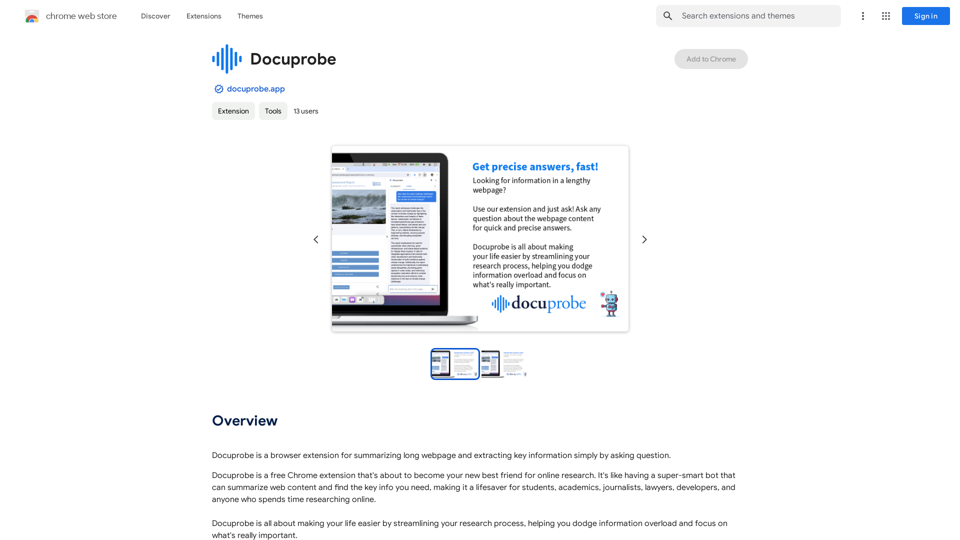
Docuprobe is a browser extension that summarizes long webpages and extracts key information by simply asking questions.
193.90 M