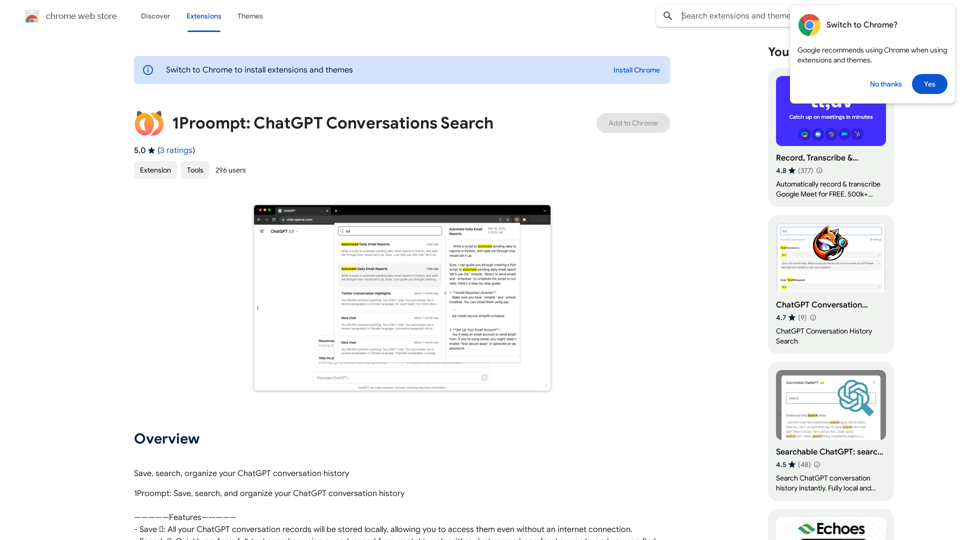
Proompt is a Chrome extension designed to enhance the ChatGPT experience by providing a comprehensive solution for saving, searching, and organizing conversation history. This tool allows users to maintain access to their ChatGPT interactions even when offline, making it an invaluable resource for frequent ChatGPT users. Proompt offers a range of features aimed at improving the management and retrieval of conversation data, all while maintaining user privacy and data security.
ChatGPT Conversations Search
Save, search, and organize your ChatGPT conversation history.
Introduction
Feature
Save Conversations Locally 💾
Proompt enables users to store all their ChatGPT conversation records on their local device. This feature ensures:
- Offline access to conversations
- Enhanced privacy and data control
- Permanent record of valuable interactions
Advanced Search Functionality 🔍
The extension incorporates a sophisticated search system:
- Full-text search capability
- Advanced fuzzy matching algorithm
- Quick retrieval of old conversations using keywords
Organize Conversations 📁 (Upcoming Feature)
Proompt is developing an organizational system that will include:
- Categorization of conversations into folders
- Tagging system for easy reference
- Improved conversation management
Free to Use
Proompt offers its features at no cost:
- No subscription required
- Free installation from Chrome Web Store
- Unlimited use of all available features
Offline Accessibility
Users can access their saved conversations without an internet connection:
- Review past interactions anytime
- Utilize saved information in offline scenarios
- Ensure continuous access to important data
FAQ
How do I start using Proompt?
To begin using Proompt:
- Install the extension from the Chrome Web Store
- Start saving your ChatGPT conversations
- Use the search and organization features as needed
Is my data used for training purposes?
No, Proompt does not collect or use your data for training purposes. Your conversations remain private and secure.
What search capabilities does Proompt offer?
Proompt provides:
- Full-text search functionality
- Advanced fuzzy matching algorithm
- Keyword-based search for quick retrieval of old conversations
Are there any tips for maximizing Proompt's effectiveness?
To get the most out of Proompt:
- Save conversations regularly
- Utilize the search feature for efficient retrieval
- Organize conversations using folders and tags (once available)
- Take advantage of offline access when needed
Related Websites
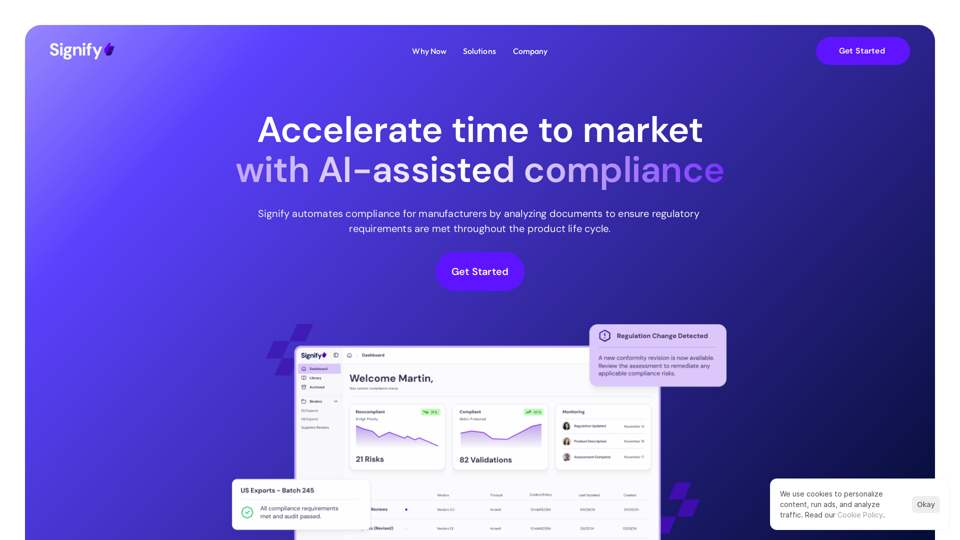
Signify - Compliance Management System for Manufacturing
Signify - Compliance Management System for ManufacturingSignify automates compliance for manufacturers by analyzing documents to ensure regulatory requirements are met throughout the product lifecycle.
3.17 K
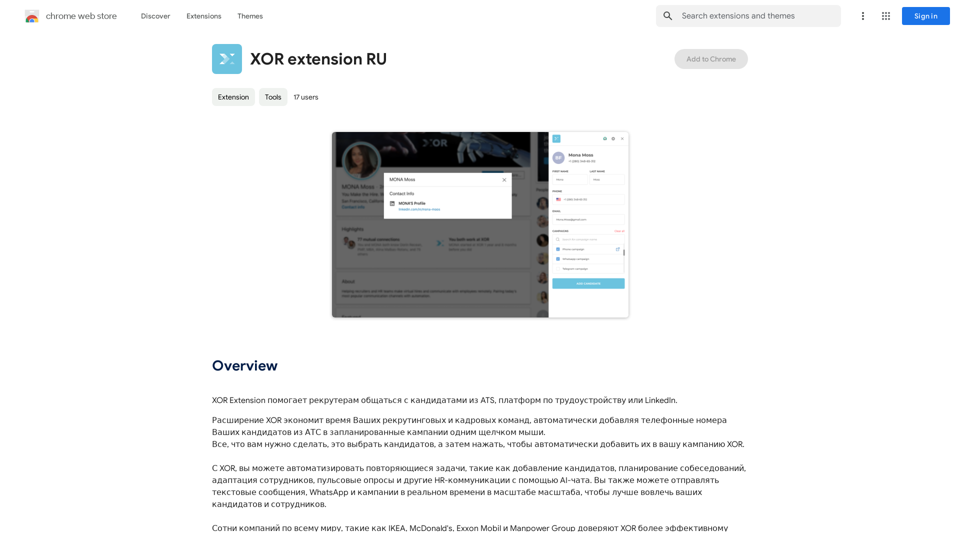
XOR Extension helps recruiters communicate with candidates from ATS, job boards, or LinkedIn.
193.90 M
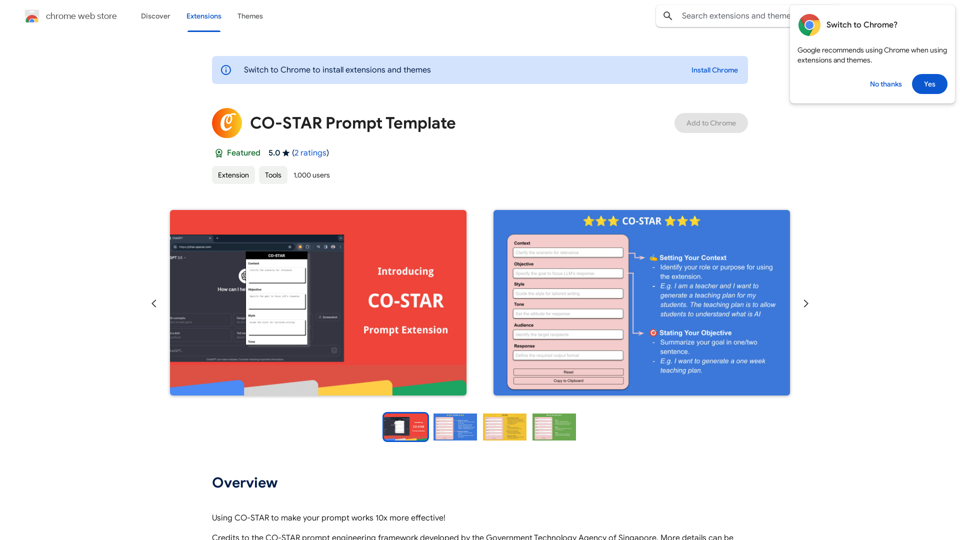
CO-STAR Prompt Template ========================== Task Description Describe the task you want the AI to perform. Be specific and concise. Input Prompt Provide the input prompt that the AI will receive. This can be a question, a statement, or a scenario. Desired Response Describe the desired response from the AI. What type of answer or output are you expecting? Constraints List any constraints or rules that the AI should follow when generating a response. This can include tone, style, or specific keywords to include or avoid. Evaluation Metrics Describe how you will evaluate the AI's response. What metrics or criteria will you use to determine the quality of the response? Example Output Provide an example of what a good response from the AI might look like. This can help clarify the task and provide a target for the AI to aim for.
CO-STAR Prompt Template ========================== Task Description Describe the task you want the AI to perform. Be specific and concise. Input Prompt Provide the input prompt that the AI will receive. This can be a question, a statement, or a scenario. Desired Response Describe the desired response from the AI. What type of answer or output are you expecting? Constraints List any constraints or rules that the AI should follow when generating a response. This can include tone, style, or specific keywords to include or avoid. Evaluation Metrics Describe how you will evaluate the AI's response. What metrics or criteria will you use to determine the quality of the response? Example Output Provide an example of what a good response from the AI might look like. This can help clarify the task and provide a target for the AI to aim for.Using CO-STAR to Make Your Prompt 10 Times More Effective!
193.90 M
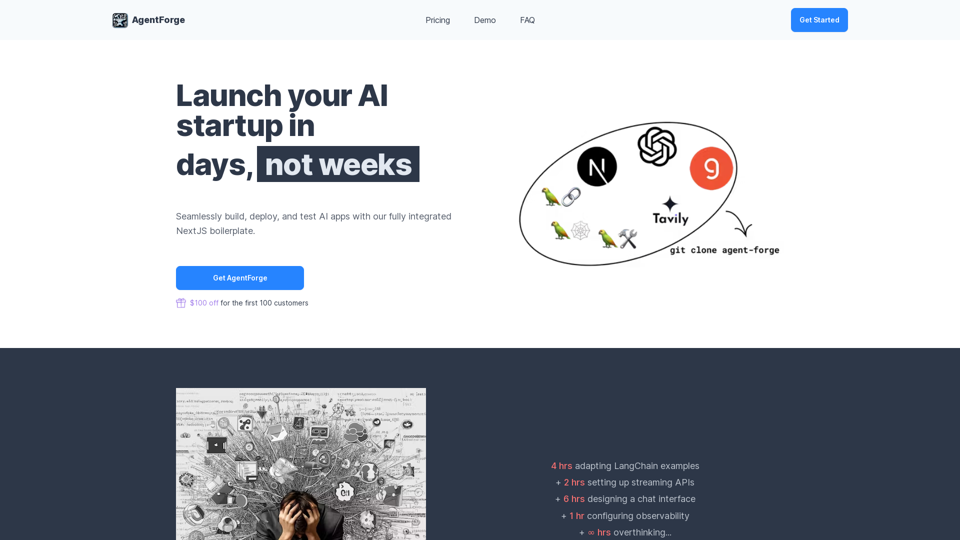

Kartiv: Automated Visual Content for eCommerce & Marketing Agencies
Kartiv: Automated Visual Content for eCommerce & Marketing AgenciesElevate your brand with Kartiv's AI-powered design solutions. Perfect for eCommerce businesses and marketing agencies.
440