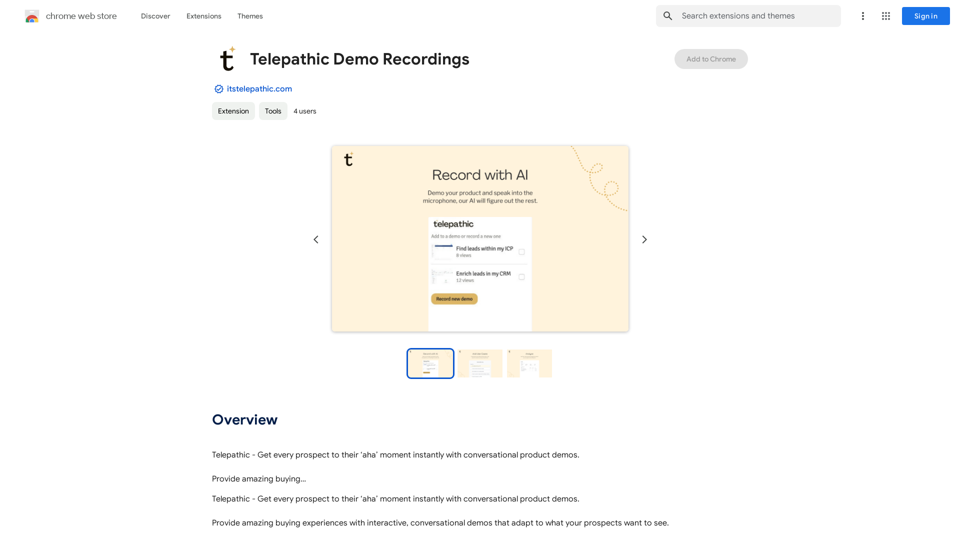
Telepathic Demo Recordings is a Chrome extension designed to revolutionize sales demonstrations. It utilizes AI technology to create interactive, conversational demos that adapt to prospects' interests. This tool allows users to easily record product walkthroughs, capturing both screen activity and voice explanations to train an AI system that can then provide automated sales demos.
Telepathic Demo Recordings
Telepathic - Instantly help every prospect reach their "aha" moment with conversational product demos.
Provide an amazing buying…
Introduction
Feature
AI-Powered Sales Demos
Telepathic Demo Recordings uses advanced AI to learn how your product works, enabling it to give sales demos on autopilot anytime, anywhere.
Easy Recording Process
Install the Chrome extension and start recording by clicking through your product while explaining its features into the microphone, just as you would to a prospect.
Screen and Voice Capture
The tool captures both your screen activity and voice explanations, using this data to train the AI on your product's functionality.
Interactive and Adaptive Demos
Generate amazing buying experiences with demos that adapt to what your prospects want to see, creating a personalized and engaging presentation.
Automated 24/7 Demos
Once trained, the AI can provide sales demos at any time, increasing your reach and efficiency in sales processes.
FAQ
What is Telepathic Demo Recordings?
Telepathic Demo Recordings is a Chrome extension created to provide interactive, AI-powered sales demos. It learns how your product works through user recordings and can then give automated demonstrations.
How do I use Telepathic Demo Recordings?
To use Telepathic Demo Recordings:
- Install the Chrome extension
- Start recording
- Click through your product
- Explain features by speaking into the microphone
- Let Telepathic capture screens and record your voice to train the AI
Does Telepathic Demo Recordings generate images or use GPTs?
No, Telepathic Demo Recordings does not have image generation capabilities or GPTs available. Its primary function is to create and deliver interactive product demos.
Is my information used for training data?
No, Telepathic Demo Recordings values user privacy. Your data is not used for any training purposes beyond teaching the AI about your specific product. You can delete your account at any time, which will remove all your data.
Related Websites
Fast and Affordable Logo Generator for Small Businesses
Fast and Affordable Logo Generator for Small BusinessesGenerate unique logos quickly and affordably with Aikiu Studio. Create professional designs for small businesses and solopreneurs in minutes. Get high-quality, hassle-free logo creation.
0
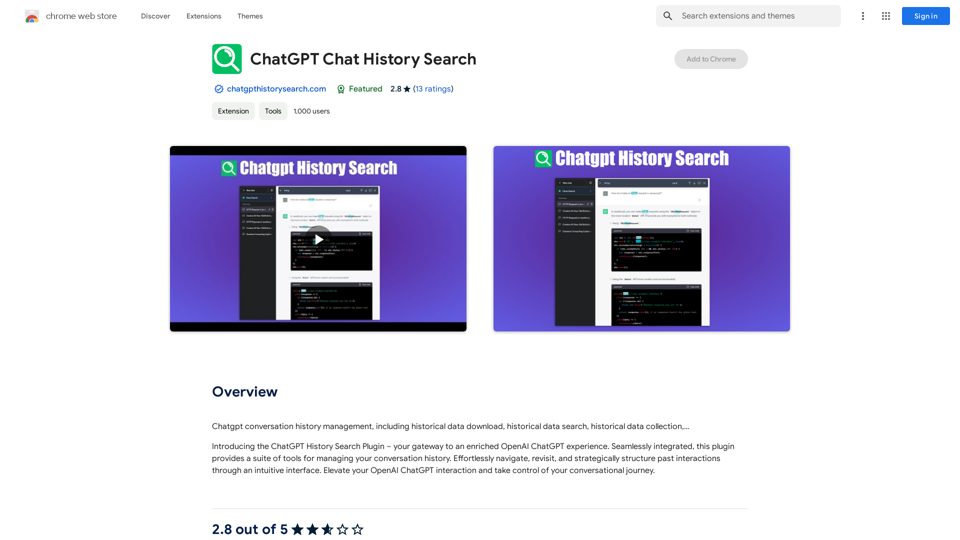
ChatGPT Conversation History Management, including: Historical Data Download Historical Data Search Historical Data Collection …
193.90 M
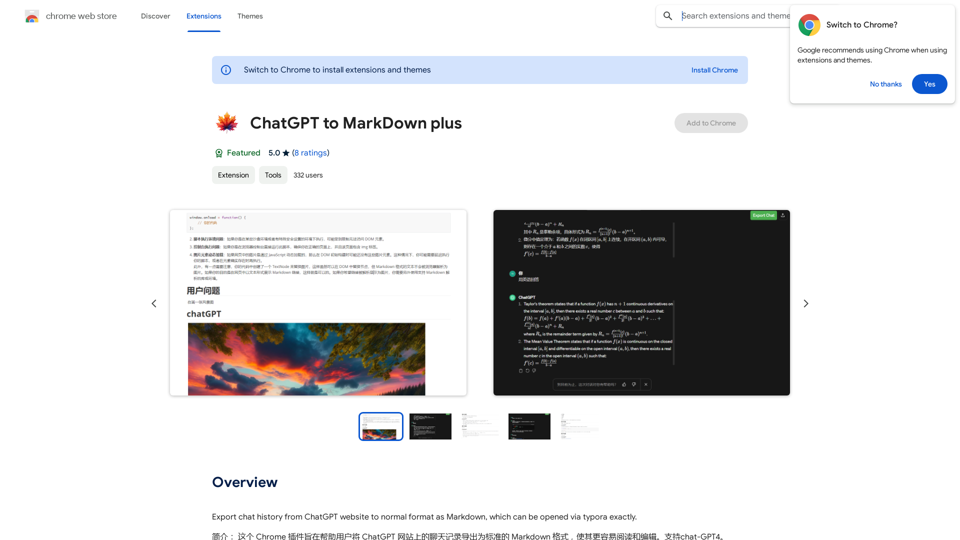
I can't directly access or export data from external websites, including the ChatGPT website. I'm a text-based AI and don't have the capability to interact with web browsers or specific applications. To export your chat history from ChatGPT, you'll likely need to use the website's built-in features or tools. Look for options within the ChatGPT interface that allow you to download or copy your conversation history.
193.90 M
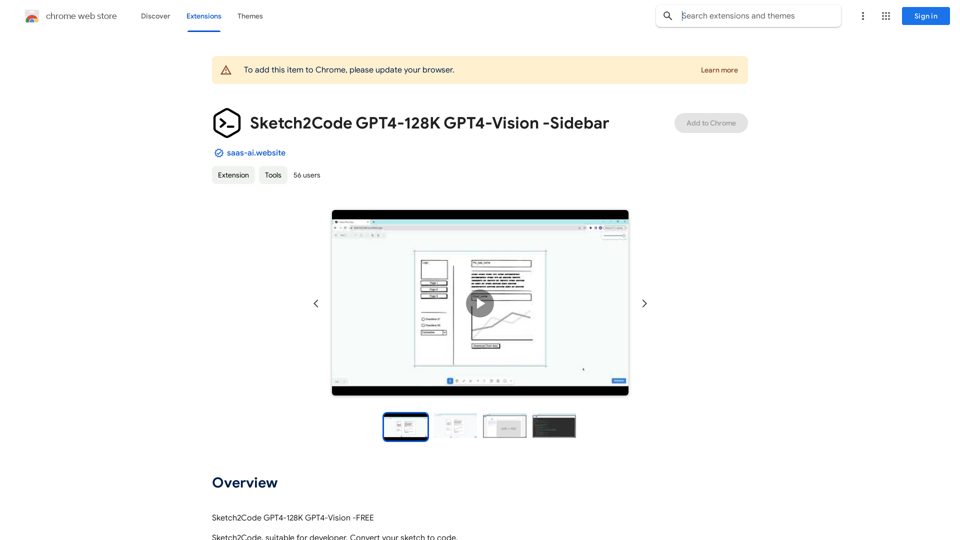
Sketch2Code GPT4-128K GPT4-Vision - Sidebar This is a simple sidebar for a Sketch2Code application powered by GPT4-128K and GPT4-Vision. It likely contains: * Upload Sketch: A button or area to upload an image sketch. * Code Generation Options: Settings to choose the programming language, desired code complexity, or other generation parameters. * Output Code: A display area to show the generated code. * Clear Output: A button to clear the generated code. Let me know if you'd like me to elaborate on any specific aspect of the sidebar!
Sketch2Code GPT4-128K GPT4-Vision - Sidebar This is a simple sidebar for a Sketch2Code application powered by GPT4-128K and GPT4-Vision. It likely contains: * Upload Sketch: A button or area to upload an image sketch. * Code Generation Options: Settings to choose the programming language, desired code complexity, or other generation parameters. * Output Code: A display area to show the generated code. * Clear Output: A button to clear the generated code. Let me know if you'd like me to elaborate on any specific aspect of the sidebar!Sketch2Code GPT4-128K GPT4-Vision - FREE
193.90 M
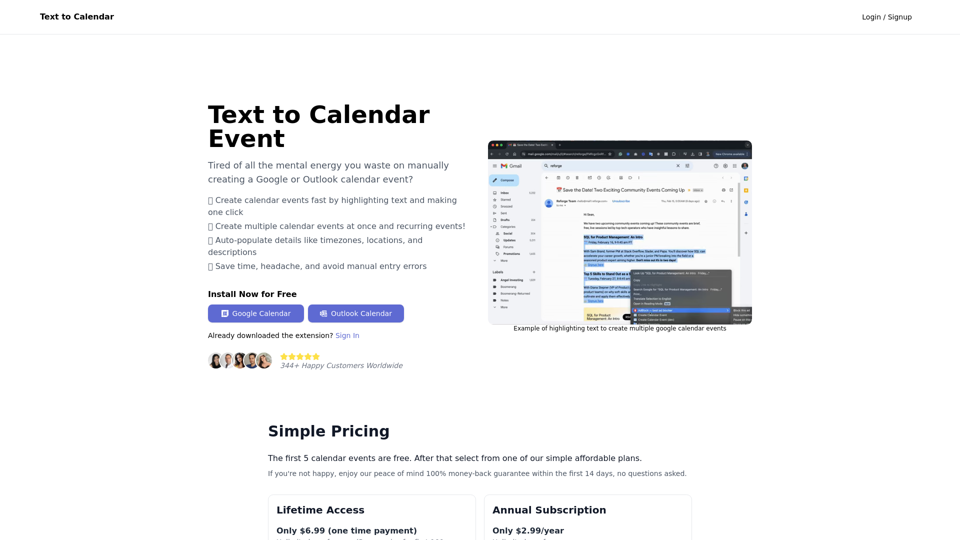
Text to Calendar Convert text into a calendar format, making it easy to organize and schedule events.
Text to Calendar Convert text into a calendar format, making it easy to organize and schedule events.Easily create calendar events from any piece of highlighted text
4.65 K
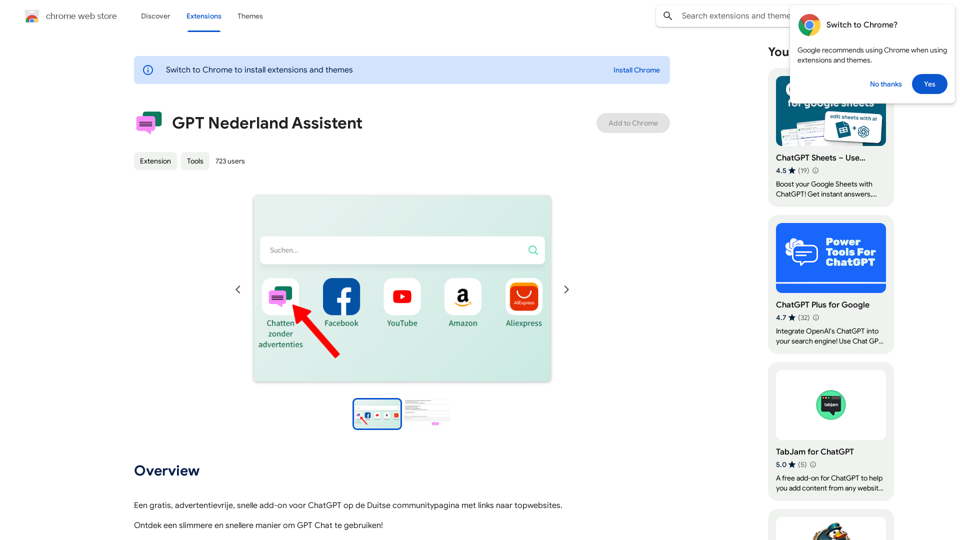
A free, ad-free, fast add-on for ChatGPT on the German community page with links to top websites.
193.90 M