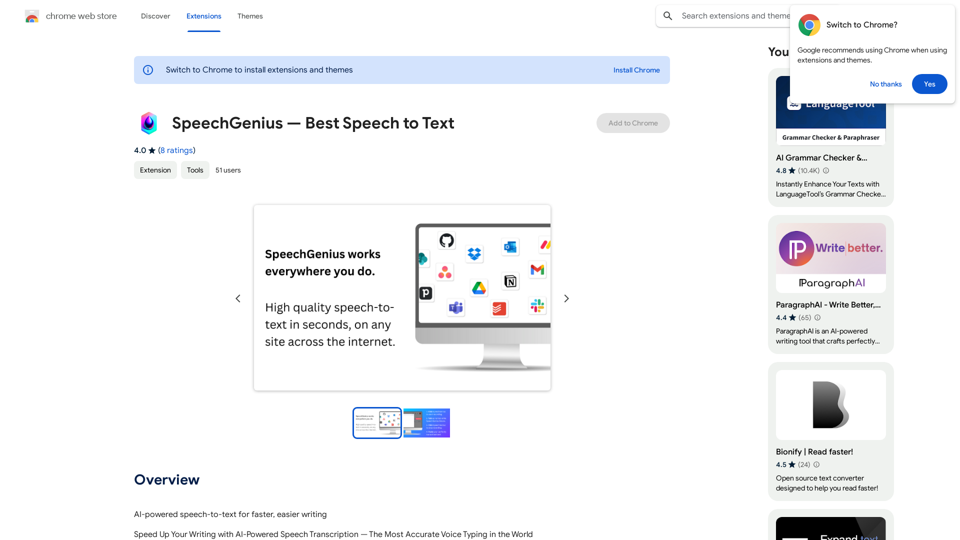
SpeechGenius is an AI-powered speech-to-text Chrome extension designed to streamline your workflow by converting spoken words into written text. This innovative tool leverages advanced AI technology to provide highly accurate transcriptions, regardless of accent or voice type. SpeechGenius integrates seamlessly with various applications, offering a user-friendly interface and time-saving capabilities for users across different platforms.
SpeechGenius — Best Speech to Text
AI-powered speech-to-text for faster, easier writing
Introduction
Feature
AI-Powered Transcription
SpeechGenius utilizes a proprietary AI transcription engine that delivers exceptional accuracy, capable of understanding diverse voices and accents.
Universal Compatibility
The extension works flawlessly within any text field or application, providing versatile functionality across various platforms.
User-Friendly Interface
SpeechGenius offers a simple and intuitive user experience, making it accessible for users of all technical levels.
Time-Saving Functionality
By converting speech to text, SpeechGenius significantly reduces the time and effort required for typing, enhancing overall productivity.
Flexible Recording Options
Users can initiate recording via a button press or by using the keyboard shortcut "Command + G", offering convenient control over the transcription process.
Free to Use
SpeechGenius is available as a free Chrome extension, requiring no subscription or payment for its services.
Cross-Platform Support
The extension is compatible with both Windows and Mac operating systems, catering to a wide range of users.
Data Privacy
SpeechGenius prioritizes user privacy by not collecting or utilizing personal data.
FAQ
How do I start using SpeechGenius?
To use SpeechGenius, simply press the record button or use the keyboard shortcut "Command + G" to begin and end recording. Speak naturally, and the AI will automatically transcribe your words with high accuracy.
Can I edit the transcribed text?
Yes, you can modify or correct the transcription as needed after it has been generated.
Is SpeechGenius limited to specific applications?
No, SpeechGenius works seamlessly within any text field or application, providing versatile functionality across various platforms.
How accurate is the transcription?
SpeechGenius boasts an incredibly accurate transcription system, powered by its proprietary AI engine, which can understand any voice and accent with near-perfect precision.
Is my data safe when using SpeechGenius?
Yes, SpeechGenius prioritizes user privacy and does not collect or use your personal data.
Related Websites

Pulse App AI Pulse App AI is an innovative artificial intelligence-powered healthcare platform that enables patients to take control of their health and wellness.
Pulse App AI Pulse App AI is an innovative artificial intelligence-powered healthcare platform that enables patients to take control of their health and wellness.The Power of Artificial Intelligence in Your Pocket
0
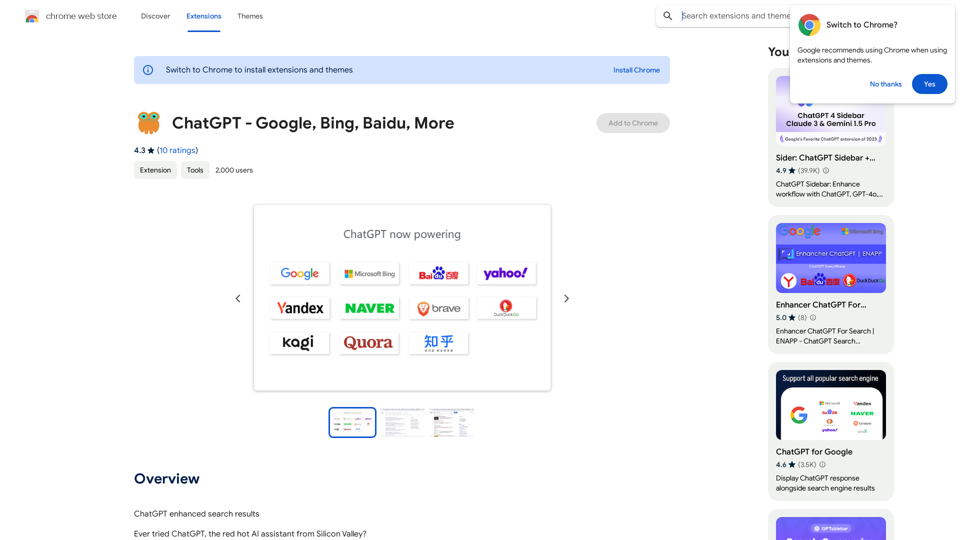
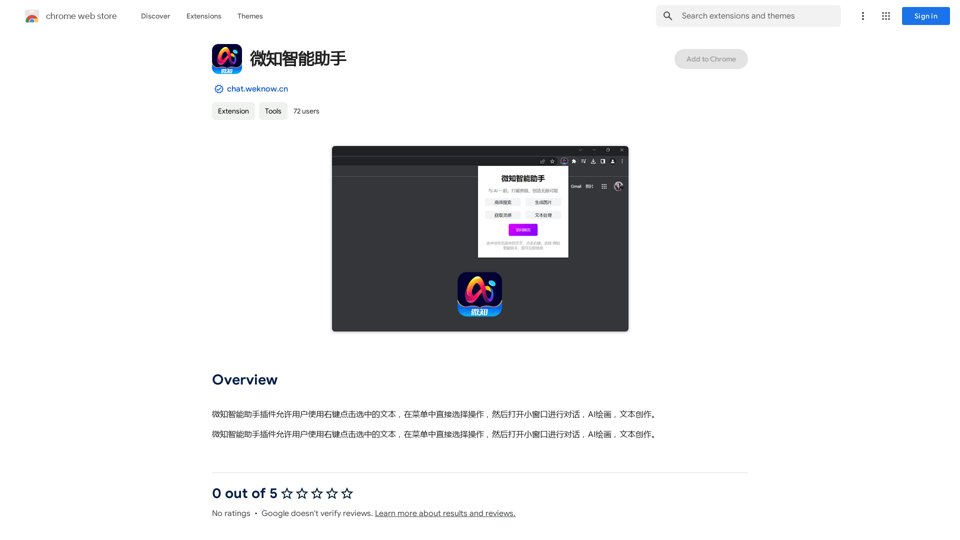
The Wechat Intelligent Assistant plugin allows users to right-click on selected text, choose an operation from the menu, and then open a small window for conversation, AI drawing, and text creation.
193.90 M

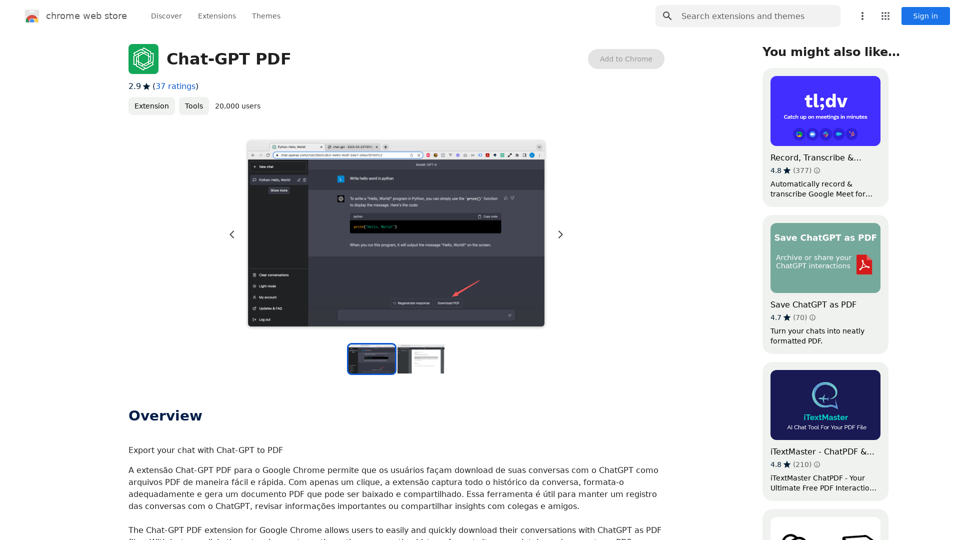
Chat-GPT PDF What is Chat-GPT PDF? Chat-GPT PDF is a tool that allows users to generate PDF files from Chat-GPT conversations. This innovative tool enables users to save and share their conversations in a more organized and visually appealing format. How does Chat-GPT PDF work? The process is simple and straightforward. Here's a step-by-step guide: 1. Copy the conversation: Copy the entire conversation from the Chat-GPT platform. 2. Paste the conversation: Paste the copied conversation into the Chat-GPT PDF tool. 3. Customize the layout: Customize the layout, font, and design of the PDF file according to your preferences. 4. Generate the PDF: Click the "Generate PDF" button to create a downloadable PDF file. Features of Chat-GPT PDF Chat-GPT PDF offers several features that make it an essential tool for users: * Customizable layout: Customize the layout, font, and design of the PDF file to suit your needs. * Easy sharing: Share the PDF file with others via email, social media, or messaging apps. * Offline access: Access your conversations offline, even without an internet connection. * Organization: Organize your conversations in a neat and tidy format, making it easier to review and reference. Benefits of Chat-GPT PDF The benefits of using Chat-GPT PDF are numerous: * Improved productivity: Save time and increase productivity by having all your conversations in one place. * Enhanced collaboration: Collaborate with others more effectively by sharing conversations in a clear and concise format. * Better organization: Keep your conversations organized, making it easier to review and reference them later. Conclusion Chat-GPT PDF is a game-changer for anyone who uses Chat-GPT regularly. With its ease of use, customization options, and benefits, it's an essential tool for anyone looking to get the most out of their conversations.
Chat-GPT PDF What is Chat-GPT PDF? Chat-GPT PDF is a tool that allows users to generate PDF files from Chat-GPT conversations. This innovative tool enables users to save and share their conversations in a more organized and visually appealing format. How does Chat-GPT PDF work? The process is simple and straightforward. Here's a step-by-step guide: 1. Copy the conversation: Copy the entire conversation from the Chat-GPT platform. 2. Paste the conversation: Paste the copied conversation into the Chat-GPT PDF tool. 3. Customize the layout: Customize the layout, font, and design of the PDF file according to your preferences. 4. Generate the PDF: Click the "Generate PDF" button to create a downloadable PDF file. Features of Chat-GPT PDF Chat-GPT PDF offers several features that make it an essential tool for users: * Customizable layout: Customize the layout, font, and design of the PDF file to suit your needs. * Easy sharing: Share the PDF file with others via email, social media, or messaging apps. * Offline access: Access your conversations offline, even without an internet connection. * Organization: Organize your conversations in a neat and tidy format, making it easier to review and reference. Benefits of Chat-GPT PDF The benefits of using Chat-GPT PDF are numerous: * Improved productivity: Save time and increase productivity by having all your conversations in one place. * Enhanced collaboration: Collaborate with others more effectively by sharing conversations in a clear and concise format. * Better organization: Keep your conversations organized, making it easier to review and reference them later. Conclusion Chat-GPT PDF is a game-changer for anyone who uses Chat-GPT regularly. With its ease of use, customization options, and benefits, it's an essential tool for anyone looking to get the most out of their conversations.Exporting Chat History to PDF You can export your chat history with Chat-GPT to a PDF file using the following methods: #Method 1: Browser Print Function 1. Open your chat conversation with Chat-GPT in a web browser. 2. Press `Ctrl + P` (Windows) or `Cmd + P` (Mac) to open the print dialog box. 3. Select "Save as PDF" as the printer destination. 4. Choose a location to save the PDF file and set the file name. 5. Click "Save" to export the chat history to a PDF file. #Method 2: Online PDF Conversion Tools 1. Copy the entire chat conversation by pressing `Ctrl + A` (Windows) or `Cmd + A` (Mac) and then `Ctrl + C` (Windows) or `Cmd + C` (Mac). 2. Go to an online PDF conversion tool, such as SmallPDF or Convertio. 3. Paste the chat conversation into the conversion tool's text box. 4. Select the PDF format and click "Convert" to generate the PDF file. 5. Download the PDF file to your computer. #Method 3: Browser Extensions 1. Install a browser extension, such as Print Friendly & PDF or FireShot, that allows you to save web pages as PDF files. 2. Open your chat conversation with Chat-GPT in a web browser. 3. Click the browser extension's icon in the toolbar. 4. Select the "Save as PDF" option and choose a location to save the file. 5. Click "Save" to export the chat history to a PDF file. By following these methods, you can easily export your chat history with Chat-GPT to a PDF file for future reference or sharing.
193.90 M
AI Essay Writer & Free AI Writing Tools | Essay Generator
AI Essay Writer & Free AI Writing Tools | Essay GeneratorEnhance your essay writing skills with our AI Essay Writer. Begin creating essays today using our AI Essay Writing Tools | No Registration Needed
121.36 K
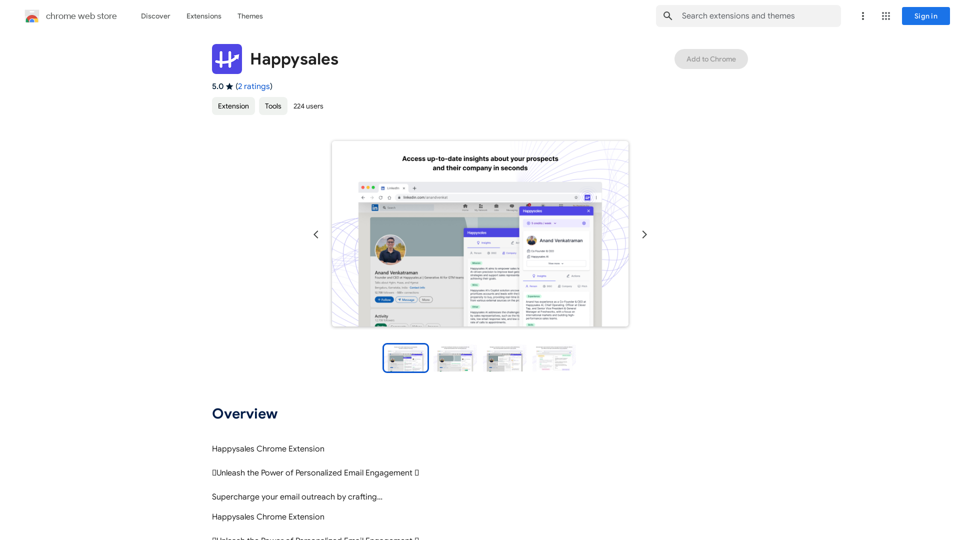
Happysales Chrome Extension 🔥 Unleash the Power of Personalized Email Engagement 🔥 Supercharge your email outreach by crafting...
193.90 M
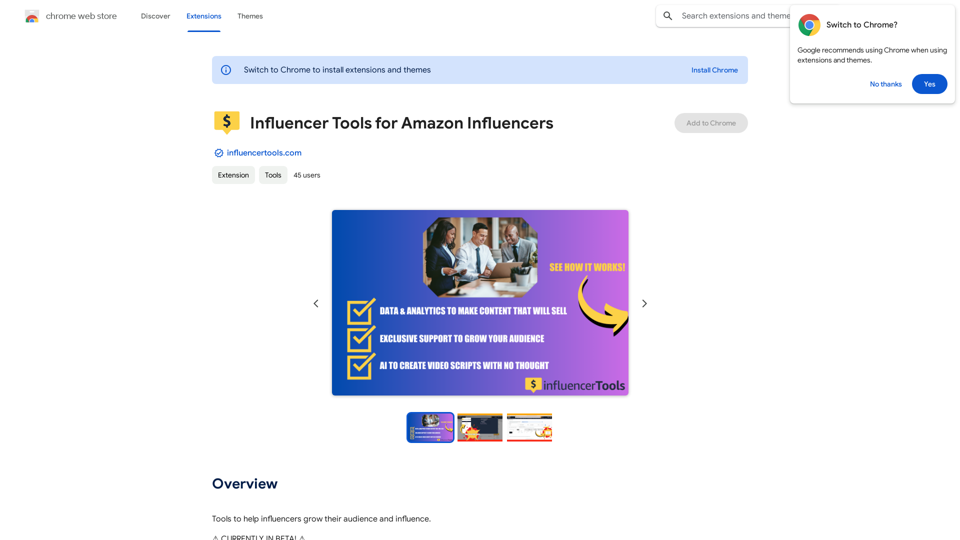
Influencer Tools for Amazon Influencers This guide explores essential tools to help Amazon influencers succeed. 1. Content Creation Tools: * Canva: Design eye-catching graphics, videos, and social media posts. * Lumen5: Create engaging videos from blog posts or scripts. * InShot: Edit and enhance videos for mobile devices. 2. Product Research Tools: * Jungle Scout: Analyze product trends, competition, and sales data. * Helium 10: Discover profitable products, track keywords, and optimize listings. * Viral Launch: Identify trending products and conduct market research. 3. Social Media Management Tools: * Buffer: Schedule and manage social media posts across multiple platforms. * Hootsuite: Monitor brand mentions, engage with followers, and track social media performance. * Later: Plan and visualize Instagram content. 4. Analytics and Tracking Tools: * Amazon Influencer Program Dashboard: Track your performance, earnings, and audience engagement. * Google Analytics: Monitor website traffic and user behavior. * UTM Parameters: Track the effectiveness of your marketing campaigns. 5. Email Marketing Tools: * Mailchimp: Create and send email newsletters to your subscribers. * ConvertKit: Build an email list and automate your marketing workflows. * Klaviyo: Segment your audience and personalize email campaigns.
Influencer Tools for Amazon Influencers This guide explores essential tools to help Amazon influencers succeed. 1. Content Creation Tools: * Canva: Design eye-catching graphics, videos, and social media posts. * Lumen5: Create engaging videos from blog posts or scripts. * InShot: Edit and enhance videos for mobile devices. 2. Product Research Tools: * Jungle Scout: Analyze product trends, competition, and sales data. * Helium 10: Discover profitable products, track keywords, and optimize listings. * Viral Launch: Identify trending products and conduct market research. 3. Social Media Management Tools: * Buffer: Schedule and manage social media posts across multiple platforms. * Hootsuite: Monitor brand mentions, engage with followers, and track social media performance. * Later: Plan and visualize Instagram content. 4. Analytics and Tracking Tools: * Amazon Influencer Program Dashboard: Track your performance, earnings, and audience engagement. * Google Analytics: Monitor website traffic and user behavior. * UTM Parameters: Track the effectiveness of your marketing campaigns. 5. Email Marketing Tools: * Mailchimp: Create and send email newsletters to your subscribers. * ConvertKit: Build an email list and automate your marketing workflows. * Klaviyo: Segment your audience and personalize email campaigns.Tools to help influencers grow their audience and influence.
193.90 M