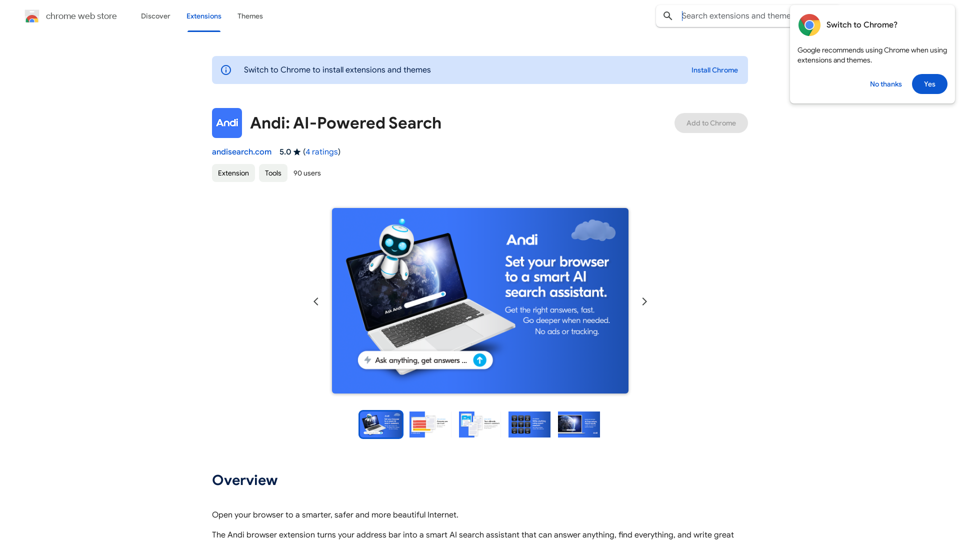
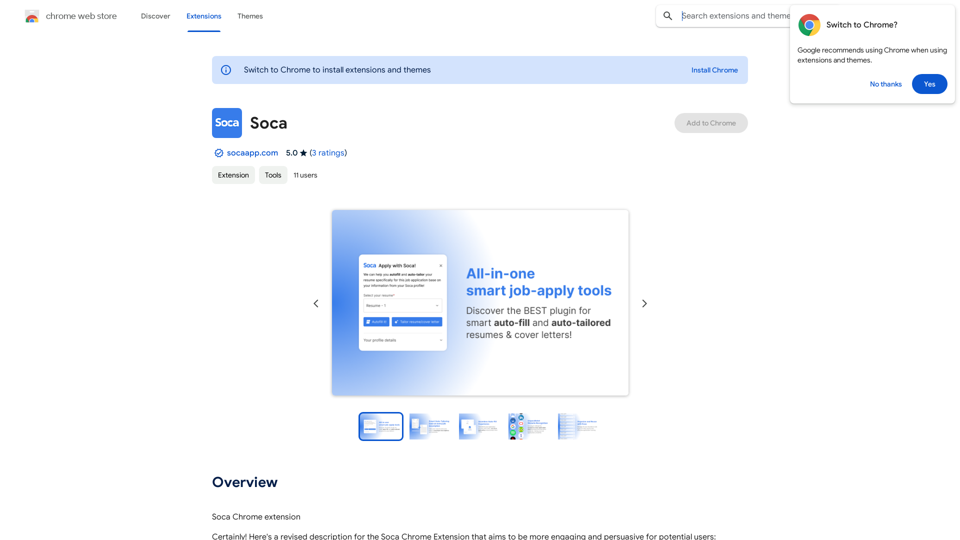
Soca is a Chrome extension that revolutionizes job applications using AI technology. It simplifies the process, saving users time and energy while increasing their chances of landing their dream job. Soca offers features like effortless applications, resume optimization, ATS compatibility, personalized cover letters, and application tracking.
Soca
Soca Chrome Extension
Introduction
Feature
Effortless Applications
Create your profile and apply for jobs with just a few clicks, streamlining the entire application process.
AI-Powered Resume Optimization
Leverage cutting-edge AI to align your resume with job descriptions, increasing resume-job matching scores by an average of 50%.
ATS Compatibility
Enhance your resume to pass through Application Tracking Systems (ATS) effortlessly, increasing visibility to top recruiters.
Personalized Cover Letters
Generate and customize compelling cover letters tailored to specific job roles, making a memorable first impression.
Application Management
Organize multiple resumes and track all your job applications easily, keeping your job search journey focused and efficient.
Free and Premium Options
Use Soca's features for free, with the option to upgrade to a premium subscription for additional benefits.
FAQ
Is Soca free to use?
Yes, Soca is free to use, with optional in-app purchases for premium features.
How does Soca work?
Soca uses AI-powered technology to simplify the job application process, saving you time and energy. It optimizes resumes, generates cover letters, and helps manage applications.
Can I upgrade to a premium subscription?
Yes, you can upgrade to a premium subscription for additional benefits and features.
How can Soca improve my job application process?
Soca can help by:
- Simplifying the application process
- Optimizing your resume for better job matching
- Ensuring ATS compatibility
- Generating personalized cover letters
- Organizing and tracking your applications
Is Soca only available as a Chrome extension?
Based on the provided information, Soca is described as a Chrome extension. No other platform availability is mentioned.
Related Websites
I'm Aria, your voice-activated AI chatbot assistant, here to transform how you interact with your digital world using the power of speech. With a vast array of…
124.77 M
DecentralizedAI This is a general term referring to artificial intelligence (AI) systems that are not controlled by a single, centralized entity. Instead of relying on a large corporation or government to manage and govern AI, decentralized AI aims to distribute these capabilities across a network of independent nodes. Think of it like a blockchain for AI: * Transparency: The decision-making processes of decentralized AI are open and visible to everyone. * Security: Since there's no single point of failure, it's harder for malicious actors to take control or manipulate the system. * Resilience: Even if some nodes go offline, the network can continue to function. * Accessibility: Decentralized AI can make AI technology more accessible to individuals and smaller organizations. There are many potential applications for decentralized AI, including: * Data privacy: Decentralized AI can help protect user data by distributing it across multiple nodes. * Fairness and bias mitigation: By involving a wider range of participants in the training process, decentralized AI can help reduce bias in AI systems. * Autonomous organizations: Decentralized AI can be used to create self-governing organizations that operate without human intervention. Decentralized AI is still a relatively new field, but it has the potential to revolutionize the way we develop and use AI.
DecentralizedAI This is a general term referring to artificial intelligence (AI) systems that are not controlled by a single, centralized entity. Instead of relying on a large corporation or government to manage and govern AI, decentralized AI aims to distribute these capabilities across a network of independent nodes. Think of it like a blockchain for AI: * Transparency: The decision-making processes of decentralized AI are open and visible to everyone. * Security: Since there's no single point of failure, it's harder for malicious actors to take control or manipulate the system. * Resilience: Even if some nodes go offline, the network can continue to function. * Accessibility: Decentralized AI can make AI technology more accessible to individuals and smaller organizations. There are many potential applications for decentralized AI, including: * Data privacy: Decentralized AI can help protect user data by distributing it across multiple nodes. * Fairness and bias mitigation: By involving a wider range of participants in the training process, decentralized AI can help reduce bias in AI systems. * Autonomous organizations: Decentralized AI can be used to create self-governing organizations that operate without human intervention. Decentralized AI is still a relatively new field, but it has the potential to revolutionize the way we develop and use AI.The AI Layer2 Extension for Google Chrome.
193.90 M
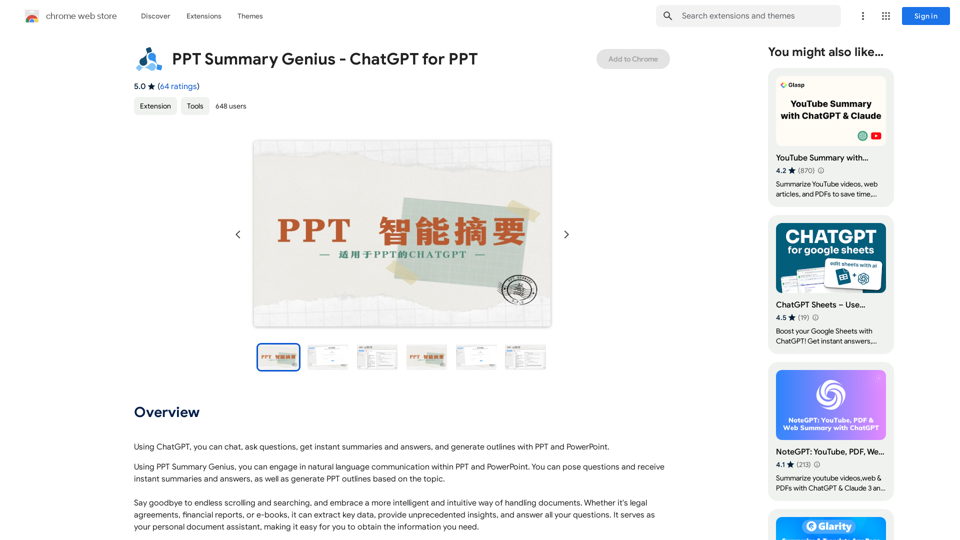
PPT Summary Genius - ChatGPT for PPT Turn your boring presentations into engaging masterpieces! * Summarize lengthy PPTs: ChatGPT can condense your slides into concise summaries, perfect for quick reviews or sharing key points. * Generate compelling narratives: Transform your data and bullet points into captivating stories that resonate with your audience. * Craft impactful introductions and conclusions: Start strong and leave a lasting impression with ChatGPT's help. * Overcome writer's block: Struggling with slide content? ChatGPT can provide creative ideas and help you overcome creative hurdles. * Tailor your message: Adjust the tone and style of your presentation to match your audience and purpose. Boost your productivity and create presentations that truly shine!
PPT Summary Genius - ChatGPT for PPT Turn your boring presentations into engaging masterpieces! * Summarize lengthy PPTs: ChatGPT can condense your slides into concise summaries, perfect for quick reviews or sharing key points. * Generate compelling narratives: Transform your data and bullet points into captivating stories that resonate with your audience. * Craft impactful introductions and conclusions: Start strong and leave a lasting impression with ChatGPT's help. * Overcome writer's block: Struggling with slide content? ChatGPT can provide creative ideas and help you overcome creative hurdles. * Tailor your message: Adjust the tone and style of your presentation to match your audience and purpose. Boost your productivity and create presentations that truly shine!Using ChatGPT, you can chat, ask questions, get instant summaries and answers, and generate outlines for presentations in PPT and PowerPoint format.
193.90 M
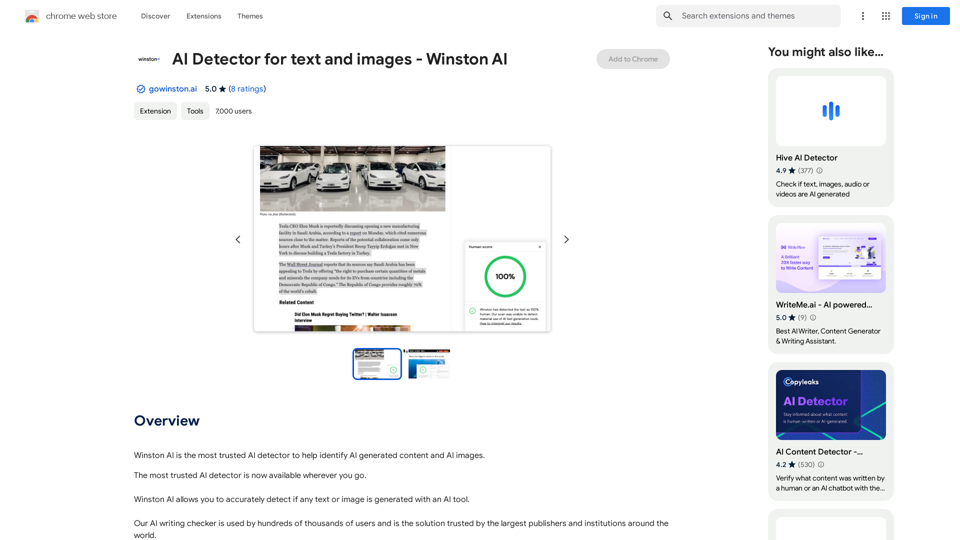
Winston AI is the most trusted AI detector to help identify AI-generated content and AI images.
193.90 M
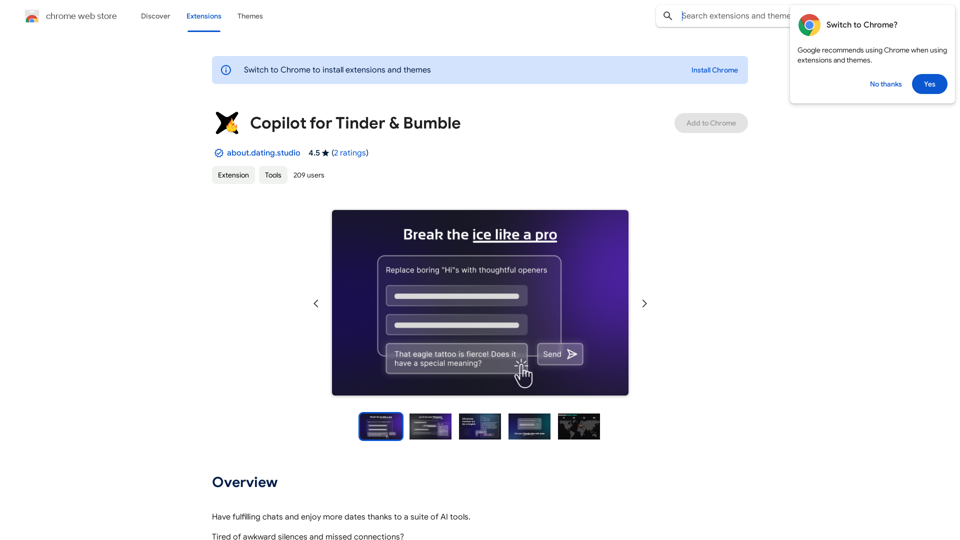
Copilot for Tinder & Bumble Tired of swiping endlessly? Let Copilot handle your dating app game! * Craft irresistible bios: Copilot helps you write witty and engaging bios that highlight your best qualities. * Spark conversations: Struggling to come up with opening lines? Copilot suggests clever and personalized messages to break the ice. * Navigate tricky situations: Copilot offers advice and guidance on handling awkward moments or difficult conversations. * Boost your matches: With Copilot's help, you'll stand out from the crowd and attract more matches. * Save time and energy: Let Copilot do the heavy lifting so you can focus on enjoying the dating experience. Start swiping smarter, not harder. Get Copilot today!
Copilot for Tinder & Bumble Tired of swiping endlessly? Let Copilot handle your dating app game! * Craft irresistible bios: Copilot helps you write witty and engaging bios that highlight your best qualities. * Spark conversations: Struggling to come up with opening lines? Copilot suggests clever and personalized messages to break the ice. * Navigate tricky situations: Copilot offers advice and guidance on handling awkward moments or difficult conversations. * Boost your matches: With Copilot's help, you'll stand out from the crowd and attract more matches. * Save time and energy: Let Copilot do the heavy lifting so you can focus on enjoying the dating experience. Start swiping smarter, not harder. Get Copilot today!Have meaningful conversations and go on more dates with the help of a collection of AI tools.
193.90 M
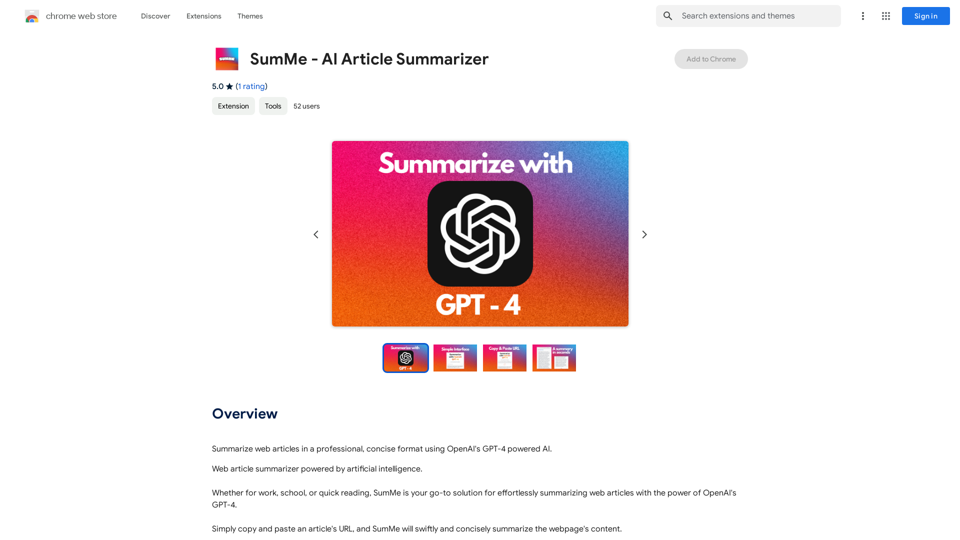
I can do that! Just paste the web article text here, and I'll generate a professional and concise summary using OpenAI's powerful GPT-4 model.
193.90 M
Free AI YouTube Title Generator to Get More Clicks. Perfect for Creators Needing Catchy Titles! Improve SEO & Engage More Viewers.
193.90 M