SHADE is an AI-driven platform that offers access to a wide range of AI technologies for various needs. It integrates ChatGPT, GPT-4o for text generation and image understanding, and Dalle3 for image creation and document analysis. SHADE also features a unique sustainable shopping tool, allowing users to find eco-friendly fashion alternatives through visual AI.
SHADE: Stylishly Sustainable
Upgrade Your Style, Thoughtfully.
Introduction
Feature
AI-Powered Shopping Assistant
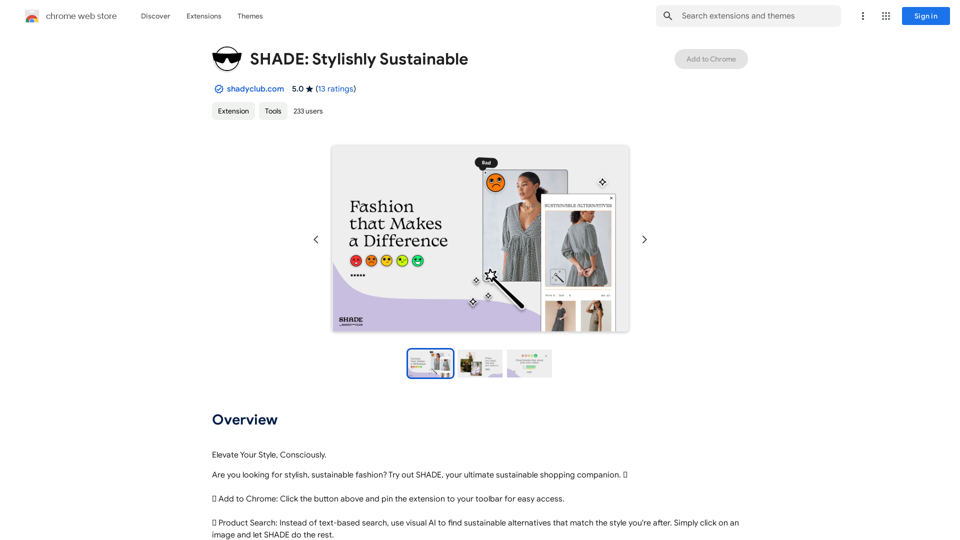
SHADE's Chrome extension enables users to shop sustainably by leveraging visual AI for product search and discovery. It provides access to over 70,000 sustainable fashion pieces from brands rated 'Good' and 'Great' by Good On You.
Magic Wand Tool
This feature helps users find alternative products with higher sustainability ratings while maintaining the desired style, streamlining the process of conscious shopping.
Vast GPT Model Library
SHADE offers access to nearly 200,000 GPT models, catering to a wide variety of applications in work, study, and everyday life.
Image Generation with Dalle3
Users can create images using Dalle3's text-to-image generation capability, integrated seamlessly with GPT-4o for a comprehensive creative experience.
Daily Free Uses
SHADE provides daily free uses of GPT-4o for document reading and Dalle's image generation, allowing users to explore a range of AI-powered tools without cost.
Privacy Protection
SHADE prioritizes user privacy, ensuring that personal information is not used for training purposes. Users have the option to delete their accounts and remove all associated data at any time.
Subscription Option
For users who require more than the 20 free GPT-4o conversations per day, SHADE offers affordable subscription plans to meet higher usage needs.
FAQ
What is SHADE?
SHADE is an AI-driven platform that provides access to a vast array of AI technologies, including ChatGPT, GPT-4o for text generation and image understanding, and Dalle3 for image creation and document analysis. It also features a unique sustainable shopping tool.
How do I use SHADE?
To use SHADE, simply add the extension to your Chrome browser. This allows you to start shopping sustainably and access various AI-powered features for different needs.
Can I generate images using SHADE?
Yes, SHADE incorporates Dalle3's text-to-image generation capability, allowing users to create images. This feature is integrated with GPT-4o for a seamless creative experience.
How many GPTs are available on SHADE?
SHADE offers access to nearly 200,000 GPT models, covering a wide variety of applications in work, study, and everyday life.
How can I maximize my use of SHADE's AI services?
You can maximize your use of SHADE by leveraging the daily free uses of GPT-4o for document reading and Dalle's image generation. This allows you to explore a vast range of AI-powered tools to support various tasks without additional cost.
Will my information be used for your training data?
No, SHADE highly values user privacy. Your data will not be used for any training purposes. If needed, you can delete your account at any time, and all your data will be removed as well.
When would I need a SHADE subscription?
If the 20 free GPT-4o conversations per day do not meet your needs and you heavily rely on GPT-4o, SHADE offers affordable subscription products to accommodate higher usage requirements.
Related Websites
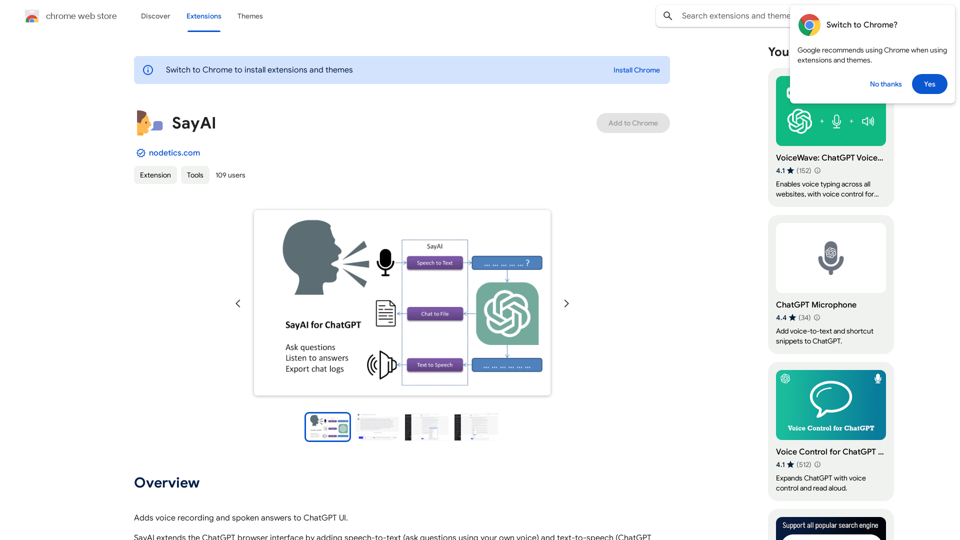
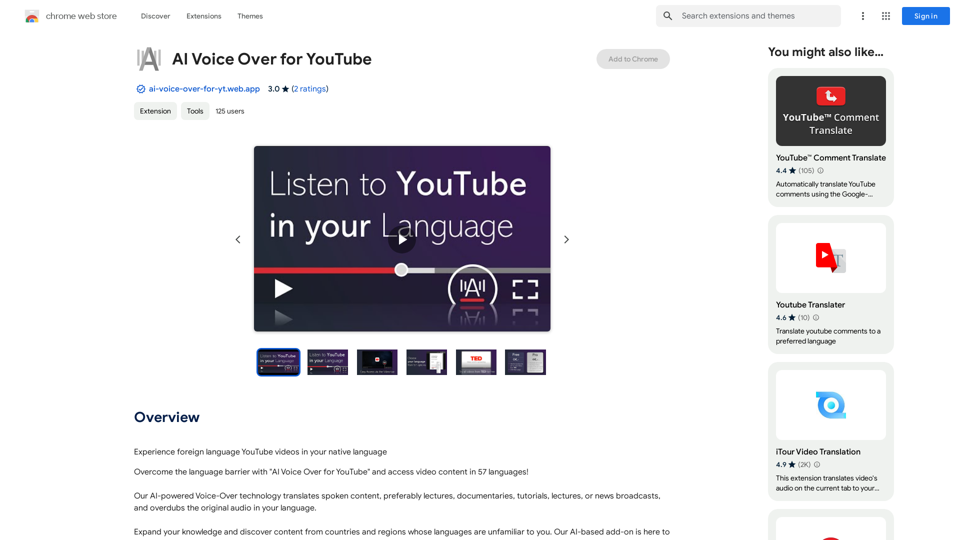
AI Voice Over for YouTube This is a guide to using AI voice over for your YouTube videos. Why Use AI Voice Over? * Cost-Effective: AI voice over is much cheaper than hiring a professional voice actor. * Time-Saving: You can generate voice over quickly and easily, without needing to schedule recording sessions. * Variety of Voices: Choose from a wide range of AI voices, including male, female, and even robotic voices. * Accessibility: Make your videos accessible to viewers who are deaf or hard of hearing by adding captions generated by AI. How to Use AI Voice Over 1. Choose a Platform: There are many different platforms that offer AI voice over services, such as: * Google Cloud Text-to-Speech * Amazon Polly * Microsoft Azure Text to Speech * Murf.ai * NaturalReader 2. Write Your Script: Write a clear and concise script for your video. 3. Upload Your Script: Upload your script to the chosen platform. 4. Select a Voice: Choose the voice that best suits your video. 5. Adjust Settings: Adjust settings such as speed, pitch, and volume. 6. Generate Voice Over: Click the "Generate" button to create your voice over. 7. Download and Edit: Download the generated voice over file and edit it as needed. 8. Add to Your Video: Add the voice over to your YouTube video. Tips for Using AI Voice Over * Use Natural Language: Write your script as if you were speaking naturally. * Vary Your Tone: Use different tones of voice to keep your viewers engaged. * Add Pauses: Include pauses in your script to allow viewers to process information. * Proofread Carefully: Always proofread your script before generating the voice over. * Experiment: Try different voices, settings, and styles to find what works best for you.
AI Voice Over for YouTube This is a guide to using AI voice over for your YouTube videos. Why Use AI Voice Over? * Cost-Effective: AI voice over is much cheaper than hiring a professional voice actor. * Time-Saving: You can generate voice over quickly and easily, without needing to schedule recording sessions. * Variety of Voices: Choose from a wide range of AI voices, including male, female, and even robotic voices. * Accessibility: Make your videos accessible to viewers who are deaf or hard of hearing by adding captions generated by AI. How to Use AI Voice Over 1. Choose a Platform: There are many different platforms that offer AI voice over services, such as: * Google Cloud Text-to-Speech * Amazon Polly * Microsoft Azure Text to Speech * Murf.ai * NaturalReader 2. Write Your Script: Write a clear and concise script for your video. 3. Upload Your Script: Upload your script to the chosen platform. 4. Select a Voice: Choose the voice that best suits your video. 5. Adjust Settings: Adjust settings such as speed, pitch, and volume. 6. Generate Voice Over: Click the "Generate" button to create your voice over. 7. Download and Edit: Download the generated voice over file and edit it as needed. 8. Add to Your Video: Add the voice over to your YouTube video. Tips for Using AI Voice Over * Use Natural Language: Write your script as if you were speaking naturally. * Vary Your Tone: Use different tones of voice to keep your viewers engaged. * Add Pauses: Include pauses in your script to allow viewers to process information. * Proofread Carefully: Always proofread your script before generating the voice over. * Experiment: Try different voices, settings, and styles to find what works best for you.Watch foreign language YouTube videos in your own language.
193.90 M
Please provide the text you want to translate into English.
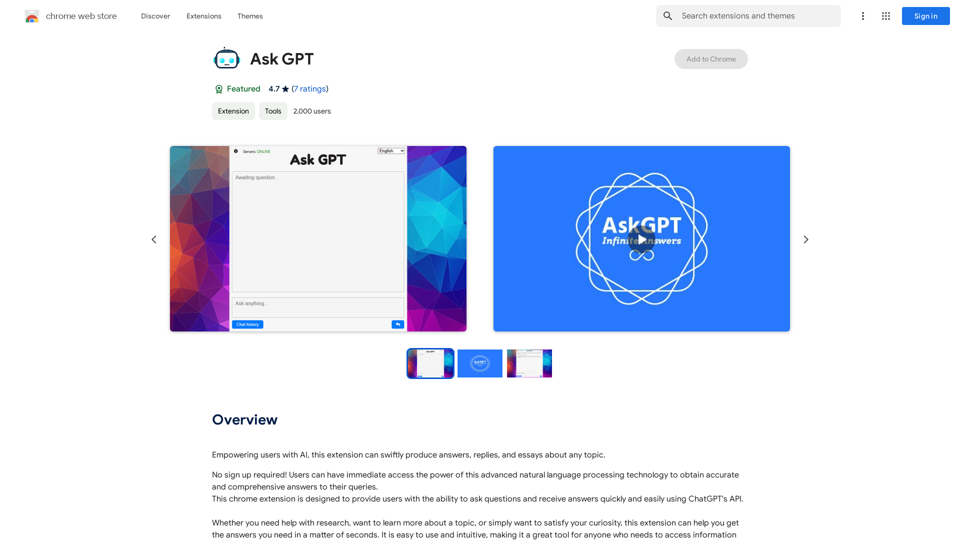
Please provide the text you want to translate into English.This extension empowers users with AI, swiftly producing answers, replies, and essays on any topic.
193.90 M
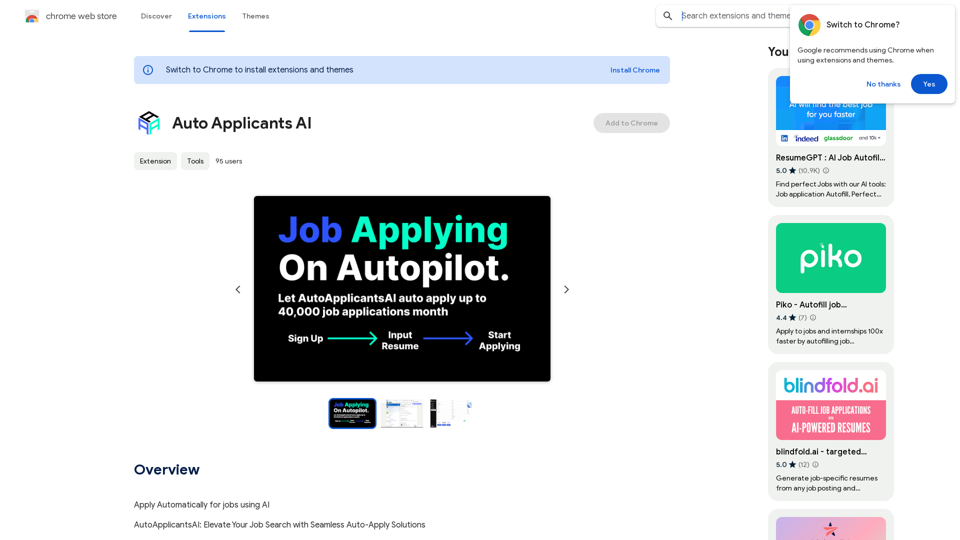
Automatically Apply for Jobs Using AI Imagine a world where you can apply for jobs with just a few clicks, powered by the intelligence of artificial intelligence. That's the promise of AI-powered job application tools. These tools can: * Scan your resume and identify relevant jobs: AI algorithms can analyze your skills and experience to match you with suitable opportunities. * Customize your cover letter for each application: Say goodbye to generic cover letters! AI can tailor your message to highlight the specific requirements of each job description. * Automate the application process: From filling out forms to submitting your documents, AI can handle the tedious tasks, saving you time and effort. * Track your applications and provide insights: Stay informed about the status of your applications and receive valuable feedback on your performance. By leveraging the power of AI, you can streamline your job search, increase your chances of getting noticed, and focus on what matters most: landing your dream job.
193.90 M