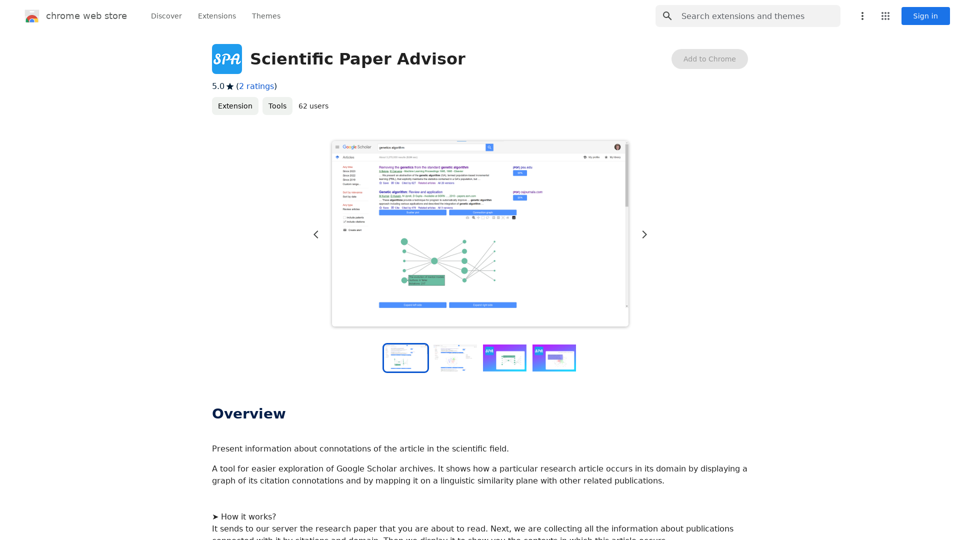
Scientific Paper Advisor is an AI-powered extension designed to enhance Google Scholar research. It provides users with valuable insights into the connotations of scientific articles by visualizing citation relationships and linguistic similarities. This tool aids researchers in understanding the context and impact of publications within their field of study.
Scientific Paper Advisor This is a tool to help you write a scientific paper. Features: * Generate a paper outline: Provide a topic and get a structured outline to guide your writing. * Suggest relevant literature: Find recent research papers related to your topic. * Check for plagiarism: Ensure your work is original and properly cited. * Improve grammar and style: Polish your writing for clarity and conciseness. * Format your paper: Adhere to standard scientific paper formatting guidelines. Let me know how I can help you with your scientific paper!
Please provide me with the article so I can analyze its connotations in the scientific field.
Introduction
Feature
Interactive Visualization
The extension offers two main visualization features:
- Category Field: A 3D plot representing the article and related publications
- Connection Graph: A directed graph showing citation relationships over time
Category Field Analysis
- Displays points in 3D space representing articles in the same domain
- Two similarity measurement modes:
- Default mode: Shows future research directions
- Title and abstract comparison: Reveals closely related papers
Connection Graph Exploration
- Visualizes citation relationships from oldest to newest papers
- Allows users to track the development of scientific domains
- Enables forward and backward navigation through publication timelines
Instant Information Retrieval
- Sends research papers to the extension's server for analysis
- Collects and displays information about related publications
- Provides context for the article within its scientific field
User-Friendly Interface
- Simple process: Send paper to server, receive visualized data
- Helps users understand article contexts quickly and efficiently
Free to Use
- No pricing information available, suggesting it's currently free
FAQ
How does Scientific Paper Advisor work?
The extension analyzes research papers by sending them to its server. It then collects information about related publications based on citations and domain, displaying the results in visual formats to show the article's context within the scientific field.
Is the extension slow to use?
No, the extension is designed for efficiency:
- The Category Field plot renders almost instantly, despite using complex transformer models for text analysis
- The Connection Graph, while potentially time-consuming, provides valuable insights into the development of scientific domains over time
- Consider the time saved compared to manual analysis of the same information
What are the main benefits of using Scientific Paper Advisor?
- Rapid visualization of article relationships
- Understanding of research trends and future directions
- Efficient exploration of citation networks
- Time-saving alternative to manual literature review
- Enhanced comprehension of a paper's place within its scientific domain
Related Websites

Dreamina: Free AI Image Generator - Create Art and Images from Text
Dreamina: Free AI Image Generator - Create Art and Images from TextCreate stunning art, images, and more with prompts. Turn your images into captivating animations. Dreamina is an AI platform designed to simplify your creation.
5.53 M
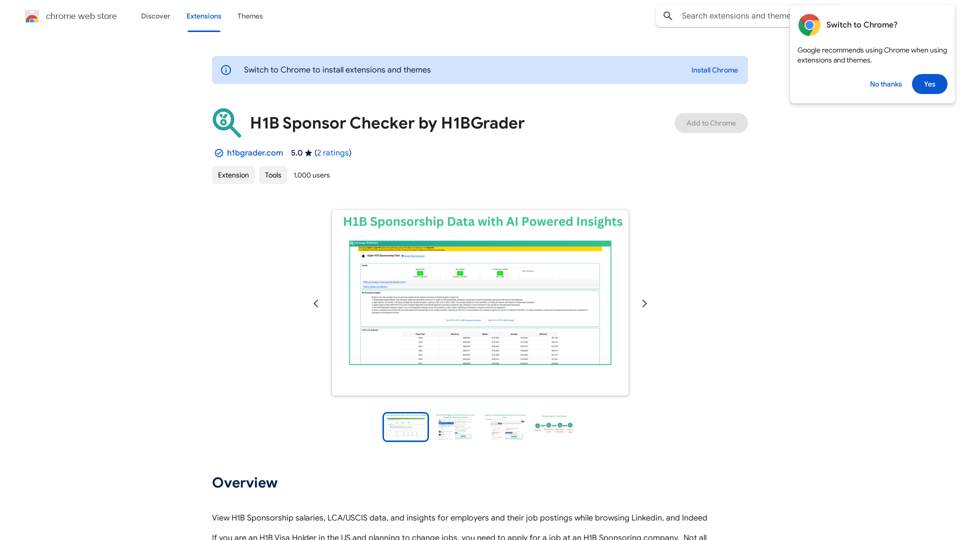
View H1B Sponsorship salaries, LCA/USCIS data, and insights for employers and their job postings while browsing Linkedin, and Indeed
193.90 M

LightFlash PDF - A Free Online PDF Editor, Supporting 20+ Functions Including AI Document Dialogue, Conversion, Annotation, and More PDF Toolkits
LightFlash PDF - A Free Online PDF Editor, Supporting 20+ Functions Including AI Document Dialogue, Conversion, Annotation, and More PDF Toolkits轻闪PDF provides online free file conversion, splitting, merging, and editing services for PDF files, as well as PDF-related solutions.
193.90 M

This extension acts as a container, giving you quick access to 5 of the top artificial intelligence platforms with a single click.
193.90 M
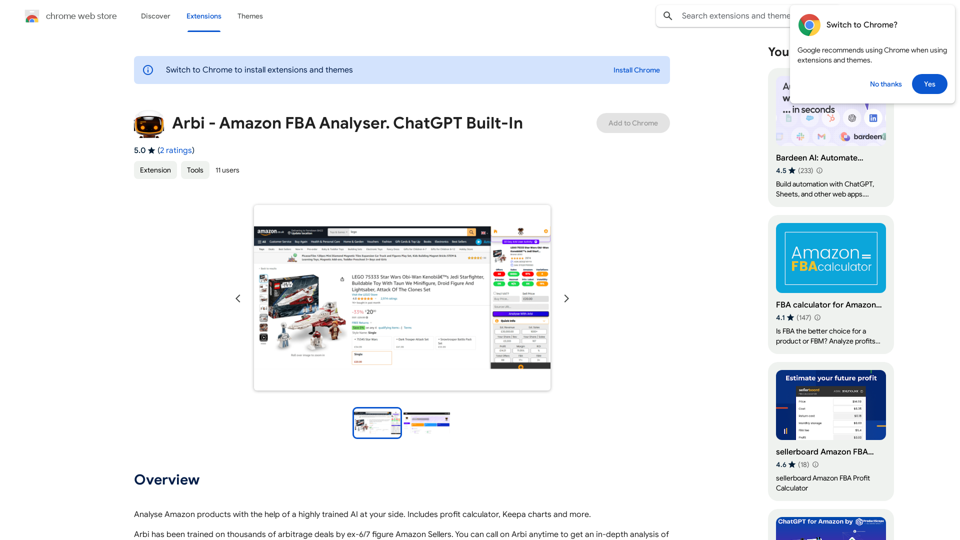
Analyze Amazon products with the help of a powerful AI assistant. Features include a profit calculator, Keepa charts, and more.
193.90 M
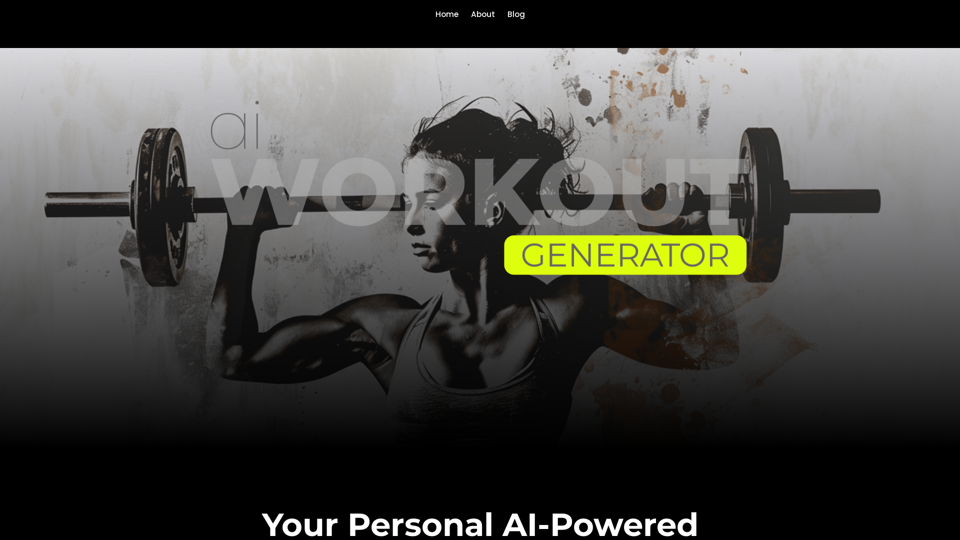
Ai Workout Generator ===================== What is an AI Workout Generator? An AI workout generator is a tool that uses artificial intelligence to create personalized workout plans tailored to an individual's fitness goals, fitness level, and preferences. How does it work? The AI workout generator uses machine learning algorithms to analyze a user's input data, such as their fitness goals, fitness level, and exercise preferences. It then generates a customized workout plan that includes a series of exercises, sets, reps, and weights tailored to the user's specific needs. Benefits of using an AI Workout Generator * Personalized workouts: The AI workout generator creates a workout plan that is tailored to the user's specific fitness goals and fitness level. * Time-saving: The AI workout generator saves time by eliminating the need to research and create a workout plan from scratch. * Increased motivation: The AI workout generator provides a sense of accountability and motivation, as users are more likely to stick to a workout plan that is tailored to their specific needs. * Improved results: The AI workout generator helps users achieve their fitness goals faster and more efficiently, as the workout plan is optimized for their specific needs. How to use an AI Workout Generator 1. Input your data: Enter your fitness goals, fitness level, and exercise preferences into the AI workout generator. 2. Select your workout type: Choose the type of workout you want to do, such as strength training, cardio, or yoga. 3. Generate your workout plan: The AI workout generator will create a customized workout plan tailored to your specific needs. 4. Start your workout: Follow the workout plan and track your progress. Conclusion An AI workout generator is a powerful tool that can help individuals achieve their fitness goals faster and more efficiently. By providing personalized workout plans, the AI workout generator saves time, increases motivation, and improves results. Whether you're a beginner or an experienced athlete, an AI workout generator can help you take your fitness to the next level.
Ai Workout Generator ===================== What is an AI Workout Generator? An AI workout generator is a tool that uses artificial intelligence to create personalized workout plans tailored to an individual's fitness goals, fitness level, and preferences. How does it work? The AI workout generator uses machine learning algorithms to analyze a user's input data, such as their fitness goals, fitness level, and exercise preferences. It then generates a customized workout plan that includes a series of exercises, sets, reps, and weights tailored to the user's specific needs. Benefits of using an AI Workout Generator * Personalized workouts: The AI workout generator creates a workout plan that is tailored to the user's specific fitness goals and fitness level. * Time-saving: The AI workout generator saves time by eliminating the need to research and create a workout plan from scratch. * Increased motivation: The AI workout generator provides a sense of accountability and motivation, as users are more likely to stick to a workout plan that is tailored to their specific needs. * Improved results: The AI workout generator helps users achieve their fitness goals faster and more efficiently, as the workout plan is optimized for their specific needs. How to use an AI Workout Generator 1. Input your data: Enter your fitness goals, fitness level, and exercise preferences into the AI workout generator. 2. Select your workout type: Choose the type of workout you want to do, such as strength training, cardio, or yoga. 3. Generate your workout plan: The AI workout generator will create a customized workout plan tailored to your specific needs. 4. Start your workout: Follow the workout plan and track your progress. Conclusion An AI workout generator is a powerful tool that can help individuals achieve their fitness goals faster and more efficiently. By providing personalized workout plans, the AI workout generator saves time, increases motivation, and improves results. Whether you're a beginner or an experienced athlete, an AI workout generator can help you take your fitness to the next level.AI generated workouts reviewed and Approved by American College of Sports Medicine certified Personal Trainers.
3.30 K