LinkedIn AI Result Booster is an AI-powered platform designed to enhance LinkedIn prospecting. It utilizes advanced AI technology to craft personalized messages, gather lead information, and streamline chat management. The tool's key selling point is its ability to improve positive reply rates by 80% through human-like messaging, tailored invitations, and context-aware follow-ups.
LinkedIn AI Result Booster
Handle Objections. Smart Follow-ups. Personalized Invites. Boost your LinkedIn prospecting with Salee and get booked meetings!
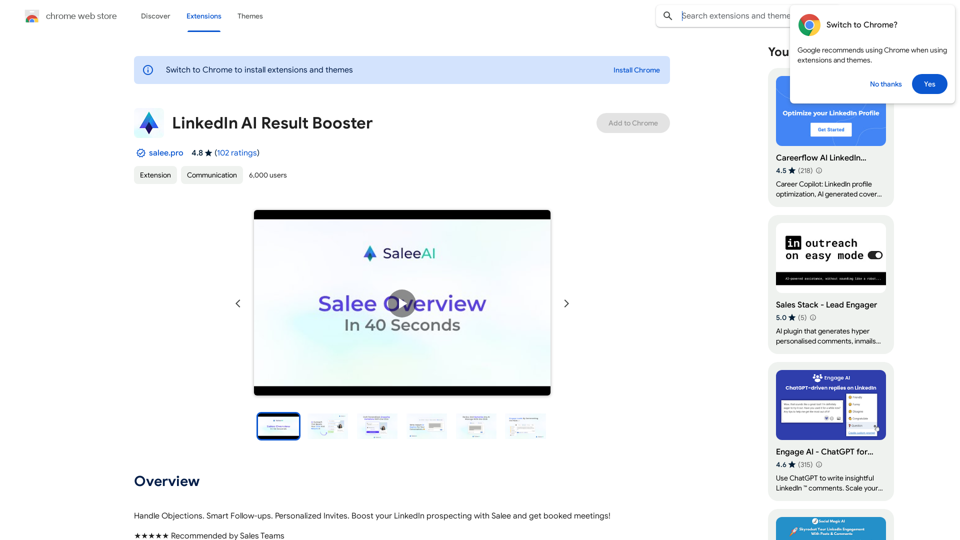
Introduction
Feature
Human-Sounding Messages
- Utilizes Salee Humanizer to review and humanize AI-generated messages
- One-click humanization process
- Fosters genuine relationships by avoiding robotic templates
Personalized Invitations
- Creates engaging invitations with a single click
- Compliments leads based on actual profile information
- Boosts acceptance rates by over 50%
Context-Aware Follow-Ups
- Analyzes conversation history
- Recommends tailored follow-up messages
- Ensures messages fit the real conversation context
Advanced AI Technology
- Writes personalized messages
- Gathers lead information
- Manages chats effortlessly
Subscription Benefits
- Extends access beyond free usage limits
- Provides additional features for subscribers
FAQ
What is LinkedIn AI Result Booster?
LinkedIn AI Result Booster is an AI-driven platform that enhances LinkedIn prospecting by providing advanced AI technology for writing personalized messages, learning about leads, and managing chats effortlessly.
How does LinkedIn AI Result Booster work?
The platform leverages advanced AI technology to write personalized messages, gather lead information, and manage chats efficiently, improving positive reply rates by 80%.
What are the key features of LinkedIn AI Result Booster?
Key features include:
- Human-sounding messages using Salee Humanizer
- Personalized invitations that boost acceptance rates
- Context-aware follow-ups based on conversation history
- Advanced AI technology for message writing and lead analysis
How can I get started with LinkedIn AI Result Booster?
Users can start by utilizing the platform's AI technology for free. Subscribing grants additional benefits and extended access beyond free usage limits.
Related Websites
Claude to Notion This is a guide on how to connect Claude, an AI assistant, with Notion, a note-taking and workspace app. Why connect Claude and Notion? * Boost your productivity: Use Claude to generate content, summarize information, and automate tasks directly within Notion. * Enhance your research: Ask Claude questions about your Notion notes and get insightful answers. * Unlock new creative possibilities: Leverage Claude's generative capabilities to brainstorm ideas, write stories, or compose emails within your Notion workspace. How to connect Claude and Notion: 1. API Keys: Obtain an API key for both Claude and Notion. 2. Integration Tool: Explore integration tools like Zapier or Integromat to connect Claude and Notion. These platforms allow you to create workflows that trigger actions in one app based on events in the other. 3. Custom Development: For advanced users, you can develop your own custom integration using the Claude and Notion APIs. This gives you the most flexibility but requires coding knowledge. Example Use Cases: * Meeting Summarization: After a meeting, paste the transcript into Notion and use Claude to generate a concise summary. * Content Creation: Use Claude to write blog posts, articles, or social media captions directly within your Notion pages. * Idea Generation: Brainstorm new ideas for projects or tasks by prompting Claude with specific questions within your Notion workspace. Remember to review the documentation and terms of service for both Claude and Notion to ensure proper usage and security.
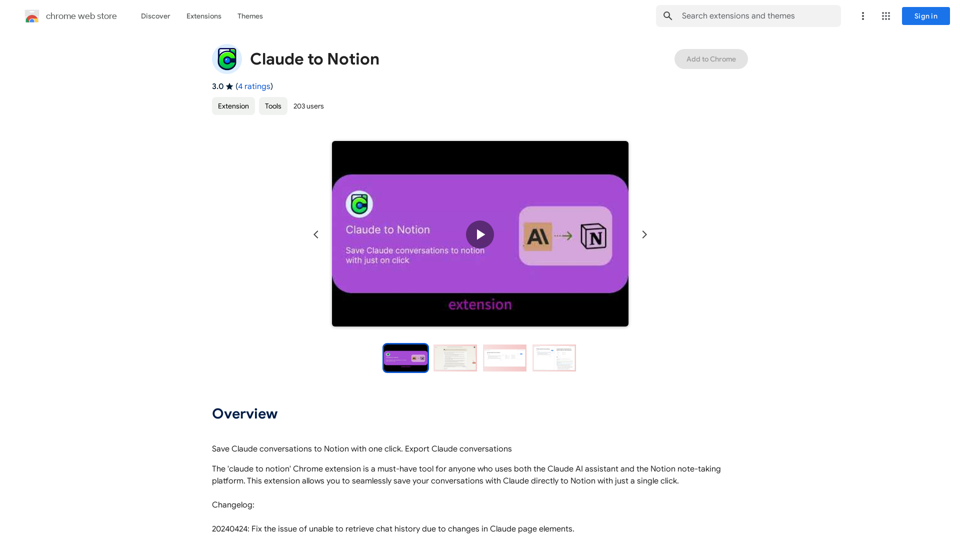
Claude to Notion This is a guide on how to connect Claude, an AI assistant, with Notion, a note-taking and workspace app. Why connect Claude and Notion? * Boost your productivity: Use Claude to generate content, summarize information, and automate tasks directly within Notion. * Enhance your research: Ask Claude questions about your Notion notes and get insightful answers. * Unlock new creative possibilities: Leverage Claude's generative capabilities to brainstorm ideas, write stories, or compose emails within your Notion workspace. How to connect Claude and Notion: 1. API Keys: Obtain an API key for both Claude and Notion. 2. Integration Tool: Explore integration tools like Zapier or Integromat to connect Claude and Notion. These platforms allow you to create workflows that trigger actions in one app based on events in the other. 3. Custom Development: For advanced users, you can develop your own custom integration using the Claude and Notion APIs. This gives you the most flexibility but requires coding knowledge. Example Use Cases: * Meeting Summarization: After a meeting, paste the transcript into Notion and use Claude to generate a concise summary. * Content Creation: Use Claude to write blog posts, articles, or social media captions directly within your Notion pages. * Idea Generation: Brainstorm new ideas for projects or tasks by prompting Claude with specific questions within your Notion workspace. Remember to review the documentation and terms of service for both Claude and Notion to ensure proper usage and security.Save Claude conversations to Notion with one click. Export Claude conversations.
193.90 M
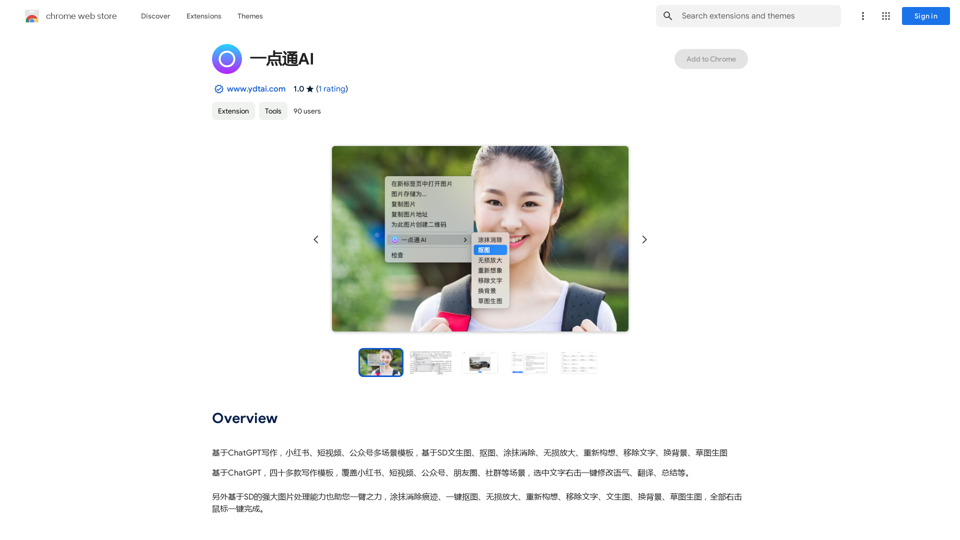
ChatGPT-based templates for multiple scenarios on Xiaohongshu, short videos, and public accounts. Based on SD text-to-image generation, cutout, erasure, lossless enlargement, reimagining, text removal, background replacement, and sketch-to-image.
193.90 M
TurboLearn AI quickly makes complete notes, interactive flashcards, and custom quizzes from your lectures. Made to help you learn better and remember more, TurboLearn AI changes to fit your specific learning needs. Make the most of your study time today!
292.80 K
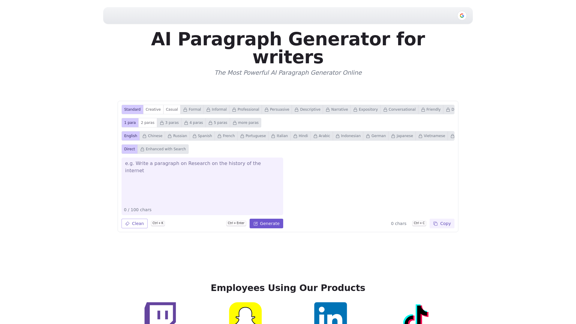
AI Paragraph Generator is a powerful tool that transforms your ideas into well-structured and engaging paragraphs. Artificial Intelligence Paragraph Generator meets all your content needs, from blogs to academic papers, with our tool ensuring originality, relevance and professionalism in every use case.
0
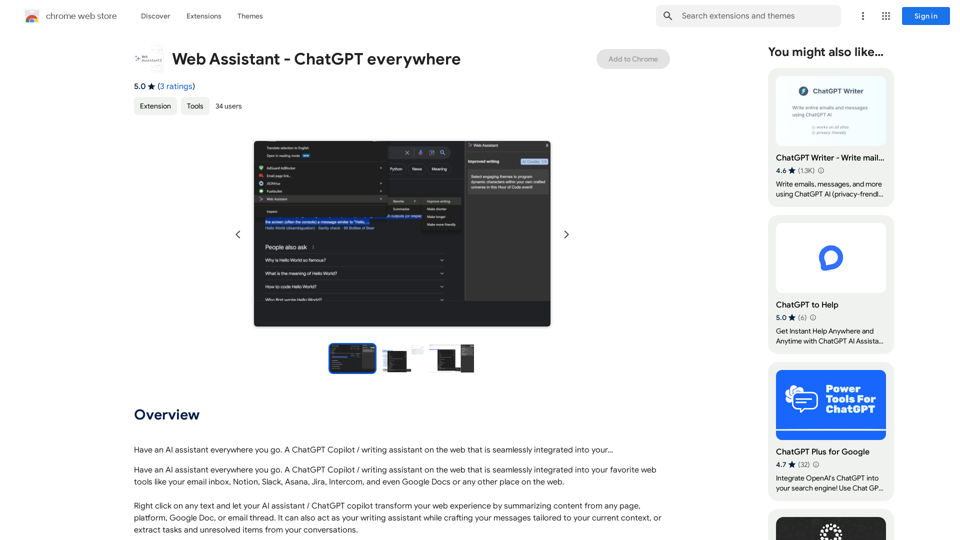
Have an AI assistant everywhere you go. A ChatGPT Copilot / writing assistant on the web that is seamlessly integrated into your...
193.90 M
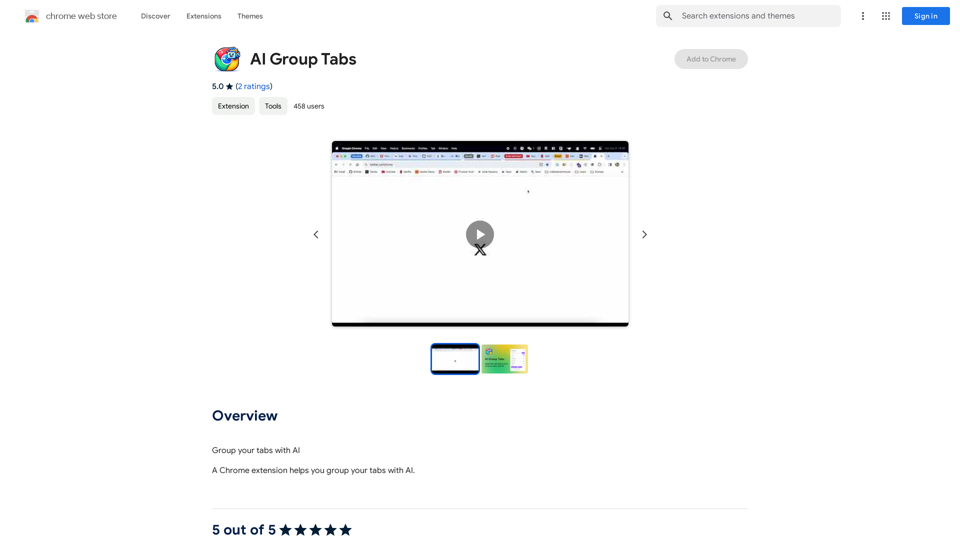
Group your tabs with AI This is a simple and effective way to organize your browser tabs using artificial intelligence. Here's how it works: * Select multiple tabs: Choose the tabs you want to group together. * AI grouping: Our AI will analyze the content of the selected tabs and suggest relevant groups. * Customize groups: You can adjust the suggested groups or create your own. * Save and access: Save your grouped tabs for easy access later. Let AI help you stay organized and productive!
193.90 M
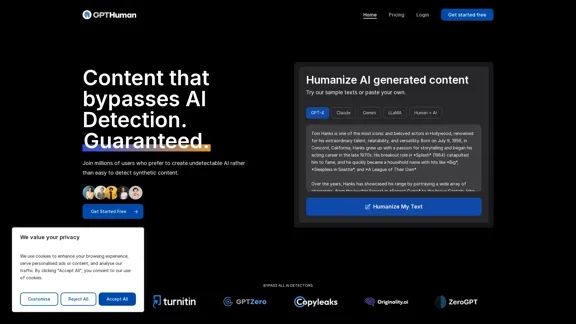
Humanize AI. Create AI Content That Can't Be Detected.
Humanize AI. Create AI Content That Can't Be Detected.The leading AI humanizer that converts machine-generated text into genuine, human-like content. It bypasses all AI detectors, guaranteed.
135.99 K
Smart Template - DocumentAI This is a placeholder for content about Smart Templates in DocumentAI. Please provide me with the content you'd like me to translate.
Smart Template - DocumentAI This is a placeholder for content about Smart Templates in DocumentAI. Please provide me with the content you'd like me to translate.Boost your productivity with the best tool around, making it easy to create and edit documents and saving you precious time.
193.90 M