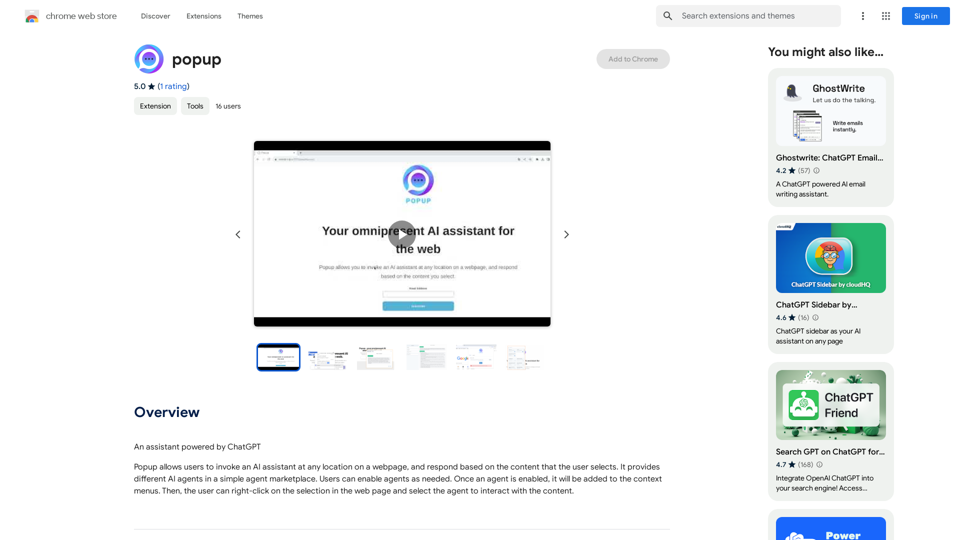
Popup is a versatile AI assistant powered by ChatGPT that enhances web browsing experiences. It allows users to interact with an AI assistant directly on any webpage, providing context-aware responses based on selected content. With its agent marketplace and customizable context menus, Popup offers a flexible and powerful tool for various AI-assisted tasks while browsing.
popup
An assistant powered by ChatGPT
Introduction
Feature
AI Assistant Integration
Popup seamlessly integrates an AI assistant into your web browsing experience, allowing you to interact with selected content on any webpage.
Agent Marketplace
Access a diverse range of AI agents through Popup's marketplace, enabling users to customize their AI assistance based on specific needs and preferences.
Contextual Interaction
Right-click on selected text to access AI agents through context menus, providing a smooth and intuitive way to interact with web content.
Customizable Context Menus
Tailor your Popup experience by adding or removing AI agents from the context menus, ensuring quick access to your most-used tools.
Flexible Invocation
Easily summon the AI assistant at any location on a webpage by clicking the Popup icon, offering seamless integration with your browsing workflow.
In-App Purchases
Enhance your Popup experience with additional features and functionality through in-app purchases, allowing for a more personalized and powerful tool.
FAQ
How does Popup enhance web browsing?
Popup integrates an AI assistant directly into web pages, allowing users to interact with selected content and receive context-aware responses, streamlining information processing and task completion while browsing.
What types of information does Popup handle?
Popup handles several types of sensitive information:
| Information Type | Description |
|---|---|
| Personally Identifiable Information | User data that can be used to identify individuals |
| Financial and Payment Information | Data related to financial transactions and payment methods |
| Authentication Information | Credentials and data used for user authentication |
How can I customize my Popup experience?
You can customize Popup by:
- Exploring the agent marketplace to find AI agents that suit your needs
- Enabling or disabling agents as required
- Customizing context menus to add or remove agents for quick access
Is Popup free to use?
While Popup offers basic functionality, it also provides in-app purchases for additional features and enhanced capabilities, allowing users to tailor the tool to their specific requirements.
Related Websites
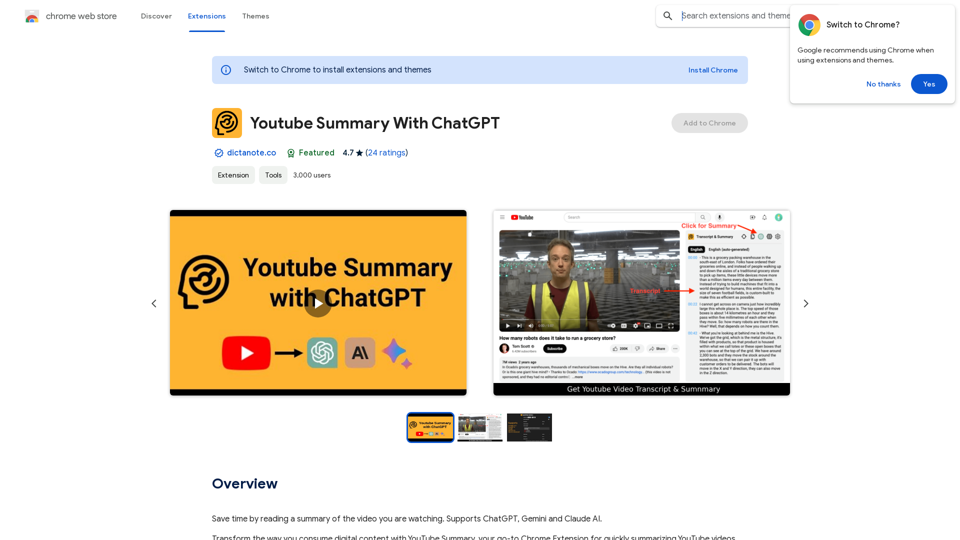
Save time by reading a summary of the video you are watching. Supports ChatGPT, Gemini, and Claude AI.
193.90 M
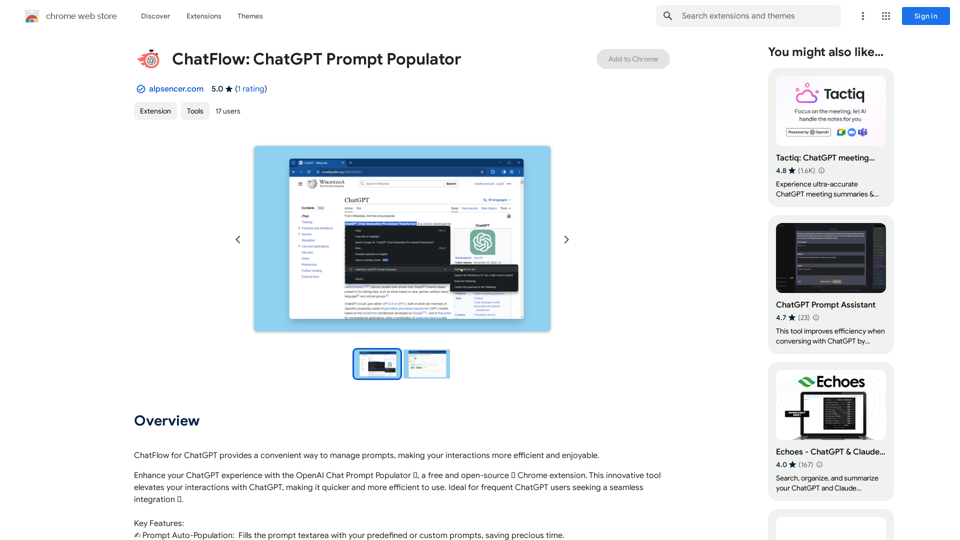
ChatFlow for ChatGPT makes it easy to manage your prompts, so you can have more efficient and enjoyable conversations.
193.90 M
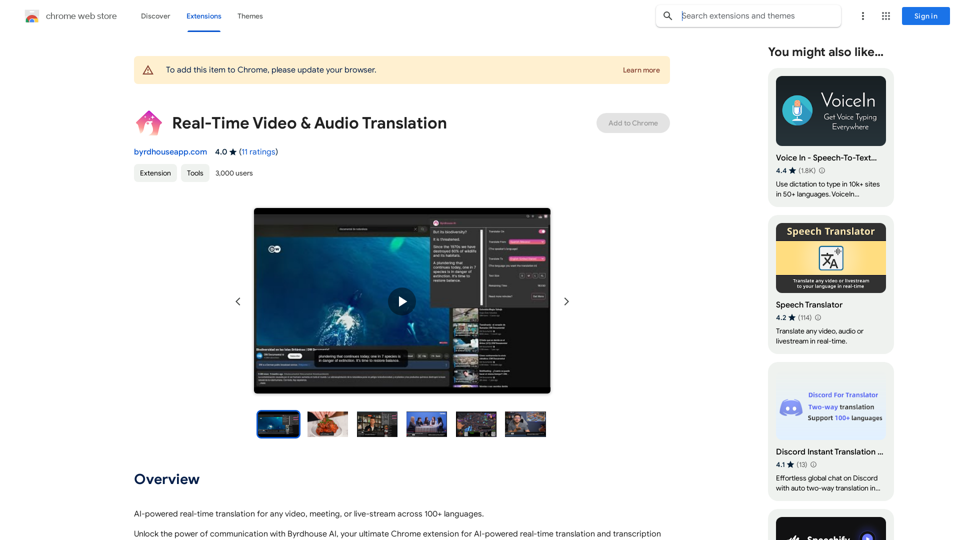
AI-powered real-time translation for any video, meeting, or live-stream across 100+ languages.
193.90 M
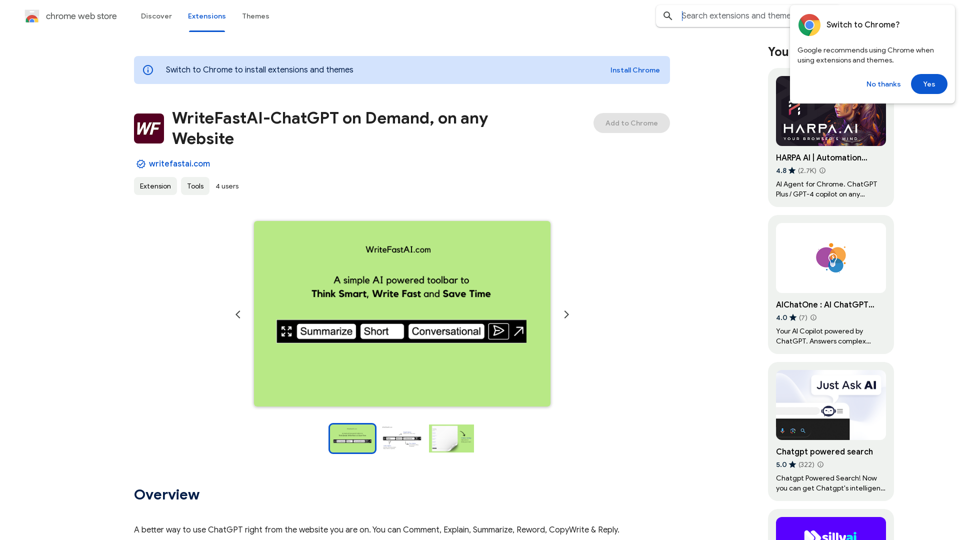
WriteFastAI-ChatGPT on Demand, on Any Website This is a powerful idea! Imagine being able to seamlessly integrate the capabilities of both FastAI and ChatGPT directly into any website. Here's a breakdown of what this could mean: * On-Demand AI Assistance: Users could access powerful AI tools like text generation, summarization, question answering, and more, right from the website they're already using. * Personalized Experiences: Websites could leverage AI to tailor content and interactions to individual user preferences, creating a more engaging and relevant experience. * Increased Efficiency: Businesses could automate tasks, generate reports, and analyze data faster and more accurately with the help of AI. Making it a Reality: This vision requires a combination of: * API Integration: FastAI and ChatGPT both offer APIs that allow developers to integrate their functionalities into applications. * Web Development Expertise: Developers would need to build the necessary infrastructure to connect the APIs to the website and handle user interactions. * Data Management: Websites would need to manage and secure the data used by the AI models. Potential Applications: The possibilities are endless! Here are just a few examples: * E-commerce: AI-powered chatbots could provide personalized product recommendations and customer support. * Education: Websites could offer interactive learning experiences with AI-powered tutors and personalized feedback. * News and Media: AI could be used to generate summaries of articles, create personalized news feeds, and even write original content. Let me know if you'd like to explore any of these applications in more detail!
WriteFastAI-ChatGPT on Demand, on Any Website This is a powerful idea! Imagine being able to seamlessly integrate the capabilities of both FastAI and ChatGPT directly into any website. Here's a breakdown of what this could mean: * On-Demand AI Assistance: Users could access powerful AI tools like text generation, summarization, question answering, and more, right from the website they're already using. * Personalized Experiences: Websites could leverage AI to tailor content and interactions to individual user preferences, creating a more engaging and relevant experience. * Increased Efficiency: Businesses could automate tasks, generate reports, and analyze data faster and more accurately with the help of AI. Making it a Reality: This vision requires a combination of: * API Integration: FastAI and ChatGPT both offer APIs that allow developers to integrate their functionalities into applications. * Web Development Expertise: Developers would need to build the necessary infrastructure to connect the APIs to the website and handle user interactions. * Data Management: Websites would need to manage and secure the data used by the AI models. Potential Applications: The possibilities are endless! Here are just a few examples: * E-commerce: AI-powered chatbots could provide personalized product recommendations and customer support. * Education: Websites could offer interactive learning experiences with AI-powered tutors and personalized feedback. * News and Media: AI could be used to generate summaries of articles, create personalized news feeds, and even write original content. Let me know if you'd like to explore any of these applications in more detail!A better way to use ChatGPT right from the website you are on. You can comment, explain, summarize, reword, copywrite, and reply.
193.90 M