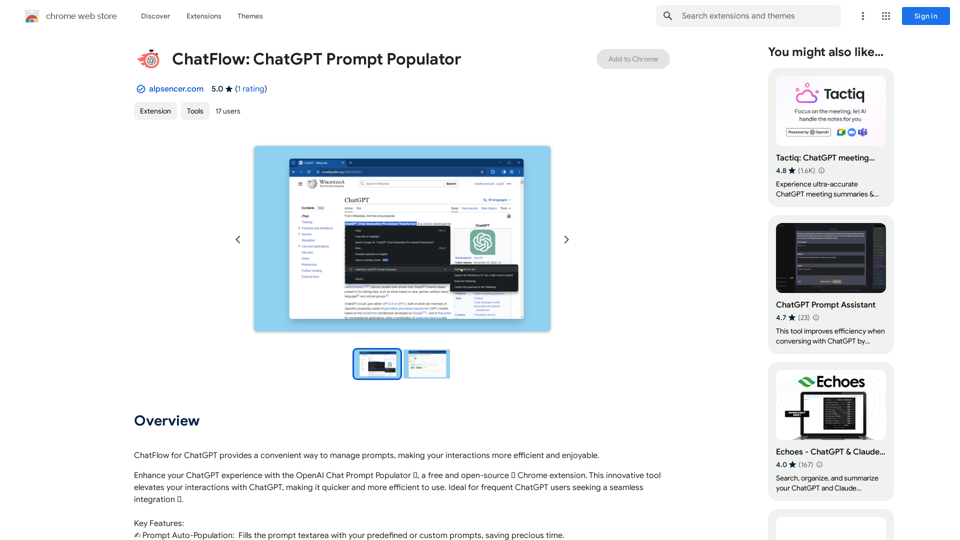
ChatFlow is a free and open-source Chrome extension designed to enhance your ChatGPT experience. It offers a convenient way to manage prompts, making interactions more efficient and enjoyable. With features like prompt auto-population, custom prompt management, and model selection, ChatFlow streamlines your ChatGPT usage and saves valuable time.
ChatFlow: ChatGPT Prompt Populator
ChatFlow for ChatGPT makes it easy to manage your prompts, so you can have more efficient and enjoyable conversations.
Introduction
Feature
✍️ Prompt Auto-Population
Automatically fills the prompt textarea with predefined or custom prompts, significantly reducing input time and effort.
🛠️ Customizable Prompt Management
Easily add, edit, or remove prompts to create a personalized prompt library tailored to your specific needs and preferences.
📋 Automated Model Selection
Opens the model selection menu and automatically selects a specified model, streamlining the process of choosing the right AI for your task.
🔗 FlowLauncher Integration
Enables ChatGPT usage from any file on your computer, thanks to compatibility with FlowLauncher, expanding the tool's versatility.
💰 Free and Open-Source
ChatFlow is completely free to use, with no subscription fees or hidden costs, making it accessible to all users.
🚀 User-Friendly Interface
Designed for ease of use, requiring no technical expertise to install, configure, and start using with ChatGPT.
FAQ
Is ChatFlow free to use?
Yes, ChatFlow is a completely free and open-source Chrome extension. There are no subscription fees or hidden costs associated with its use.
How do I get started with ChatFlow?
Getting started with ChatFlow is simple:
- Install the Chrome extension
- Configure your prompts
- Start using ChatGPT with enhanced efficiency
Can I customize my prompts in ChatFlow?
Absolutely! ChatFlow allows you to add, edit, or remove prompts easily, enabling you to create a customized prompt library that caters to your specific needs and preferences.
What makes ChatFlow different from using ChatGPT directly?
ChatFlow enhances the ChatGPT experience by:
- Automating prompt input
- Allowing easy management of multiple prompts
- Streamlining model selection
- Integrating with FlowLauncher for expanded usability
Is ChatFlow compatible with all versions of ChatGPT?
ChatFlow is designed to work with the web version of ChatGPT. For the most up-to-date compatibility information, it's best to check the extension's documentation or description in the Chrome Web Store.
Related Websites
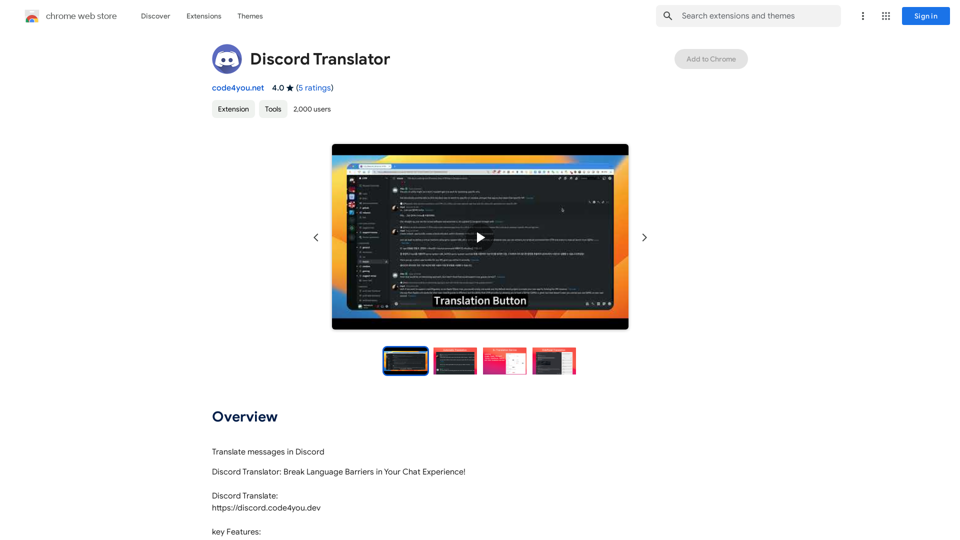
Translate Messages in Discord ============================= What is the "Translate" feature in Discord? The "Translate" feature in Discord allows users to translate messages in real-time, making it easier for people who speak different languages to communicate with each other. How to use the "Translate" feature in Discord? #1. Enable the "Translate" feature To enable the "Translate" feature, you need to go to the "User Settings" and click on the "Language" tab. Then, toggle the switch next to "Translator" to the "On" position. #2. Set your preferred language After enabling the "Translate" feature, you need to set your preferred language. You can do this by clicking on the "Language" dropdown menu and selecting your preferred language from the list. #3. Translate messages Once you've set your preferred language, you can start translating messages. To translate a message, simply hover over the message and click on the "Translate" button that appears. #4. View translated messages After clicking the "Translate" button, the message will be translated into your preferred language. You can view the translated message below the original message. Benefits of the "Translate" feature in Discord The "Translate" feature in Discord has several benefits, including: * Improved communication: The "Translate" feature helps to break down language barriers, making it easier for people who speak different languages to communicate with each other. * Increased accessibility: The "Translate" feature makes Discord more accessible to people who may not speak the dominant language of a server or community. * Enhanced collaboration: The "Translate" feature enables people to collaborate more effectively, even if they speak different languages.
193.90 M
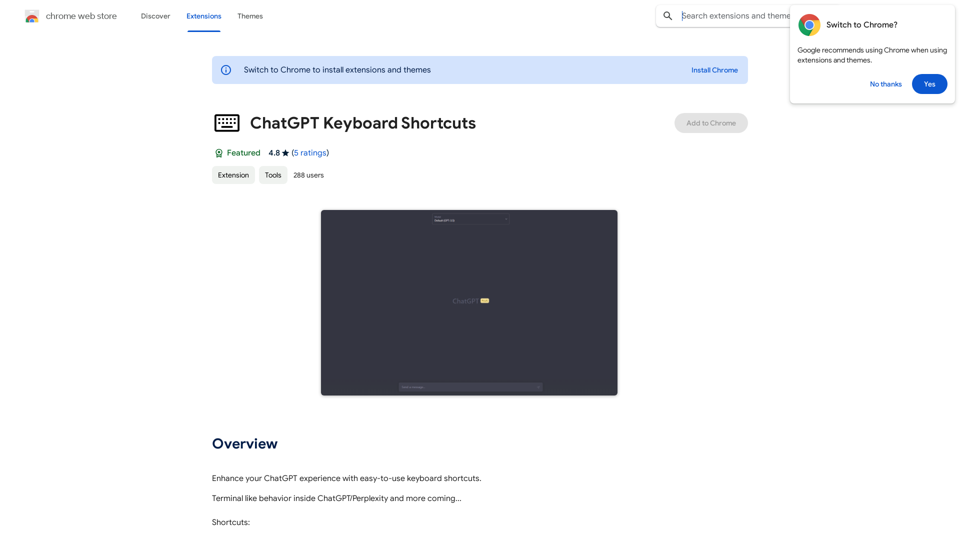
ChatGPT Keyboard Shortcuts #Navigation * Ctrl + →: Move to the next message * Ctrl + ←: Move to the previous message * Home: Move to the beginning of the conversation * End: Move to the end of the conversation #Editing * Ctrl + A: Select all text * Ctrl + C: Copy selected text * Ctrl + X: Cut selected text * Ctrl + V: Paste copied or cut text * Ctrl + Z: Undo * Ctrl + Y: Redo * Ctrl + Shift + F: Format text as code #Actions * Enter: Send the message * Shift + Enter: Insert a new line * Ctrl + Shift + Enter: Send the message and insert a new line * Esc: Cancel editing and close the message input field * Ctrl + Shift + Space: Open the emoji picker * Ctrl + Shift + /: Open the help menu #Accessibility * Ctrl + +: Increase font size * Ctrl + -: Decrease font size * Ctrl + 0: Reset font size to default
ChatGPT Keyboard Shortcuts #Navigation * Ctrl + →: Move to the next message * Ctrl + ←: Move to the previous message * Home: Move to the beginning of the conversation * End: Move to the end of the conversation #Editing * Ctrl + A: Select all text * Ctrl + C: Copy selected text * Ctrl + X: Cut selected text * Ctrl + V: Paste copied or cut text * Ctrl + Z: Undo * Ctrl + Y: Redo * Ctrl + Shift + F: Format text as code #Actions * Enter: Send the message * Shift + Enter: Insert a new line * Ctrl + Shift + Enter: Send the message and insert a new line * Esc: Cancel editing and close the message input field * Ctrl + Shift + Space: Open the emoji picker * Ctrl + Shift + /: Open the help menu #Accessibility * Ctrl + +: Increase font size * Ctrl + -: Decrease font size * Ctrl + 0: Reset font size to defaultEnhance your ChatGPT experience with easy-to-use keyboard shortcuts.
193.90 M
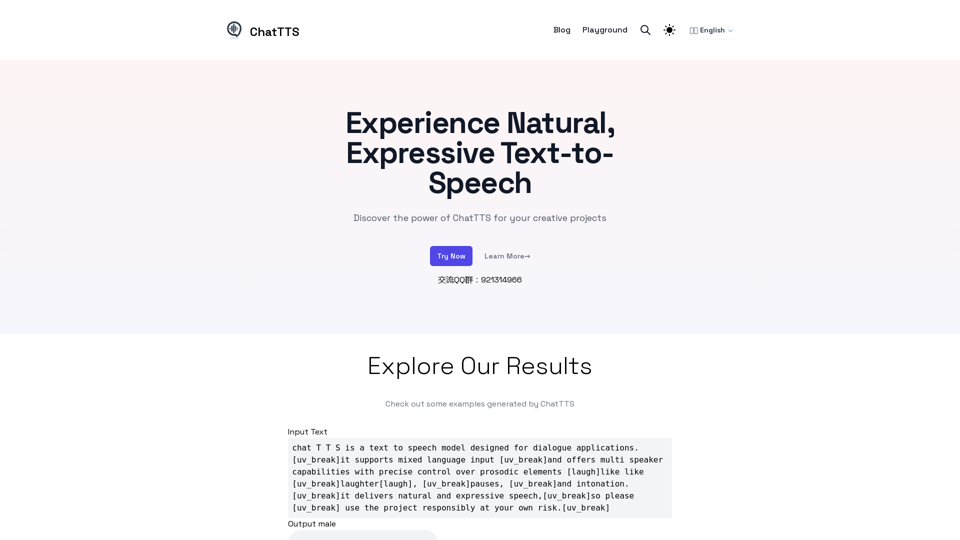
Discover the power of ChatTTS for your creative projects with natural and expressive text-to-speech capabilities.
0
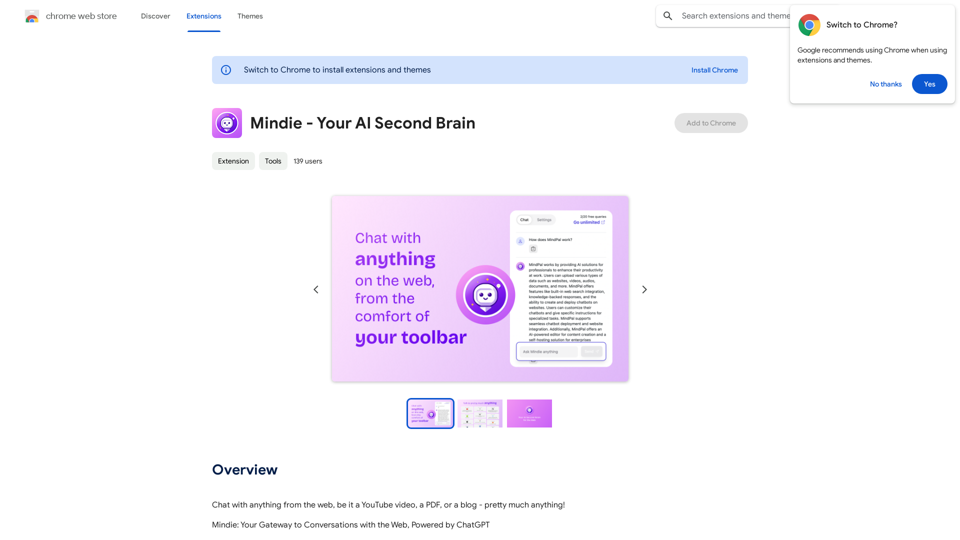
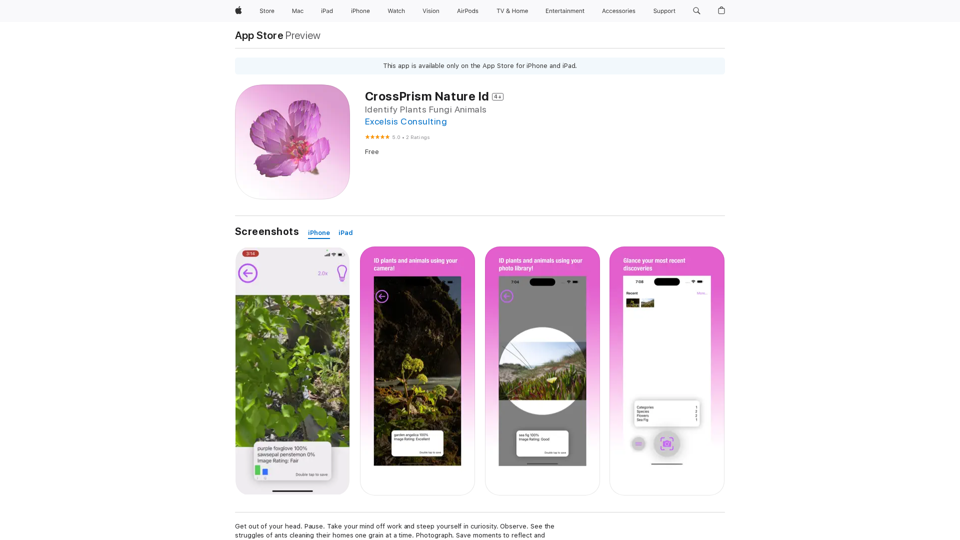
Get out of your head. Pause. Take your mind off work and steep yourself in curiosity. Observe. See the struggles of ants cleaning their homes one grain at a time, and the way birds build their nests with twigs and threads.
124.77 M
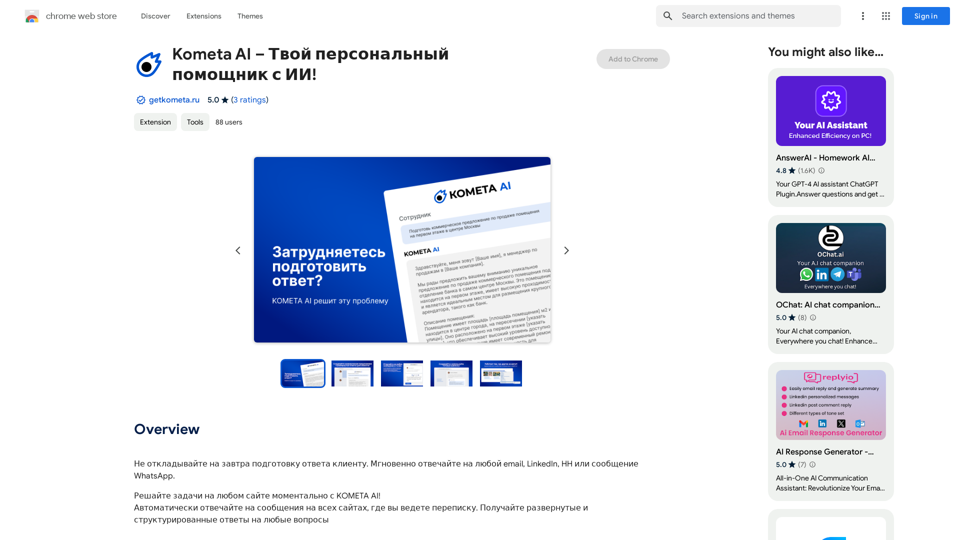
Don't delay preparing a response to a client. Respond immediately to any email, LinkedIn, HH, or WhatsApp message.
193.90 M