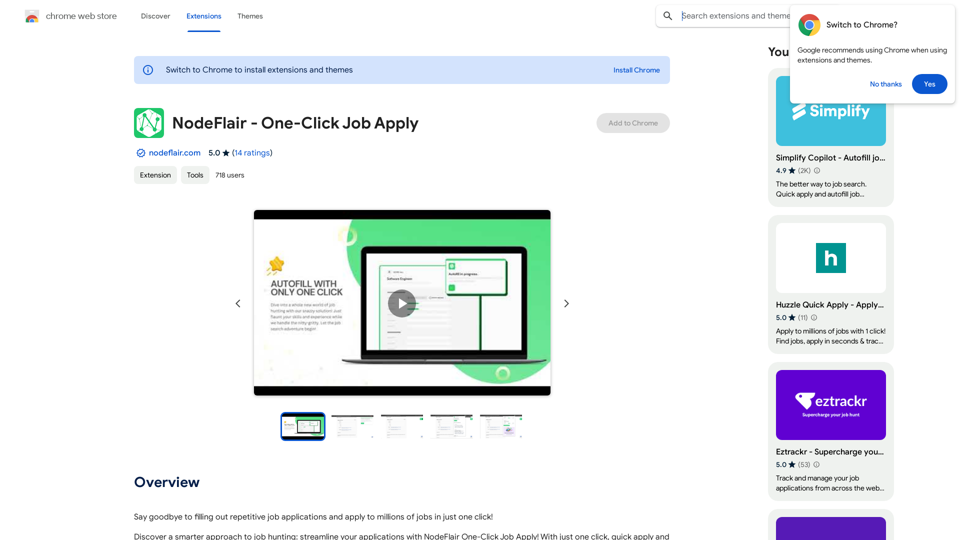
NodeFlair is a browser extension designed to streamline the job application process. It allows users to apply to millions of jobs with a single click by utilizing their NodeFlair profile to autofill applications. This innovative tool saves time and effort for job seekers, making the application process more efficient and less tedious.
NodeFlair - One-Click Job Apply
Say goodbye to filling out repetitive job applications and apply to millions of jobs with just one click!
Introduction
Feature
One-Click Job Apply
NodeFlair's primary feature enables users to apply to jobs instantly with just one click. The extension automatically populates job applications across various career websites using the user's saved profile information.
ATS Resume Score Checker
An integrated ATS Resume Score Checker helps users optimize their resumes for applicant tracking systems, increasing their chances of getting past initial screening processes.
AI-Powered Cover Letter Generator
The extension includes an AI-driven Cover Letter Generator that creates personalized cover letters for each job application, enhancing the user's potential to catch the attention of hiring managers.
Free to Use
NodeFlair is completely free, with no subscription fees or hidden costs, making it accessible to all job seekers regardless of their financial situation.
Data Security
NodeFlair prioritizes user data protection, handling information in compliance with its privacy policy and ensuring that personal details are not sold to third parties.
FAQ
How does NodeFlair work?
NodeFlair functions by leveraging the user's profile to automatically fill out job applications across multiple career websites, significantly reducing the time and effort required in the application process.
What are the main benefits of using NodeFlair?
The key advantages include:
- Time-saving one-click job applications
- Resume optimization with the ATS Score Checker
- Personalized cover letters through AI generation
- Cost-free usage
How can I start using NodeFlair?
To begin using NodeFlair:
- Install the browser extension
- Create a comprehensive NodeFlair profile
- Use the extension to autofill job applications on various career websites
Is my personal information safe with NodeFlair?
Yes, NodeFlair handles user data securely in accordance with its privacy policy, ensuring that your information is protected and not shared with third parties.
Related Websites
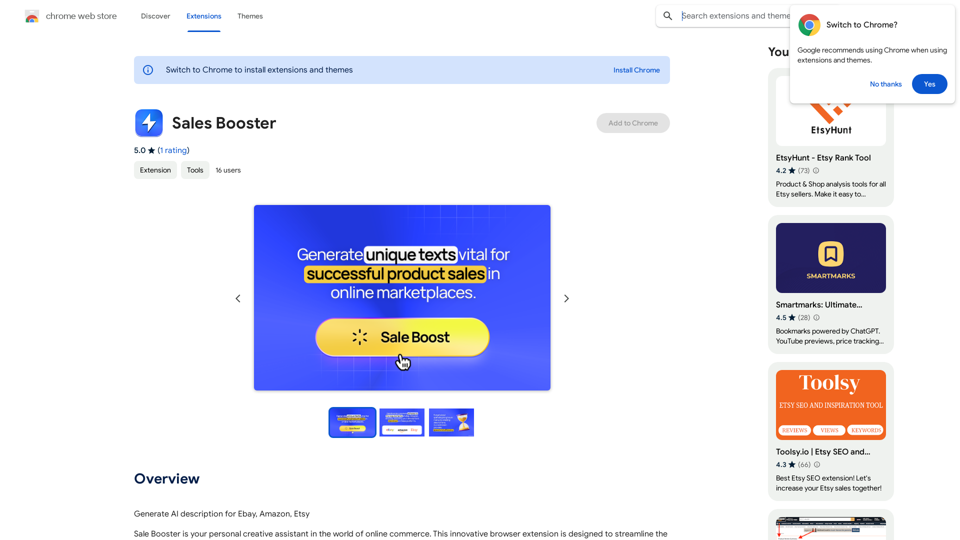
AI Descriptions for Online Marketplaces: eBay: * The global marketplace where anyone can buy and sell almost anything. Discover unique items, bid on auctions, and find great deals from individuals and businesses worldwide. Amazon: * Your one-stop shop for millions of products, from everyday essentials to the latest gadgets. Enjoy fast shipping, convenient shopping, and a vast selection across all categories. Etsy: * A vibrant community of creative entrepreneurs selling handmade, vintage, and unique goods. Find one-of-a-kind treasures, support small businesses, and discover unique gifts for every occasion.
193.90 M
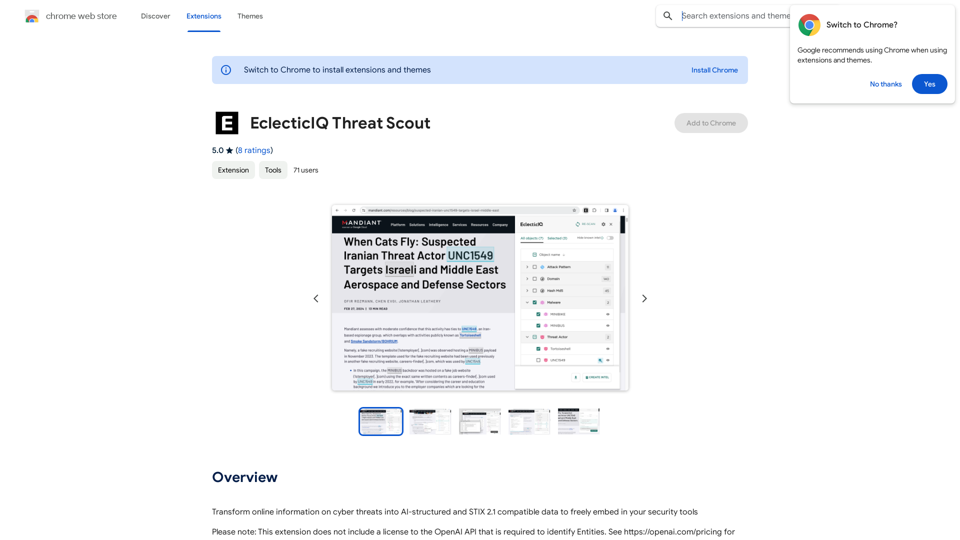
Turn information about online dangers into data that artificial intelligence can understand and use. This data will follow the STIX 2.1 standard, so you can easily include it in your security programs.
193.90 M
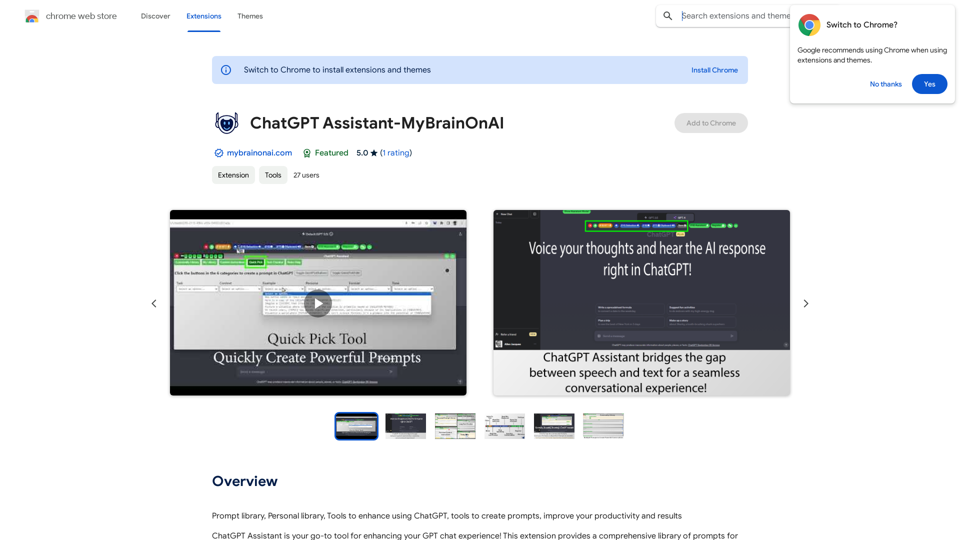
Prompt Library Personal Library Tools to enhance using ChatGPT Tools to create prompts Improve your productivity and results
193.90 M
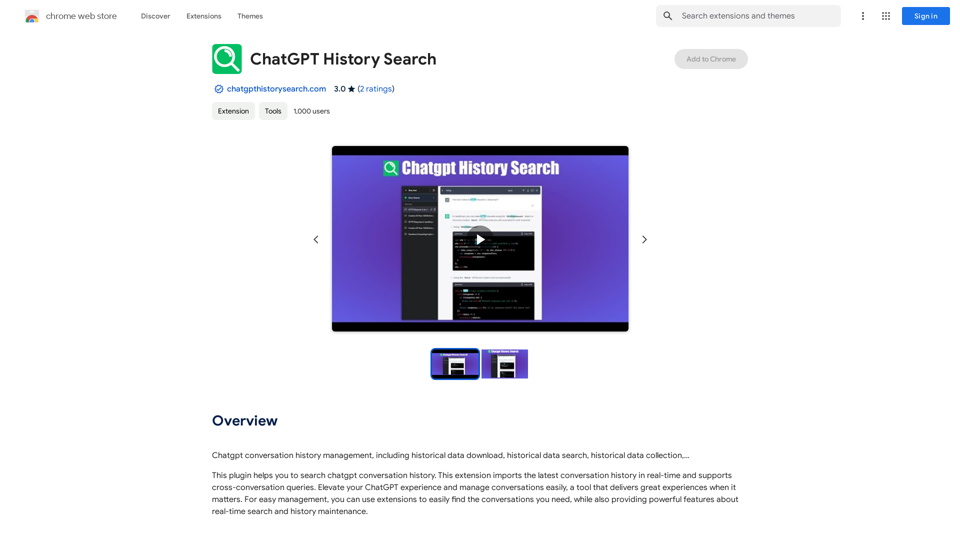
ChatGPT conversation history management, including: - Downloading historical data - Searching historical data - Collecting historical data
193.90 M
PI Prompts for ChatGPT, Gemini, Claude, Mistral, Groq & PI General Instructions: * Be specific: Clearly state what you want the AI to do. * Provide context: Give the AI enough information to understand your request. * Experiment: Try different prompts and see what works best. Creative Writing: * ChatGPT: Write a short story about a robot who learns to feel emotions. * Gemini: Compose a poem in the style of Emily Dickinson about the nature of time. * Claude: Create a fictional news article about a discovery on Mars. * Mistral: Generate a song lyric about the feeling of falling in love. * Groq: Write a screenplay for a 5-minute film about a lost dog finding its way home. * PI: Design a worldbuilding document for a fantasy novel, including its history, geography, and magic system. Informative Tasks: * ChatGPT: Summarize the main points of the article on climate change. * Gemini: Explain the concept of quantum mechanics in simple terms. * Claude: Compare and contrast the philosophies of Socrates and Plato. * Mistral: Create a list of 10 interesting facts about the human brain. * Groq: Write a code snippet to scrape data from a website. * PI: Generate a research proposal on the impact of social media on mental health. Code Generation: * ChatGPT: Write a Python function to calculate the factorial of a number. * Gemini: Generate HTML code for a simple webpage with a heading and a paragraph. * Claude: Create a SQL query to retrieve all customers from a database. * Mistral: Write a JavaScript function to validate an email address. * Groq: Generate code to create a new user account in a web application. * PI: Design a machine learning model to classify images of cats and dogs.
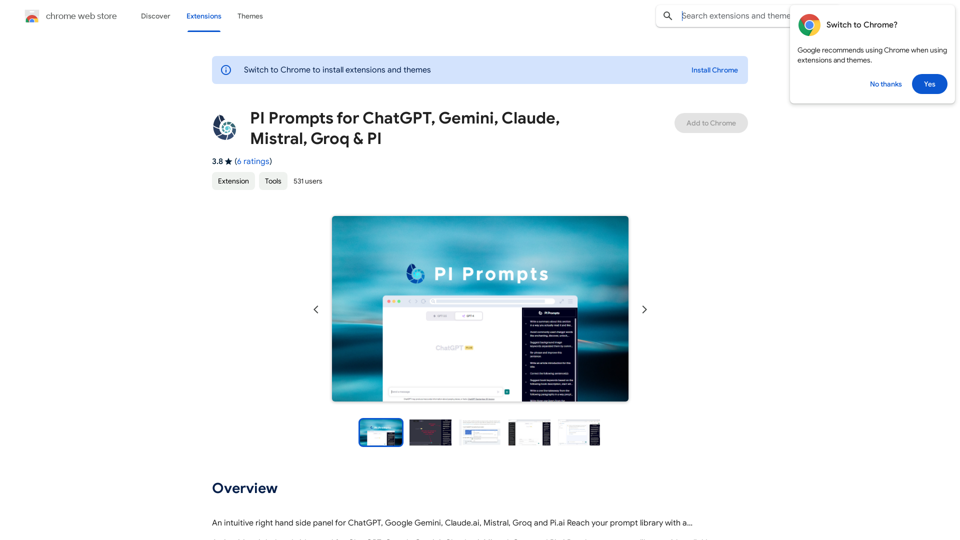
PI Prompts for ChatGPT, Gemini, Claude, Mistral, Groq & PI General Instructions: * Be specific: Clearly state what you want the AI to do. * Provide context: Give the AI enough information to understand your request. * Experiment: Try different prompts and see what works best. Creative Writing: * ChatGPT: Write a short story about a robot who learns to feel emotions. * Gemini: Compose a poem in the style of Emily Dickinson about the nature of time. * Claude: Create a fictional news article about a discovery on Mars. * Mistral: Generate a song lyric about the feeling of falling in love. * Groq: Write a screenplay for a 5-minute film about a lost dog finding its way home. * PI: Design a worldbuilding document for a fantasy novel, including its history, geography, and magic system. Informative Tasks: * ChatGPT: Summarize the main points of the article on climate change. * Gemini: Explain the concept of quantum mechanics in simple terms. * Claude: Compare and contrast the philosophies of Socrates and Plato. * Mistral: Create a list of 10 interesting facts about the human brain. * Groq: Write a code snippet to scrape data from a website. * PI: Generate a research proposal on the impact of social media on mental health. Code Generation: * ChatGPT: Write a Python function to calculate the factorial of a number. * Gemini: Generate HTML code for a simple webpage with a heading and a paragraph. * Claude: Create a SQL query to retrieve all customers from a database. * Mistral: Write a JavaScript function to validate an email address. * Groq: Generate code to create a new user account in a web application. * PI: Design a machine learning model to classify images of cats and dogs.An intuitive right-hand side panel for ChatGPT, Google Gemini, Claude.ai, Mistral, Groq, and Pi.ai. Reach your prompt library with a...
193.90 M
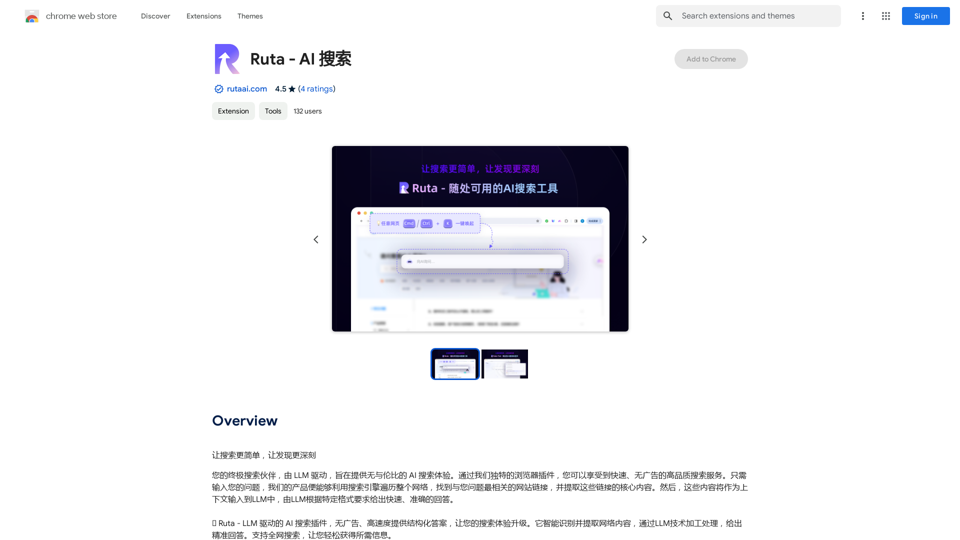
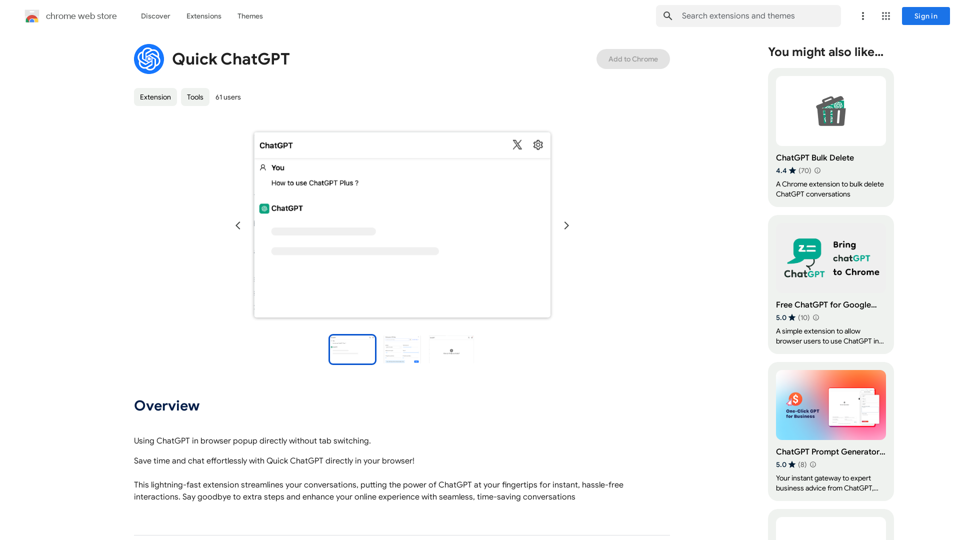
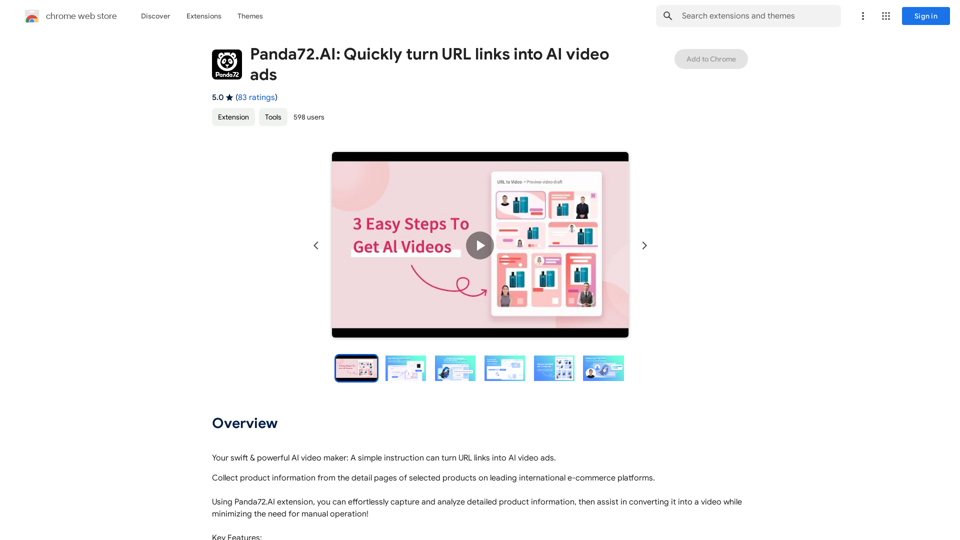
Panda72.AI: Quickly turn URL links into AI video ads
Panda72.AI: Quickly turn URL links into AI video adsYour swift & powerful AI video maker: A simple instruction can turn URL links into AI video ads.
193.90 M