LeadSpot Flex is an AI-powered messaging extension for LinkedIn that transforms LinkedIn marketing. It offers innovative AI messaging features, allowing users to personalize and automate message delivery to potential clients and partners effortlessly. This tool streamlines outreach efforts, maximizes engagement, and improves conversion rates for LinkedIn users.
LeadSpot Flex - AI Messaging on LinkedIn
AI Messaging on LinkedIn
Let's explore the potential and pitfalls of using AI for messaging on LinkedIn.
Potential Benefits:
* Increased Efficiency: AI can automate repetitive tasks like sending personalized connection requests or follow-up messages, freeing up your time for more strategic activities.
* Improved Targeting: AI algorithms can analyze user profiles and identify potential connections based on shared interests, industry, or other relevant criteria.
* Enhanced Personalization: AI can help craft personalized messages that resonate with individual recipients, increasing the likelihood of engagement.
* Data-Driven Insights: AI can track message performance and provide insights into which messages are most effective, allowing you to refine your approach.
Potential Pitfalls:
* Lack of Authenticity: Overly generic or robotic messages can come across as impersonal and insincere, damaging your professional reputation.
* Ethical Concerns: Using AI to manipulate or deceive users on LinkedIn raises ethical questions about transparency and consent.
* Technical Limitations: Current AI technology may struggle to understand nuanced conversations or respond appropriately to complex queries.
* Spam and Abuse: Malicious actors could exploit AI to send spam messages or engage in other harmful activities on LinkedIn.
Best Practices:
* Use AI as a Tool, Not a Replacement: Leverage AI to enhance your messaging, but always maintain human oversight and authenticity.
* Prioritize Quality over Quantity: Focus on sending personalized messages to a targeted audience rather than mass-sending generic content.
* Be Transparent: Disclose when you are using AI to assist with your messaging, and respect user preferences for communication.
* Stay Informed: Keep up-to-date on the latest developments in AI ethics and best practices for using AI on LinkedIn.
Introduction
Feature
AI Messaging
LeadSpot Flex's AI messaging feature enables users to craft and send messages with precision, maximizing engagement and conversion rates.
Personalization
The extension allows users to tailor messages to potential clients and partners, making outreach efforts more effective and impactful.
Automation
LeadSpot Flex automates message delivery, streamlining outreach efforts and saving valuable time for users.
Easy Installation
Users can quickly install the LeadSpot Flex extension from the Chrome Web Store, making it accessible and convenient.
Customizable Configuration
The extension offers customizable settings, allowing users to set up AI messaging preferences according to their specific marketing needs.
Performance Monitoring
Users can monitor and analyze the performance of their messages to optimize outreach efforts and improve results.
FAQ
What is LeadSpot Flex - AI Messaging on LinkedIn?
LeadSpot Flex is an AI-powered messaging extension for LinkedIn that revolutionizes LinkedIn marketing with its innovative AI messaging feature, allowing users to personalize and automate message delivery to potential clients and partners.
How do I use LeadSpot Flex?
To use LeadSpot Flex:
- Install the extension from the Chrome Web Store
- Configure the extension by setting up your AI messaging preferences
- Use the extension to send personalized and automated messages to potential clients and partners
Is LeadSpot Flex free?
LeadSpot Flex offers a free version with limited features, as well as a paid subscription with additional benefits. The exact pricing details are not publicly disclosed.
Related Websites
Chat-GPT PDF What is Chat-GPT PDF? Chat-GPT PDF is a tool that allows users to generate PDF files from Chat-GPT conversations. This innovative tool enables users to save and share their conversations in a more organized and visually appealing format. How does Chat-GPT PDF work? The process is simple and straightforward. Here's a step-by-step guide: 1. Copy the conversation: Copy the entire conversation from the Chat-GPT platform. 2. Paste the conversation: Paste the copied conversation into the Chat-GPT PDF tool. 3. Customize the layout: Customize the layout, font, and design of the PDF file according to your preferences. 4. Generate the PDF: Click the "Generate PDF" button to create a downloadable PDF file. Features of Chat-GPT PDF Chat-GPT PDF offers several features that make it an essential tool for users: * Customizable layout: Customize the layout, font, and design of the PDF file to suit your needs. * Easy sharing: Share the PDF file with others via email, social media, or messaging apps. * Offline access: Access your conversations offline, even without an internet connection. * Organization: Organize your conversations in a neat and tidy format, making it easier to review and reference. Benefits of Chat-GPT PDF The benefits of using Chat-GPT PDF are numerous: * Improved productivity: Save time and increase productivity by having all your conversations in one place. * Enhanced collaboration: Collaborate with others more effectively by sharing conversations in a clear and concise format. * Better organization: Keep your conversations organized, making it easier to review and reference them later. Conclusion Chat-GPT PDF is a game-changer for anyone who uses Chat-GPT regularly. With its ease of use, customization options, and benefits, it's an essential tool for anyone looking to get the most out of their conversations.
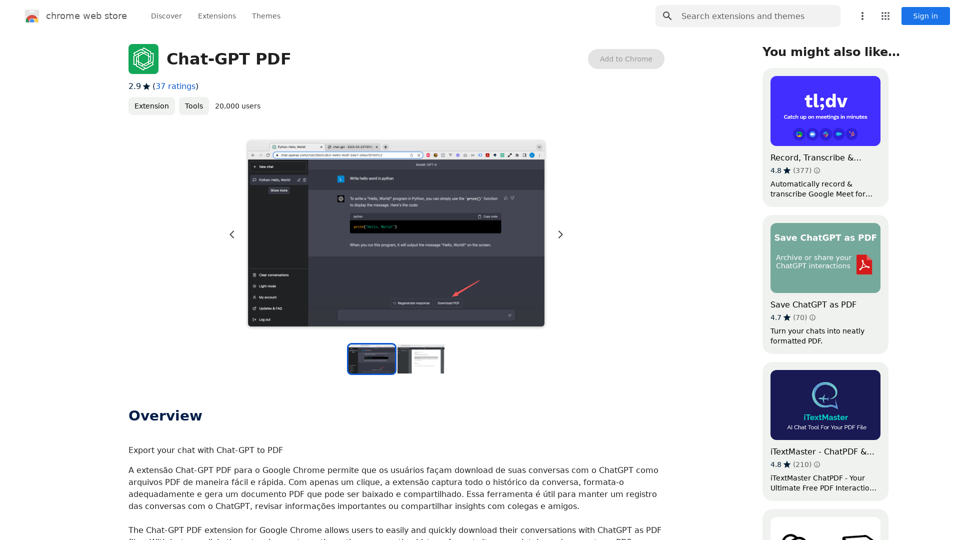
Chat-GPT PDF What is Chat-GPT PDF? Chat-GPT PDF is a tool that allows users to generate PDF files from Chat-GPT conversations. This innovative tool enables users to save and share their conversations in a more organized and visually appealing format. How does Chat-GPT PDF work? The process is simple and straightforward. Here's a step-by-step guide: 1. Copy the conversation: Copy the entire conversation from the Chat-GPT platform. 2. Paste the conversation: Paste the copied conversation into the Chat-GPT PDF tool. 3. Customize the layout: Customize the layout, font, and design of the PDF file according to your preferences. 4. Generate the PDF: Click the "Generate PDF" button to create a downloadable PDF file. Features of Chat-GPT PDF Chat-GPT PDF offers several features that make it an essential tool for users: * Customizable layout: Customize the layout, font, and design of the PDF file to suit your needs. * Easy sharing: Share the PDF file with others via email, social media, or messaging apps. * Offline access: Access your conversations offline, even without an internet connection. * Organization: Organize your conversations in a neat and tidy format, making it easier to review and reference. Benefits of Chat-GPT PDF The benefits of using Chat-GPT PDF are numerous: * Improved productivity: Save time and increase productivity by having all your conversations in one place. * Enhanced collaboration: Collaborate with others more effectively by sharing conversations in a clear and concise format. * Better organization: Keep your conversations organized, making it easier to review and reference them later. Conclusion Chat-GPT PDF is a game-changer for anyone who uses Chat-GPT regularly. With its ease of use, customization options, and benefits, it's an essential tool for anyone looking to get the most out of their conversations.Exporting Chat History to PDF You can export your chat history with Chat-GPT to a PDF file using the following methods: #Method 1: Browser Print Function 1. Open your chat conversation with Chat-GPT in a web browser. 2. Press `Ctrl + P` (Windows) or `Cmd + P` (Mac) to open the print dialog box. 3. Select "Save as PDF" as the printer destination. 4. Choose a location to save the PDF file and set the file name. 5. Click "Save" to export the chat history to a PDF file. #Method 2: Online PDF Conversion Tools 1. Copy the entire chat conversation by pressing `Ctrl + A` (Windows) or `Cmd + A` (Mac) and then `Ctrl + C` (Windows) or `Cmd + C` (Mac). 2. Go to an online PDF conversion tool, such as SmallPDF or Convertio. 3. Paste the chat conversation into the conversion tool's text box. 4. Select the PDF format and click "Convert" to generate the PDF file. 5. Download the PDF file to your computer. #Method 3: Browser Extensions 1. Install a browser extension, such as Print Friendly & PDF or FireShot, that allows you to save web pages as PDF files. 2. Open your chat conversation with Chat-GPT in a web browser. 3. Click the browser extension's icon in the toolbar. 4. Select the "Save as PDF" option and choose a location to save the file. 5. Click "Save" to export the chat history to a PDF file. By following these methods, you can easily export your chat history with Chat-GPT to a PDF file for future reference or sharing.
193.90 M
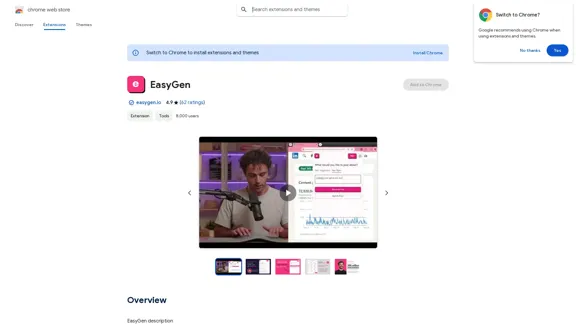
EasyGen is a powerful and user-friendly text generation tool that leverages advanced language models to create high-quality content across various domains. It offers a seamless interface for users to input prompts and generate coherent, contextually relevant text for a wide range of applications, including creative writing, content marketing, and academic research. Key features of EasyGen include: 1. Multiple language model options 2. Customizable generation parameters 3. Fine-tuning capabilities for specific use cases 4. Integration with popular writing and productivity tools 5. Real-time collaboration features EasyGen aims to streamline the content creation process, helping users save time and effort while maintaining high standards of quality and creativity. Whether you're a professional writer, marketer, or researcher, EasyGen provides the tools and flexibility needed to enhance your productivity and unlock new possibilities in text generation.
193.90 M
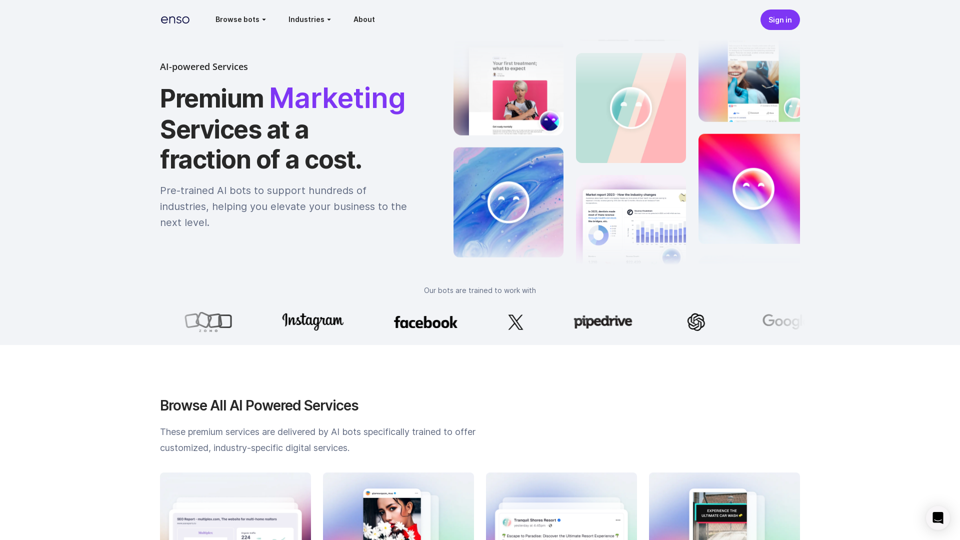
At enso, you can get AI-powered digital services for most of your essential needs at a much lower price.
0
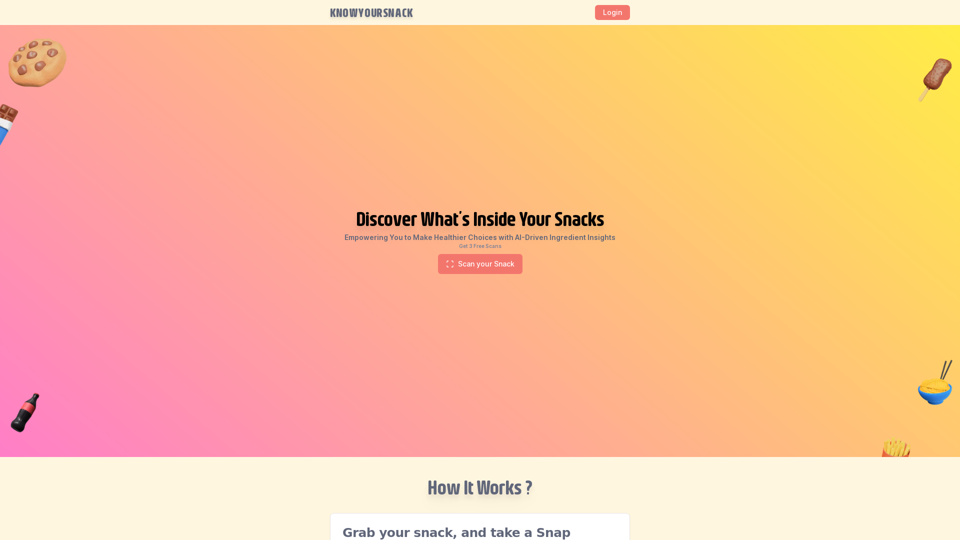
Knowyoursnack - Discover What’s Inside Your Snacks
Knowyoursnack - Discover What’s Inside Your SnacksKnowYourSnack is your personal guide to understanding snack ingredients. Simply snap a photo of the ingredients list on any snack package, and our AI-powered app will identify harmful substances, provide detailed information, and help you make healthier choices.
0
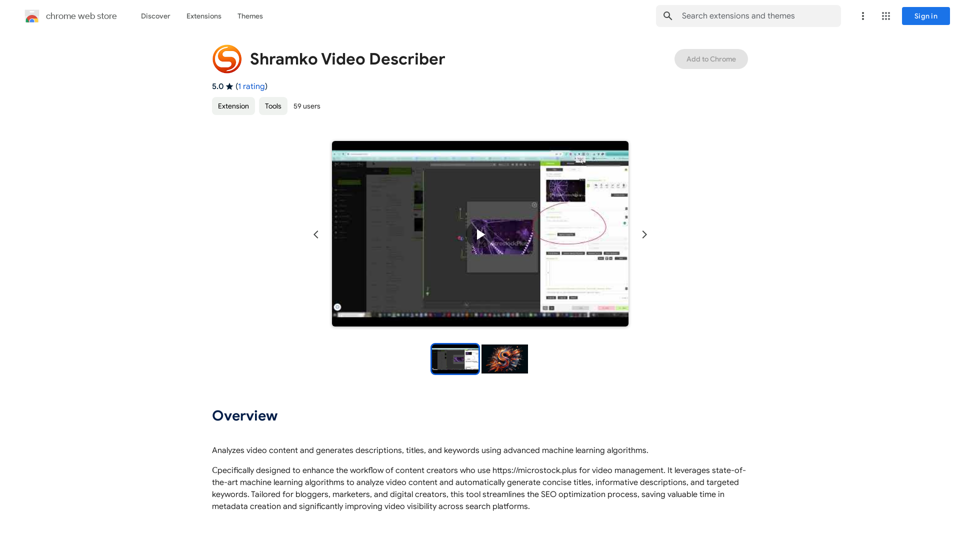
Analyzes video content and generates descriptions, titles, and keywords using advanced machine learning algorithms.
193.90 M
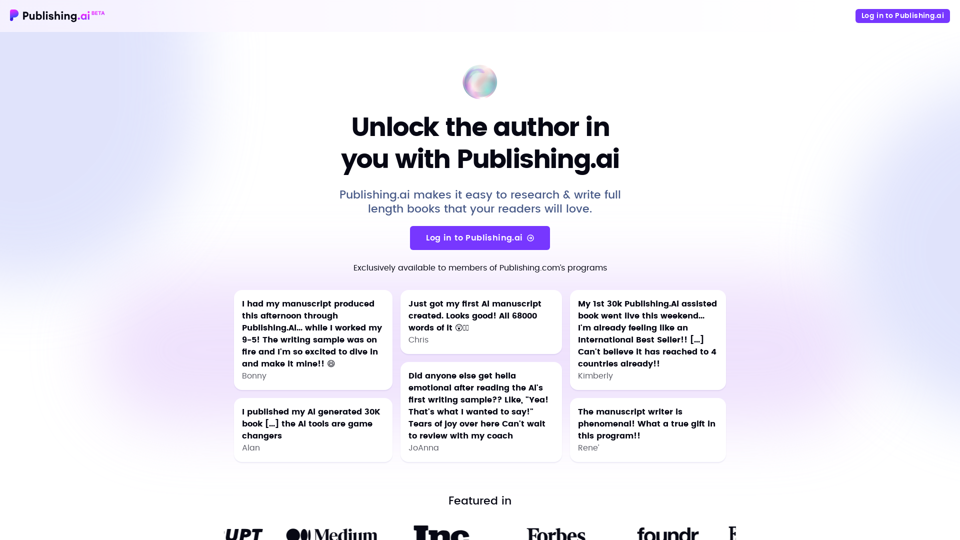
Create high-quality books faster and more cost-effectively than ever, with the world’s first AI designed exclusively for digital publishers.
5.18 K
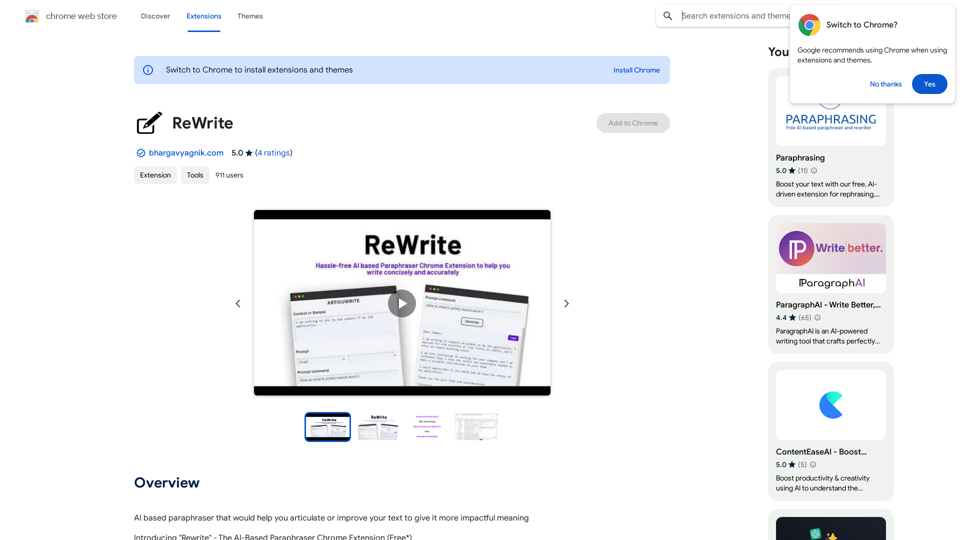
Please provide me with the text you would like me to rewrite in English.
Please provide me with the text you would like me to rewrite in English.An AI-powered rephraser that can help you express your ideas more clearly and powerfully.
193.90 M