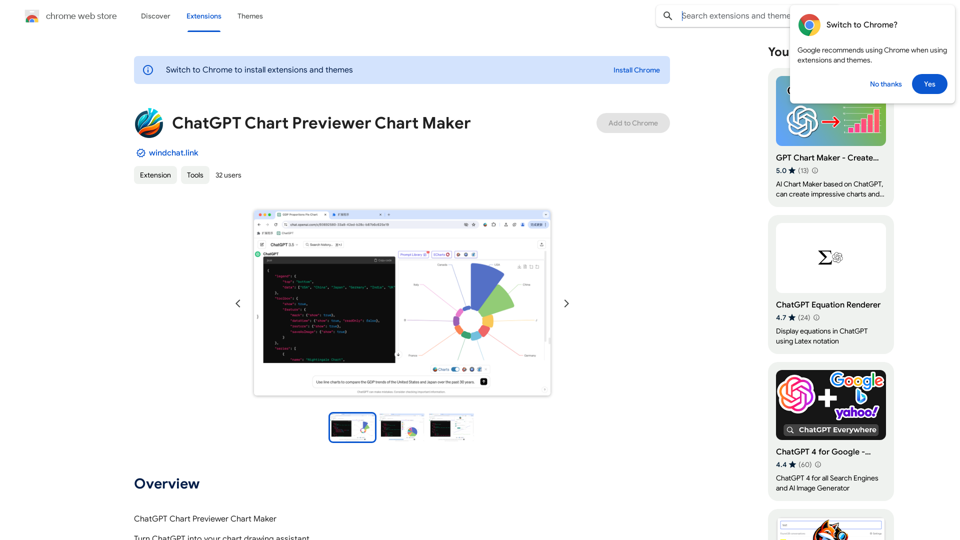
ChatGPT Chart Previewer Chart Maker is an extension that enables users to create various types of charts and graphs using ChatGPT. This tool simplifies the process of data visualization, allowing users to generate beautiful, high-quality graphics for a wide range of applications. Whether you need to visualize economic data, population statistics, or custom datasets, this extension offers a user-friendly solution for creating compelling visual representations.
ChatGPT Chart Previewer Chart Maker
ChatGPT Chart Previewer Chart Maker
Introduction
Feature
Create Diverse Chart Types
ChatGPT Chart Previewer Chart Maker supports over 100 types of graphics, including line charts, bar charts, pie charts, and more. This versatility ensures that users can find the perfect visualization for any dataset or application scenario.
Data-Driven Visualization
Users can input their own data and specify requirements to ChatGPT, which then generates instant, visually appealing graphics. This feature allows for quick and easy creation of custom charts based on user-provided information.
Web-Based Data Retrieval
Leveraging ChatGPT's web browsing capability, users can simply state their request to obtain the latest visualized data results. This feature is particularly useful for accessing and visualizing up-to-date information from online sources.
High-Quality Output
The extension allows users to download graphics as high-definition images, making them suitable for use in presentations, documents, web pages, and various other applications.
Customization Options
Users can experiment with different chart types and customize the appearance of their visualizations to best suit their needs and preferences.
FAQ
What types of charts can I create with this extension?
The extension supports a wide variety of chart types, including line charts, bar charts, pie charts, and many more. It covers over 100 types of graphics to suit different visualization needs.
Can I use my own data with ChatGPT Chart Previewer Chart Maker?
Yes, you can input your own data and specify your requirements to ChatGPT, which will then generate visualizations based on your custom dataset.
Is it possible to access and visualize the latest data from online sources?
Absolutely. The extension utilizes ChatGPT's web browsing capability, allowing you to request and visualize the most recent data available online.
How can I use the charts created with this extension?
You can download the generated graphics as high-definition images and use them in various applications such as PowerPoint presentations, documents, websites, and more.
Is there a cost associated with using ChatGPT Chart Previewer Chart Maker?
The pricing information for this extension is not specified in the provided content.
Related Websites

AI Journey: Explore the Leading AI Tools Software - Expert Reviews & Insights
AI Journey: Explore the Leading AI Tools Software - Expert Reviews & InsightsFind the best AI tools and software with AIJourney. Our daily updates and expert reviews help you enhance your productivity and efficiency.
56.90 K
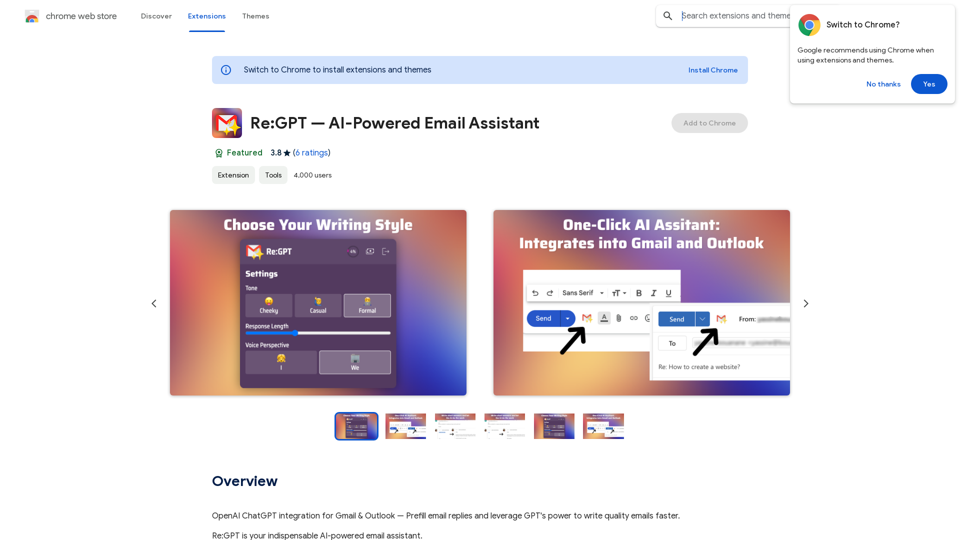
OpenAI ChatGPT integration for Gmail & Outlook — Automatically fill in email replies and harness the power of GPT to compose high-quality emails at a faster pace.
193.90 M

WhatToTextAi =============== WhatToTextAi is an AI-powered texting assistant that helps you come up with the perfect response to any situation.
WhatToTextAi =============== WhatToTextAi is an AI-powered texting assistant that helps you come up with the perfect response to any situation.Overcome texting anxiety with WhatToText AI. Get personalized, human-like replies for any situation in seconds. Improve your English texting skills and build deeper connections. Perfect for non-native speakers and anyone looking to enhance their messaging game.
0
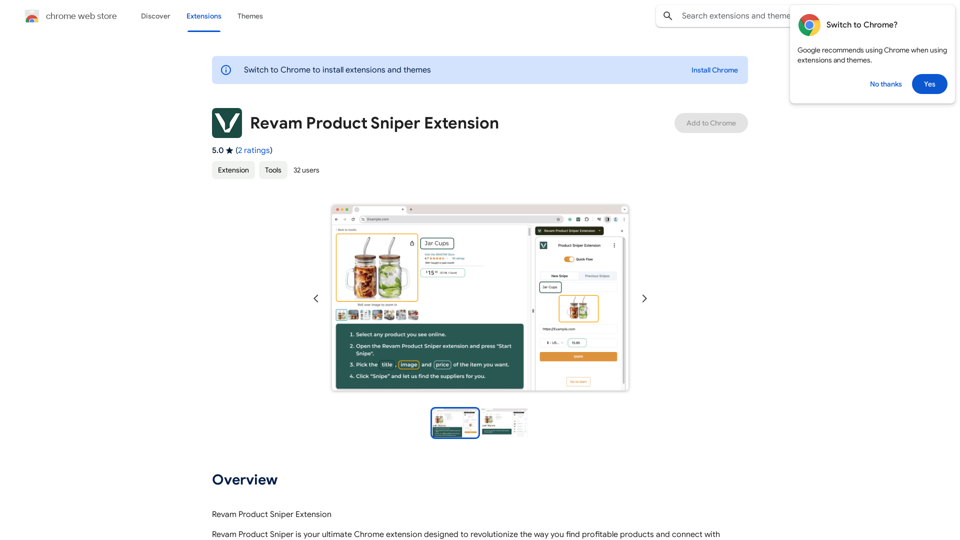
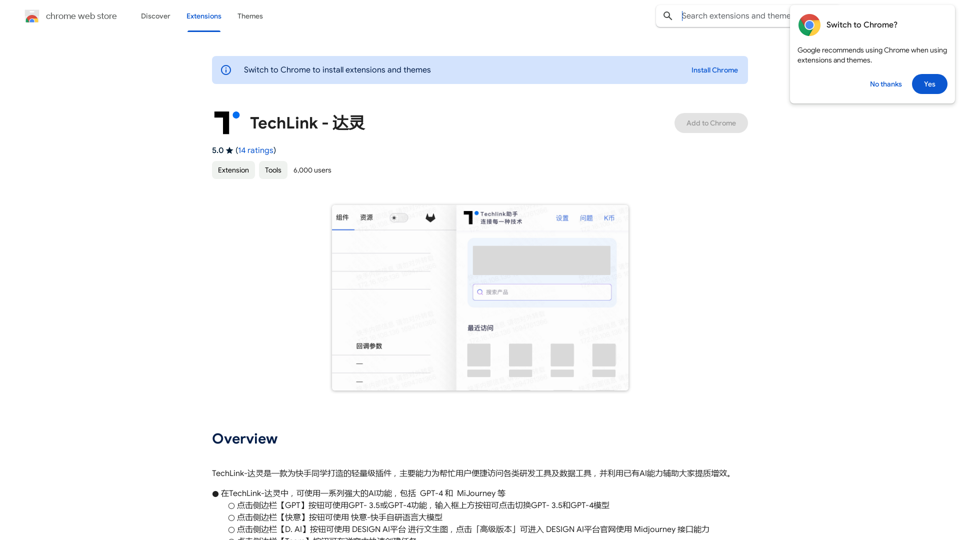
TechLink-Darling is a lightweight plugin designed for Kuaishou colleagues, mainly enabling users to conveniently access various development tools and data tools, and leveraging existing AI capabilities to help everyone improve quality and efficiency.
193.90 M
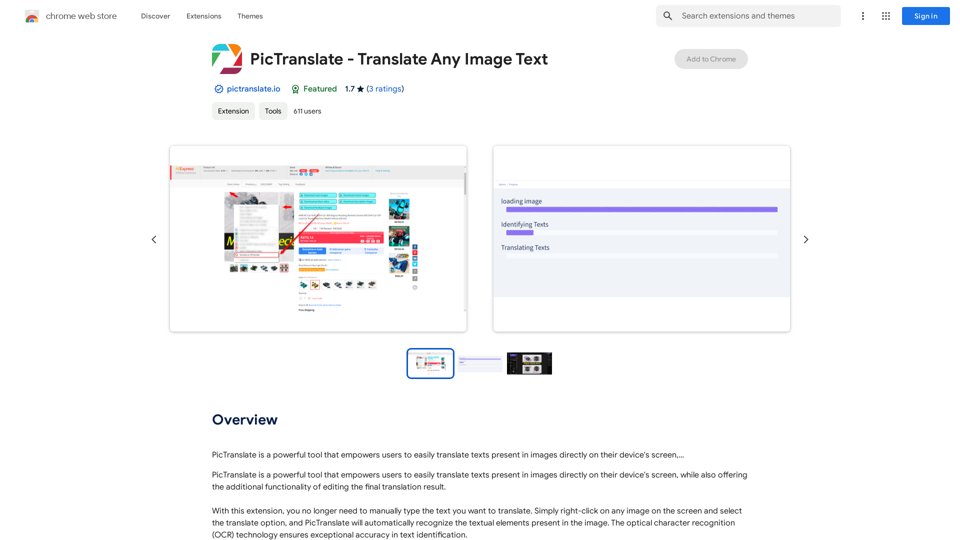
PicTranslate is a powerful tool that empowers users to easily translate texts present in images directly on their device's screen,…
193.90 M