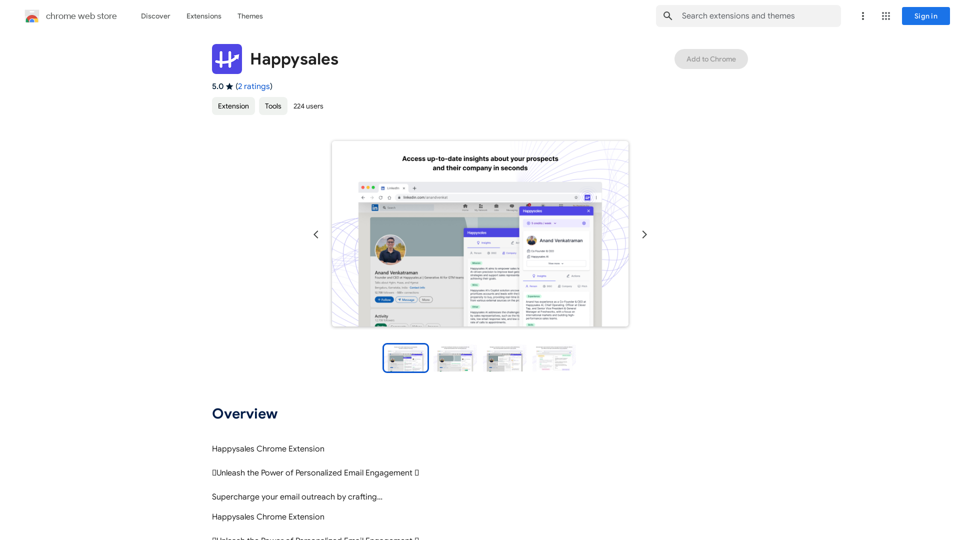
Happysales is a Chrome extension designed to enhance email outreach by creating personalized emails for each recipient. It leverages internet-available data to compile unique insights about prospects and their organizations, resulting in high-performing sales emails and messages.
Happy Sales
Happysales Chrome Extension
🔥 Unleash the Power of Personalized Email Engagement 🔥
Supercharge your email outreach by crafting...
Introduction
Feature
Comprehensive Prospect Research
Happysales delivers extensive prospect research from various data sources, providing valuable insights right where you need them.
AI-Powered Personalized Emails
The extension writes tailored emails to prospects by analyzing their experiences, skills, and potential pain points. The AI model learns from your example emails to maintain consistency in style and tone.
Contextual Email Generation
Emails are crafted considering the targeted persona, their challenges, and your company's value proposition. The AI model can also incorporate specific user instructions for added context.
Easy-to-Use Interface
While exploring a LinkedIn profile, users can access Happysales through a plugin on the right side of the screen. The interface offers:
- An "Insights" section with easy-to-consume research about the prospect
- An "Actions" section with quick options for emails and ice breakers
Flexible Pricing Options
Happysales offers:
- A free tier with generous limits for trial purposes
- Paid plans for individuals and teams, starting at $X per month
FAQ
How does Happysales collect data about prospects?
Happysales collects data from various sources, including LinkedIn and other publicly available information.
Is user data safe with Happysales?
Happysales prioritizes data security and has implemented measures to protect user information.
Can users cancel their Happysales subscription anytime?
Yes, users can cancel their Happysales subscription at any time without incurring further charges.
What are the main benefits of using Happysales?
- Increased email reply rates through individually personalized sales emails
- Time savings in writing personalized emails using AI and industry best practices
- Enhanced understanding of prospects' personalities for better personalization
- Ability to prospect at scale with AI messaging and verified contact information on LinkedIn & Gmail
Related Websites
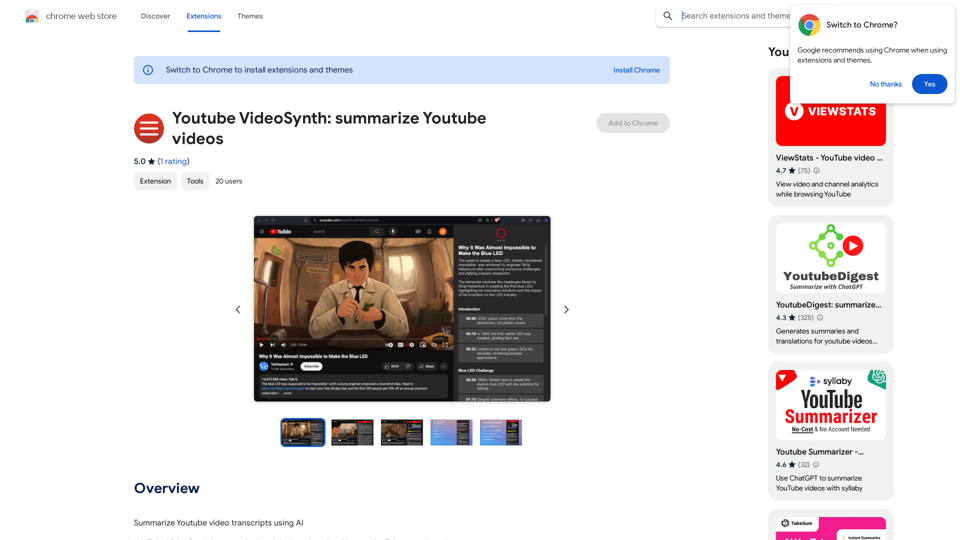
Youtube VideoSynth: Summarize Youtube Videos This tool uses artificial intelligence to create short summaries of YouTube videos. Simply paste the YouTube video URL into the input field, and VideoSynth will generate a concise summary of the video's content.
Youtube VideoSynth: Summarize Youtube Videos This tool uses artificial intelligence to create short summaries of YouTube videos. Simply paste the YouTube video URL into the input field, and VideoSynth will generate a concise summary of the video's content.Summarize YouTube Video Transcripts Using AI This is a powerful tool for quickly understanding the main points of long videos. Here's how it works: 1. Get the Transcript: You'll need a text transcript of the YouTube video. Many videos have automatic captions, or you can use a transcription service. 2. Choose an AI Summarizer: There are many free and paid AI summarization tools available online. Some popular options include: * OpenAI's GPT-3: A powerful language model that can generate high-quality summaries. * Google Cloud AI Platform: Offers a variety of AI services, including text summarization. * Hugging Face Transformers: An open-source library with pre-trained summarization models. 3. Input the Transcript: Paste the transcript into the AI summarizer. 4. Generate the Summary: The AI will analyze the text and generate a concise summary of the video's main points. 5. Review and Edit: Read through the AI-generated summary and make any necessary edits to ensure accuracy and clarity. Let me know if you'd like more details on any of these steps!
193.90 M
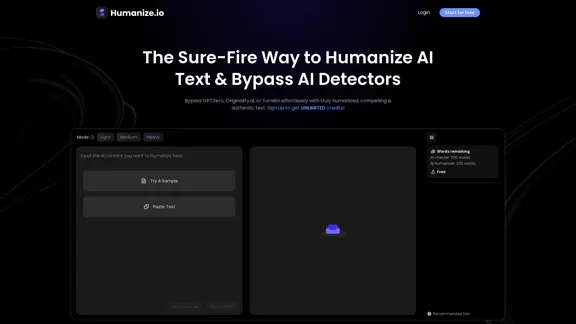
Meet Humanize.io, the best AI tool to make your AI content sound more human. Try our AI humanizer for free now!
164.25 K
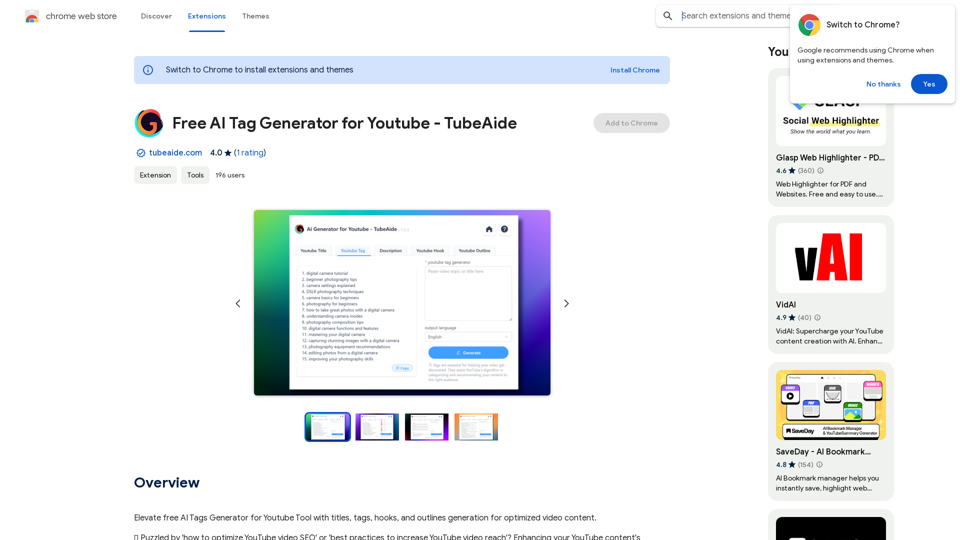
Improve the free AI Tags Generator for YouTube tool by adding features to generate titles, tags, hooks, and outlines for optimized video content.
193.90 M
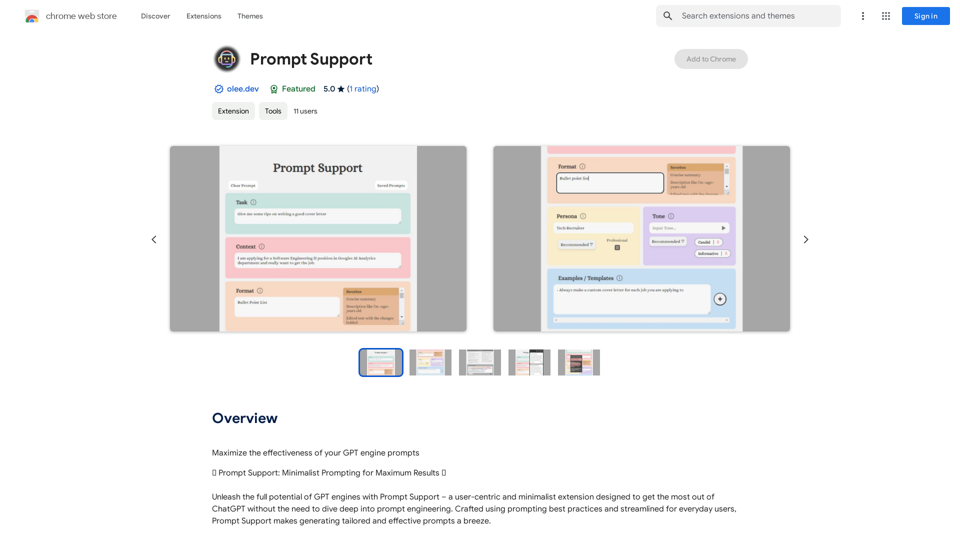
Maximize the Effectiveness of Your GPT Engine Prompts 1. Be Clear and Specific: * Instead of: "Write about dogs." * Try: "Write a 500-word essay about the history and characteristics of Golden Retrievers." 2. Provide Context: * Instead of: "Summarize this article." * Try: "Summarize the main arguments presented in this article about the impact of social media on teenagers." 3. Set the Tone and Style: * Instead of: "Write a story." * Try: "Write a humorous short story about a cat who thinks it's a dog." 4. Define the Desired Format: * Instead of: "Create a poem." * Try: "Write a rhyming sonnet about the beauty of a sunset." 5. Use Examples: * Instead of: "Generate some creative writing ideas." * Try: "Generate some creative writing ideas similar to the style of Edgar Allan Poe." 6. Break Down Complex Tasks: * Instead of: "Write a business plan." * Try: * "Outline the key components of a business plan for a new coffee shop." * "Write a section of the business plan focusing on the target market." 7. Refine Your Prompts: * Experiment with different wording: See what yields the best results. * Iterate on your prompts: Build upon previous responses to get closer to your desired outcome. By following these tips, you can craft more effective prompts that will help you get the most out of your GPT engine.
193.90 M
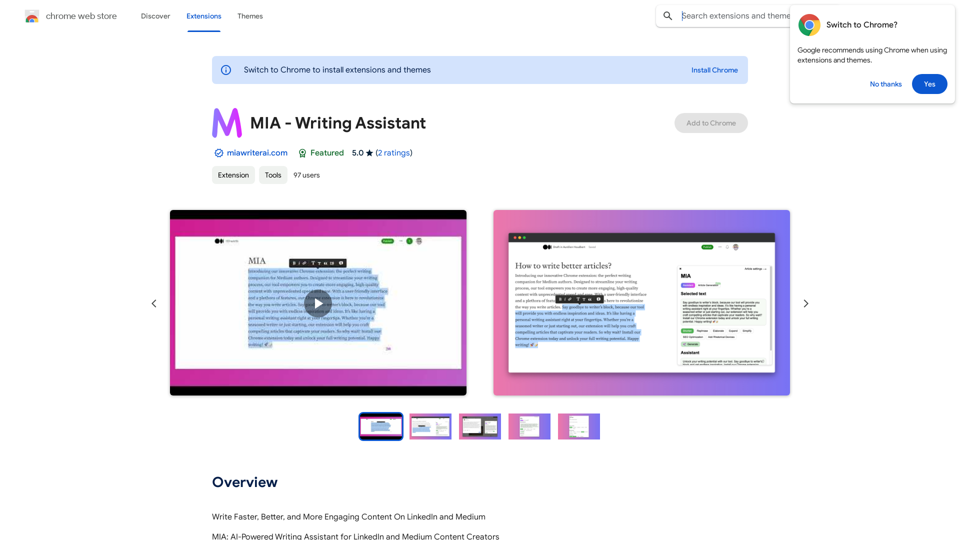
Write Faster, Better, and More Engaging Content On LinkedIn and Medium Tired of staring at a blank page? We've all been there. But what if you could write compelling content for LinkedIn and Medium with ease? Here's how: * Find Your Niche: What are you passionate about? What do you know a lot about? Focus your writing on topics that genuinely interest you. * Craft a Killer Headline: Your headline is your first impression. Make it catchy, clear, and benefit-driven. * Structure for Success: Use headings, subheadings, and bullet points to break up your text and make it easy to read. * Tell a Story: People connect with stories. Weave narratives into your content to make it more engaging. * Keep it Concise: Get to the point quickly. People have short attention spans, so respect their time. * Use Visuals: Images, videos, and infographics can break up text and make your content more visually appealing. * Proofread Carefully: Typos and grammatical errors can damage your credibility. Always proofread your work before publishing. * Promote Your Content: Share your articles on social media and engage with your audience in the comments. By following these tips, you can write faster, better, and more engaging content for LinkedIn and Medium.
193.90 M
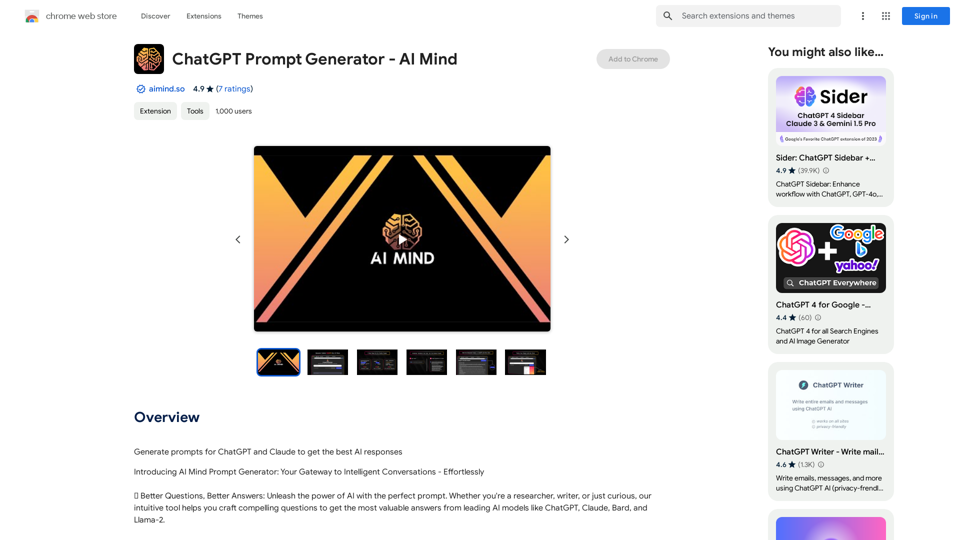
ChatGPT Prompt Generator - AI Mind This is a tool to help you generate creative and effective prompts for ChatGPT. Features: * Diverse Prompt Types: Explore various prompt categories like story writing, dialogue, code generation, and more. * Customization Options: Tailor your prompts with specific details, tone, style, and length preferences. * Inspiration & Examples: Discover a library of pre-made prompts and examples to spark your imagination. * AI-Powered Suggestions: Get intelligent suggestions and refinements for your prompts based on your input. How it Works: 1. Choose a Prompt Type: Select the type of output you desire from ChatGPT. 2. Provide Input: Enter your desired keywords, themes, or specific instructions. 3. Customize Settings: Adjust parameters like tone, style, length, and format. 4. Generate Prompt: Click "Generate" to receive a unique and optimized prompt tailored to your needs. Start Creating! Let your imagination run wild and explore the possibilities of ChatGPT with our AI-powered prompt generator.
ChatGPT Prompt Generator - AI Mind This is a tool to help you generate creative and effective prompts for ChatGPT. Features: * Diverse Prompt Types: Explore various prompt categories like story writing, dialogue, code generation, and more. * Customization Options: Tailor your prompts with specific details, tone, style, and length preferences. * Inspiration & Examples: Discover a library of pre-made prompts and examples to spark your imagination. * AI-Powered Suggestions: Get intelligent suggestions and refinements for your prompts based on your input. How it Works: 1. Choose a Prompt Type: Select the type of output you desire from ChatGPT. 2. Provide Input: Enter your desired keywords, themes, or specific instructions. 3. Customize Settings: Adjust parameters like tone, style, length, and format. 4. Generate Prompt: Click "Generate" to receive a unique and optimized prompt tailored to your needs. Start Creating! Let your imagination run wild and explore the possibilities of ChatGPT with our AI-powered prompt generator.Generate prompts for ChatGPT and Claude to get the best AI responses
193.90 M