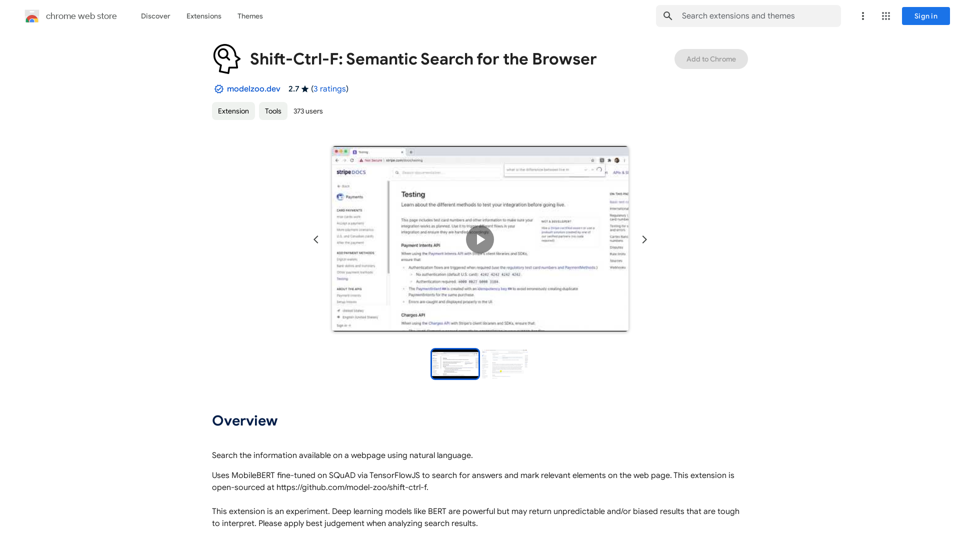
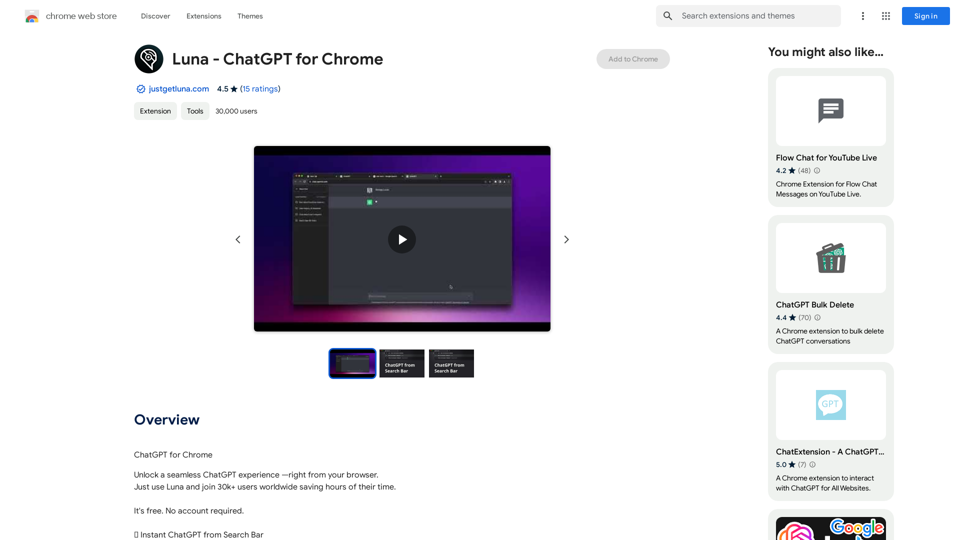
Chrome Web Store is a platform for discovering, installing, and managing extensions and themes for Google Chrome. It offers a wide variety of add-ons to enhance browsing experience, boost productivity, and introduce new features to the browser. Users can explore categories, search for specific extensions, or browse curated collections. The platform also provides a developer dashboard for publishing and managing extensions.
Chrome Web Store
Enhance your browser with new features and customize your browsing experience.
Introduction
Feature
Discover Extensions and Themes
- Browse through categories
- Search for specific extensions
- Explore curated collections
- Wide range of options to enhance browsing experience
Manage Extensions and Themes
- Easy installation process
- Update installed extensions and themes
- Disable or uninstall unwanted add-ons
- Access through Chrome settings page
Developer Dashboard
- Publish extensions and themes
- Manage published content
- Track performance and user engagement
User-Friendly Interface
- Sign in with Google account
- Intuitive browsing and discovery features
- Simple installation process with "Add to Chrome" button
Pricing Options
- Free to use platform
- Most extensions and themes are free
- Some premium options available (subscription or one-time payment)
FAQ
How do I install an extension or theme?
To install an extension or theme, simply click the "Add to Chrome" button and follow the prompts.
How do I manage my installed extensions and themes?
To manage your installed extensions and themes, go to the Chrome settings page and click on "Extensions" or "Themes".
Can I return or refund an extension or theme?
The Chrome Web Store has a no-returns policy, and refunds are not available for extensions and themes.
Are there any safety concerns when using Chrome Web Store?
Be cautious when installing extensions and themes, as some may collect personal data or have unintended consequences. Regularly check for updates to ensure that your extensions and themes are secure and functioning properly.
Related Websites
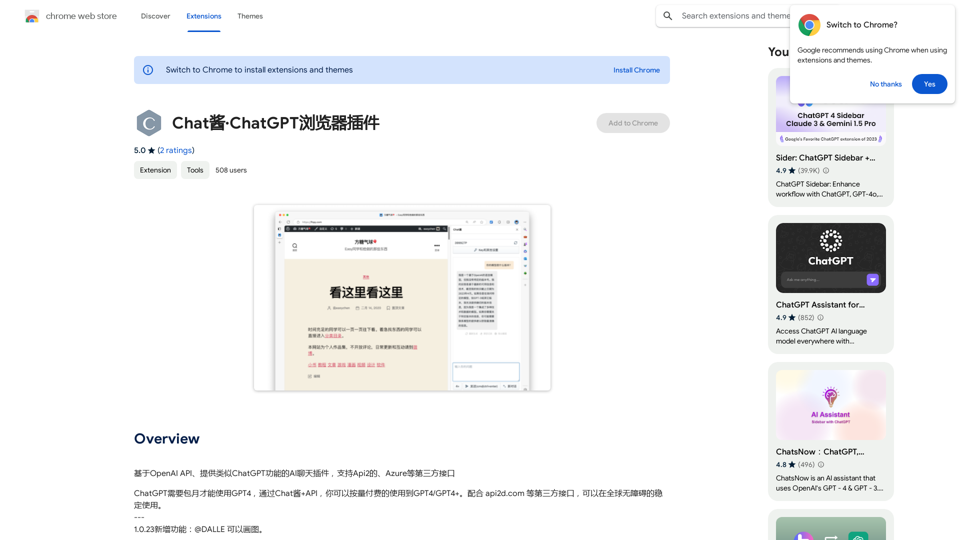
An AI chat plugin similar to ChatGPT, based on the OpenAI API, that supports third-party interfaces like Api2 and Azure.
193.90 M

Enhance your email productivity with MailMaestro. Enjoy AI-assisted email summaries, unique style personalization, and top-quality drafts. Check our features today!
222.20 K
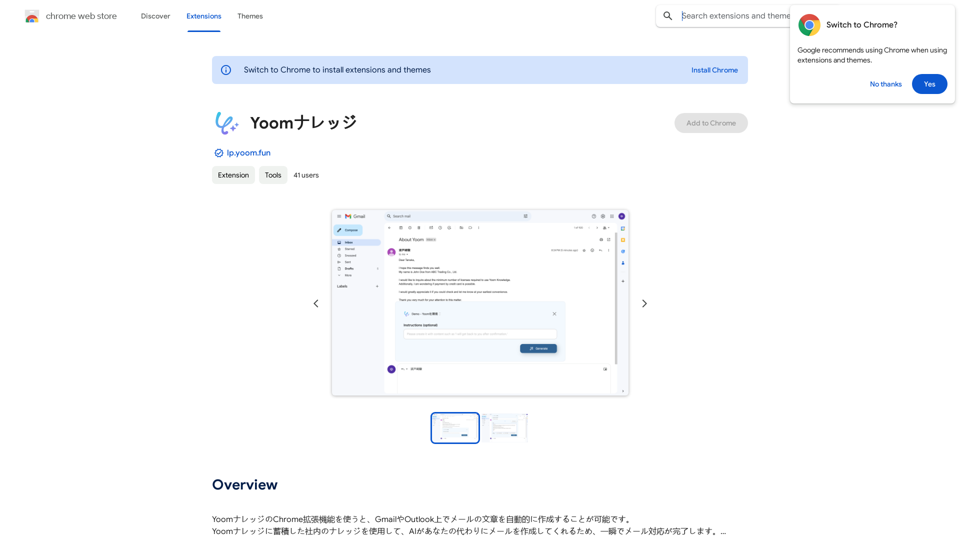
Using the Yoom Knowledge Chrome extension, you can automatically generate email content in Gmail or Outlook. AI will create emails for you using the company knowledge accumulated in Yoom Knowledge, allowing you to complete email responses in an instant.
193.90 M
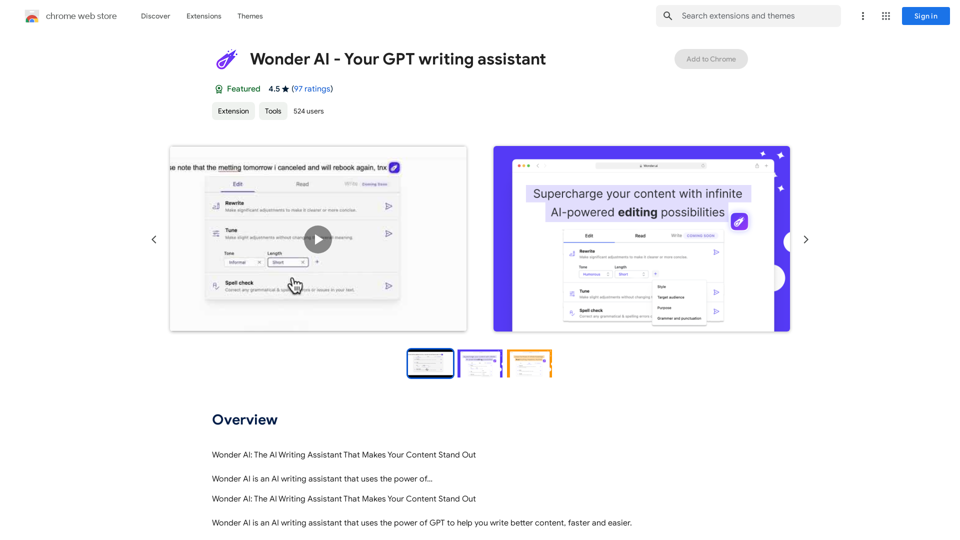
Wonder AI: The AI Writing Assistant That Makes Your Content Stand Out Wonder AI is an AI writing assistant that uses the power of artificial intelligence to help you create high-quality, engaging content that resonates with your audience.
193.90 M
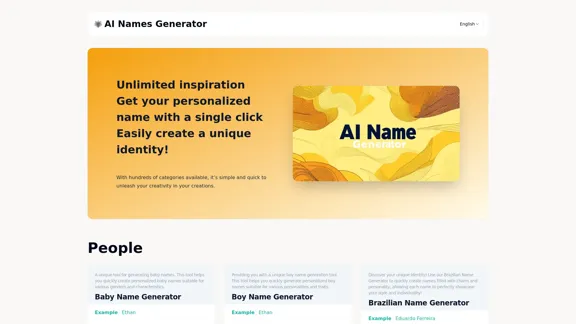
Explore our name generator to easily create unique names! Whether it's for a business name or a character name, we offer a wide variety of options, and each name comes with a detailed meaning. Try it now to discover creative names that add charm to your projects or pets!
6.03 K