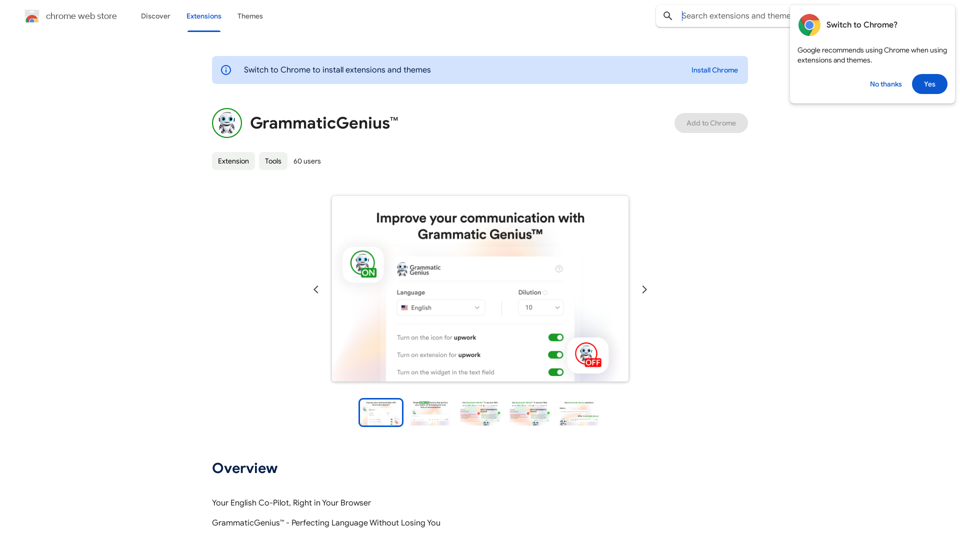
GrammaticGenius™ is an innovative Chrome extension designed to enhance your writing experience. It seamlessly integrates into any text-input field, allowing users to improve their text quality with a simple keyboard shortcut. The tool goes beyond basic error correction, focusing on amplifying the user's authentic voice and ensuring impactful communication.
GrammaticGenius™
Your English Co-Pilot, Right in Your Browser
Introduction
Feature
Instant Text Enhancement
GrammaticGenius™ elevates your writing from good to outstanding with a simple 'ctrl + y' keyboard shortcut, integrating directly within any text-input field.
Native-Level Communication
Helps users communicate with the proficiency of a native English speaker, boosting credibility and opening up new opportunities in professional settings.
Streamlined Workflow
Eliminates the need for copy-pasting from ChatGPT, offering a dedicated button within every text field for quick and efficient writing improvement.
Customizable Formality
Users can adjust the level of formality on a scale of 1-10, allowing for supreme accuracy and formality or preserving more of the user's inherent style.
Voice Preservation
Powered by the GPT API, GrammaticGenius™ refines text while maintaining the user's unique voice and style.
Flexible Usage
Offers customization options, including the ability to enable or disable the extension on specific platforms like Upwork.
Multilingual Support
While primarily designed for English, the tool caters to writers worldwide.
FAQ
What is GrammaticGenius™?
GrammaticGenius™ is a Chrome extension that integrates into text-input fields, enhancing writing quality with a simple keyboard shortcut. It focuses on amplifying the user's authentic voice and ensuring impactful communication.
What are the main features of GrammaticGenius™?
The main features include:
- Native-level communication enhancement
- Direct integration with text fields
- Customizable formality levels
- Preservation of the user's authentic voice
- User-centric interface with platform-specific customization
How can I maximize my use of GrammaticGenius™?
To maximize use, leverage the GPT API-powered fine-tuning while preserving your unique voice. Take advantage of the free access during the beta test period to explore all features and improve your writing across various platforms.
How much does GrammaticGenius™ cost?
GrammaticGenius™ is currently free to use as part of a limited-time lifetime free access beta test offer.
Related Websites
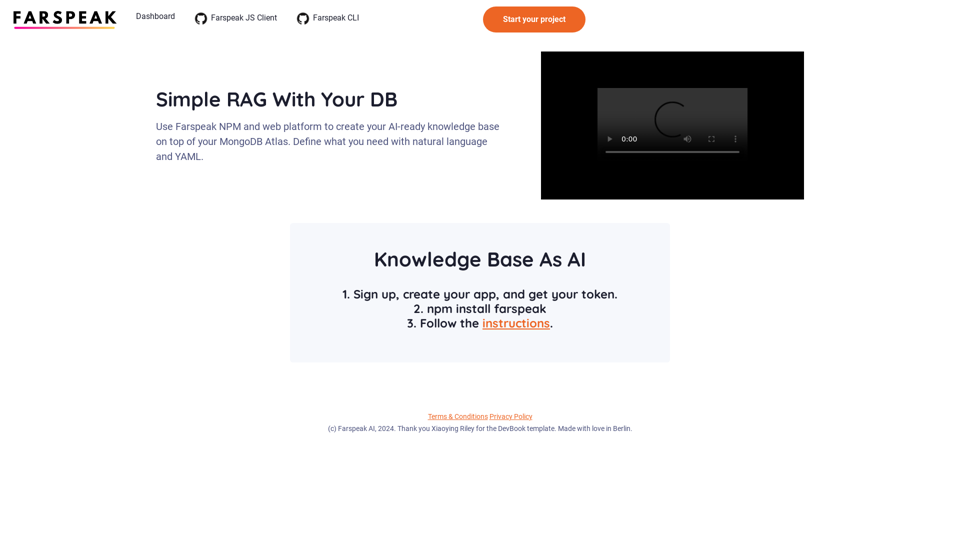
Farspeak is a Gen AI platform made for building apps. It makes it easy to create AI-powered knowledge bases and connect them to your MongoDB Atlas database.
0
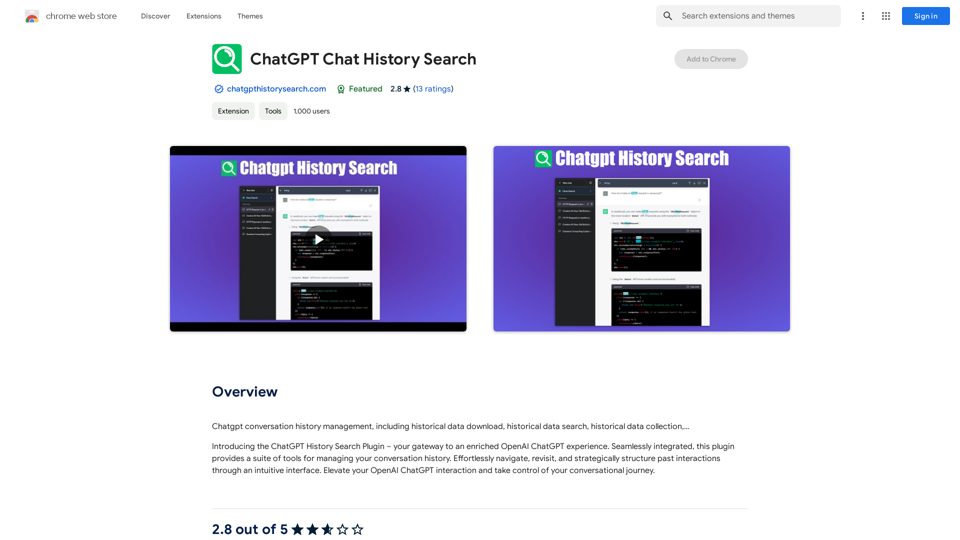
ChatGPT Conversation History Management, including: Historical Data Download Historical Data Search Historical Data Collection …
193.90 M
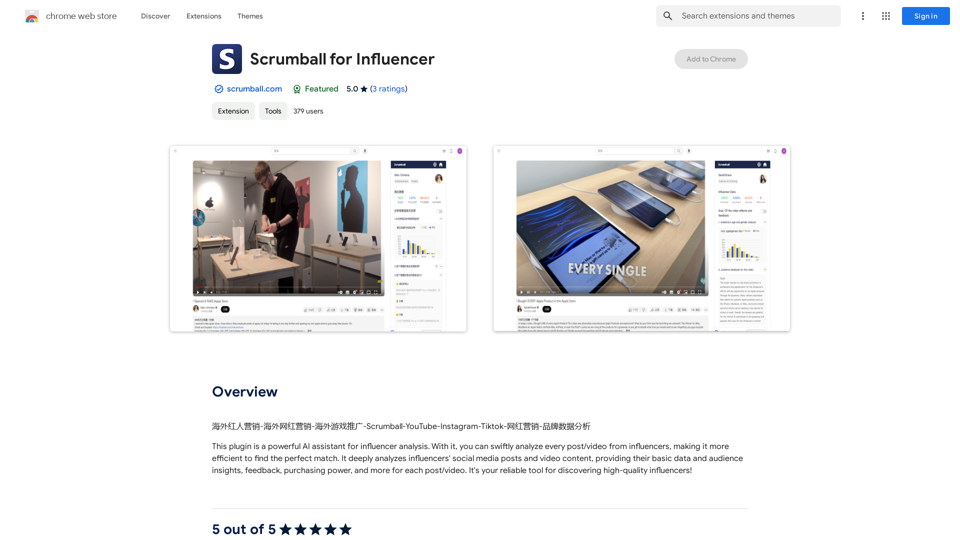
Overseas Influencer Marketing - Overseas Internet Celebrity Marketing - Overseas Game Promotion - Scrumball - YouTube - Instagram - Tiktok - Internet Celebrity Marketing - Brand Data Analysis
193.90 M
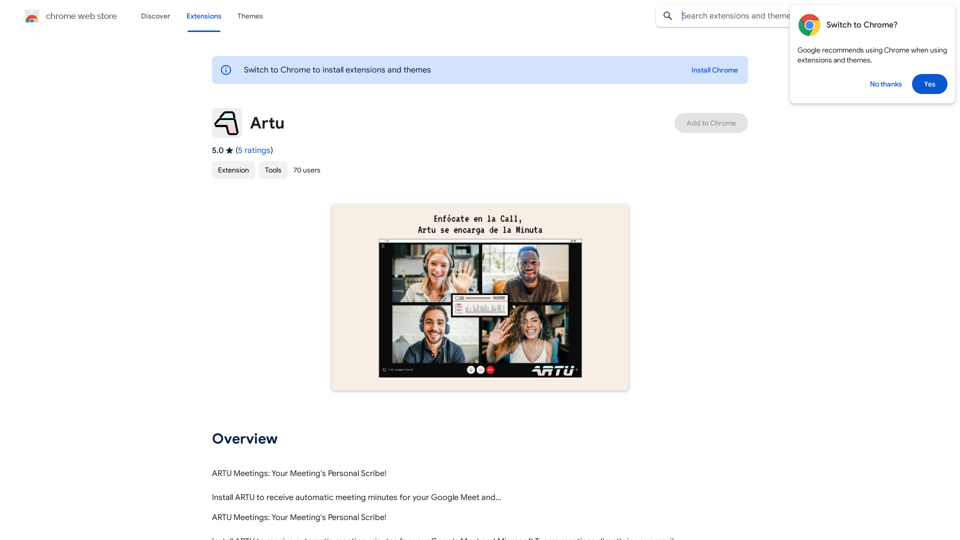
ARTU Meetings: Your Meeting's Personal Scribe! Install ARTU to receive automatic meeting minutes for your Google Meet and...
193.90 M
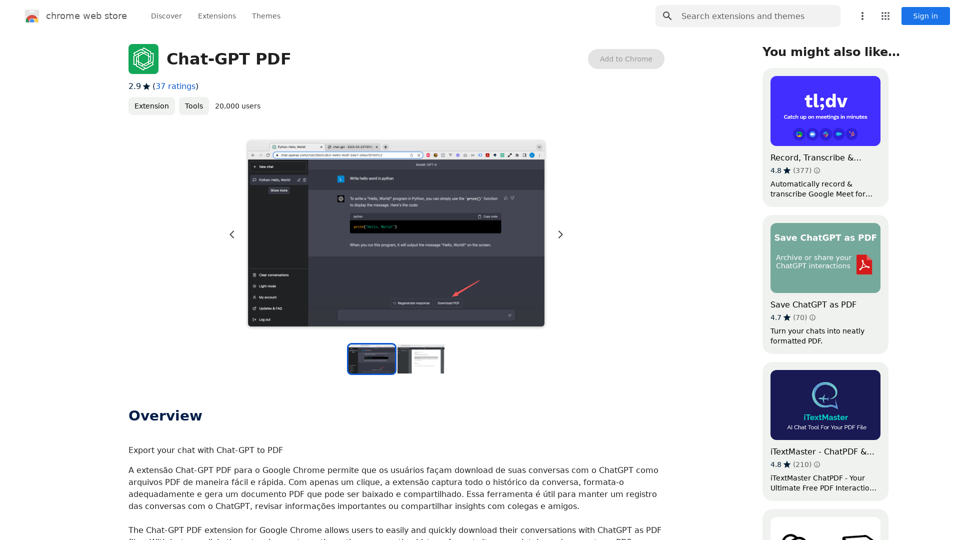
Chat-GPT PDF What is Chat-GPT PDF? Chat-GPT PDF is a tool that allows users to generate PDF files from Chat-GPT conversations. This innovative tool enables users to save and share their conversations in a more organized and visually appealing format. How does Chat-GPT PDF work? The process is simple and straightforward. Here's a step-by-step guide: 1. Copy the conversation: Copy the entire conversation from the Chat-GPT platform. 2. Paste the conversation: Paste the copied conversation into the Chat-GPT PDF tool. 3. Customize the layout: Customize the layout, font, and design of the PDF file according to your preferences. 4. Generate the PDF: Click the "Generate PDF" button to create a downloadable PDF file. Features of Chat-GPT PDF Chat-GPT PDF offers several features that make it an essential tool for users: * Customizable layout: Customize the layout, font, and design of the PDF file to suit your needs. * Easy sharing: Share the PDF file with others via email, social media, or messaging apps. * Offline access: Access your conversations offline, even without an internet connection. * Organization: Organize your conversations in a neat and tidy format, making it easier to review and reference. Benefits of Chat-GPT PDF The benefits of using Chat-GPT PDF are numerous: * Improved productivity: Save time and increase productivity by having all your conversations in one place. * Enhanced collaboration: Collaborate with others more effectively by sharing conversations in a clear and concise format. * Better organization: Keep your conversations organized, making it easier to review and reference them later. Conclusion Chat-GPT PDF is a game-changer for anyone who uses Chat-GPT regularly. With its ease of use, customization options, and benefits, it's an essential tool for anyone looking to get the most out of their conversations.
Chat-GPT PDF What is Chat-GPT PDF? Chat-GPT PDF is a tool that allows users to generate PDF files from Chat-GPT conversations. This innovative tool enables users to save and share their conversations in a more organized and visually appealing format. How does Chat-GPT PDF work? The process is simple and straightforward. Here's a step-by-step guide: 1. Copy the conversation: Copy the entire conversation from the Chat-GPT platform. 2. Paste the conversation: Paste the copied conversation into the Chat-GPT PDF tool. 3. Customize the layout: Customize the layout, font, and design of the PDF file according to your preferences. 4. Generate the PDF: Click the "Generate PDF" button to create a downloadable PDF file. Features of Chat-GPT PDF Chat-GPT PDF offers several features that make it an essential tool for users: * Customizable layout: Customize the layout, font, and design of the PDF file to suit your needs. * Easy sharing: Share the PDF file with others via email, social media, or messaging apps. * Offline access: Access your conversations offline, even without an internet connection. * Organization: Organize your conversations in a neat and tidy format, making it easier to review and reference. Benefits of Chat-GPT PDF The benefits of using Chat-GPT PDF are numerous: * Improved productivity: Save time and increase productivity by having all your conversations in one place. * Enhanced collaboration: Collaborate with others more effectively by sharing conversations in a clear and concise format. * Better organization: Keep your conversations organized, making it easier to review and reference them later. Conclusion Chat-GPT PDF is a game-changer for anyone who uses Chat-GPT regularly. With its ease of use, customization options, and benefits, it's an essential tool for anyone looking to get the most out of their conversations.Exporting Chat History to PDF You can export your chat history with Chat-GPT to a PDF file using the following methods: #Method 1: Browser Print Function 1. Open your chat conversation with Chat-GPT in a web browser. 2. Press `Ctrl + P` (Windows) or `Cmd + P` (Mac) to open the print dialog box. 3. Select "Save as PDF" as the printer destination. 4. Choose a location to save the PDF file and set the file name. 5. Click "Save" to export the chat history to a PDF file. #Method 2: Online PDF Conversion Tools 1. Copy the entire chat conversation by pressing `Ctrl + A` (Windows) or `Cmd + A` (Mac) and then `Ctrl + C` (Windows) or `Cmd + C` (Mac). 2. Go to an online PDF conversion tool, such as SmallPDF or Convertio. 3. Paste the chat conversation into the conversion tool's text box. 4. Select the PDF format and click "Convert" to generate the PDF file. 5. Download the PDF file to your computer. #Method 3: Browser Extensions 1. Install a browser extension, such as Print Friendly & PDF or FireShot, that allows you to save web pages as PDF files. 2. Open your chat conversation with Chat-GPT in a web browser. 3. Click the browser extension's icon in the toolbar. 4. Select the "Save as PDF" option and choose a location to save the file. 5. Click "Save" to export the chat history to a PDF file. By following these methods, you can easily export your chat history with Chat-GPT to a PDF file for future reference or sharing.
193.90 M
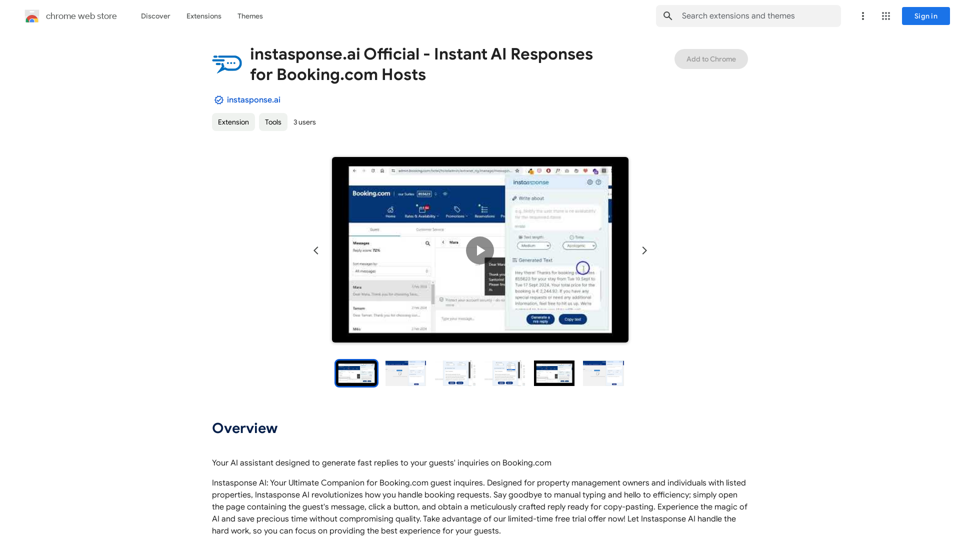
instasponse.ai Official - Instant AI Responses for Booking.com Hosts
instasponse.ai Official - Instant AI Responses for Booking.com HostsI am an AI assistant designed to quickly answer your guests' questions on Booking.com.
193.90 M