GPTOnline is a free ChatGPT extension that enables instant AI-powered conversations without the need for account creation or login. This tool integrates seamlessly with popular search engines like Google and Bing, providing users with AI-generated answers directly on these platforms. GPTOnline stands out for its accessibility, multilingual support, and advanced features, making AI interaction more convenient and versatile for users worldwide.
GPTOnline - Free ChatGPT Extension
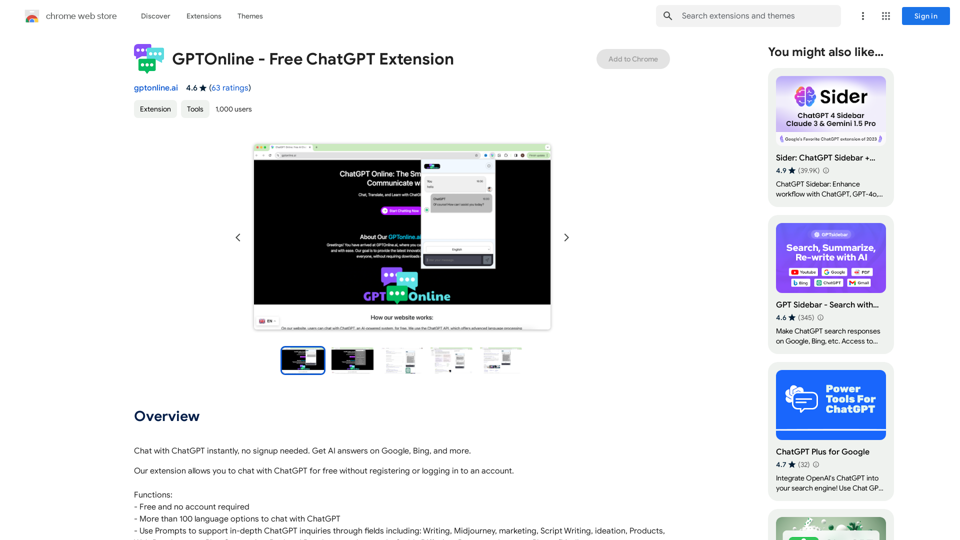
Talk to ChatGPT right away, you don't need to create an account. Get answers from AI on Google, Bing, and other search engines.
Introduction
Feature
Free and No Account Required
GPTOnline offers its services completely free of charge, with no hidden costs or subscription fees. Users can access all features without the need to create an account or log in, ensuring a hassle-free experience.
Multilingual Support
The extension boasts support for over 100 languages, allowing users to interact with ChatGPT in their preferred language. This feature enhances accessibility and user experience for a global audience.
Advanced Prompts
GPTOnline includes an advanced Prompts feature, enabling users to conduct in-depth inquiries across various fields such as writing, marketing, and script writing. This functionality supports more specialized and targeted AI interactions.
Seamless Integration
Users can easily install GPTOnline from the Chrome Web Store, integrating it directly into their browser. Once installed, accessing ChatGPT is as simple as clicking the extension icon in the browser toolbar.
Cross-Platform Compatibility
GPTOnline is compatible with multiple devices, functioning on any device that supports the Chrome browser. This ensures users can access AI assistance across different platforms.
FAQ
Is GPTOnline really free to use?
Yes, GPTOnline is entirely free. There are no subscription fees, hidden costs, or requirements to create an account or log in to use its services.
How many languages does GPTOnline support?
GPTOnline supports over 100 language options, allowing users to interact with ChatGPT in their preferred language.
Can I use GPTOnline on different devices?
Yes, GPTOnline is compatible with multiple devices and can be used on any device that has a Chrome browser installed.
How do I start using GPTOnline?
To begin using GPTOnline, simply install the extension from the Chrome Web Store. Once installed, you can start chatting with ChatGPT instantly by clicking on the extension's icon in your browser toolbar.
What are Prompts in GPTOnline?
Prompts are an advanced feature in GPTOnline that support in-depth ChatGPT inquiries in various fields, including writing, marketing, and script writing. They help users tailor their AI interactions for more specific and specialized needs.
Related Websites
Gemini AI for Google Gemini AI is an innovative artificial intelligence (AI) model designed to revolutionize the way Google interacts with its users. This cutting-edge technology is capable of understanding and responding to natural language inputs, making it an ideal solution for enhancing user experience on Google's platforms. Key Features: * Conversational Interface: Gemini AI enables users to interact with Google using conversational language, making it easier to find information and perform tasks. * Contextual Understanding: The AI model can understand the context of a user's query, providing more accurate and relevant results. * Personalized Experience: Gemini AI can learn a user's preferences and tailor the search results and recommendations to their individual needs. * Multitasking Capability: The AI model can handle multiple tasks simultaneously, allowing users to perform complex queries and tasks with ease. Benefits: * Enhanced User Experience: Gemini AI provides a more intuitive and user-friendly experience, making it easier for users to find what they're looking for on Google. * Improved Accuracy: The AI model's ability to understand context and nuances of language reduces the likelihood of irrelevant search results. * Increased Productivity: Gemini AI's multitasking capability and personalized experience enable users to accomplish more in less time. Potential Applications: * Google Assistant: Gemini AI can be integrated into Google Assistant, enabling users to have more natural and conversational interactions with the virtual assistant. * Google Search: The AI model can be used to improve the search engine's ability to understand complex queries and provide more accurate results. * Google Workspace: Gemini AI can be applied to Google Workspace (formerly G Suite) to enhance the productivity and collaboration capabilities of the platform.
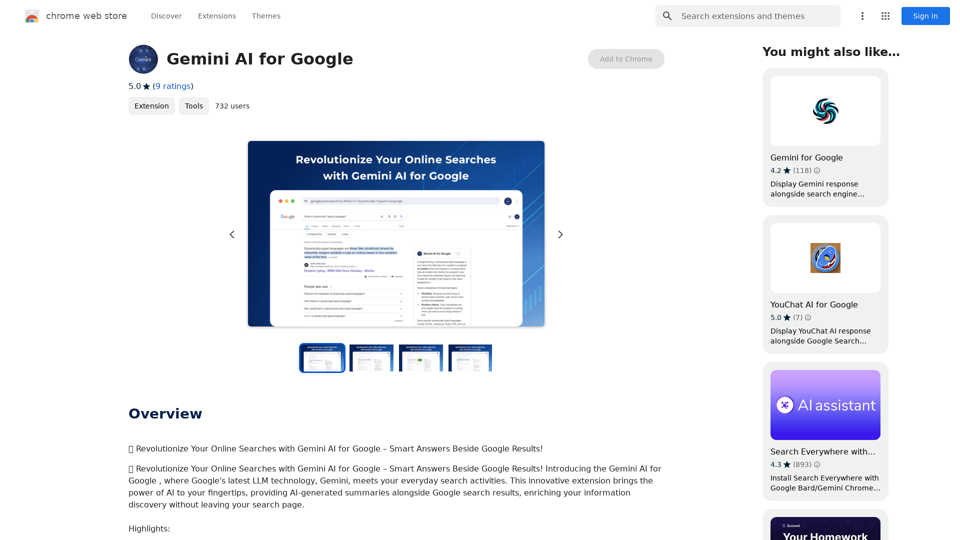
Gemini AI for Google Gemini AI is an innovative artificial intelligence (AI) model designed to revolutionize the way Google interacts with its users. This cutting-edge technology is capable of understanding and responding to natural language inputs, making it an ideal solution for enhancing user experience on Google's platforms. Key Features: * Conversational Interface: Gemini AI enables users to interact with Google using conversational language, making it easier to find information and perform tasks. * Contextual Understanding: The AI model can understand the context of a user's query, providing more accurate and relevant results. * Personalized Experience: Gemini AI can learn a user's preferences and tailor the search results and recommendations to their individual needs. * Multitasking Capability: The AI model can handle multiple tasks simultaneously, allowing users to perform complex queries and tasks with ease. Benefits: * Enhanced User Experience: Gemini AI provides a more intuitive and user-friendly experience, making it easier for users to find what they're looking for on Google. * Improved Accuracy: The AI model's ability to understand context and nuances of language reduces the likelihood of irrelevant search results. * Increased Productivity: Gemini AI's multitasking capability and personalized experience enable users to accomplish more in less time. Potential Applications: * Google Assistant: Gemini AI can be integrated into Google Assistant, enabling users to have more natural and conversational interactions with the virtual assistant. * Google Search: The AI model can be used to improve the search engine's ability to understand complex queries and provide more accurate results. * Google Workspace: Gemini AI can be applied to Google Workspace (formerly G Suite) to enhance the productivity and collaboration capabilities of the platform.🗨️ Revolutionize Your Online Searches with Gemini AI for Google – Get Smart Answers Right Beside Google Results!
193.90 M
Spot Translator This is a simple tool to translate text from one language to another. How to use: 1. Enter the text you want to translate in the input box. 2. Choose the source language from the dropdown menu. 3. Choose the target language from the dropdown menu. 4. Click the "Translate" button. The translated text will appear in the output box.
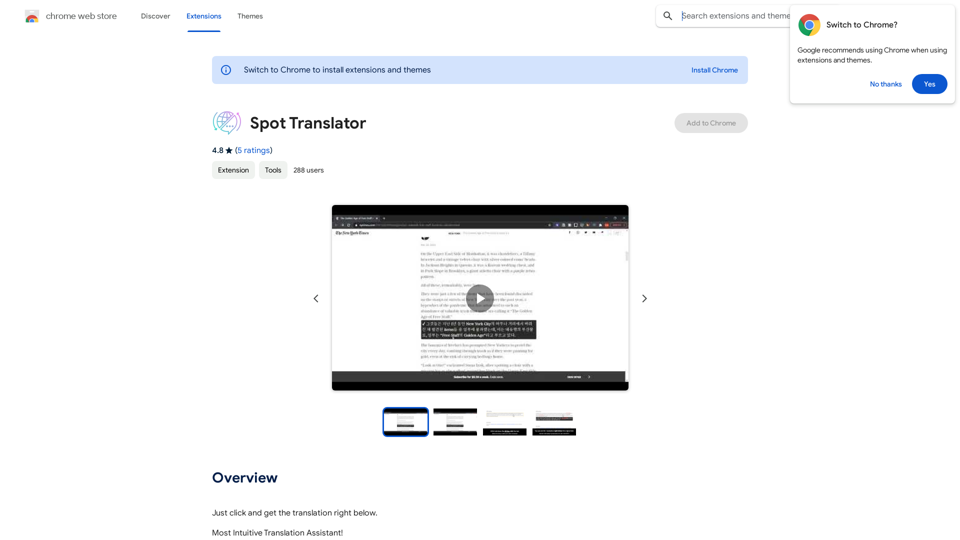
Spot Translator This is a simple tool to translate text from one language to another. How to use: 1. Enter the text you want to translate in the input box. 2. Choose the source language from the dropdown menu. 3. Choose the target language from the dropdown menu. 4. Click the "Translate" button. The translated text will appear in the output box.Just click and get the translation right below.
193.90 M
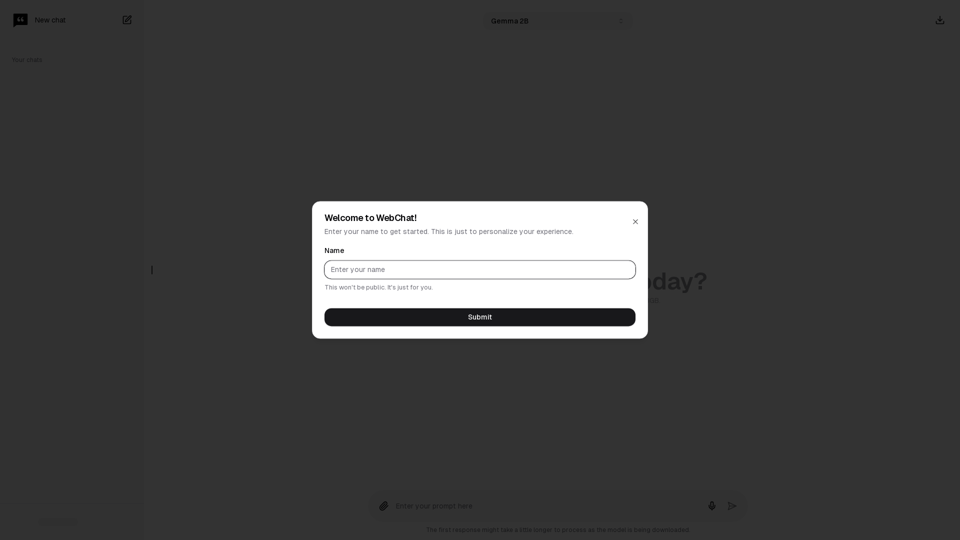
Chat with Web-LLM Models in the Browser You can interact with Web-LLM models directly in your web browser without requiring any additional setup or installation. This allows you to easily experiment with and explore the capabilities of these models. Getting Started To get started, simply open a web browser and navigate to the Web-LLM model's website or platform. Once you're on the website, you can usually find a chat interface or text input field where you can enter your prompts or questions. How it Works When you enter a prompt or question, the Web-LLM model processes your input and generates a response. This response is then displayed in the chat interface or output field, allowing you to read and interact with the model's output. Benefits The benefits of chatting with Web-LLM models in the browser include: * Convenience: No need to install any software or set up any development environments. * Accessibility: Anyone with a web browser can interact with the model, regardless of their technical expertise. * Ease of use: The chat interface provides a user-friendly way to interact with the model, making it easy to experiment and explore its capabilities. Use Cases Some potential use cases for chatting with Web-LLM models in the browser include: * Research and development: Quickly experiment with different models and prompts to explore their capabilities and limitations. * Education and learning: Use the chat interface to teach students about AI and language models, or to provide interactive learning experiences. * Creative writing and ideation: Use the model as a tool to generate ideas, write stories, or create poetry. Overall, chatting with Web-LLM models in the browser provides a convenient and accessible way to interact with these powerful language models, and can be a valuable tool for a wide range of applications.
2.59 K