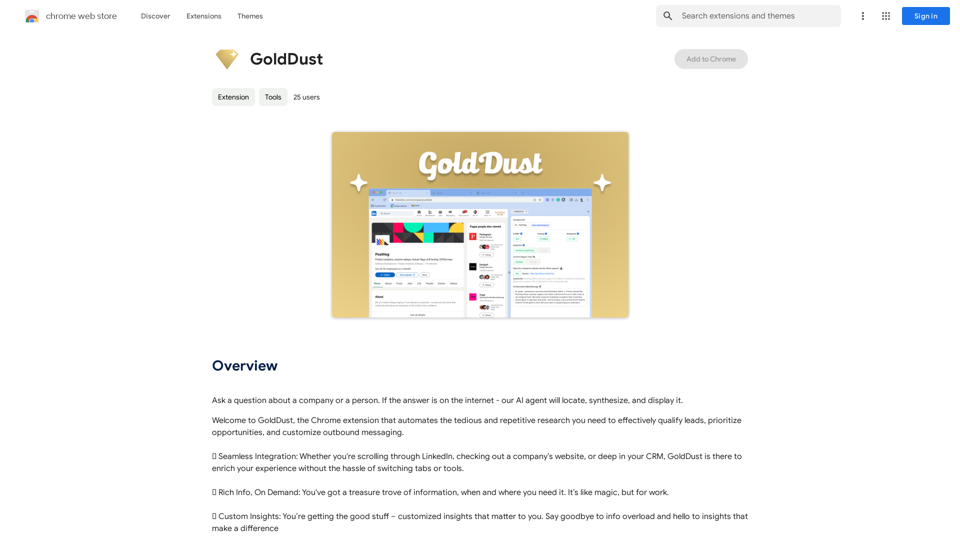
GoldDust is a Chrome extension designed to streamline and automate research processes. It helps users efficiently qualify leads, prioritize opportunities, and tailor outbound messaging. By offering seamless integration, on-demand rich information, and custom insights, GoldDust simplifies research tasks and provides users with essential information when they need it most.
GoldDust
What is the founding date of Google?
Introduction
Feature
Seamless Integration
GoldDust integrates effortlessly with various platforms such as LinkedIn, websites, and CRM systems. This integration enhances user experience by eliminating the need to switch between different tabs or tools.
Rich Information On Demand
Users can access a wealth of information instantly with GoldDust. The extension provides rich insights and data whenever and wherever needed, making research more efficient and comprehensive.
Custom Insights
GoldDust offers personalized insights tailored to individual user needs. This feature helps eliminate information overload by focusing on valuable data that makes a real difference in decision-making processes.
Easy Installation and Use
Installing and using GoldDust is straightforward. Once installed, the extension automatically enhances the research experience, providing users with necessary information for lead qualification, opportunity prioritization, and customized outbound messaging.
Free to Use
GoldDust is a free Chrome extension with no subscription fees or hidden costs. Users can enjoy all its features without any limitations, making it a valuable addition to their research toolkit.
FAQ
Is GoldDust free to use?
Yes, GoldDust is a completely free Chrome extension. There are no subscription fees or hidden costs associated with its use.
How does GoldDust work?
GoldDust works by seamlessly integrating with various platforms such as LinkedIn, websites, and CRM systems. It automatically provides rich information and custom insights to simplify the research process for users.
Can I customize the insights I receive from GoldDust?
Yes, GoldDust allows users to customize their insights. This feature enables you to focus on the information that is most relevant and valuable to your specific needs and goals.
What platforms does GoldDust integrate with?
GoldDust integrates with various platforms, including LinkedIn, websites, and CRM systems. This wide integration allows for a seamless research experience across different tools and platforms.
How can GoldDust benefit my research process?
GoldDust can significantly streamline your research process by automating tedious tasks, providing rich information on demand, and offering custom insights. This can save time and improve the efficiency of lead qualification, opportunity prioritization, and outbound messaging customization.
Related Websites
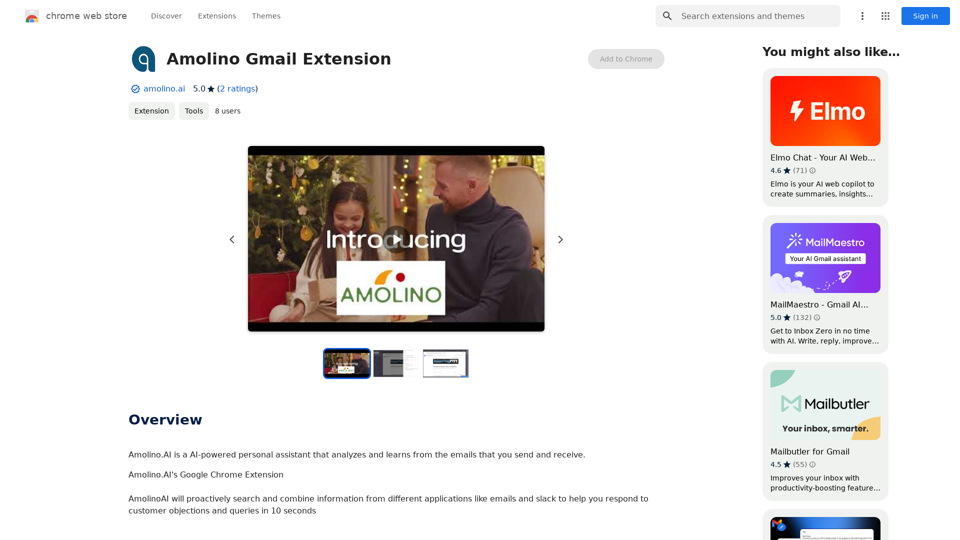
Amolino.AI is an AI-powered personal assistant that analyzes and learns from the emails you send and receive.
193.90 M
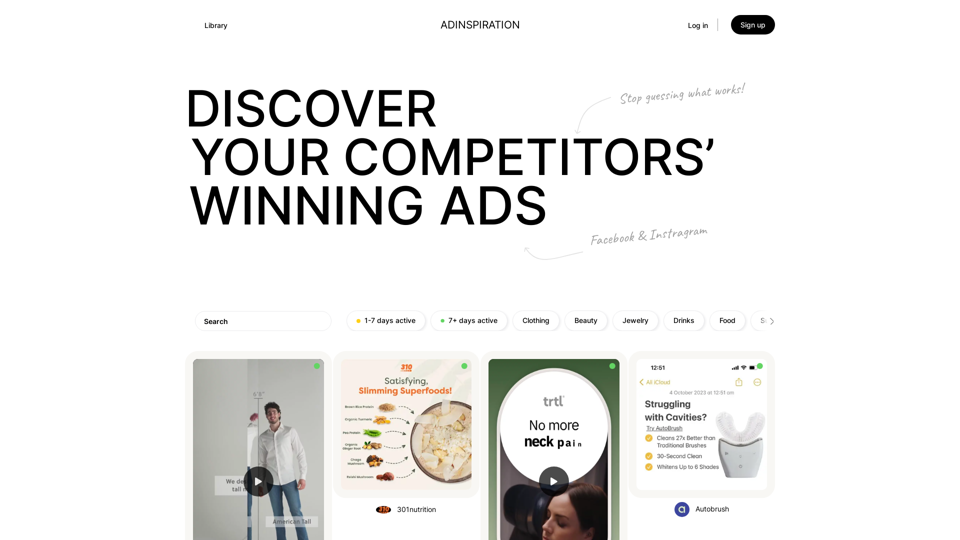
Adinspiration | Discover your Competitors' Winning Ads from Facebook Ad Library
Adinspiration | Discover your Competitors' Winning Ads from Facebook Ad LibraryBoost your Return on Ad Spend (ROAS) with proven Ad Inspiration and winning Facebook & Instagram ad creatives from top brands and your Competitors. Meta Ad library with superpowers
0
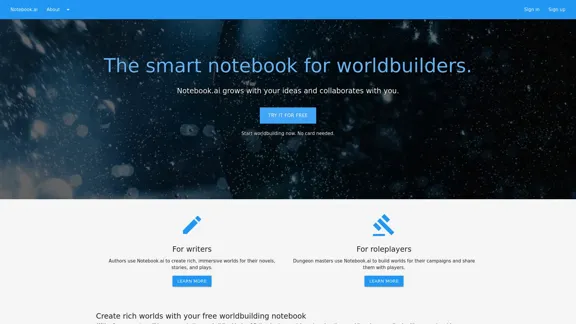
The intelligent notebook for world creators - Notebook.ai
The intelligent notebook for world creators - Notebook.aiNotebook.ai is a collection of tools designed for writers and roleplayers to create magnificent universes — and everything within them.
149.28 K
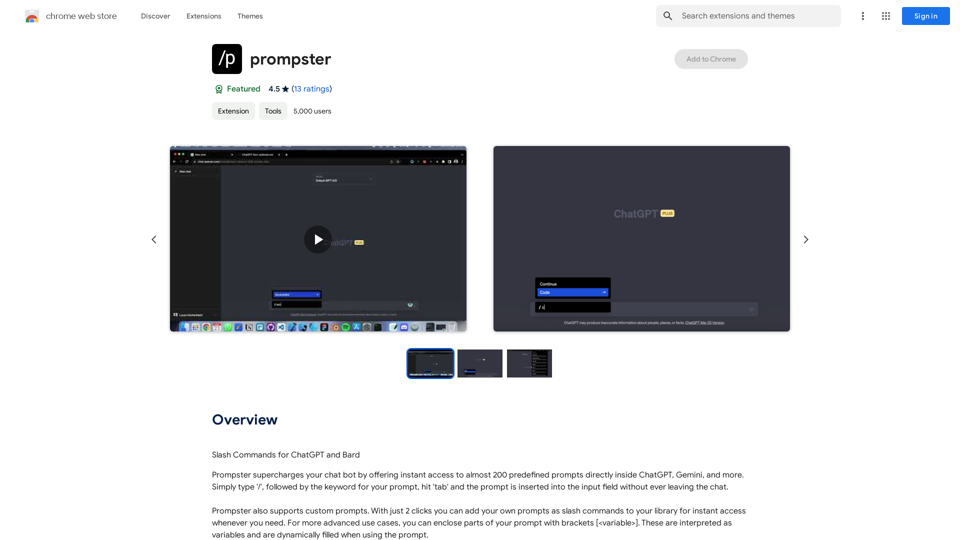
What is a Prompster? A Prompster is a person who assists a speaker, actor, or presenter by providing them with lines or cues, usually in a subtle and discreet manner, during a performance, presentation, or speech.
What is a Prompster? A Prompster is a person who assists a speaker, actor, or presenter by providing them with lines or cues, usually in a subtle and discreet manner, during a performance, presentation, or speech.Slash Commands for ChatGPT and Bard ===================================== Introduction Slash commands are a convenient way to interact with ChatGPT and Bard, allowing you to perform various tasks and actions within the chat interface. This guide provides an overview of the available slash commands for both ChatGPT and Bard. ChatGPT Slash Commands #General Commands * `/help`: Displays a list of available slash commands and their descriptions. * `/reset`: Resets the conversation, clearing all previous messages and context. #Conversation Management * `/start`: Starts a new conversation, allowing you to begin a fresh topic or task. * `/stop`: Ends the current conversation, stopping any ongoing tasks or topics. #Language and Tone * `/lang <language_code>`: Sets the language for the conversation (e.g., `/lang en` for English). * `/tone <tone>`: Adjusts the tone of the responses (e.g., `/tone formal` for formal tone). #Task Management * `/task <task_name>`: Creates a new task or topic for the conversation (e.g., `/task math problem`). * `/done`: Marks the current task as completed. #Information and Resources * `/define <word>`: Provides the definition of a word or phrase. * `/wiki <topic>`: Displays information about a topic from Wikipedia. Bard Slash Commands #General Commands * `/help`: Displays a list of available slash commands and their descriptions. * `/reset`: Resets the conversation, clearing all previous messages and context. #Conversation Management * `/start`: Starts a new conversation, allowing you to begin a fresh topic or task. * `/stop`: Ends the current conversation, stopping any ongoing tasks or topics. #Language and Tone * `/lang <language_code>`: Sets the language for the conversation (e.g., `/lang en` for English). * `/tone <tone>`: Adjusts the tone of the responses (e.g., `/tone formal` for formal tone). #Task Management * `/task <task_name>`: Creates a new task or topic for the conversation (e.g., `/task math problem`). * `/done`: Marks the current task as completed. #Information and Resources * `/define <word>`: Provides the definition of a word or phrase. * `/wiki <topic>`: Displays information about a topic from Wikipedia. * `/news <topic>`: Displays news articles related to a specific topic. Conclusion Slash commands provide a convenient way to interact with ChatGPT and Bard, allowing you to manage conversations, adjust language and tone, and access various resources. By mastering these commands, you can optimize your experience and get the most out of your interactions with these AI models.
193.90 M
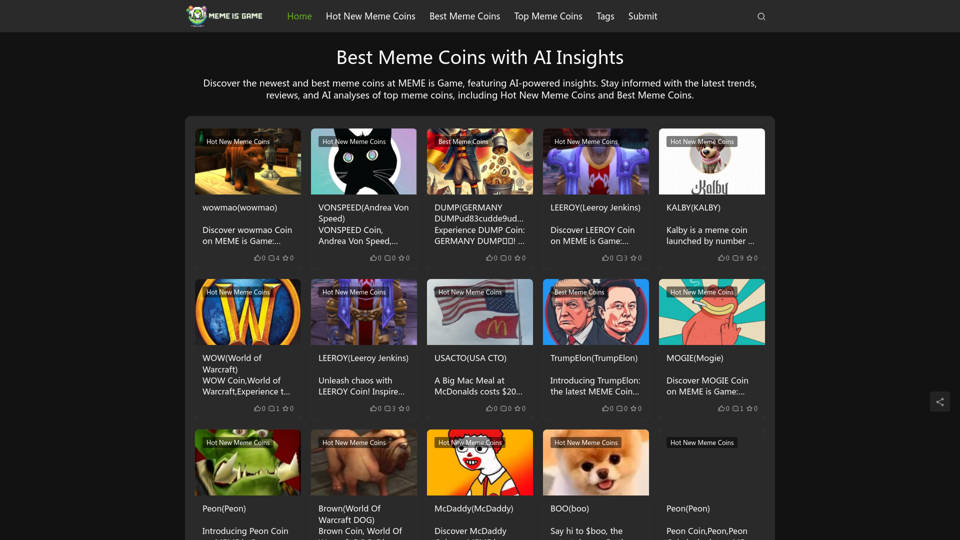
Best Meme Coins with AI Insights at MEME is Game Let's explore the top meme coins gaining traction in the crypto space, enhanced by the power of AI insights at MEME is Game.
Best Meme Coins with AI Insights at MEME is Game Let's explore the top meme coins gaining traction in the crypto space, enhanced by the power of AI insights at MEME is Game.Discover the newest and best meme coins at MEME is Game, featuring AI-powered insights. Stay informed with the latest trends, reviews, and AI analyses of top meme coins, including Hot New Meme Coins and Best Meme Coins.
0
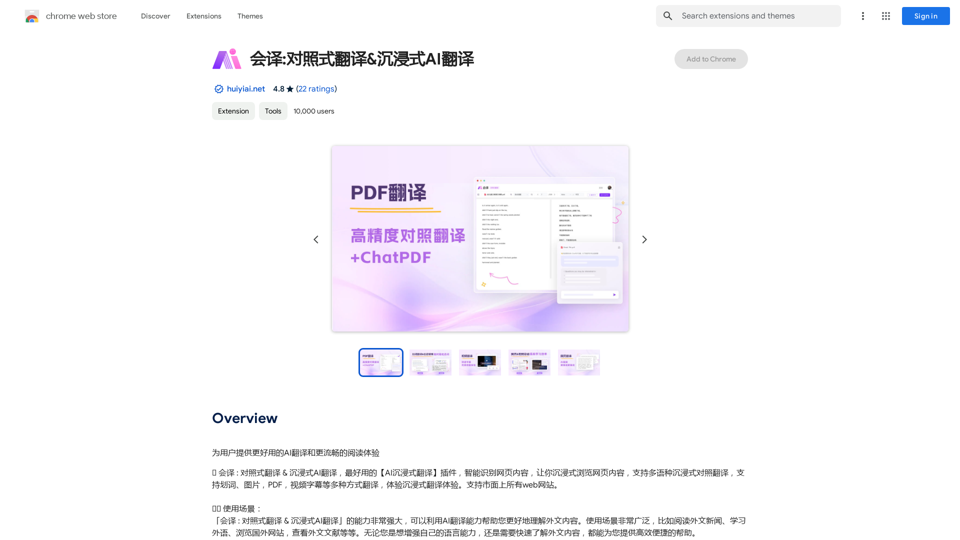
Translation Methods: Comparative Translation & Immersive AI Translation
Translation Methods: Comparative Translation & Immersive AI TranslationProvide users with better AI translation and a more fluent reading experience.
193.90 M