TubeAide is a free AI-powered Chrome extension designed to help content creators optimize their YouTube videos. It offers a comprehensive suite of tools for generating titles, tags, descriptions, hooks, and outlines in 25 languages. This all-in-one solution for YouTube SEO aims to improve video reach and engagement, making it easier for creators to focus on producing quality content while enhancing their visibility on the platform.
Free AI YouTube Video Tags Generator TubeAide
Boost Your Video with Free AI YouTube Video Tag Generator TubeAIde: Titles, Tags, Descriptions, Hooks, and Outlines in 25 Languages
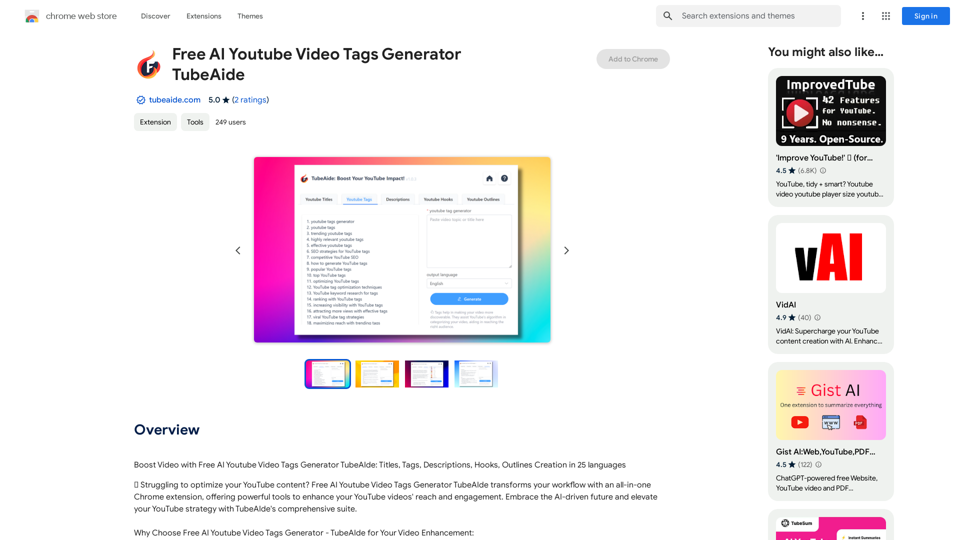
Introduction
Feature
Comprehensive YouTube SEO Suite
TubeAide provides a range of tools to enhance your YouTube videos' visibility and engagement, covering all aspects of video optimization.
AI-Powered Generation
Utilizing cutting-edge AI technology, TubeAide generates optimized content tailored to your specific content and audience needs.
Multilingual Support
With support for 25 languages, TubeAide ensures your content is globally accessible and optimized for international audiences.
SEO-Enhanced Elements
Increase your visibility on YouTube with SEO-optimized tags, titles, and descriptions generated by TubeAide.
Streamlined Content Creation
TubeAide simplifies the content creation process, allowing you to focus more on producing quality videos.
Detailed Analytics
Gain in-depth insights into the performance of your generated tags and descriptions to understand what works best for your audience.
Privacy and Security
TubeAide prioritizes user privacy and adheres strictly to Chrome's security standards, ensuring your data and creative content are protected.
FAQ
How does TubeAide improve YouTube SEO for creators?
TubeAide enhances SEO by providing optimized tags, titles, and descriptions, ensuring your videos are discovered by the right audience.
Can TubeAide help non-English speakers optimize their content?
Certainly! TubeAide supports 25 languages, enabling content optimization for a diverse global audience.
Is TubeAide user-friendly for those new to SEO?
Yes, TubeAide is designed to be intuitive, guiding users through generating and applying optimized content easily.
Are my video ideas and content secure with TubeAide?
Absolutely. TubeAide operates with full compliance to Chrome's privacy policies, safeguarding your creative content.
What sets TubeAide apart from other YouTube optimization tools?
TubeAide distinguishes itself with AI precision, multilingual support, and a commitment to user experience and data security.
Related Websites
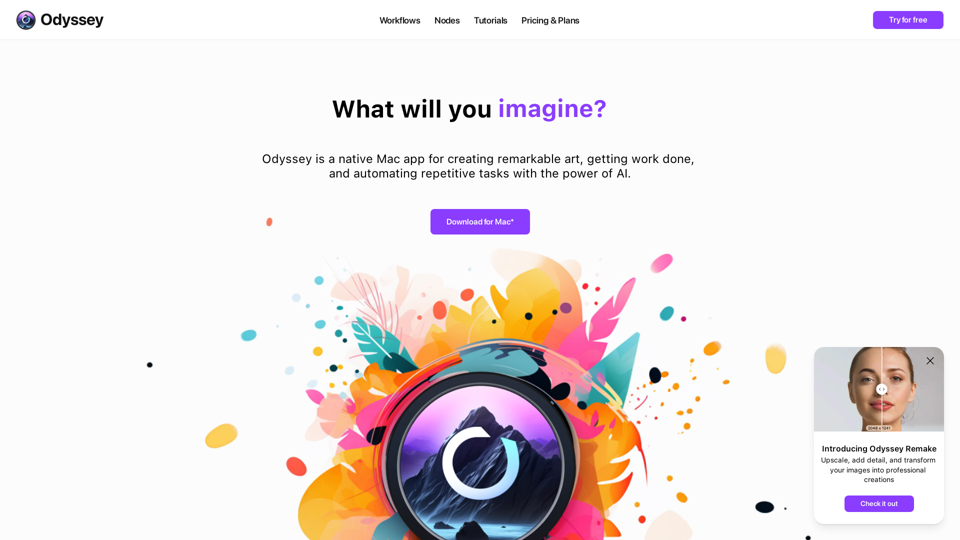
Odyssey is a native Mac app for creating remarkable art, getting work done, and automating repetitive tasks with the power of AI.
12.13 K

The Hentai AI generator enables you to customize personalized Hentai content, while NSFW Chat provides you with a platform to interact with others and jointly discuss various topics in the adult field.
579
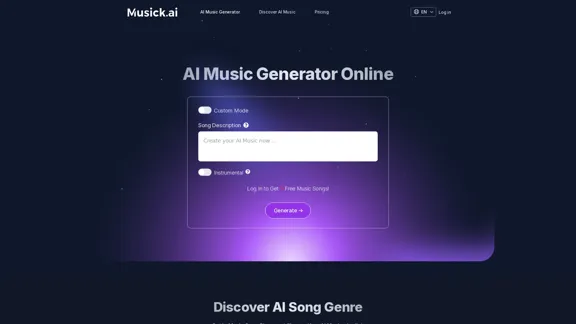
Musick.ai: Free AI Music Generator & AI Song Maker Online
Musick.ai: Free AI Music Generator & AI Song Maker OnlineExplore Musick.ai as an innovative AI Music Generator, including music theory and music plaza. Create songs with AI and make AI music now!
57.04 K
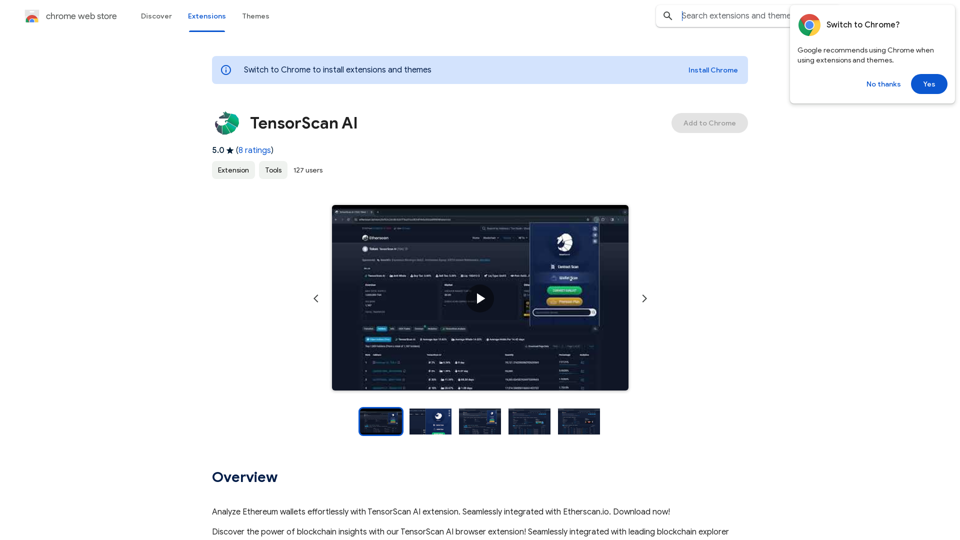
Analyze Ethereum wallets easily with the TensorScan AI extension. It works perfectly with Etherscan.io. Download it now!
193.90 M
![Simplified Chrome Extension
This is a basic Chrome extension designed to be easy to understand and modify.
Manifest File (manifest.json):
```json
{
"manifest_version": 3,
"name": "Simplified Extension",
"version": "1.0",
"description": "A simple Chrome extension example.",
"permissions": [
"activeTab"
],
"action": {
"default_popup": "popup.html"
}
}
```
Popup HTML (popup.html):
```html
<!DOCTYPE html>
<html>
<head>
<title>Simplified Extension</title>
</head>
<body>
<h1>Hello from the extension!</h1>
<p>This is a simple popup.</p>
</body>
</html>
```
Explanation:
* manifest.json: This file tells Chrome what your extension does.
* `manifest_version`: Specifies the version of the manifest file format.
* `name`: The name of your extension.
* `version`: The current version of your extension.
* `description`: A brief description of your extension.
* `permissions`: Lists the permissions your extension needs to function. Here, it needs access to the active tab.
* `action`: Defines the popup that appears when the extension icon is clicked.
* popup.html: This file contains the HTML code for the popup window.
How it works:
1. When you install the extension, Chrome reads the `manifest.json` file.
2. When you click the extension icon, Chrome opens the `popup.html` file in a new window.
3. The popup displays the "Hello from the extension!" message.](https://static.right-ai.com/tools/2024/7/4/chromewebstore-google-com-detail-simplified-chrome-extensi-hibfheifkaehlpnfggmfimfbhhffcmla-thumbnail-1720057553.png "Simplified Chrome Extension
This is a basic Chrome extension designed to be easy to understand and modify.
Manifest File (manifest.json):
```json
{
\"manifest_version\": 3,
\"name\": \"Simplified Extension\",
\"version\": \"1.0\",
\"description\": \"A simple Chrome extension example.\",
\"permissions\": [
\"activeTab\"
],
\"action\": {
\"default_popup\": \"popup.html\"
}
}
```
Popup HTML (popup.html):
```html
<!DOCTYPE html>
<html>
<head>
<title>Simplified Extension</title>
</head>
<body>
<h1>Hello from the extension!</h1>
<p>This is a simple popup.</p>
</body>
</html>
```
Explanation:
* manifest.json: This file tells Chrome what your extension does.
* `manifest_version`: Specifies the version of the manifest file format.
* `name`: The name of your extension.
* `version`: The current version of your extension.
* `description`: A brief description of your extension.
* `permissions`: Lists the permissions your extension needs to function. Here, it needs access to the active tab.
* `action`: Defines the popup that appears when the extension icon is clicked.
* popup.html: This file contains the HTML code for the popup window.
How it works:
1. When you install the extension, Chrome reads the `manifest.json` file.
2. When you click the extension icon, Chrome opens the `popup.html` file in a new window.
3. The popup displays the \"Hello from the extension!\" message.")
Simplified Chrome Extension This is a basic Chrome extension designed to be easy to understand and modify. Manifest File (manifest.json): ```json { "manifest_version": 3, "name": "Simplified Extension", "version": "1.0", "description": "A simple Chrome extension example.", "permissions": [ "activeTab" ], "action": { "default_popup": "popup.html" } } ``` Popup HTML (popup.html): ```html <!DOCTYPE html> <html> <head> <title>Simplified Extension</title> </head> <body> <h1>Hello from the extension!</h1> <p>This is a simple popup.</p> </body> </html> ``` Explanation: * manifest.json: This file tells Chrome what your extension does. * `manifest_version`: Specifies the version of the manifest file format. * `name`: The name of your extension. * `version`: The current version of your extension. * `description`: A brief description of your extension. * `permissions`: Lists the permissions your extension needs to function. Here, it needs access to the active tab. * `action`: Defines the popup that appears when the extension icon is clicked. * popup.html: This file contains the HTML code for the popup window. How it works: 1. When you install the extension, Chrome reads the `manifest.json` file. 2. When you click the extension icon, Chrome opens the `popup.html` file in a new window. 3. The popup displays the "Hello from the extension!" message.
Simplified Chrome Extension This is a basic Chrome extension designed to be easy to understand and modify. Manifest File (manifest.json): ```json { "manifest_version": 3, "name": "Simplified Extension", "version": "1.0", "description": "A simple Chrome extension example.", "permissions": [ "activeTab" ], "action": { "default_popup": "popup.html" } } ``` Popup HTML (popup.html): ```html <!DOCTYPE html> <html> <head> <title>Simplified Extension</title> </head> <body> <h1>Hello from the extension!</h1> <p>This is a simple popup.</p> </body> </html> ``` Explanation: * manifest.json: This file tells Chrome what your extension does. * `manifest_version`: Specifies the version of the manifest file format. * `name`: The name of your extension. * `version`: The current version of your extension. * `description`: A brief description of your extension. * `permissions`: Lists the permissions your extension needs to function. Here, it needs access to the active tab. * `action`: Defines the popup that appears when the extension icon is clicked. * popup.html: This file contains the HTML code for the popup window. How it works: 1. When you install the extension, Chrome reads the `manifest.json` file. 2. When you click the extension icon, Chrome opens the `popup.html` file in a new window. 3. The popup displays the "Hello from the extension!" message.Design & Collaborate Marketing made easy #Simplified
193.90 M
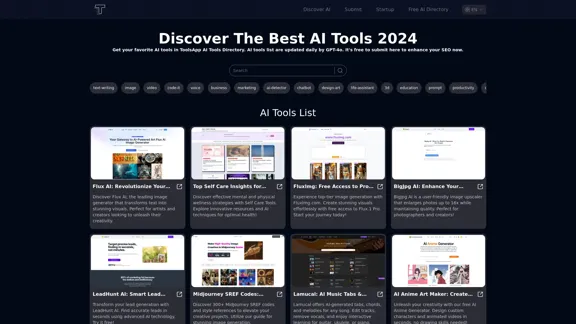
Get your top AI Tools | ToolsApp AI Tools Directory
Get your top AI Tools | ToolsApp AI Tools DirectoryToolsApp AI Directory is a tool that provides a free directory of AI tools. Find your favorite AI tools with ToolsApp AI Directory. ToolsApp AI Directory aims to gather all AI tools and offer the best options for users.
0
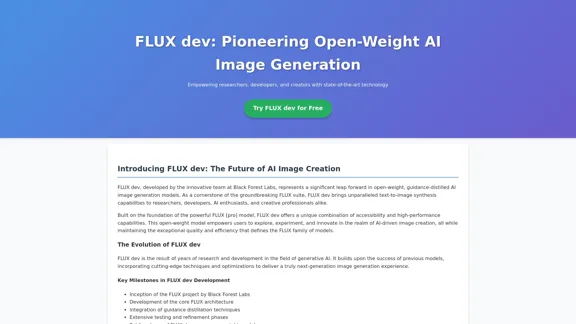
FLUX dev: A groundbreaking AI model for generating images with open weights.
FLUX dev: A groundbreaking AI model for generating images with open weights.Explore FLUX dev, the advanced open-weight AI image generation model. Discover its features for non-commercial use and try it now for free.
25.02 K