Eurekaa AI is an innovative all-in-one AI & Search Assistant designed to revolutionize online search experiences. This powerful tool enhances browsing by providing a comprehensive search companion that better satisfies user intent. Equipped with cutting-edge AI technology, including GPT-4 powered Bing, ChatGPT, and Bard, Eurekaa AI offers a unique dual search bar feature and the ability to prompt multiple models simultaneously, making it an indispensable tool for improved work quality, effective research, and increased productivity.
Eureka AI - The Ultimate Search Companion
Eurekaa is an all-in-one AI & Search Assistant, with Bing, ChatGPT, Bard, & more! ⚡
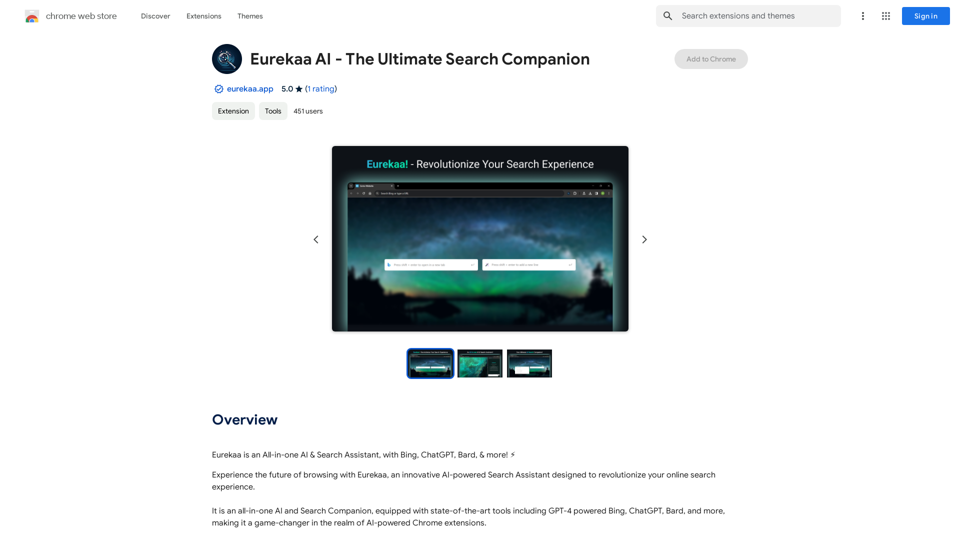
Introduction
Feature
State-of-the-Art AI Tools
Eurekaa AI integrates advanced AI technologies, including GPT-4 powered Bing, ChatGPT, Bard, and more, providing users with access to the latest in AI-assisted search capabilities.
Dual Search Bar
The unique dual search bar feature allows users to leverage the solution that best fits their search query, needs, and context, offering a more tailored and efficient search experience.
Multi-Model Prompting
With just a single click, users can prompt multiple AI models simultaneously, enabling them to compare different outputs and gain additional perspectives on their queries.
Quick-Access Side Panel
The seamlessly integrated side panel interface eliminates the need for unnecessary context-switching, streamlining the search and browsing process.
Browser Integration
Eurekaa AI integrates smoothly with your browser, allowing for quick actions via the right-click menu and enhancing overall browsing efficiency.
Free to Use
The extension is available for free, with optional paid upgrades for users seeking additional features and benefits.
FAQ
How do I get started with Eurekaa AI?
To begin using Eurekaa AI, simply install the extension in your browser. Once installed, you can immediately start leveraging its features, such as the dual search bar and multi-model prompting capabilities.
What are the main benefits of using Eurekaa AI?
Eurekaa AI offers several key benefits:
- Improved work quality and output
- More effective research capabilities
- Increased productivity
- Enhanced browsing experience
- Seamless integration with your browser
Can I use Eurekaa AI with different AI models?
Yes, Eurekaa AI is equipped with various AI models, including GPT-4 powered Bing, ChatGPT, and Bard. You can prompt multiple models simultaneously to compare outputs and gain diverse perspectives on your queries.
Is there a cost associated with using Eurekaa AI?
The basic version of Eurekaa AI is free to use. However, there are optional paid upgrades available for users who desire additional features and benefits.
Latest Traffic Insights
Monthly Visits
193.90 M
Bounce Rate
56.27%
Pages Per Visit
2.71
Time on Site(s)
115.91
Global Rank
-
Country Rank
-
Recent Visits
Traffic Sources
- Social Media:0.48%
- Paid Referrals:0.55%
- Email:0.15%
- Referrals:12.81%
- Search Engines:16.21%
- Direct:69.81%
Related Websites
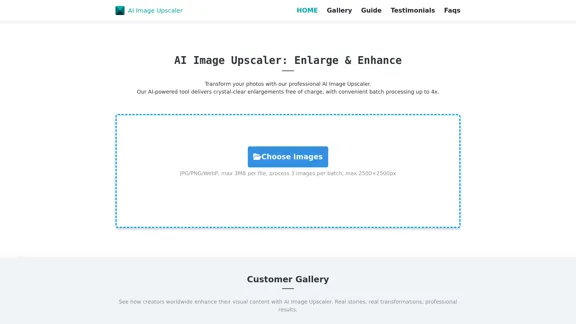
AI Describe Image & Picture Online, Free Trial This title describes an online service that uses artificial intelligence to analyze and describe images or pictures. The service offers a free trial period for users to test its capabilities. The AI technology can likely generate text descriptions of the visual content in uploaded images, helping users understand or categorize their pictures automatically.
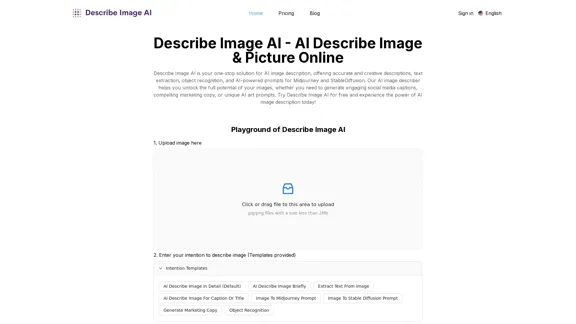
AI Describe Image & Picture Online, Free Trial This title describes an online service that uses artificial intelligence to analyze and describe images or pictures. The service offers a free trial period for users to test its capabilities. The AI technology can likely generate text descriptions of the visual content in uploaded images, helping users understand or categorize their pictures automatically.Describe Image AI: Accurately describe images online using AI. Our image describer generates image descriptions, AI picture descriptions, text extraction, social media captions, and prompts for Midjourney & StableDiffusion. Free Trial!
5.16 K
ScreenRedact on the Mac App Store #Description ScreenRedact is a powerful and easy-to-use screenshot editing tool that allows you to quickly and easily remove sensitive information from your screenshots. With its intuitive interface and advanced features, ScreenRedact is the perfect solution for anyone who needs to share screenshots online or with others. #Features * Easy to use: ScreenRedact's intuitive interface makes it easy to get started, even if you're not tech-savvy. * Advanced editing tools: ScreenRedact offers a range of advanced editing tools, including blur, pixelate, and redact, to help you remove sensitive information from your screenshots. * Customizable: ScreenRedact allows you to customize the appearance of your redactions, including the color, opacity, and style. * Support for multiple file formats: ScreenRedact supports a range of file formats, including JPEG, PNG, and TIFF. * Share easily: ScreenRedact makes it easy to share your edited screenshots with others, either by saving them to your computer or sharing them directly to social media or email. #What's New * Improved performance: ScreenRedact is now faster and more efficient, making it easier to edit your screenshots. * New editing tools: ScreenRedact now includes new editing tools, including a magic wand and a lasso tool, to make it even easier to remove sensitive information from your screenshots. * Enhanced customization options: ScreenRedact now offers even more customization options, including the ability to change the color and opacity of your redactions. #Ratings and Reviews * 4.5/5 stars: ScreenRedact has an average rating of 4.5 out of 5 stars on the Mac App Store. * "Easy to use and effective": One reviewer praised ScreenRedact's ease of use and effectiveness, saying "I was able to quickly and easily remove sensitive information from my screenshots." * "A must-have for anyone who shares screenshots online": Another reviewer called ScreenRedact "a must-have for anyone who shares screenshots online," citing its ease of use and advanced features.
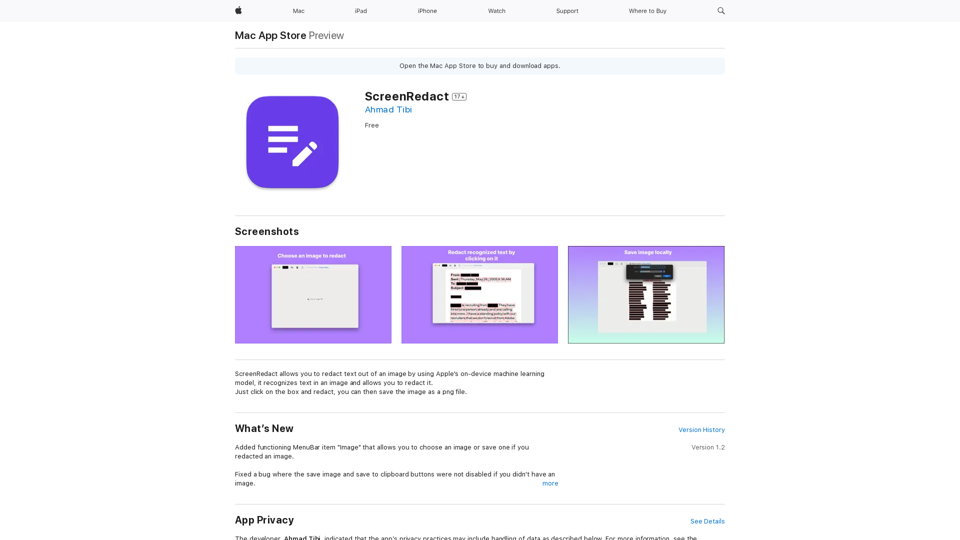
ScreenRedact on the Mac App Store #Description ScreenRedact is a powerful and easy-to-use screenshot editing tool that allows you to quickly and easily remove sensitive information from your screenshots. With its intuitive interface and advanced features, ScreenRedact is the perfect solution for anyone who needs to share screenshots online or with others. #Features * Easy to use: ScreenRedact's intuitive interface makes it easy to get started, even if you're not tech-savvy. * Advanced editing tools: ScreenRedact offers a range of advanced editing tools, including blur, pixelate, and redact, to help you remove sensitive information from your screenshots. * Customizable: ScreenRedact allows you to customize the appearance of your redactions, including the color, opacity, and style. * Support for multiple file formats: ScreenRedact supports a range of file formats, including JPEG, PNG, and TIFF. * Share easily: ScreenRedact makes it easy to share your edited screenshots with others, either by saving them to your computer or sharing them directly to social media or email. #What's New * Improved performance: ScreenRedact is now faster and more efficient, making it easier to edit your screenshots. * New editing tools: ScreenRedact now includes new editing tools, including a magic wand and a lasso tool, to make it even easier to remove sensitive information from your screenshots. * Enhanced customization options: ScreenRedact now offers even more customization options, including the ability to change the color and opacity of your redactions. #Ratings and Reviews * 4.5/5 stars: ScreenRedact has an average rating of 4.5 out of 5 stars on the Mac App Store. * "Easy to use and effective": One reviewer praised ScreenRedact's ease of use and effectiveness, saying "I was able to quickly and easily remove sensitive information from my screenshots." * "A must-have for anyone who shares screenshots online": Another reviewer called ScreenRedact "a must-have for anyone who shares screenshots online," citing its ease of use and advanced features.ScreenRedact allows you to remove sensitive text from an image by utilizing Apple's on-device machine learning model, which identifies text within an image and enables you to redact it with ease.
124.77 M
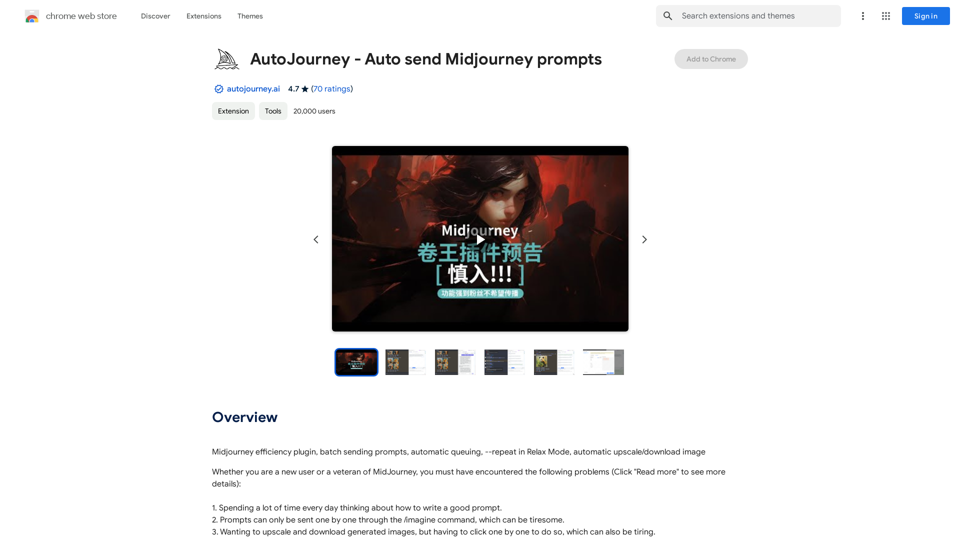
AutoJourney - Automatically Send Midjourney Prompts
AutoJourney - Automatically Send Midjourney PromptsMidjourney Efficiency Plugin: Batch Sending Prompts, Automatic Queuing, Repeat in Relax Mode, and Automatic Upscale/Download Image
193.90 M
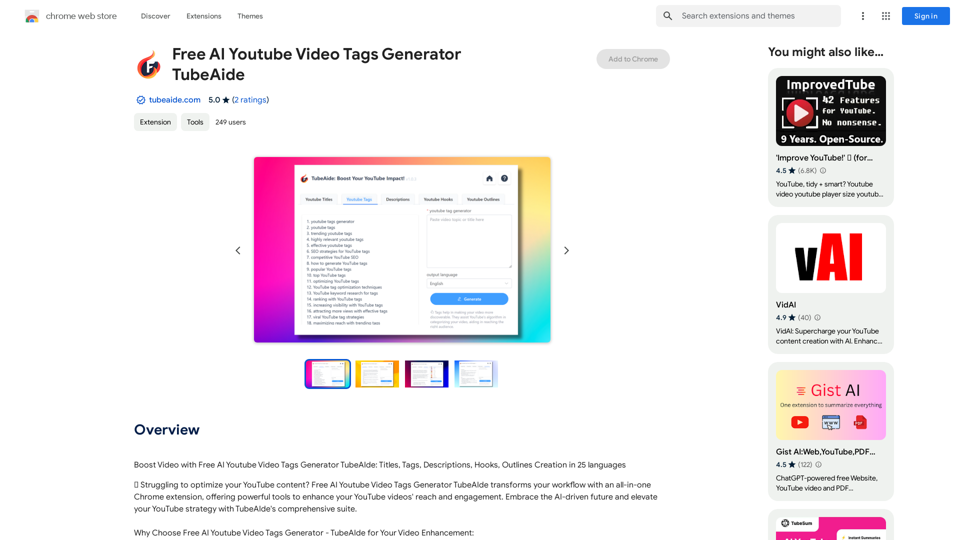
Boost Your Video with Free AI YouTube Video Tag Generator TubeAIde: Titles, Tags, Descriptions, Hooks, and Outlines in 25 Languages
193.90 M
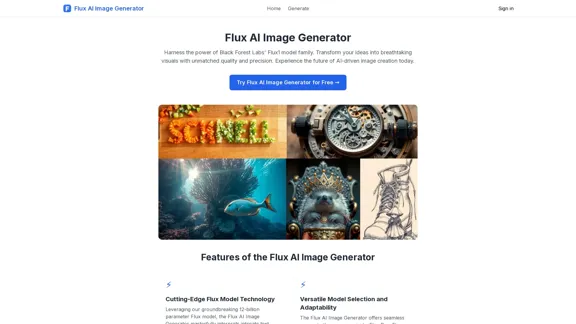
FluxImage | Free Flux AI Image Generator with Flux.1 Models
FluxImage | Free Flux AI Image Generator with Flux.1 ModelsFlux AI is a state-of-the-art text-to-image Flux.1 AI model created by Black Forest Labs. It includes Flux.1 Pro, Flux.1 Dev, and Flux.1 Schnell versions.
0
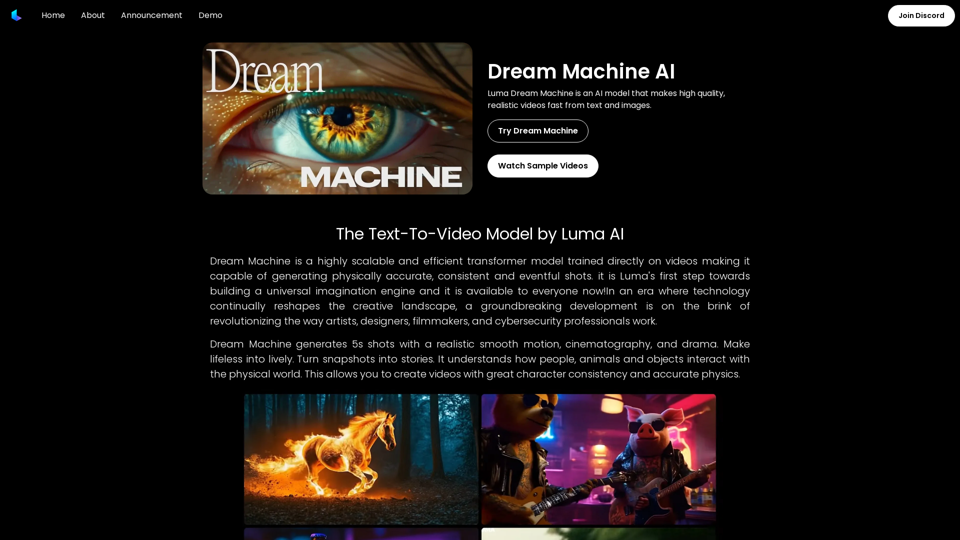
Dream Machine AI: Try Luma AI Video Generator for Free
Dream Machine AI: Try Luma AI Video Generator for FreeTry Dream Machine AI Video Generator for Free Online. Dream Machine is a new text-to-video model by Luma Ai, able to create high-definition videos.
0