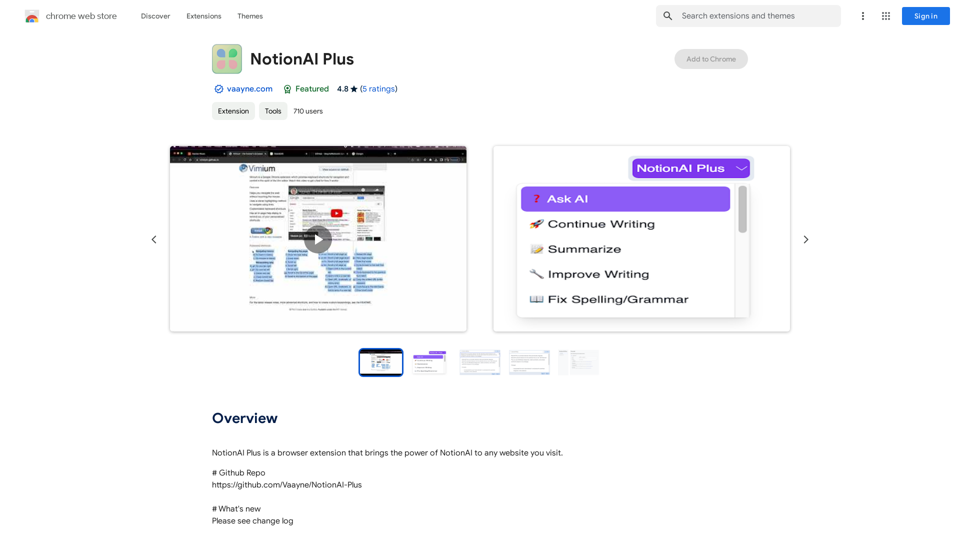
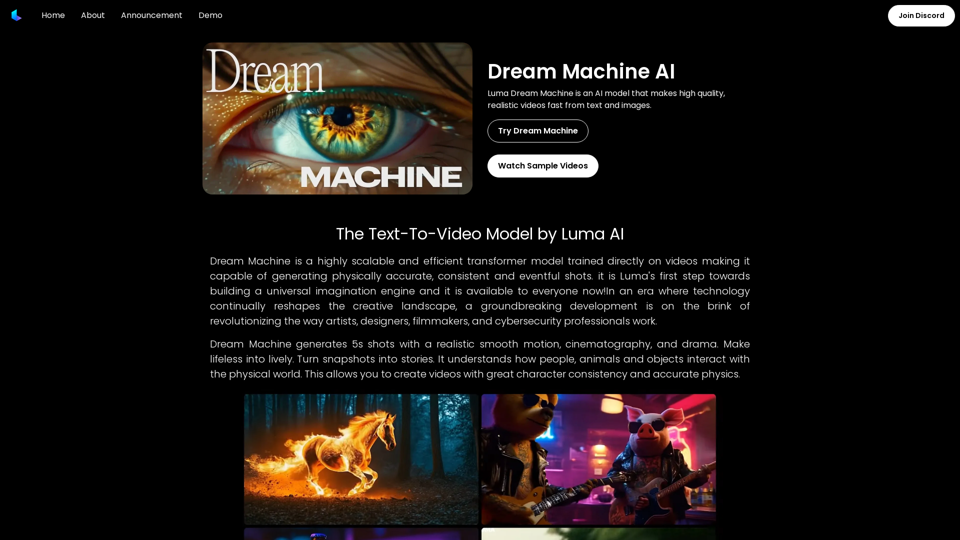
Dream Machine AI is a cutting-edge AI model designed to generate high-quality, realistic videos from text and images. This innovative technology utilizes a highly scalable and efficient transformer model trained directly on videos, enabling it to produce physically accurate, consistent, and eventful shots. Dream Machine AI stands out for its ability to create 5-second videos with smooth motion, cinematography, and dramatic elements, effectively turning static snapshots into dynamic stories.
Dream Machine AI: Try Luma AI Video Generator for Free
Try Dream Machine AI Video Generator for Free Online. Dream Machine is a new text-to-video model by Luma Ai, able to create high-definition videos.
Introduction
Feature
Realistic Video Generation
Dream Machine AI excels in creating 5-second video shots with:
- Smooth, realistic motion
- Cinematic quality
- Dramatic elements
- Ability to transform static images into lively videos
Advanced Physics Understanding
The model demonstrates:
- Comprehension of physical interactions between people, animals, and objects
- Creation of videos with consistent character representation
- Accurate physics simulation in generated content
Free Usage and Pricing
- Open access for all users
- 30 free videos per month
- Additional videos available at $29.99/month for 120 videos (research preview pricing)
Scalability and Efficiency
- Highly scalable model
- Efficient video generation process
- Easy integration into various applications
Complex Scene Generation
- Ability to create intricate scenes with precise details
- Representation of vibrant emotions
- Dynamic motion in generated videos
Language and Physical World Interpretation
- Deep understanding of language prompts
- Accurate interpretation of physical world concepts
- Remarkable prompt-to-video accuracy
Multi-Shot Consistency
- Capability to produce multiple shots within a single video
- Maintenance of consistent characters and visual styles throughout the video
FAQ
Will my information be used for your training data?
No, your data will not be used for any training purposes. You have the option to delete your account at any time, which will result in the removal of all your data.
When would I need a subscription?
A subscription becomes necessary if:
- The 30 free videos per month are insufficient for your needs
- You heavily rely on Dream Machine AI for your projects
Can I generate videos with complex scenes?
Yes, Dream Machine AI is capable of generating complex scenes featuring:
- Precise details
- Vibrant emotions
- Dynamic motion
Related Websites
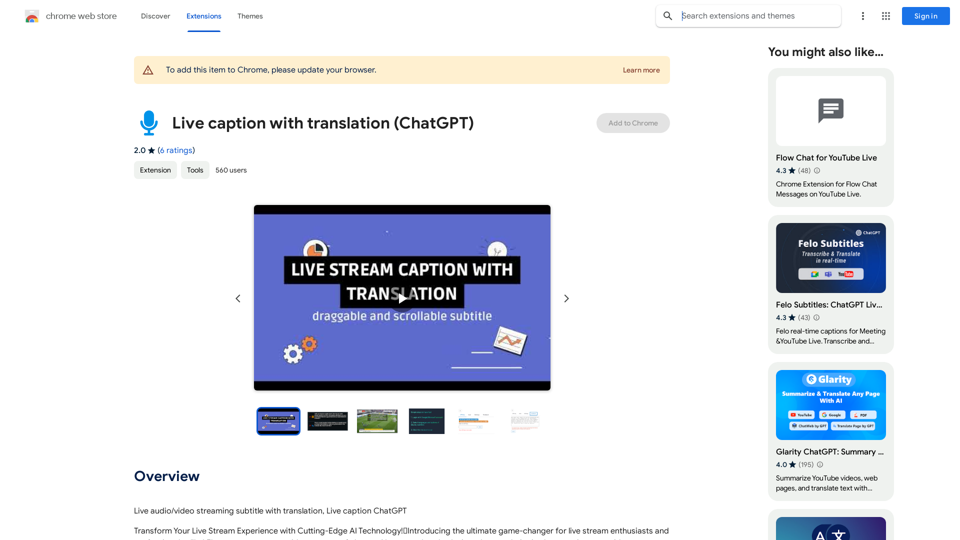
Live audio/video streaming with subtitles and translation, Live captions powered by ChatGPT
193.90 M
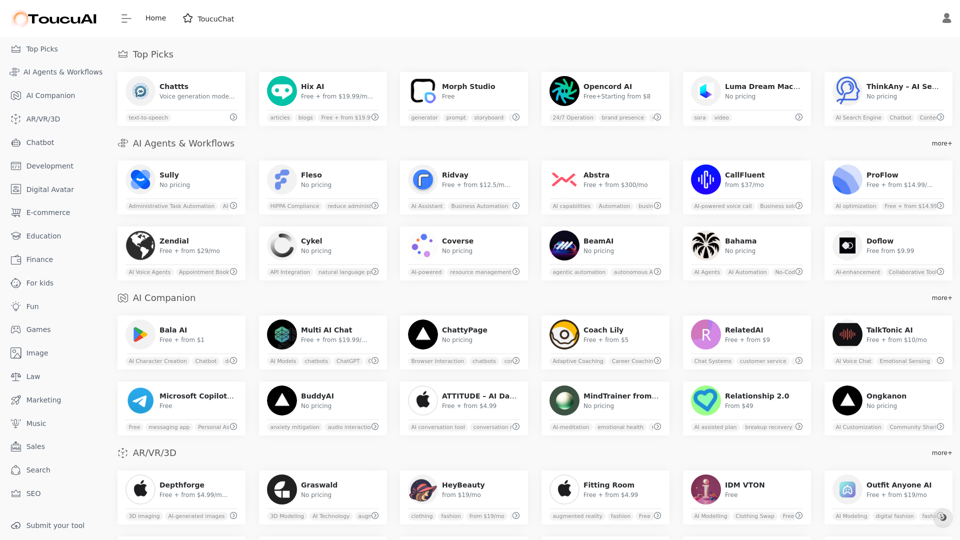
Toucu AI Directory | Curated List of over 8,000 AI Tools in 2024
Toucu AI Directory | Curated List of over 8,000 AI Tools in 2024Toucu AI Directory is a curated list of over 8,000 AI tools in 2024, providing access to a wide variety of AI technologies for different purposes.
585
AI Anime Generator is a free AI tool for creating anime characters and scenes. Simply input a description and allow the AI to produce your anime image.
0
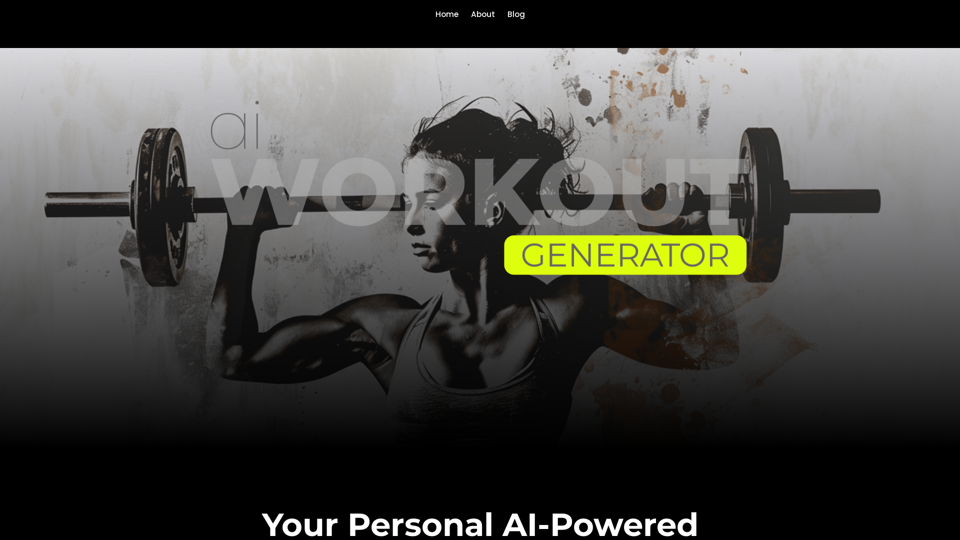
Ai Workout Generator ===================== What is an AI Workout Generator? An AI workout generator is a tool that uses artificial intelligence to create personalized workout plans tailored to an individual's fitness goals, fitness level, and preferences. How does it work? The AI workout generator uses machine learning algorithms to analyze a user's input data, such as their fitness goals, fitness level, and exercise preferences. It then generates a customized workout plan that includes a series of exercises, sets, reps, and weights tailored to the user's specific needs. Benefits of using an AI Workout Generator * Personalized workouts: The AI workout generator creates a workout plan that is tailored to the user's specific fitness goals and fitness level. * Time-saving: The AI workout generator saves time by eliminating the need to research and create a workout plan from scratch. * Increased motivation: The AI workout generator provides a sense of accountability and motivation, as users are more likely to stick to a workout plan that is tailored to their specific needs. * Improved results: The AI workout generator helps users achieve their fitness goals faster and more efficiently, as the workout plan is optimized for their specific needs. How to use an AI Workout Generator 1. Input your data: Enter your fitness goals, fitness level, and exercise preferences into the AI workout generator. 2. Select your workout type: Choose the type of workout you want to do, such as strength training, cardio, or yoga. 3. Generate your workout plan: The AI workout generator will create a customized workout plan tailored to your specific needs. 4. Start your workout: Follow the workout plan and track your progress. Conclusion An AI workout generator is a powerful tool that can help individuals achieve their fitness goals faster and more efficiently. By providing personalized workout plans, the AI workout generator saves time, increases motivation, and improves results. Whether you're a beginner or an experienced athlete, an AI workout generator can help you take your fitness to the next level.
Ai Workout Generator ===================== What is an AI Workout Generator? An AI workout generator is a tool that uses artificial intelligence to create personalized workout plans tailored to an individual's fitness goals, fitness level, and preferences. How does it work? The AI workout generator uses machine learning algorithms to analyze a user's input data, such as their fitness goals, fitness level, and exercise preferences. It then generates a customized workout plan that includes a series of exercises, sets, reps, and weights tailored to the user's specific needs. Benefits of using an AI Workout Generator * Personalized workouts: The AI workout generator creates a workout plan that is tailored to the user's specific fitness goals and fitness level. * Time-saving: The AI workout generator saves time by eliminating the need to research and create a workout plan from scratch. * Increased motivation: The AI workout generator provides a sense of accountability and motivation, as users are more likely to stick to a workout plan that is tailored to their specific needs. * Improved results: The AI workout generator helps users achieve their fitness goals faster and more efficiently, as the workout plan is optimized for their specific needs. How to use an AI Workout Generator 1. Input your data: Enter your fitness goals, fitness level, and exercise preferences into the AI workout generator. 2. Select your workout type: Choose the type of workout you want to do, such as strength training, cardio, or yoga. 3. Generate your workout plan: The AI workout generator will create a customized workout plan tailored to your specific needs. 4. Start your workout: Follow the workout plan and track your progress. Conclusion An AI workout generator is a powerful tool that can help individuals achieve their fitness goals faster and more efficiently. By providing personalized workout plans, the AI workout generator saves time, increases motivation, and improves results. Whether you're a beginner or an experienced athlete, an AI workout generator can help you take your fitness to the next level.AI generated workouts reviewed and Approved by American College of Sports Medicine certified Personal Trainers.
3.30 K
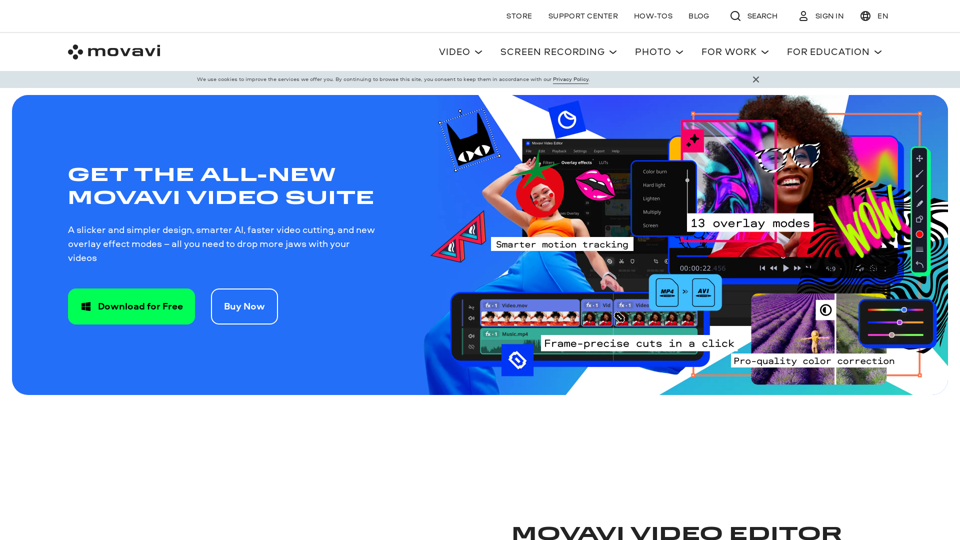
Video Editor 2024 and Other Cool Programs from Movavi – Download for Free
Video Editor 2024 and Other Cool Programs from Movavi – Download for FreeMovavi offers fast and easy-to-use photo and video editing software that is safe and trusted worldwide. Try it all out for free!
3.27 M
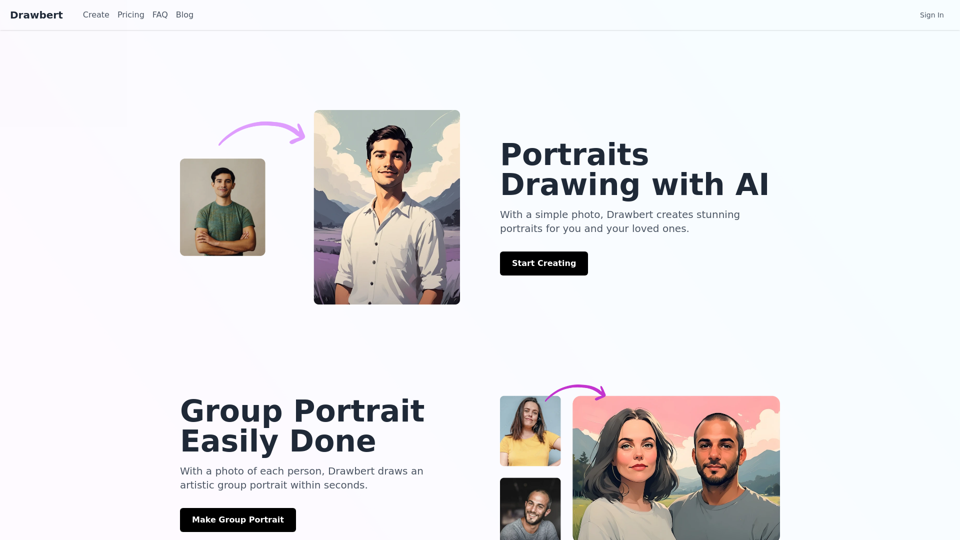
Drawbert creates beautiful paintings for you within seconds and at low cost. You can choose from watercolor, sketch, oil painting, comic, cartoon, caricature and more styles, plus the option to customize the painting to your liking.
0
Dream Machine AI: Try Luma AI Video Generator for Free
Dream Machine AI: Try Luma AI Video Generator for FreeTry Dream Machine AI Video Generator for Free Online. Dream Machine is a new text-to-video model by Luma Ai, able to create high-definition videos.
0