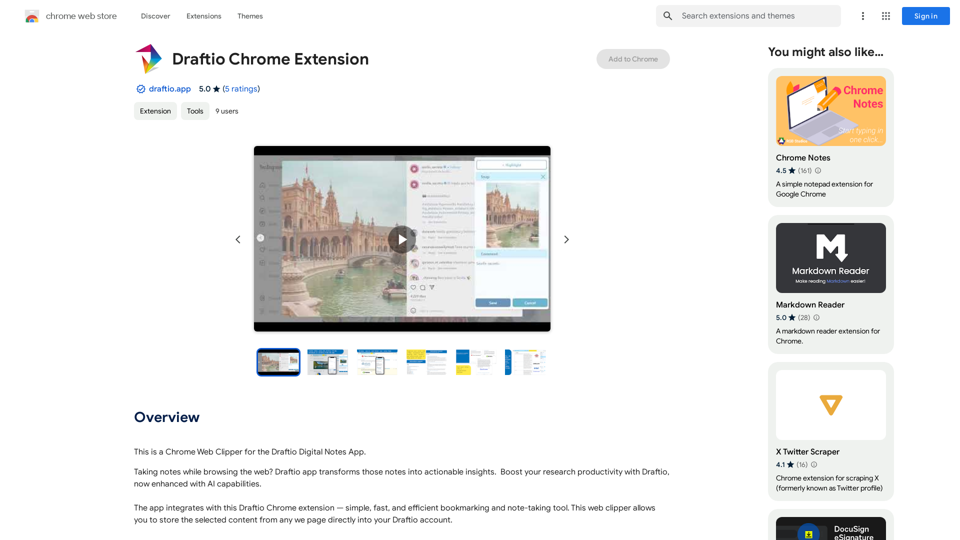
Draftio Chrome Extension is a powerful web clipper designed to streamline your research process. It allows users to save and organize selected content from any webpage directly into their Draftio account. This tool transforms scattered notes into cohesive web drafts, enhancing research productivity and efficiency.
Draftio Chrome Extension
This is a Chrome Web Clipper for the Draftio Digital Notes App.
Introduction
Feature
Organizational Structure
- Folders, projects, and drafts hierarchy
- Intuitive bookmarking tool for Chrome
- Flexible note structure with multiple fields
Content Management
- Inbox and outbox system for shared links
- Notes feed for browsing, searching, and filtering
- Customizable note styling (bullet points, slides, text, tables)
AI-Enhanced Capabilities
- Summarize content
- Draft generation
- Image interpretation
- Refined search functionality
Easy-to-Use Interface
- Simple installation from Chrome Web Store
- Quick content selection and saving
- Effortless draft sharing via generated links
Free to Use
- No subscription or payment required
FAQ
How do I use Draftio Chrome Extension?
- Install the extension from the Chrome Web Store
- Select content on any webpage
- Click the Draftio icon in your browser
- Choose a folder or project for saving
- Customize notes and group into drafts
- Style notes as needed (bullet points, slides, text, tables)
- Share your draft using the generated link
What sets Draftio Chrome Extension apart?
Draftio focuses on the end result of your research - your initial draft. It allows for extensive customization of notes, including grouping, styling, and rearranging, to achieve the desired outcome.
Is Draftio Chrome Extension free?
Yes, Draftio Chrome Extension is completely free to use, with no subscription or payment required.
Related Websites

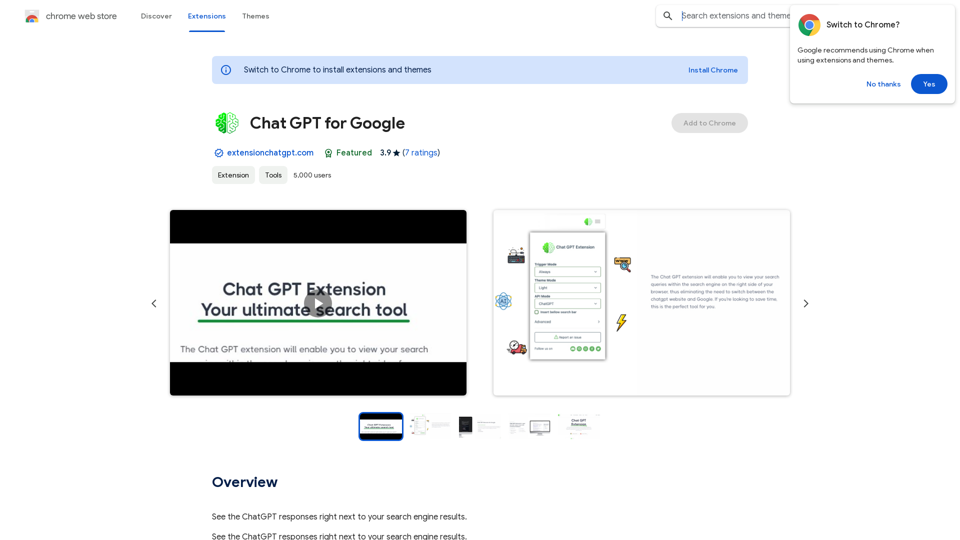

Media Vault AI | Your AI-Powered Media Curator and Cloud Storage Solution
Media Vault AI | Your AI-Powered Media Curator and Cloud Storage SolutionMedia Vault AI is your comprehensive solution for media storage, curation, and analysis. Seamlessly integrating with your favorite generative AI tools, our platform provides AI-powered file naming, tagging, and unique folder structures, a powerful semantic search feature, and insightful analytics tools. Visit Discord today for early access.
203

MOJi Dictionary is an official Japanese learning dictionary browser extension that makes it easy and fast to look up and save Japanese words.
193.90 M

SpeechGeneratorAI - Write Speeches in Seconds with AI
SpeechGeneratorAI - Write Speeches in Seconds with AINeed to write a speech instantly? Use our free AI speech writer to create a speech for any occasion in seconds!
63.54 K
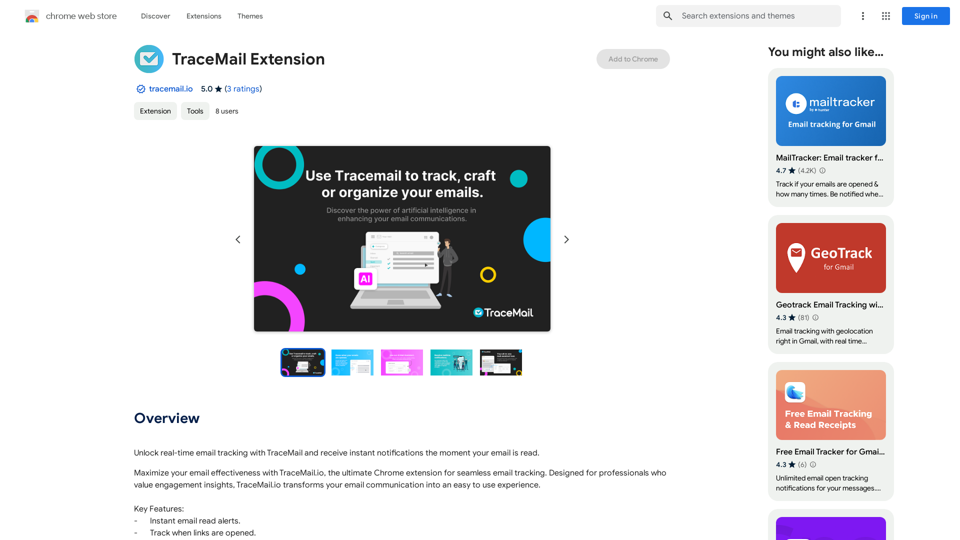
Track your emails in real-time with TraceMail and get instant notifications when someone opens them.
193.90 M
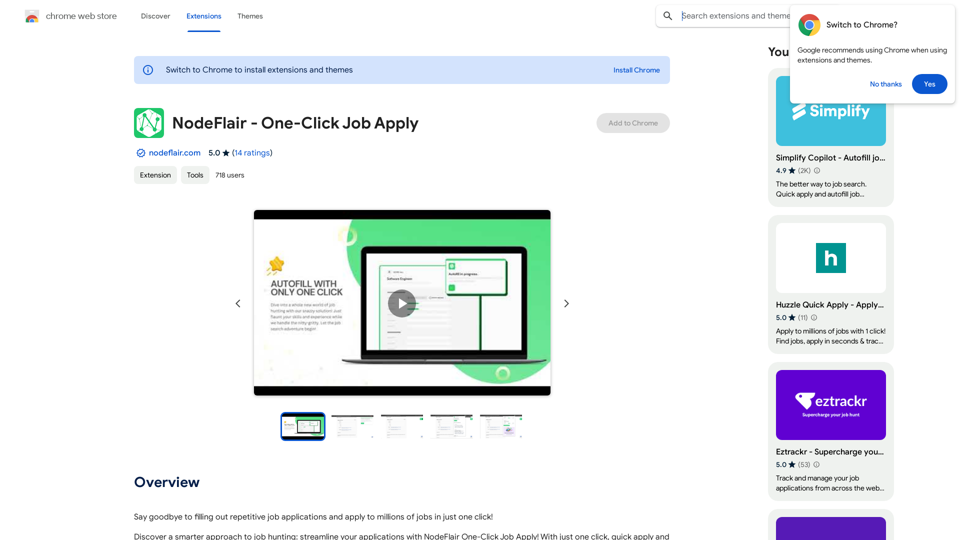
Say goodbye to filling out repetitive job applications and apply to millions of jobs with just one click!
193.90 M
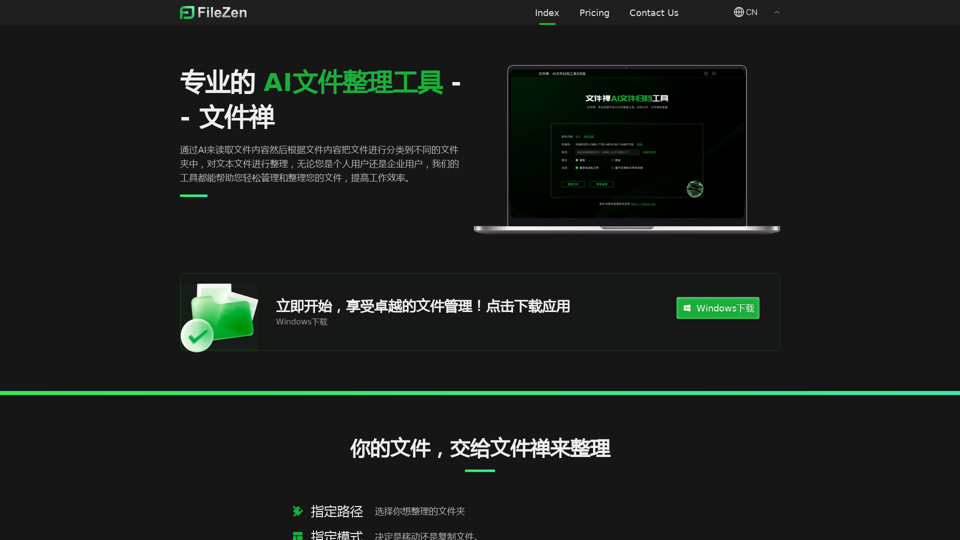
File Zen, a tool for AI-powered intelligent file organization and classification.
File Zen, a tool for AI-powered intelligent file organization and classification.FileNeatAI is a professional AI-powered file organization tool designed to streamline the process of categorizing and organizing text files on your computer. By leveraging advanced AI capabilities, FileNeatAI reads the content of each file within a specified folder and intelligently categorizes these files into different folders based on their content.
2.42 K