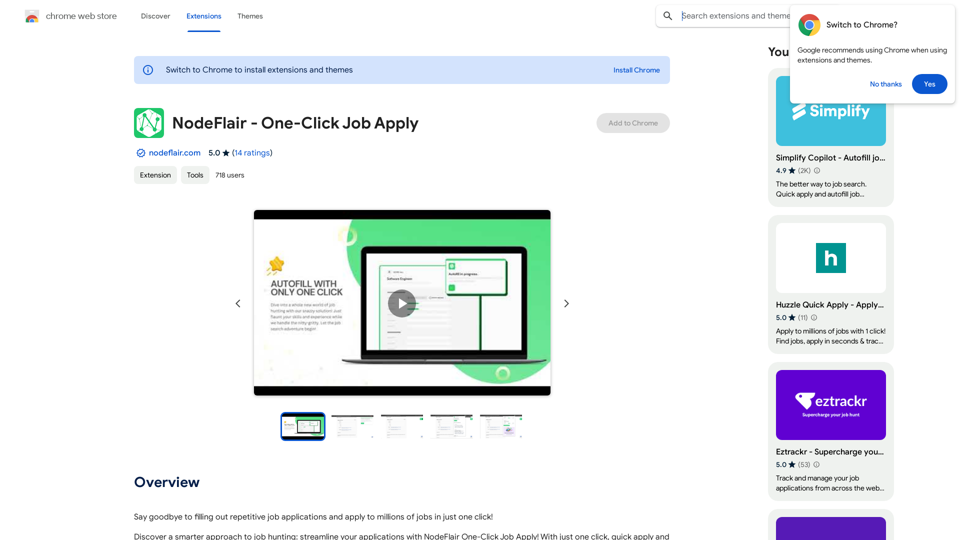
NodeFlair is a browser extension designed to streamline the job application process. It allows users to apply to millions of jobs with a single click by utilizing their NodeFlair profile to autofill applications. This innovative tool saves time and effort for job seekers, making the application process more efficient and less tedious.
NodeFlair - One-Click Job Apply
Say goodbye to filling out repetitive job applications and apply to millions of jobs with just one click!
Introduction
Feature
One-Click Job Apply
NodeFlair's primary feature enables users to apply to jobs instantly with just one click. The extension automatically populates job applications across various career websites using the user's saved profile information.
ATS Resume Score Checker
An integrated ATS Resume Score Checker helps users optimize their resumes for applicant tracking systems, increasing their chances of getting past initial screening processes.
AI-Powered Cover Letter Generator
The extension includes an AI-driven Cover Letter Generator that creates personalized cover letters for each job application, enhancing the user's potential to catch the attention of hiring managers.
Free to Use
NodeFlair is completely free, with no subscription fees or hidden costs, making it accessible to all job seekers regardless of their financial situation.
Data Security
NodeFlair prioritizes user data protection, handling information in compliance with its privacy policy and ensuring that personal details are not sold to third parties.
FAQ
How does NodeFlair work?
NodeFlair functions by leveraging the user's profile to automatically fill out job applications across multiple career websites, significantly reducing the time and effort required in the application process.
What are the main benefits of using NodeFlair?
The key advantages include:
- Time-saving one-click job applications
- Resume optimization with the ATS Score Checker
- Personalized cover letters through AI generation
- Cost-free usage
How can I start using NodeFlair?
To begin using NodeFlair:
- Install the browser extension
- Create a comprehensive NodeFlair profile
- Use the extension to autofill job applications on various career websites
Is my personal information safe with NodeFlair?
Yes, NodeFlair handles user data securely in accordance with its privacy policy, ensuring that your information is protected and not shared with third parties.
Related Websites
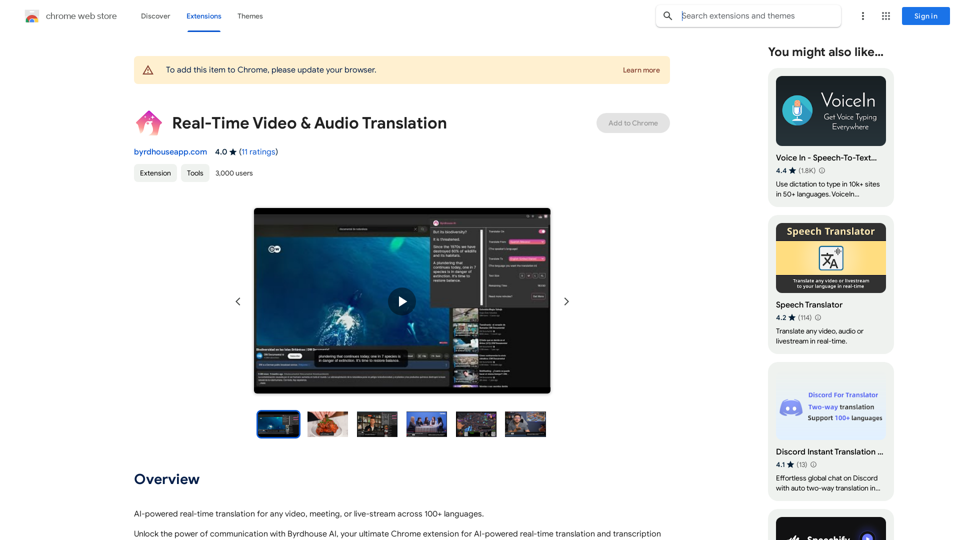
AI-powered real-time translation for any video, meeting, or live-stream across 100+ languages.
193.90 M
ImagePrompt - Reverse Image To Prompt This tool takes an image as input and generates a textual description (prompt) that can be used to recreate the image using text-to-image AI models.
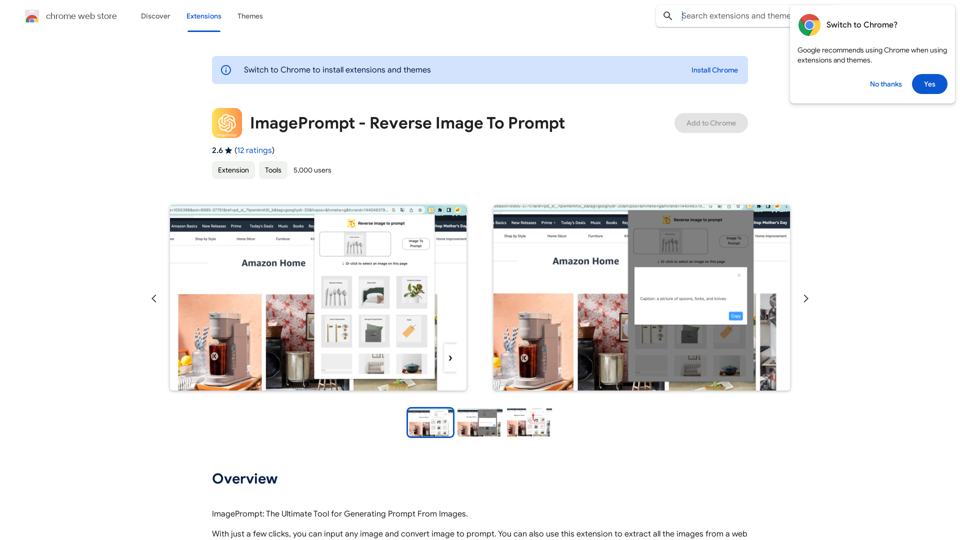
ImagePrompt - Reverse Image To Prompt This tool takes an image as input and generates a textual description (prompt) that can be used to recreate the image using text-to-image AI models.ImagePrompt: The Ultimate Tool for Generating Prompts From Images.
193.90 M
This is a service that uses the general ChatGPT API with enhanced security for corporate use.
193.90 M
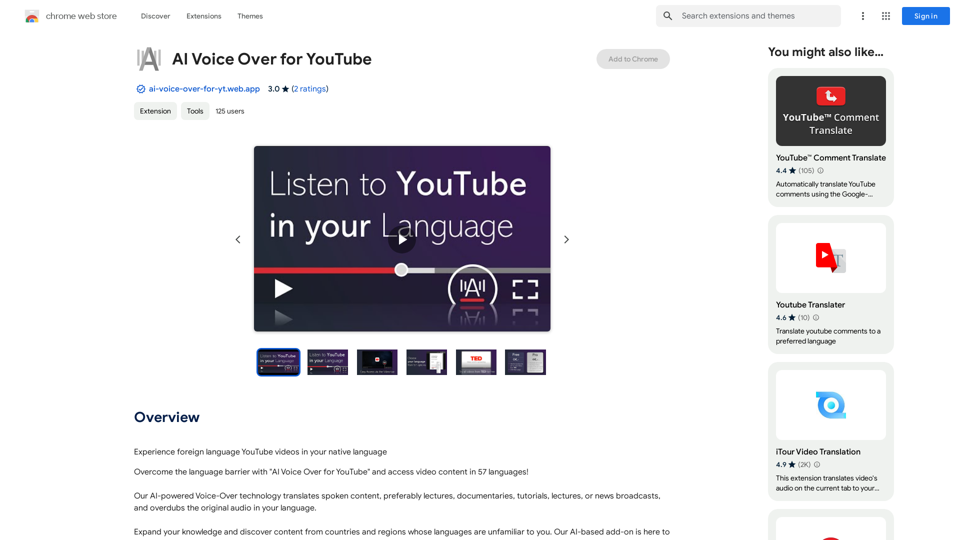
AI Voice Over for YouTube This is a guide to using AI voice over for your YouTube videos. Why Use AI Voice Over? * Cost-Effective: AI voice over is much cheaper than hiring a professional voice actor. * Time-Saving: You can generate voice over quickly and easily, without needing to schedule recording sessions. * Variety of Voices: Choose from a wide range of AI voices, including male, female, and even robotic voices. * Accessibility: Make your videos accessible to viewers who are deaf or hard of hearing by adding captions generated by AI. How to Use AI Voice Over 1. Choose a Platform: There are many different platforms that offer AI voice over services, such as: * Google Cloud Text-to-Speech * Amazon Polly * Microsoft Azure Text to Speech * Murf.ai * NaturalReader 2. Write Your Script: Write a clear and concise script for your video. 3. Upload Your Script: Upload your script to the chosen platform. 4. Select a Voice: Choose the voice that best suits your video. 5. Adjust Settings: Adjust settings such as speed, pitch, and volume. 6. Generate Voice Over: Click the "Generate" button to create your voice over. 7. Download and Edit: Download the generated voice over file and edit it as needed. 8. Add to Your Video: Add the voice over to your YouTube video. Tips for Using AI Voice Over * Use Natural Language: Write your script as if you were speaking naturally. * Vary Your Tone: Use different tones of voice to keep your viewers engaged. * Add Pauses: Include pauses in your script to allow viewers to process information. * Proofread Carefully: Always proofread your script before generating the voice over. * Experiment: Try different voices, settings, and styles to find what works best for you.
AI Voice Over for YouTube This is a guide to using AI voice over for your YouTube videos. Why Use AI Voice Over? * Cost-Effective: AI voice over is much cheaper than hiring a professional voice actor. * Time-Saving: You can generate voice over quickly and easily, without needing to schedule recording sessions. * Variety of Voices: Choose from a wide range of AI voices, including male, female, and even robotic voices. * Accessibility: Make your videos accessible to viewers who are deaf or hard of hearing by adding captions generated by AI. How to Use AI Voice Over 1. Choose a Platform: There are many different platforms that offer AI voice over services, such as: * Google Cloud Text-to-Speech * Amazon Polly * Microsoft Azure Text to Speech * Murf.ai * NaturalReader 2. Write Your Script: Write a clear and concise script for your video. 3. Upload Your Script: Upload your script to the chosen platform. 4. Select a Voice: Choose the voice that best suits your video. 5. Adjust Settings: Adjust settings such as speed, pitch, and volume. 6. Generate Voice Over: Click the "Generate" button to create your voice over. 7. Download and Edit: Download the generated voice over file and edit it as needed. 8. Add to Your Video: Add the voice over to your YouTube video. Tips for Using AI Voice Over * Use Natural Language: Write your script as if you were speaking naturally. * Vary Your Tone: Use different tones of voice to keep your viewers engaged. * Add Pauses: Include pauses in your script to allow viewers to process information. * Proofread Carefully: Always proofread your script before generating the voice over. * Experiment: Try different voices, settings, and styles to find what works best for you.Watch foreign language YouTube videos in your own language.
193.90 M
The all-in-one Audio AI platform. The ultimate solution for Audio Transcription, Speech-To-Text, Audio Pen, Text-To-Speech, Video Dubbing, Live Stream Captioning.
The all-in-one Audio AI platform. The ultimate solution for Audio Transcription, Speech-To-Text, Audio Pen, Text-To-Speech, Video Dubbing, Live Stream Captioning.The all-in-one Audio AI platform. The ultimate solution for Audio Transcription, Speech-To-Text, Audio Pen, Text-To-Speech, Video Dubbing, Live Stream Caption
0