ChatTuesday.com is a platform that enables users to create personalized chatbots similar to ChatGPT, integrated with their own data. It transforms user data into an advanced Generative AI digital assistant, which can be embedded on websites or utilized through integrations and API. This platform offers comprehensive features for customization, multiple bot creation, and multi-language support.
ChatTuesday.com - Customized Data. Empower with Gen-AI Platform
Unlock the full power of a custom-made chatbot, just like ChatGPT, perfectly combined with your unique information.
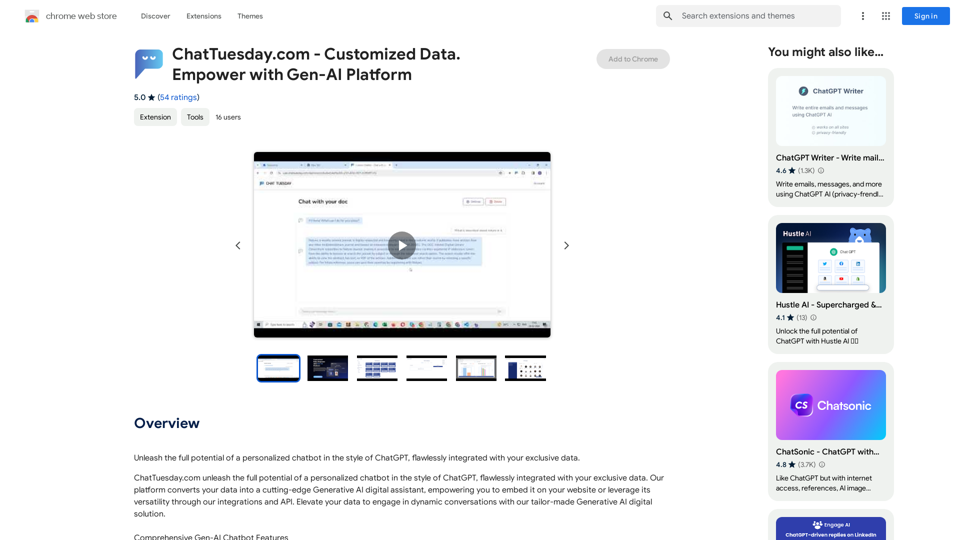
Introduction
Feature
Customized Data Integration
- Combine PDF, Dropbox, Typeform, and website data
- Simple integration process: link data sources, upload files, or include website for crawling
Flexible Bot Configuration
- Customize each bot with different models and roles
- Create multiple bots for various use cases
- Configure digital assistants for specific roles (e.g., sales agent, customer service)
Multilingual Support
- Pre-built translation modules for different languages
Lead Generation
- Capture leads and acquire customer data
- Deliver tailored experiences to potential clients
Easy Installation and Use
- Install "Chat Tuesday Redirect" Chrome extension
- Click extension icon in browser toolbar
- Access personalized dashboard or relevant pages based on subscription status
Pricing
- Affordable subscription plan available
- Detailed pricing information on the ChatTuesday.com website
FAQ
What is the purpose of the "Chat Tuesday Redirect" extension?
The extension enhances the Chat Tuesday experience by providing seamless redirection based on the user's browsing context and subscription status.
How do I benefit from plan-based redirection?
To benefit from plan-based redirection, ensure you are logged into Chat Tuesday and have an active subscription. This allows for personalized access to your dashboard or relevant pages.
What are some helpful tips for using ChatTuesday.com?
- Customize your chatbot to align with your brand's needs
- Utilize the lead generation feature to capture leads and acquire customer data
- Integrate the chatbot with your website for a seamless user experience
Related Websites
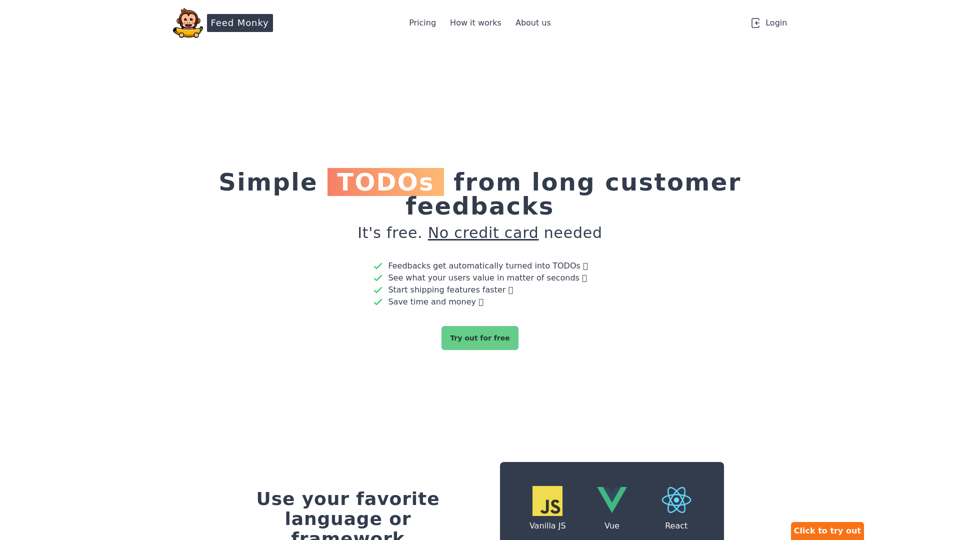
Simple TODOs from Customer Feedback - Improve search functionality: Customers are having trouble finding specific products. - Add more product filters: Allow users to narrow down search results by category, price, etc. - Implement a wishlist feature: Let customers save items they are interested in for later. - Enhance mobile responsiveness: The website is not displaying correctly on all mobile devices. - Provide clearer product descriptions: Some descriptions are too vague or lack important details. - Offer more payment options: Expand the list of accepted payment methods. - Simplify the checkout process: Reduce the number of steps required to complete a purchase. - Improve customer support: Make it easier for customers to contact support and get timely responses.
Simple TODOs from Customer Feedback - Improve search functionality: Customers are having trouble finding specific products. - Add more product filters: Allow users to narrow down search results by category, price, etc. - Implement a wishlist feature: Let customers save items they are interested in for later. - Enhance mobile responsiveness: The website is not displaying correctly on all mobile devices. - Provide clearer product descriptions: Some descriptions are too vague or lack important details. - Offer more payment options: Expand the list of accepted payment methods. - Simplify the checkout process: Reduce the number of steps required to complete a purchase. - Improve customer support: Make it easier for customers to contact support and get timely responses.FeedMonky.com creates simple to-do lists from lengthy customer reviews. It uses a state-of-the-art language model that has been specially trained.
0
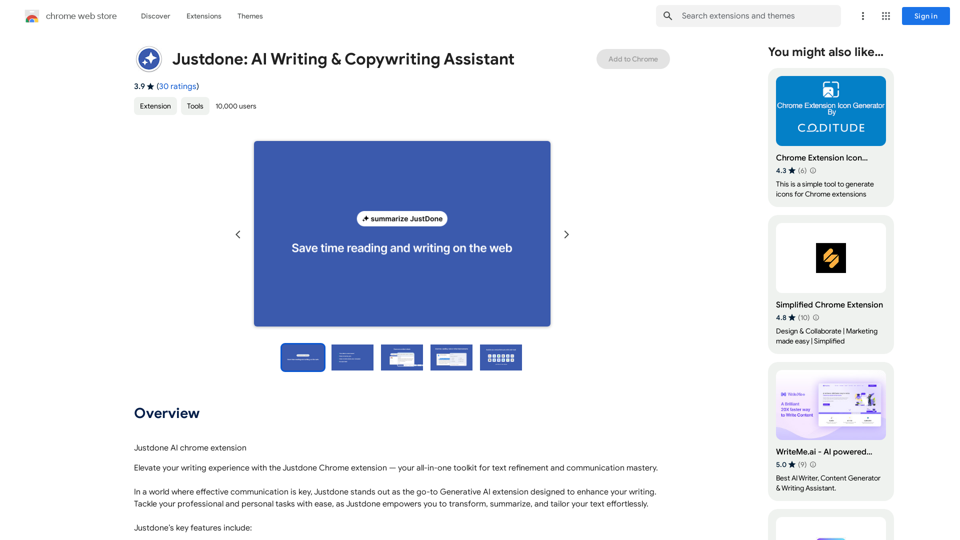
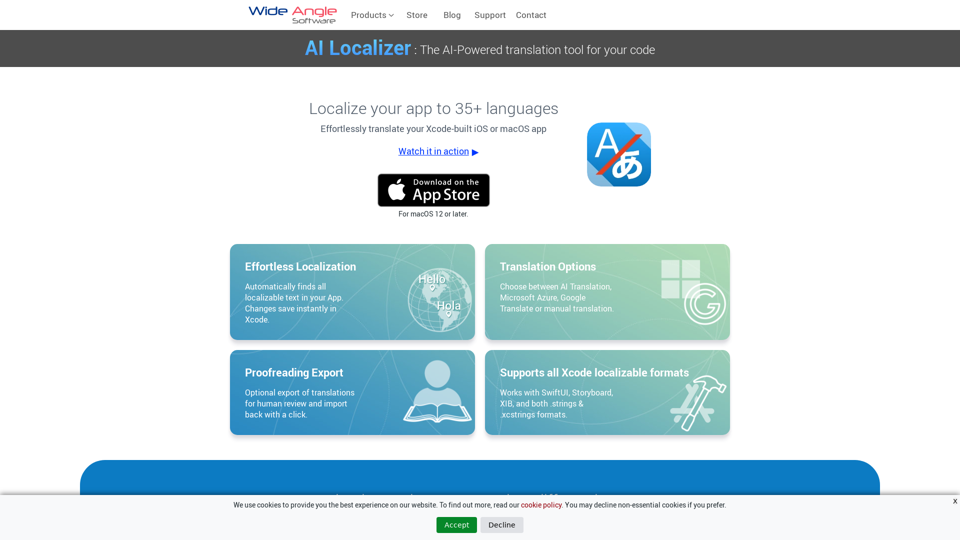
Seamlessly add localized translations to your Xcode projects. Add up to 37 languages to your app automatically, using the power of AI.
210.21 K
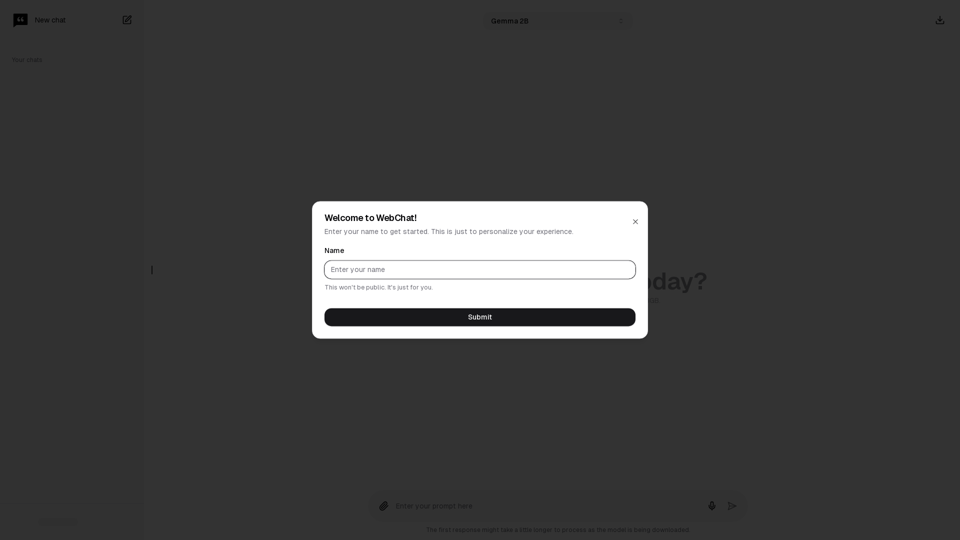
Chat with Web-LLM Models in the Browser You can interact with Web-LLM models directly in your web browser without requiring any additional setup or installation. This allows you to easily experiment with and explore the capabilities of these models. Getting Started To get started, simply open a web browser and navigate to the Web-LLM model's website or platform. Once you're on the website, you can usually find a chat interface or text input field where you can enter your prompts or questions. How it Works When you enter a prompt or question, the Web-LLM model processes your input and generates a response. This response is then displayed in the chat interface or output field, allowing you to read and interact with the model's output. Benefits The benefits of chatting with Web-LLM models in the browser include: * Convenience: No need to install any software or set up any development environments. * Accessibility: Anyone with a web browser can interact with the model, regardless of their technical expertise. * Ease of use: The chat interface provides a user-friendly way to interact with the model, making it easy to experiment and explore its capabilities. Use Cases Some potential use cases for chatting with Web-LLM models in the browser include: * Research and development: Quickly experiment with different models and prompts to explore their capabilities and limitations. * Education and learning: Use the chat interface to teach students about AI and language models, or to provide interactive learning experiences. * Creative writing and ideation: Use the model as a tool to generate ideas, write stories, or create poetry. Overall, chatting with Web-LLM models in the browser provides a convenient and accessible way to interact with these powerful language models, and can be a valuable tool for a wide range of applications.
2.59 K
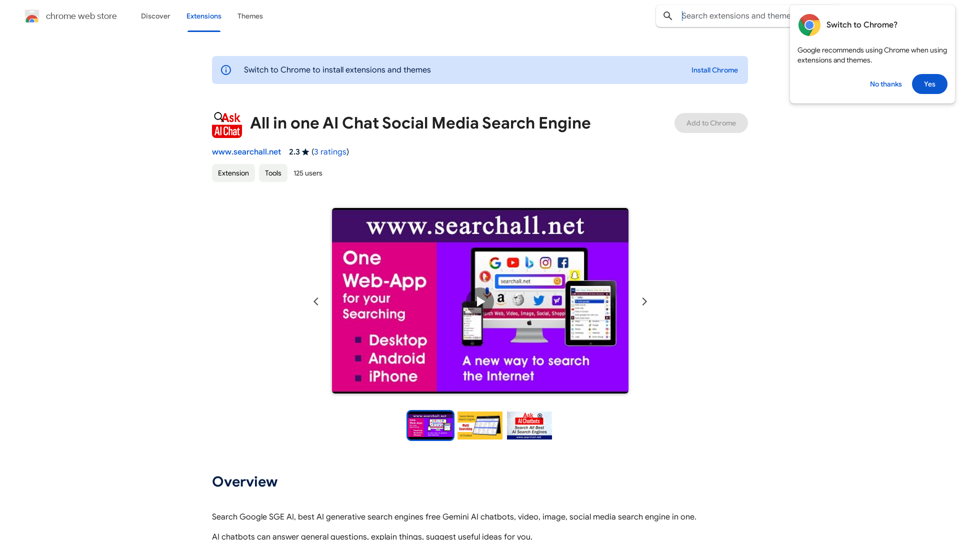
Search Google SGE AI, best free AI generative search engines, Gemini AI chatbots, video, image, and social media search engine all in one.
193.90 M
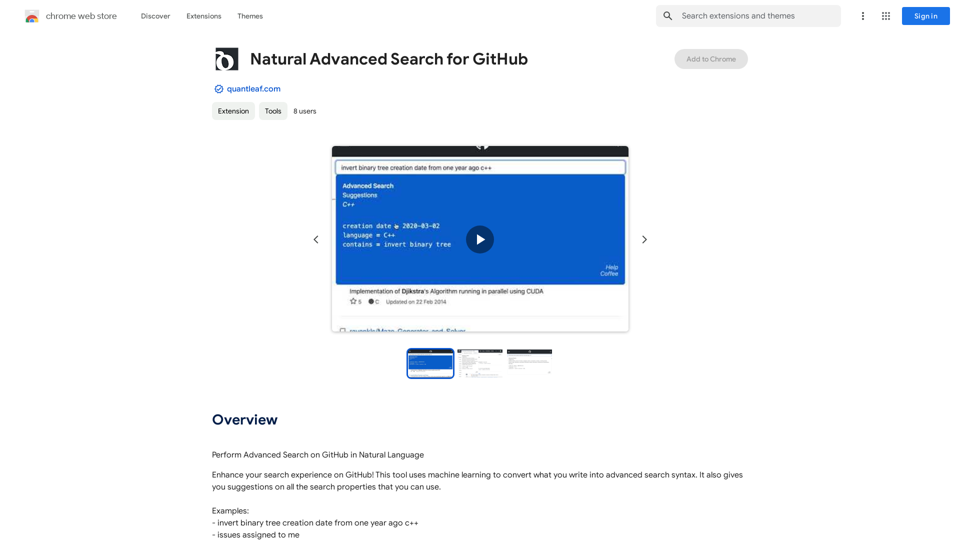
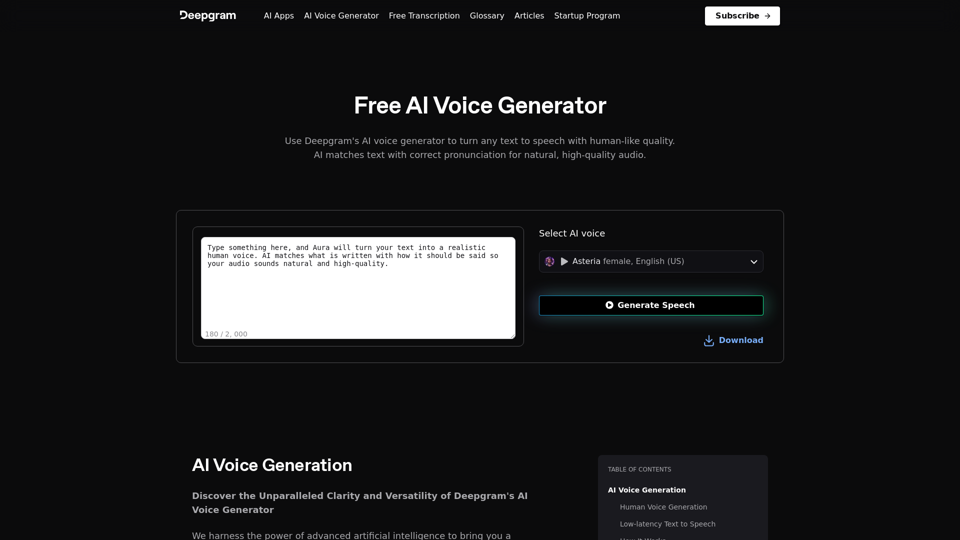
AI Voice Generator & Text to Speech | Deepgram Transform written text into natural-sounding speech with our AI voice generator and text-to-speech technology.
AI Voice Generator & Text to Speech | Deepgram Transform written text into natural-sounding speech with our AI voice generator and text-to-speech technology.Unlock the potential of Deepgram's AI Voice Generator. Experience natural-sounding text to speech for all your projects.
835.16 K
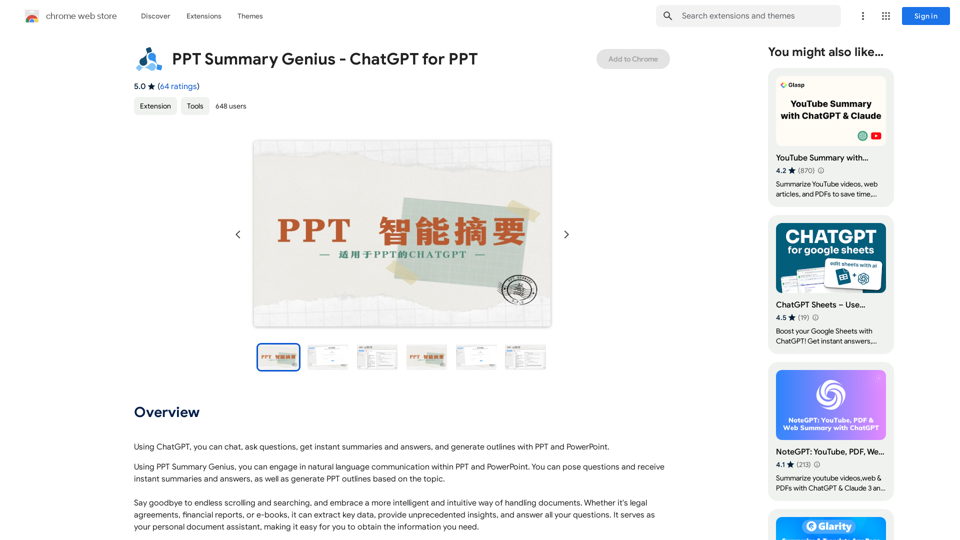
PPT Summary Genius - ChatGPT for PPT Turn your boring presentations into engaging masterpieces! * Summarize lengthy PPTs: ChatGPT can condense your slides into concise summaries, perfect for quick reviews or sharing key points. * Generate compelling narratives: Transform your data and bullet points into captivating stories that resonate with your audience. * Craft impactful introductions and conclusions: Start strong and leave a lasting impression with ChatGPT's help. * Overcome writer's block: Struggling with slide content? ChatGPT can provide creative ideas and help you overcome creative hurdles. * Tailor your message: Adjust the tone and style of your presentation to match your audience and purpose. Boost your productivity and create presentations that truly shine!
PPT Summary Genius - ChatGPT for PPT Turn your boring presentations into engaging masterpieces! * Summarize lengthy PPTs: ChatGPT can condense your slides into concise summaries, perfect for quick reviews or sharing key points. * Generate compelling narratives: Transform your data and bullet points into captivating stories that resonate with your audience. * Craft impactful introductions and conclusions: Start strong and leave a lasting impression with ChatGPT's help. * Overcome writer's block: Struggling with slide content? ChatGPT can provide creative ideas and help you overcome creative hurdles. * Tailor your message: Adjust the tone and style of your presentation to match your audience and purpose. Boost your productivity and create presentations that truly shine!Using ChatGPT, you can chat, ask questions, get instant summaries and answers, and generate outlines for presentations in PPT and PowerPoint format.
193.90 M