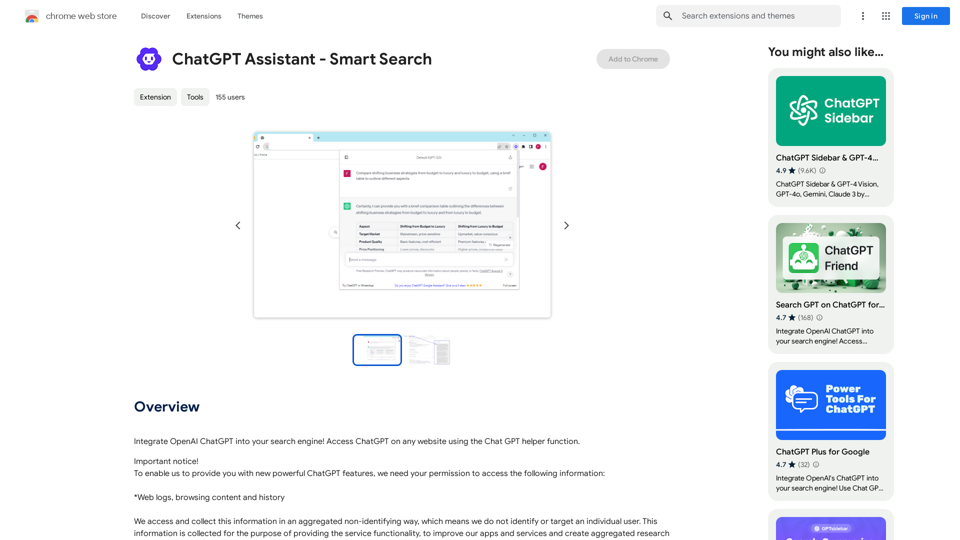
ChatGPT Assistant - Smart Search is a browser extension that enhances the search engine experience by integrating OpenAI's language model. It provides users with a dual-layered response system, combining traditional search results with AI-driven answers from ChatGPT. This powerful tool allows users to quickly access information and engage in interactive search sessions, transforming simple queries into comprehensive dialogues.
ChatGPT Assistant - Smart Search
Add OpenAI ChatGPT to your search engine! Use the Chat GPT helper function to access ChatGPT on any website.
Introduction
Feature
Dual-Layered Response System
ChatGPT Assistant - Smart Search offers a unique combination of traditional search engine results and AI-generated responses, providing users with a holistic and enriched search experience.
Easy Integration with OpenAI
Users can easily access ChatGPT's capabilities by logging into chat.openai.com and opening the extension to start a conversation.
Custom Trigger Mode
The extension allows users to customize their experience with a custom trigger mode, enhancing flexibility and user control.
Clipboard Integration
Users can conveniently copy AI-generated responses to their clipboard for easy sharing and reference.
Feedback Mechanism
The extension includes a feature for users to provide feedback, contributing to the continuous improvement of ChatGPT's performance.
Cross-Browser Compatibility
While primarily available for Chrome, users can access similar functionality on other browsers through the ChatGPT Sidebar extension.
ChatGPT Helper
This feature enables users to access ChatGPT on any website, expanding its utility beyond traditional search engines.
FAQ
What is ChatGPT Assistant - Smart Search?
ChatGPT Assistant - Smart Search is a browser extension that integrates OpenAI's language model to enhance the search engine experience. It provides AI-driven responses alongside traditional search results, offering a more comprehensive and interactive search process.
How does ChatGPT Assistant - Smart Search work?
The extension works by providing a dual-layered response system. It combines traditional search engine results with AI-generated, human-like responses from ChatGPT. Users need to log in to chat.openai.com and open the extension to start a conversation with ChatGPT.
Is ChatGPT Assistant - Smart Search free?
Yes, ChatGPT Assistant - Smart Search is available for free. However, there are optional paid upgrades available for users who want to access additional features or capabilities.
Related Websites
Get 10X more Job Interviews with JobCopilot. Automatically apply to jobs from 50,000+ companies worldwide. Try it today!
576.84 K
AI Voice Over for YouTube This is a guide to using AI voice over for your YouTube videos. Why Use AI Voice Over? * Cost-Effective: AI voice over is much cheaper than hiring a professional voice actor. * Time-Saving: You can generate voice over quickly and easily, without needing to schedule recording sessions. * Variety of Voices: Choose from a wide range of AI voices, including male, female, and even robotic voices. * Accessibility: Make your videos accessible to viewers who are deaf or hard of hearing by adding captions generated by AI. How to Use AI Voice Over 1. Choose a Platform: There are many different platforms that offer AI voice over services, such as: * Google Cloud Text-to-Speech * Amazon Polly * Microsoft Azure Text to Speech * Murf.ai * NaturalReader 2. Write Your Script: Write a clear and concise script for your video. 3. Upload Your Script: Upload your script to the chosen platform. 4. Select a Voice: Choose the voice that best suits your video. 5. Adjust Settings: Adjust settings such as speed, pitch, and volume. 6. Generate Voice Over: Click the "Generate" button to create your voice over. 7. Download and Edit: Download the generated voice over file and edit it as needed. 8. Add to Your Video: Add the voice over to your YouTube video. Tips for Using AI Voice Over * Use Natural Language: Write your script as if you were speaking naturally. * Vary Your Tone: Use different tones of voice to keep your viewers engaged. * Add Pauses: Include pauses in your script to allow viewers to process information. * Proofread Carefully: Always proofread your script before generating the voice over. * Experiment: Try different voices, settings, and styles to find what works best for you.
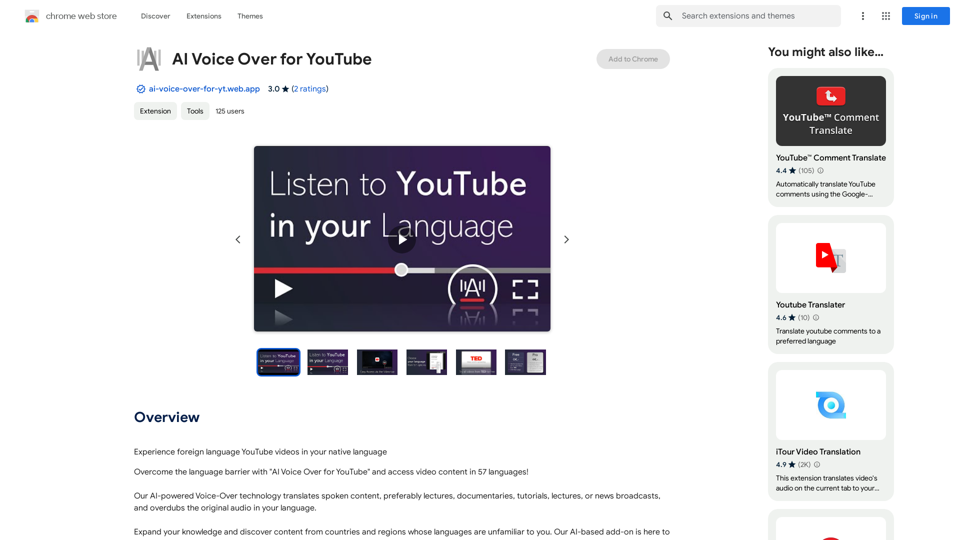
AI Voice Over for YouTube This is a guide to using AI voice over for your YouTube videos. Why Use AI Voice Over? * Cost-Effective: AI voice over is much cheaper than hiring a professional voice actor. * Time-Saving: You can generate voice over quickly and easily, without needing to schedule recording sessions. * Variety of Voices: Choose from a wide range of AI voices, including male, female, and even robotic voices. * Accessibility: Make your videos accessible to viewers who are deaf or hard of hearing by adding captions generated by AI. How to Use AI Voice Over 1. Choose a Platform: There are many different platforms that offer AI voice over services, such as: * Google Cloud Text-to-Speech * Amazon Polly * Microsoft Azure Text to Speech * Murf.ai * NaturalReader 2. Write Your Script: Write a clear and concise script for your video. 3. Upload Your Script: Upload your script to the chosen platform. 4. Select a Voice: Choose the voice that best suits your video. 5. Adjust Settings: Adjust settings such as speed, pitch, and volume. 6. Generate Voice Over: Click the "Generate" button to create your voice over. 7. Download and Edit: Download the generated voice over file and edit it as needed. 8. Add to Your Video: Add the voice over to your YouTube video. Tips for Using AI Voice Over * Use Natural Language: Write your script as if you were speaking naturally. * Vary Your Tone: Use different tones of voice to keep your viewers engaged. * Add Pauses: Include pauses in your script to allow viewers to process information. * Proofread Carefully: Always proofread your script before generating the voice over. * Experiment: Try different voices, settings, and styles to find what works best for you.Watch foreign language YouTube videos in your own language.
193.90 M
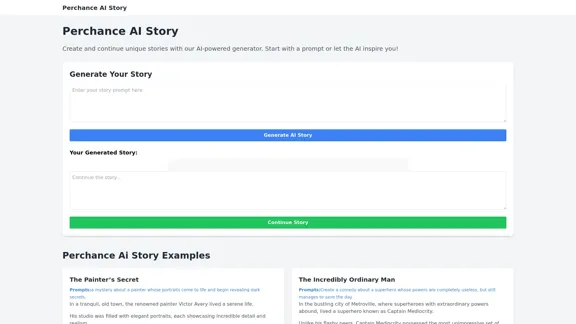
Perchance AI Story is a website that supports multiple languages and can continue to write stories.
0
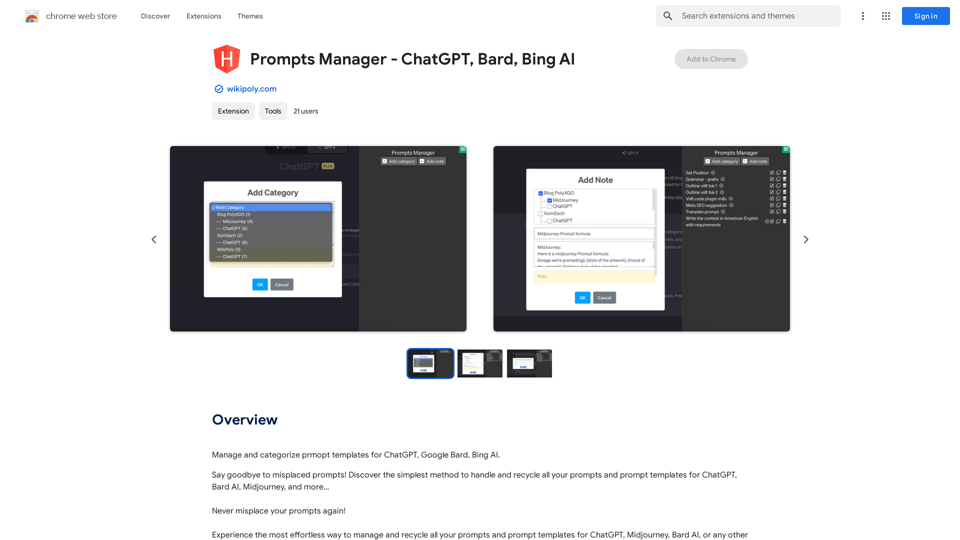
Organize and sort templates designed to give instructions to ChatGPT, Google Bard, and Bing AI.
193.90 M
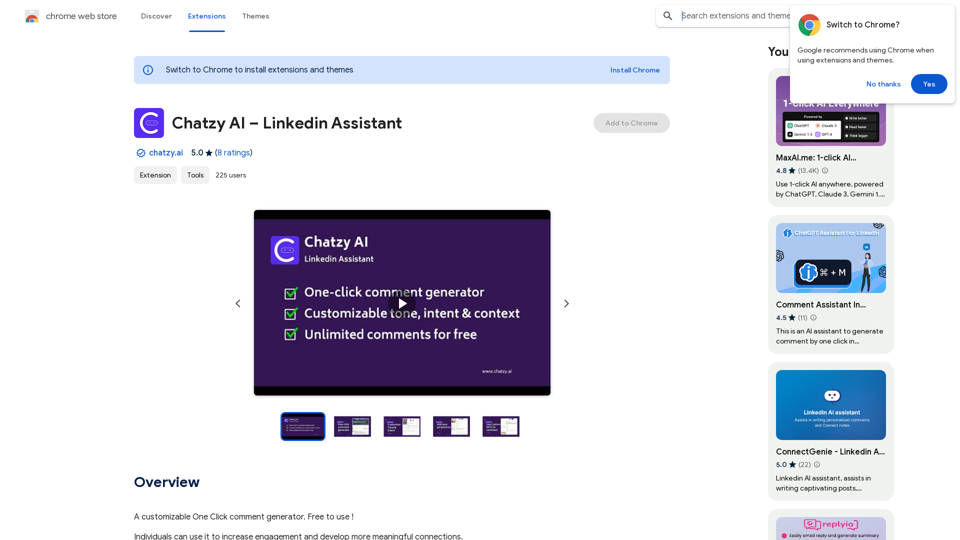
Chatzy AI – LinkedIn Assistant This is a powerful AI assistant designed to help you with your LinkedIn activities. Here's what it can do: * Craft compelling LinkedIn posts: Generate engaging content for your profile, updates, and articles. * Write personalized connection requests: Make a great first impression with tailored messages that stand out. * Summarize lengthy articles: Quickly grasp the key points of industry news and insights. * Optimize your LinkedIn profile: Get suggestions for improving your profile to attract more connections and opportunities. * Answer your LinkedIn messages: Save time by having Chatzy AI respond to common inquiries. Boost your LinkedIn presence and productivity with Chatzy AI!
Chatzy AI – LinkedIn Assistant This is a powerful AI assistant designed to help you with your LinkedIn activities. Here's what it can do: * Craft compelling LinkedIn posts: Generate engaging content for your profile, updates, and articles. * Write personalized connection requests: Make a great first impression with tailored messages that stand out. * Summarize lengthy articles: Quickly grasp the key points of industry news and insights. * Optimize your LinkedIn profile: Get suggestions for improving your profile to attract more connections and opportunities. * Answer your LinkedIn messages: Save time by having Chatzy AI respond to common inquiries. Boost your LinkedIn presence and productivity with Chatzy AI!A customizable One Click comment generator. Free to use!
193.90 M