Chat AI is an AI-powered search assistant that enhances your search experience by integrating powerful tools like GPT-4 powered Bing, ChatGPT, and Bard. This comprehensive AI and Search Companion streamlines online searches and improves user satisfaction by catering to specific needs and intents.
Chat AI
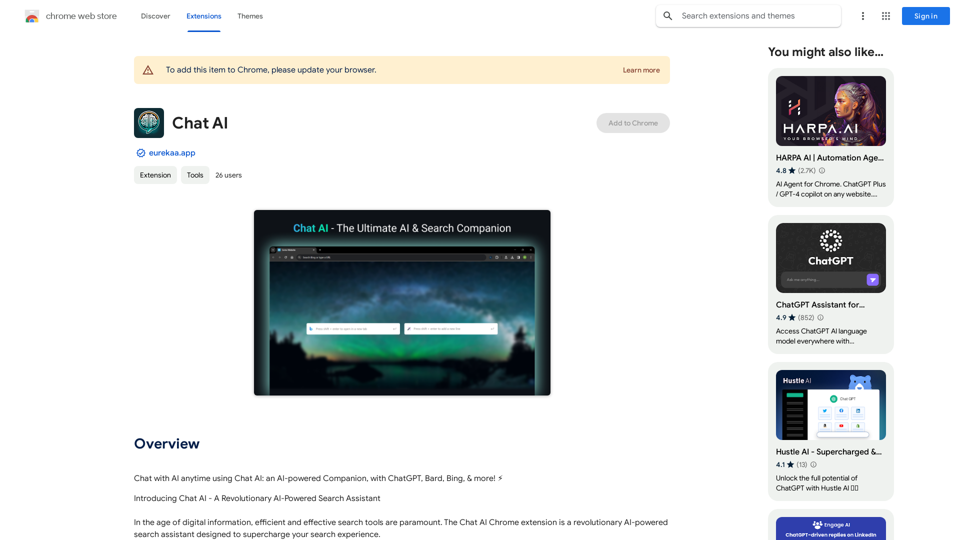
Talk to AI whenever you want with Chat AI: an AI-powered friend, featuring ChatGPT, Bard, Bing, and more! ⚡
Introduction
Feature
Dual Search Bar Capability
Chat AI offers a unique dual search bar feature, allowing users to choose the most appropriate solution for their query based on specific needs, context, and use cases.
Holistic View with Multiple Outputs
The assistant generates multiple outputs from various sources simultaneously, enabling users to compare different results, gain diverse perspectives, and achieve a more comprehensive understanding of their search topic.
Deep Browser Integration for Quick Actions
Chat AI seamlessly integrates with your browser, allowing users to perform quick actions via the right-click menu, simplifying processes and saving time.
Context-Switching Prevention
By displaying outputs in a quick-access side panel interface, Chat AI eliminates the need to open new tab pages, maintaining user focus and workflow continuity.
Free Basic Features
Chat AI offers its basic features at no cost, with the option to upgrade to a paid subscription for advanced functionalities.
FAQ
Is Chat AI free to use?
Yes, Chat AI is a free extension with basic features available at no cost. Advanced features are accessible through a paid subscription.
What are the advanced features of Chat AI?
Chat AI's advanced features include:
- Holistic view with multiple outputs
- Deep browser integration for quick actions
- Context-switching prevention
How do I install Chat AI?
To install Chat AI, simply click the "Add to Chrome" button on the Chrome Web Store page.
Related Websites

Hocoos AI Website Builder - Create Your Website in 5 Minutes
Hocoos AI Website Builder - Create Your Website in 5 MinutesCreate professional websites in seconds with Hocoos AI website builder. Get all the sales and marketing tools to start & grow your online business now.
111.35 K
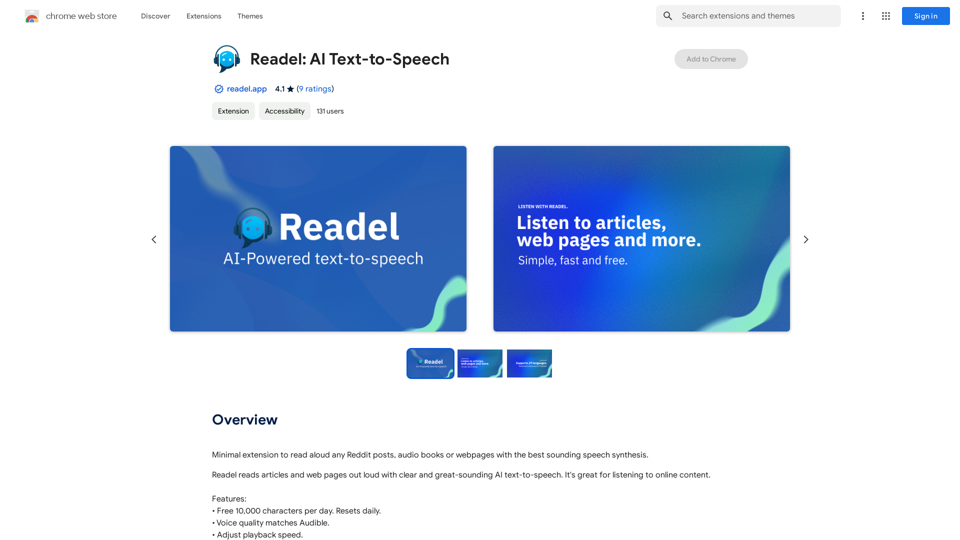
A small program that can read aloud any Reddit posts, audiobooks, or webpages using the highest quality text-to-speech technology.
193.90 M
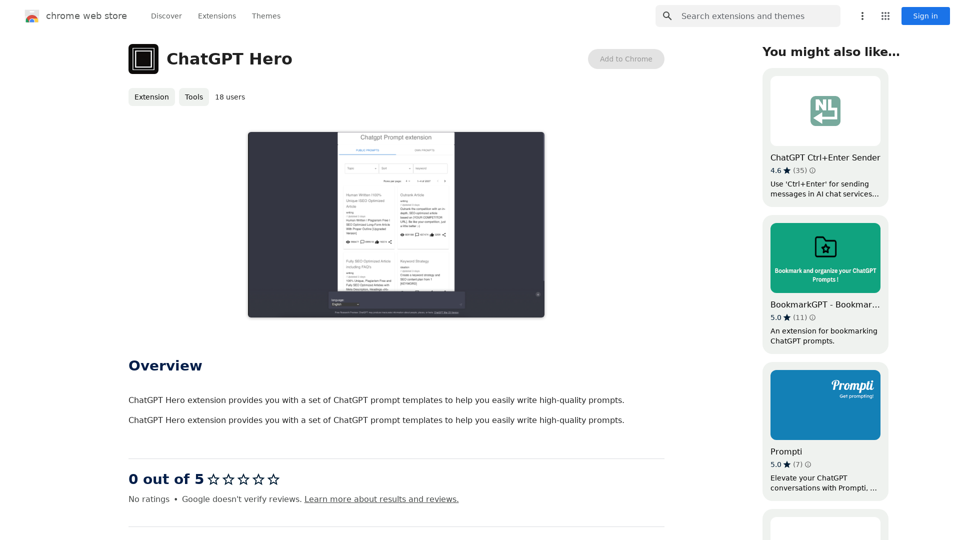
The ChatGPT Hero extension gives you a collection of ChatGPT prompt templates to make it simple to write great prompts.
193.90 M
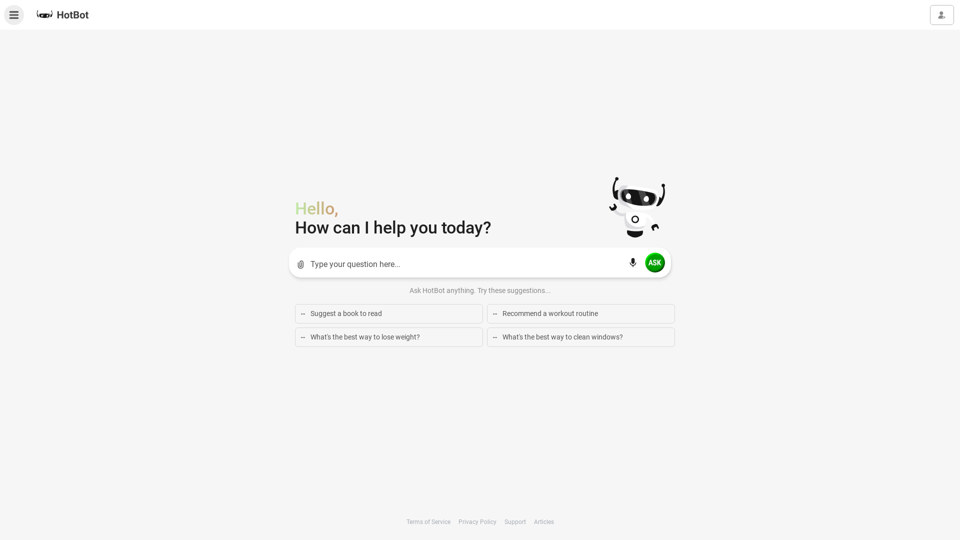
HotBot: Smarter Answers. AI Made Easy. Ask Your Question Now.
HotBot: Smarter Answers. AI Made Easy. Ask Your Question Now.HotBot is AI made simple. We made searching the web better in 1996, and now we're making AI easier in 2024. Just type in your question and receive your answer, all powered by ChatGPT 4. HotBot is totally free to use and no sign-up is required.
708.64 K
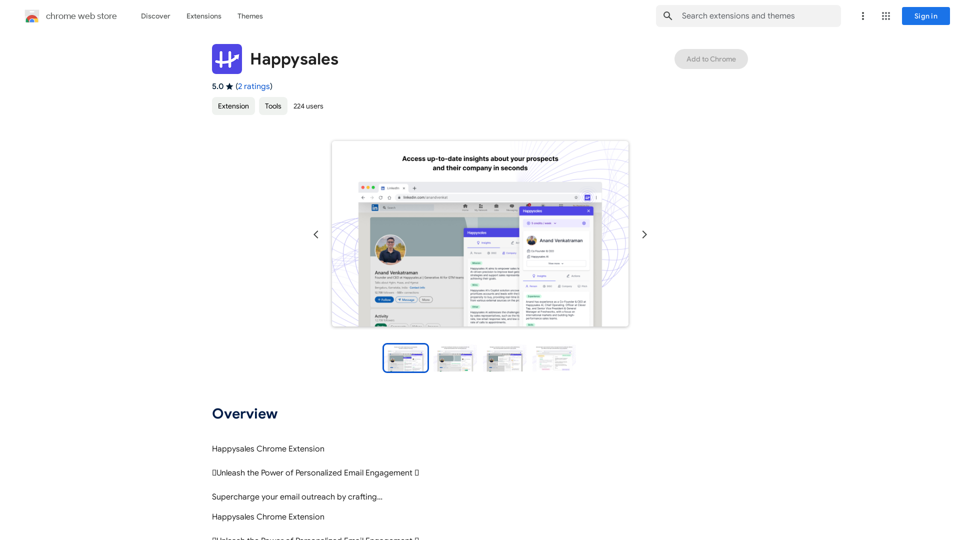
Happysales Chrome Extension 🔥 Unleash the Power of Personalized Email Engagement 🔥 Supercharge your email outreach by crafting...
193.90 M
![Searching for ChatGPT Plugins
Searching for ChatGPT plugins can be an exciting experience, as it allows you to explore and discover new features and functionalities to enhance your conversational AI model. Here are some ways to search for ChatGPT plugins:
Official Plugin Directory
The official ChatGPT plugin directory is a great place to start your search. This directory provides a curated list of plugins that are compatible with ChatGPT, along with their descriptions, features, and installation instructions.
GitHub and Open-Source Repositories
GitHub and other open-source repositories are treasure troves for ChatGPT plugins. You can search for plugins using keywords like "ChatGPT plugin" or "conversational AI plugin" to find relevant repositories. You can also explore popular open-source repositories like the ChatGPT community repository.
Plugin Marketplaces
Some plugin marketplaces, like the ChatGPT Marketplace, offer a wide range of plugins for ChatGPT. These marketplaces often provide user reviews, ratings, and descriptions to help you make informed decisions.
Forums and Communities
ChatGPT forums and communities are great places to ask for plugin recommendations or search for plugins. You can ask other users about their favorite plugins or search for threads related to specific plugin categories.
Search Engines
Finally, you can use search engines like Google to search for ChatGPT plugins. Use specific keywords like "ChatGPT plugin for [specific feature]" or "best ChatGPT plugins" to get relevant results.
Remember to always evaluate the plugins you find based on their compatibility, features, and user reviews before installing them. Happy searching!](https://static.right-ai.com/tools/2024/7/3/chromewebstore-google-com-detail-chatgpt-plugin-search-hjdhbhggcljjjfenfbdbbhhngmkglpkl-thumbnail-1720045154.png "Searching for ChatGPT Plugins
Searching for ChatGPT plugins can be an exciting experience, as it allows you to explore and discover new features and functionalities to enhance your conversational AI model. Here are some ways to search for ChatGPT plugins:
Official Plugin Directory
The official ChatGPT plugin directory is a great place to start your search. This directory provides a curated list of plugins that are compatible with ChatGPT, along with their descriptions, features, and installation instructions.
GitHub and Open-Source Repositories
GitHub and other open-source repositories are treasure troves for ChatGPT plugins. You can search for plugins using keywords like \"ChatGPT plugin\" or \"conversational AI plugin\" to find relevant repositories. You can also explore popular open-source repositories like the ChatGPT community repository.
Plugin Marketplaces
Some plugin marketplaces, like the ChatGPT Marketplace, offer a wide range of plugins for ChatGPT. These marketplaces often provide user reviews, ratings, and descriptions to help you make informed decisions.
Forums and Communities
ChatGPT forums and communities are great places to ask for plugin recommendations or search for plugins. You can ask other users about their favorite plugins or search for threads related to specific plugin categories.
Search Engines
Finally, you can use search engines like Google to search for ChatGPT plugins. Use specific keywords like \"ChatGPT plugin for [specific feature]\" or \"best ChatGPT plugins\" to get relevant results.
Remember to always evaluate the plugins you find based on their compatibility, features, and user reviews before installing them. Happy searching!")
Searching for ChatGPT Plugins Searching for ChatGPT plugins can be an exciting experience, as it allows you to explore and discover new features and functionalities to enhance your conversational AI model. Here are some ways to search for ChatGPT plugins: Official Plugin Directory The official ChatGPT plugin directory is a great place to start your search. This directory provides a curated list of plugins that are compatible with ChatGPT, along with their descriptions, features, and installation instructions. GitHub and Open-Source Repositories GitHub and other open-source repositories are treasure troves for ChatGPT plugins. You can search for plugins using keywords like "ChatGPT plugin" or "conversational AI plugin" to find relevant repositories. You can also explore popular open-source repositories like the ChatGPT community repository. Plugin Marketplaces Some plugin marketplaces, like the ChatGPT Marketplace, offer a wide range of plugins for ChatGPT. These marketplaces often provide user reviews, ratings, and descriptions to help you make informed decisions. Forums and Communities ChatGPT forums and communities are great places to ask for plugin recommendations or search for plugins. You can ask other users about their favorite plugins or search for threads related to specific plugin categories. Search Engines Finally, you can use search engines like Google to search for ChatGPT plugins. Use specific keywords like "ChatGPT plugin for [specific feature]" or "best ChatGPT plugins" to get relevant results. Remember to always evaluate the plugins you find based on their compatibility, features, and user reviews before installing them. Happy searching!
Searching for ChatGPT Plugins Searching for ChatGPT plugins can be an exciting experience, as it allows you to explore and discover new features and functionalities to enhance your conversational AI model. Here are some ways to search for ChatGPT plugins: Official Plugin Directory The official ChatGPT plugin directory is a great place to start your search. This directory provides a curated list of plugins that are compatible with ChatGPT, along with their descriptions, features, and installation instructions. GitHub and Open-Source Repositories GitHub and other open-source repositories are treasure troves for ChatGPT plugins. You can search for plugins using keywords like "ChatGPT plugin" or "conversational AI plugin" to find relevant repositories. You can also explore popular open-source repositories like the ChatGPT community repository. Plugin Marketplaces Some plugin marketplaces, like the ChatGPT Marketplace, offer a wide range of plugins for ChatGPT. These marketplaces often provide user reviews, ratings, and descriptions to help you make informed decisions. Forums and Communities ChatGPT forums and communities are great places to ask for plugin recommendations or search for plugins. You can ask other users about their favorite plugins or search for threads related to specific plugin categories. Search Engines Finally, you can use search engines like Google to search for ChatGPT plugins. Use specific keywords like "ChatGPT plugin for [specific feature]" or "best ChatGPT plugins" to get relevant results. Remember to always evaluate the plugins you find based on their compatibility, features, and user reviews before installing them. Happy searching!Here are some of the best, top, and popular ChatGPT plugins: 1. WebChat: A plugin that allows users to interact with ChatGPT through a web interface. 2. ChatGPT Writer: A plugin that helps users generate high-quality content, such as articles, stories, and emails, using ChatGPT's language generation capabilities. 3. ChatGPT Code Interpreter: A plugin that enables users to write code in various programming languages and have ChatGPT interpret and execute it. 4. ChatGPT Conversational AI: A plugin that allows users to create conversational AI models using ChatGPT's language understanding capabilities. 5. ChatGPT Language Translator: A plugin that enables users to translate text from one language to another using ChatGPT's language translation capabilities. 6. ChatGPT Summarizer: A plugin that helps users summarize long pieces of text, such as articles or documents, into concise summaries using ChatGPT's text summarization capabilities. 7. ChatGPT Q&A: A plugin that enables users to ask questions and receive answers from ChatGPT on a wide range of topics. 8. ChatGPT Creative Writing: A plugin that helps users generate creative writing, such as poetry, stories, and dialogues, using ChatGPT's language generation capabilities. 9. ChatGPT Dialogue System: A plugin that enables users to create conversational dialogue systems using ChatGPT's language understanding capabilities. 10. ChatGPT Sentiment Analyzer: A plugin that helps users analyze the sentiment of text, such as determining whether a piece of text is positive, negative, or neutral, using ChatGPT's sentiment analysis capabilities.
193.90 M
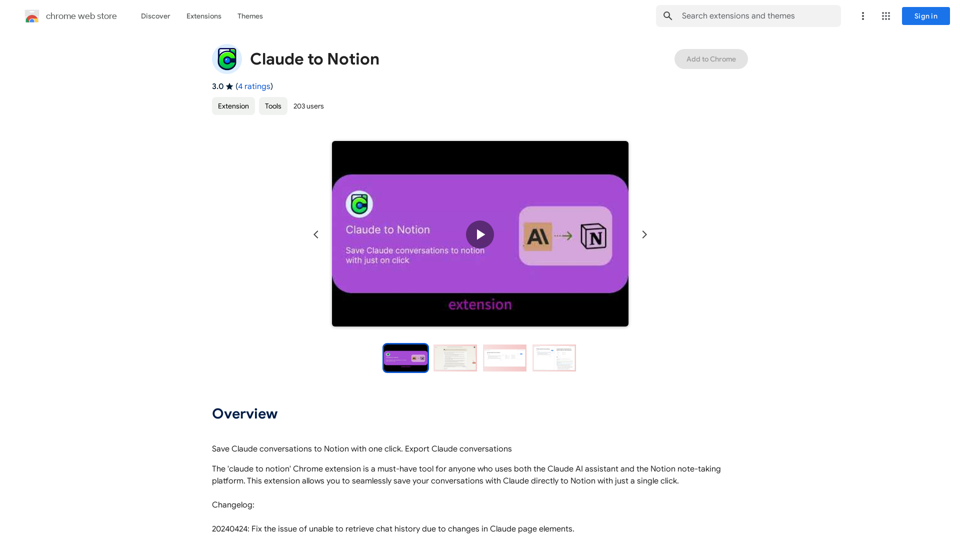
Claude to Notion This is a guide on how to connect Claude, an AI assistant, with Notion, a note-taking and workspace app. Why connect Claude and Notion? * Boost your productivity: Use Claude to generate content, summarize information, and automate tasks directly within Notion. * Enhance your research: Ask Claude questions about your Notion notes and get insightful answers. * Unlock new creative possibilities: Leverage Claude's generative capabilities to brainstorm ideas, write stories, or compose emails within your Notion workspace. How to connect Claude and Notion: 1. API Keys: Obtain an API key for both Claude and Notion. 2. Integration Tool: Explore integration tools like Zapier or Integromat to connect Claude and Notion. These platforms allow you to create workflows that trigger actions in one app based on events in the other. 3. Custom Development: For advanced users, you can develop your own custom integration using the Claude and Notion APIs. This gives you the most flexibility but requires coding knowledge. Example Use Cases: * Meeting Summarization: After a meeting, paste the transcript into Notion and use Claude to generate a concise summary. * Content Creation: Use Claude to write blog posts, articles, or social media captions directly within your Notion pages. * Idea Generation: Brainstorm new ideas for projects or tasks by prompting Claude with specific questions within your Notion workspace. Remember to review the documentation and terms of service for both Claude and Notion to ensure proper usage and security.
Claude to Notion This is a guide on how to connect Claude, an AI assistant, with Notion, a note-taking and workspace app. Why connect Claude and Notion? * Boost your productivity: Use Claude to generate content, summarize information, and automate tasks directly within Notion. * Enhance your research: Ask Claude questions about your Notion notes and get insightful answers. * Unlock new creative possibilities: Leverage Claude's generative capabilities to brainstorm ideas, write stories, or compose emails within your Notion workspace. How to connect Claude and Notion: 1. API Keys: Obtain an API key for both Claude and Notion. 2. Integration Tool: Explore integration tools like Zapier or Integromat to connect Claude and Notion. These platforms allow you to create workflows that trigger actions in one app based on events in the other. 3. Custom Development: For advanced users, you can develop your own custom integration using the Claude and Notion APIs. This gives you the most flexibility but requires coding knowledge. Example Use Cases: * Meeting Summarization: After a meeting, paste the transcript into Notion and use Claude to generate a concise summary. * Content Creation: Use Claude to write blog posts, articles, or social media captions directly within your Notion pages. * Idea Generation: Brainstorm new ideas for projects or tasks by prompting Claude with specific questions within your Notion workspace. Remember to review the documentation and terms of service for both Claude and Notion to ensure proper usage and security.Save Claude conversations to Notion with one click. Export Claude conversations.
193.90 M