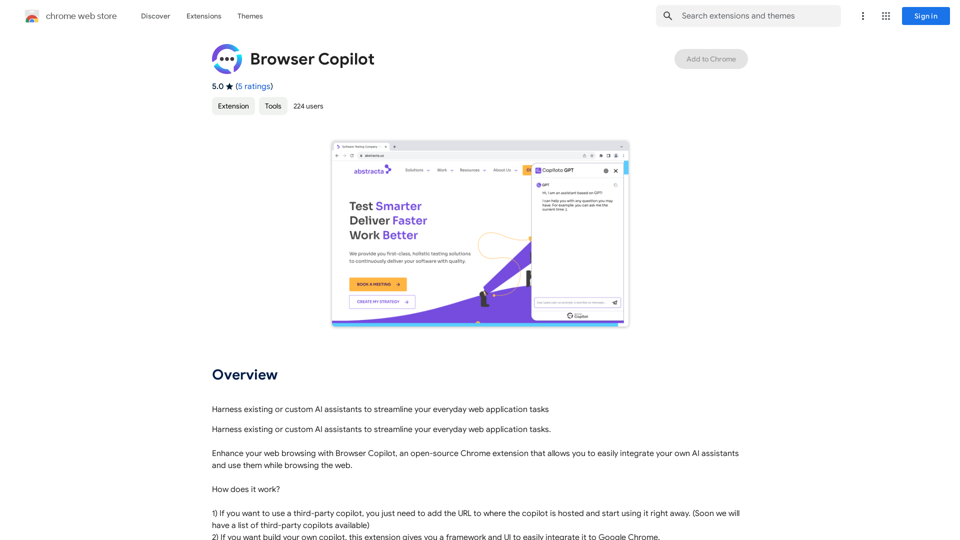
Browser Copilot is an open-source Chrome extension that empowers users to integrate AI assistants into their web browsing experience. It provides a framework for using existing or custom AI assistants to enhance productivity and streamline tasks across various web applications. This tool is designed to be flexible, allowing users to easily incorporate third-party copilots or build their own, all within the familiar environment of Google Chrome.
Browser Copilot
Use existing or create your own AI helpers to make your web application tasks easier.
Introduction
Feature
Integrate Third-Party Copilots
Users can quickly add and utilize existing AI assistants by simply providing the URL where the copilot is hosted. This feature allows for immediate access to a wide range of AI-powered tools and services.
Build Custom Copilots
Browser Copilot offers a robust framework and user interface for developers to create and integrate their own AI assistants directly into Google Chrome. This feature empowers users to tailor AI solutions to their specific needs and preferences.
Open-Source Community
The extension fosters a vibrant open-source community where users can share and benefit from copilots developed by experts and enthusiasts. This collaborative environment encourages innovation and knowledge sharing.
Free to Use
Browser Copilot is available as a free Chrome extension, ensuring accessibility for all users without any cost barriers.
Flexible AI Integration
The extension supports integration with any AI assistant that has a URL or API, providing users with a wide range of options to enhance their browsing experience.
FAQ
How do I use Browser Copilot?
To use Browser Copilot, simply add the extension to your Chrome browser and follow the provided instructions to integrate your desired AI assistant.
Can I use Browser Copilot with any AI assistant?
Yes, Browser Copilot is designed to work with any AI assistant that has a URL or API, offering great flexibility in choosing and integrating AI tools.
What are some tips for getting the most out of Browser Copilot?
To maximize the benefits of Browser Copilot:
- Explore available copilots and integrate those that best suit your needs.
- When building your own copilot, adhere to the guidelines and best practices provided by the extension.
- Engage with the open-source community to discover new copilots and share your own creations.
Related Websites
AI Voice Over for YouTube This is a guide to using AI voice over for your YouTube videos. Why Use AI Voice Over? * Cost-Effective: AI voice over is much cheaper than hiring a professional voice actor. * Time-Saving: You can generate voice over quickly and easily, without needing to schedule recording sessions. * Variety of Voices: Choose from a wide range of AI voices, including male, female, and even robotic voices. * Accessibility: Make your videos accessible to viewers who are deaf or hard of hearing by adding captions generated by AI. How to Use AI Voice Over 1. Choose a Platform: There are many different platforms that offer AI voice over services, such as: * Google Cloud Text-to-Speech * Amazon Polly * Microsoft Azure Text to Speech * Murf.ai * NaturalReader 2. Write Your Script: Write a clear and concise script for your video. 3. Upload Your Script: Upload your script to the chosen platform. 4. Select a Voice: Choose the voice that best suits your video. 5. Adjust Settings: Adjust settings such as speed, pitch, and volume. 6. Generate Voice Over: Click the "Generate" button to create your voice over. 7. Download and Edit: Download the generated voice over file and edit it as needed. 8. Add to Your Video: Add the voice over to your YouTube video. Tips for Using AI Voice Over * Use Natural Language: Write your script as if you were speaking naturally. * Vary Your Tone: Use different tones of voice to keep your viewers engaged. * Add Pauses: Include pauses in your script to allow viewers to process information. * Proofread Carefully: Always proofread your script before generating the voice over. * Experiment: Try different voices, settings, and styles to find what works best for you.
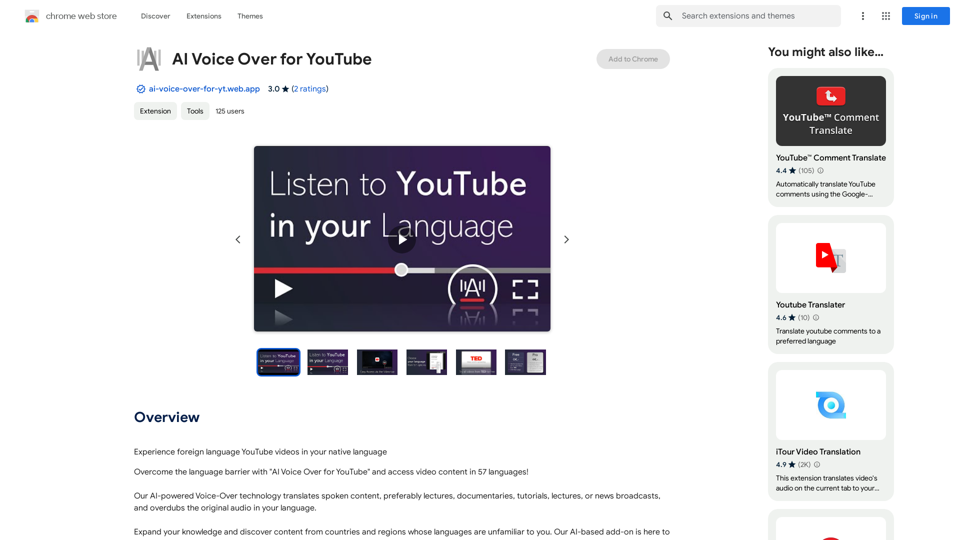
AI Voice Over for YouTube This is a guide to using AI voice over for your YouTube videos. Why Use AI Voice Over? * Cost-Effective: AI voice over is much cheaper than hiring a professional voice actor. * Time-Saving: You can generate voice over quickly and easily, without needing to schedule recording sessions. * Variety of Voices: Choose from a wide range of AI voices, including male, female, and even robotic voices. * Accessibility: Make your videos accessible to viewers who are deaf or hard of hearing by adding captions generated by AI. How to Use AI Voice Over 1. Choose a Platform: There are many different platforms that offer AI voice over services, such as: * Google Cloud Text-to-Speech * Amazon Polly * Microsoft Azure Text to Speech * Murf.ai * NaturalReader 2. Write Your Script: Write a clear and concise script for your video. 3. Upload Your Script: Upload your script to the chosen platform. 4. Select a Voice: Choose the voice that best suits your video. 5. Adjust Settings: Adjust settings such as speed, pitch, and volume. 6. Generate Voice Over: Click the "Generate" button to create your voice over. 7. Download and Edit: Download the generated voice over file and edit it as needed. 8. Add to Your Video: Add the voice over to your YouTube video. Tips for Using AI Voice Over * Use Natural Language: Write your script as if you were speaking naturally. * Vary Your Tone: Use different tones of voice to keep your viewers engaged. * Add Pauses: Include pauses in your script to allow viewers to process information. * Proofread Carefully: Always proofread your script before generating the voice over. * Experiment: Try different voices, settings, and styles to find what works best for you.Watch foreign language YouTube videos in your own language.
193.90 M
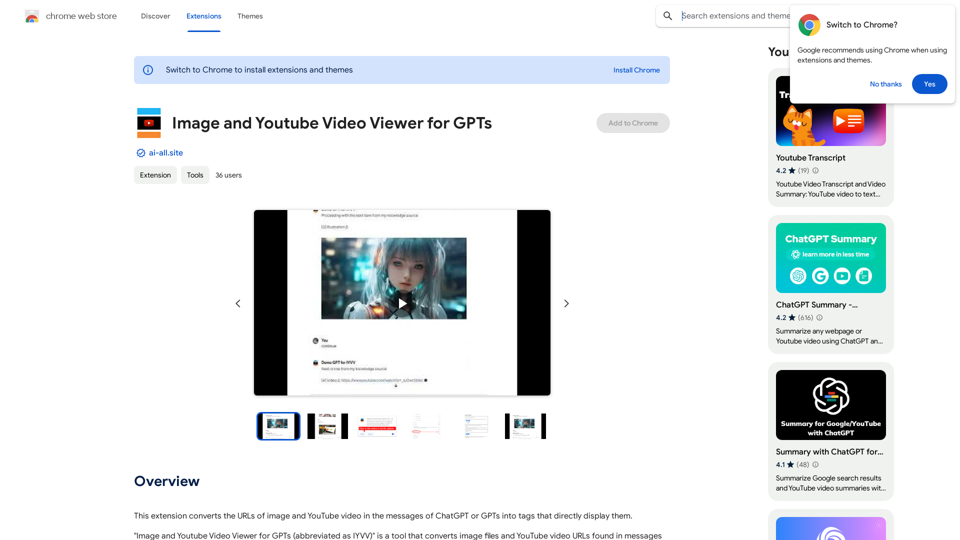
This extension changes the links for images and YouTube videos in ChatGPT or GPT messages into tags that show the images and videos directly.
193.90 M
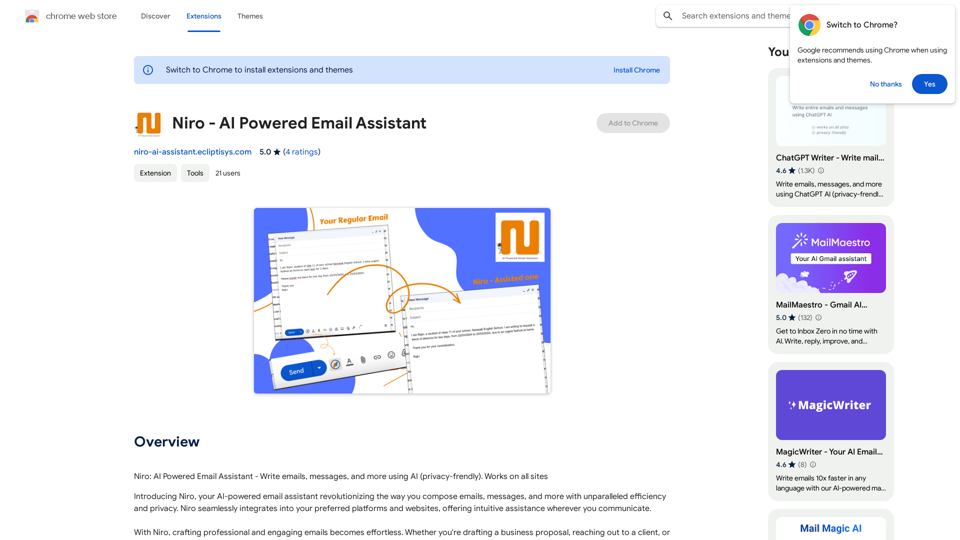
Niro: AI Powered Email Assistant - Write emails, messages, and more using AI (privacy-friendly). Works on all sites
193.90 M
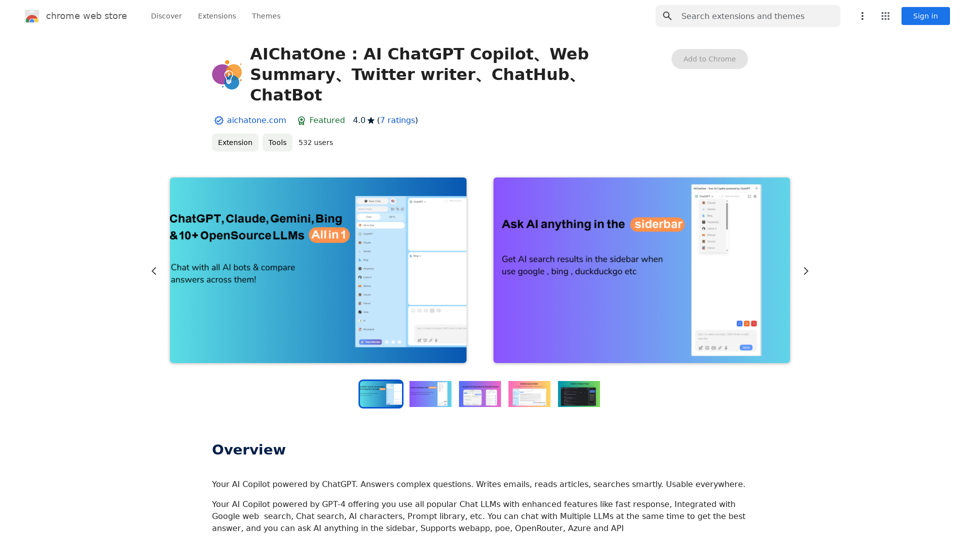
AIChatOne: AI ChatGPT Copilot, Web Summary, Twitter Writer, ChatHub, ChatBot
AIChatOne: AI ChatGPT Copilot, Web Summary, Twitter Writer, ChatHub, ChatBotYour AI Copilot powered by ChatGPT. Answers complex questions. Writes emails. Reads articles. Searches smartly. Usable everywhere.
193.90 M
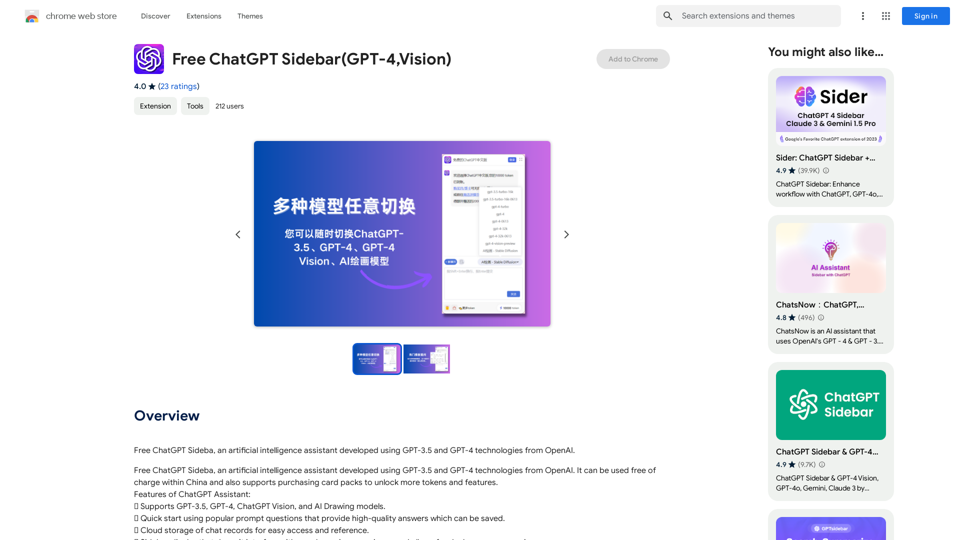
Free ChatGPT Sideba, an artificial intelligence assistant developed using GPT-3.5 and GPT-4 technologies from OpenAI.
193.90 M