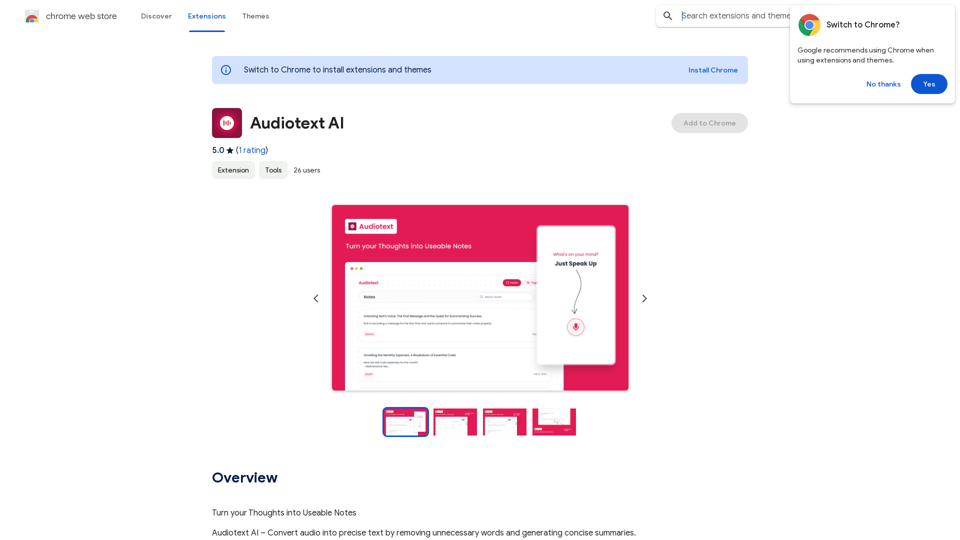
Audiotext AI is an innovative tool that transforms spoken words into concise, well-structured text. It removes unnecessary filler words and generates summaries in various styles. Users can speak naturally and select their preferred transcription style, making it an efficient solution for converting thoughts into usable notes.
Audiotext AI
Transform Your Ideas into Actionable Notes
Introduction
Feature
Voice-to-Text Conversion
Audiotext AI accurately converts spoken words into text, including natural speech patterns and filler words. Users can speak normally, and the AI will process and refine the content.
Customizable Transcription Styles
Users can choose from various transcription styles, including short summaries, long summaries, bullet points, passive voice, and active voice. This flexibility allows for tailored output based on specific needs.
AI-Powered Rewriting
With a single click, Audiotext AI can intelligently rewrite notes according to the chosen style, enhancing clarity and coherence.
Easy Sharing
Users can quickly share their notes by toggling a switch, generating a unique link for web and social media sharing.
Multiple Use Cases
Audiotext AI supports various applications, including:
- Note-taking
- Content creation
- Student lecture recording
- Personal journaling
- Interview transcription
- Meeting minutes extraction
Privacy Protection
User privacy is prioritized, with no data used for training purposes. Users can delete their accounts at any time, removing all associated data.
Free Daily Usage
Users can access daily free uses of GPT-4o document reading and Dalle's image generation, providing a range of AI-powered tools for various tasks.
FAQ
How do I use Audiotext AI?
- Speak naturally, including filler words and pauses.
- Select your desired transcription style (e.g., short summary, bullet points, active voice).
- Click "Transcribe" to generate your text.
What are the benefits of using Audiotext AI for content creation?
Audiotext AI streamlines the content creation process by allowing bloggers, writers, and YouTubers to dictate their ideas, stories, or scripts and have them transcribed efficiently.
How can students benefit from Audiotext AI?
Students can record lectures, convert them to text, review at their own pace, highlight important points, and create comprehensive study guides.
Is there a subscription option for Audiotext AI?
Yes, if the 20 free GPT-4o conversations per day are insufficient, users can subscribe to affordable products for increased usage.
How does Audiotext AI handle user privacy?
Audiotext AI prioritizes user privacy. Your data is not used for training purposes, and you can delete your account at any time, removing all associated data.
Related Websites
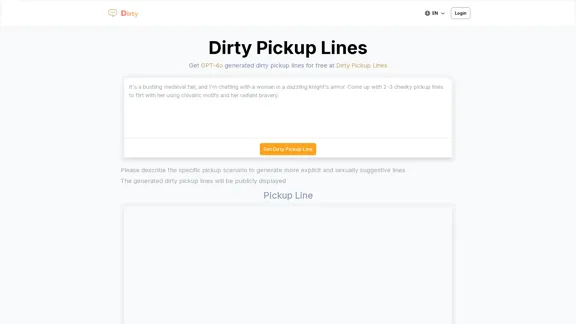
Dirty Pickup Lines - Online AI Raunchy Pickup Line Generator
Dirty Pickup Lines - Online AI Raunchy Pickup Line GeneratorDirty Pickup Lines is an online AI tool that generates explicit, sexually suggestive pickup lines for various scenarios, at no cost. Simply input a specific pickup scenario, and the AI will produce humorous, original, risqué pickup lines filled with sexual innuendos.
0
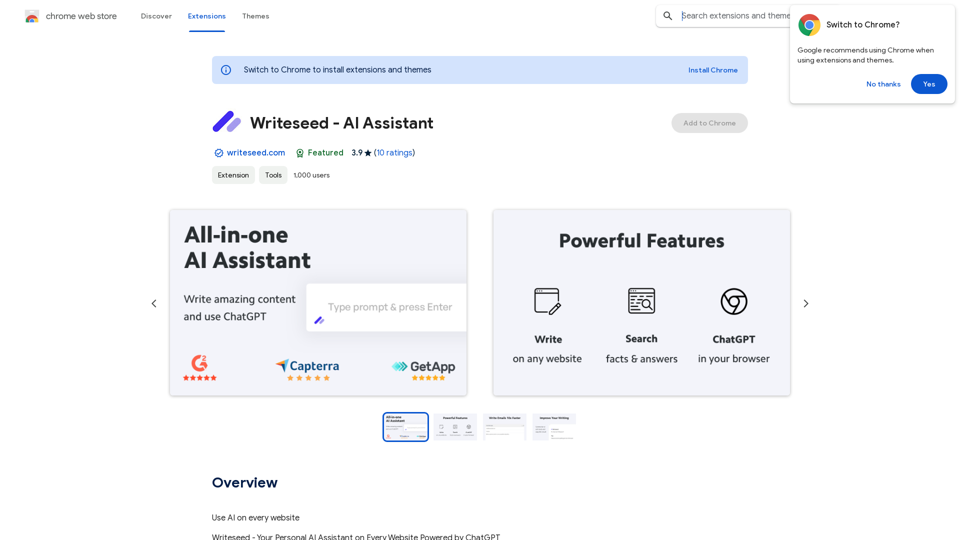
Using AI on Every Website With the rapid advancement of technology, Artificial Intelligence (AI) has become an integral part of our daily lives. From virtual assistants to self-driving cars, AI is revolutionizing the way we live and work. One area where AI can have a significant impact is on websites. Imagine a website that can learn from your behavior, adapt to your needs, and provide personalized experiences. In this article, we'll explore the possibilities of using AI on every website. Enhanced User Experience AI can analyze user behavior, preferences, and interests to provide a tailored experience. For instance, an e-commerce website can use AI to recommend products based on a user's browsing history and purchase behavior. This can lead to increased customer satisfaction, loyalty, and ultimately, revenue. Improved Website Performance AI can help optimize website performance by analyzing user traffic patterns, identifying bottlenecks, and providing insights to improve loading times. This can result in higher search engine rankings, increased conversions, and a better overall user experience. Personalized Content AI-powered content generation can help create personalized content for users based on their interests, preferences, and behavior. This can include customized product recommendations, tailored blog posts, and even personalized email marketing campaigns. Enhanced Security AI-powered security systems can detect and prevent cyber threats in real-time, providing an additional layer of protection for websites and their users. This can include identifying and blocking malicious traffic, detecting phishing attempts, and preventing data breaches. Chatbots and Virtual Assistants AI-powered chatbots and virtual assistants can provide 24/7 customer support, helping users navigate websites, answer questions, and resolve issues. This can lead to increased customer satisfaction, reduced support queries, and improved overall user experience. The Future of Web Development As AI technology continues to evolve, we can expect to see even more innovative applications on websites. From AI-powered design tools to AI-driven website analytics, the possibilities are endless. The future of web development is exciting, and AI is at the forefront of this revolution. Conclusion Using AI on every website can have a transformative impact on the way we interact with the internet. From enhanced user experiences to improved website performance, personalized content, enhanced security, and chatbots, the benefits of AI are undeniable. As technology continues to advance, we can expect to see even more innovative applications of AI on websites. The future is exciting, and AI is leading the way.
193.90 M
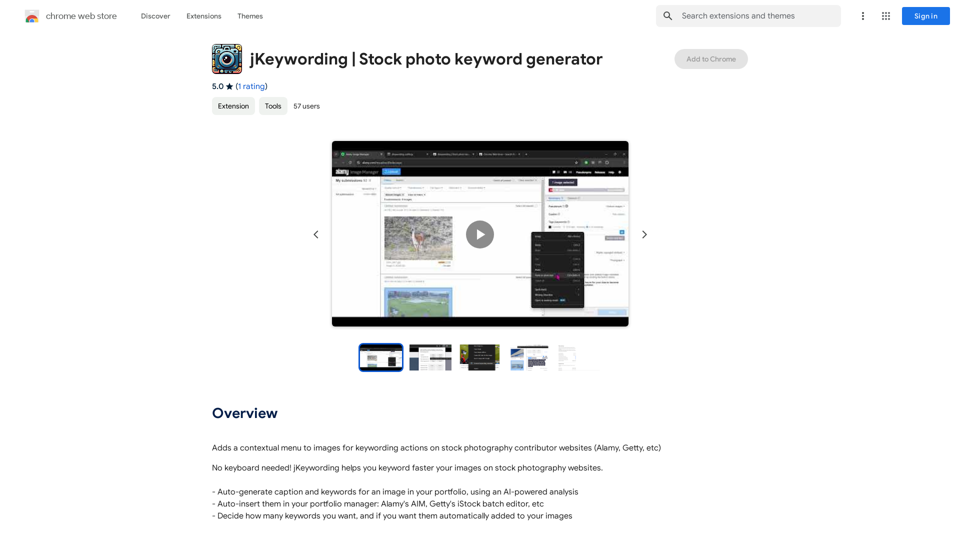
Adds a right-click menu to images, allowing users to easily add keywords to stock photos on websites like Alamy and Getty.
193.90 M
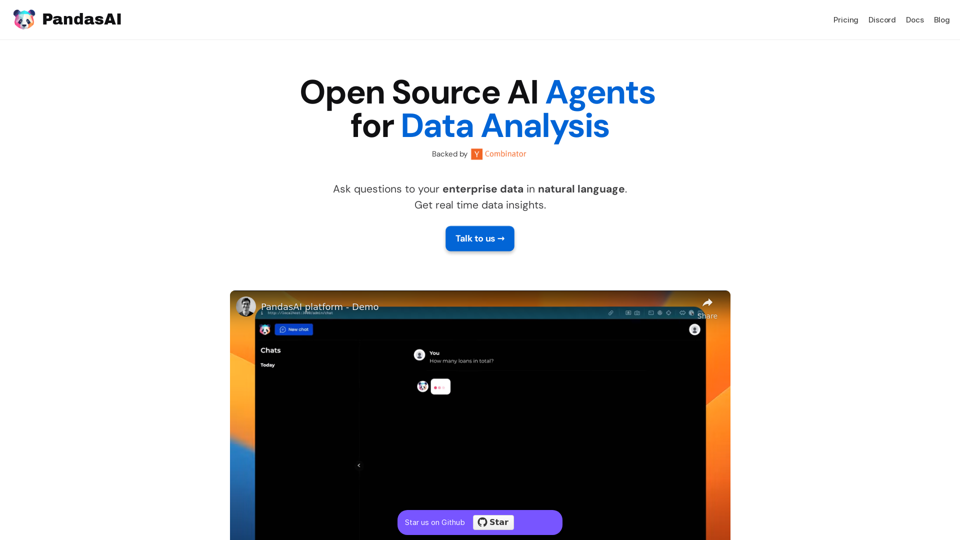
PandasAI is a Python library that integrates generative artificial intelligence capabilities into pandas, making dataframes conversational.
44.27 K
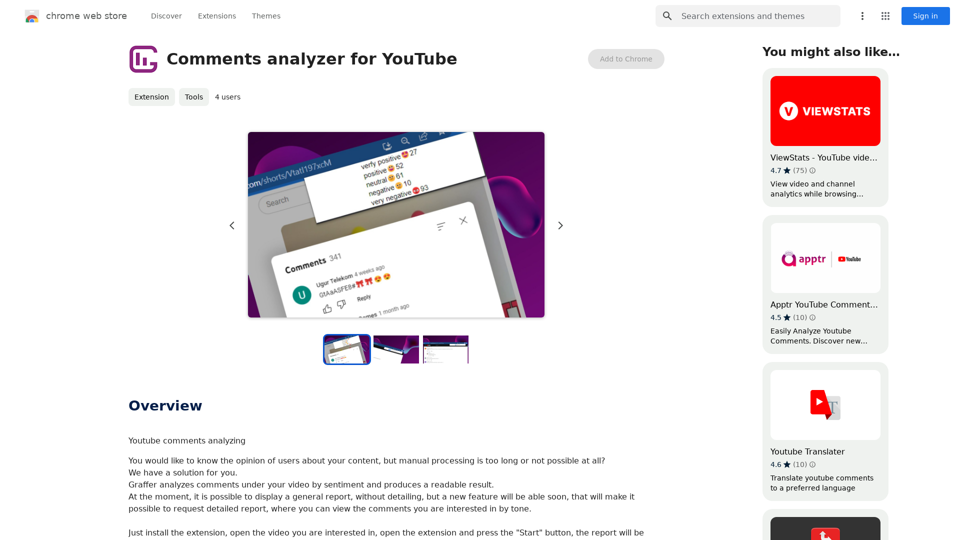
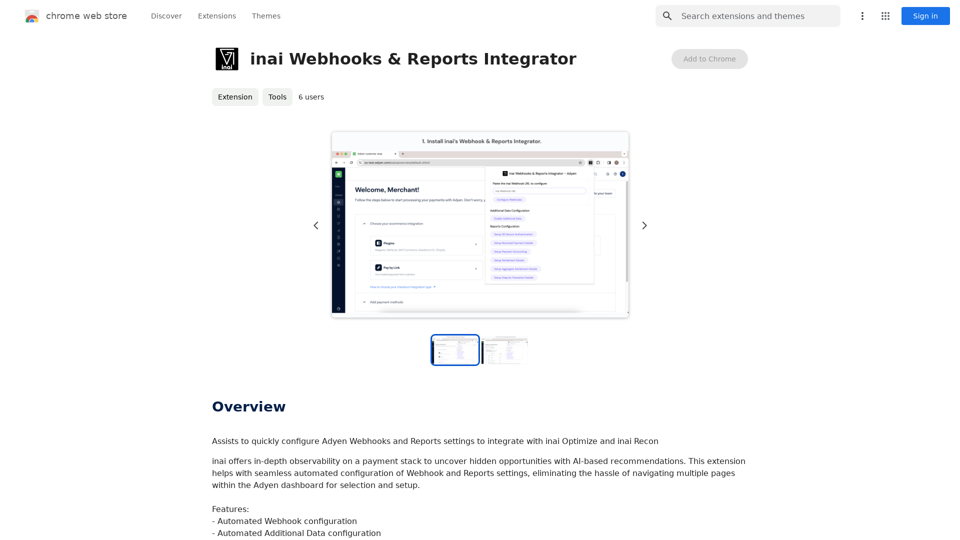
Helps you quickly set up Adyen Webhooks and Reports so they work with inai Optimize and inai Recon.
193.90 M
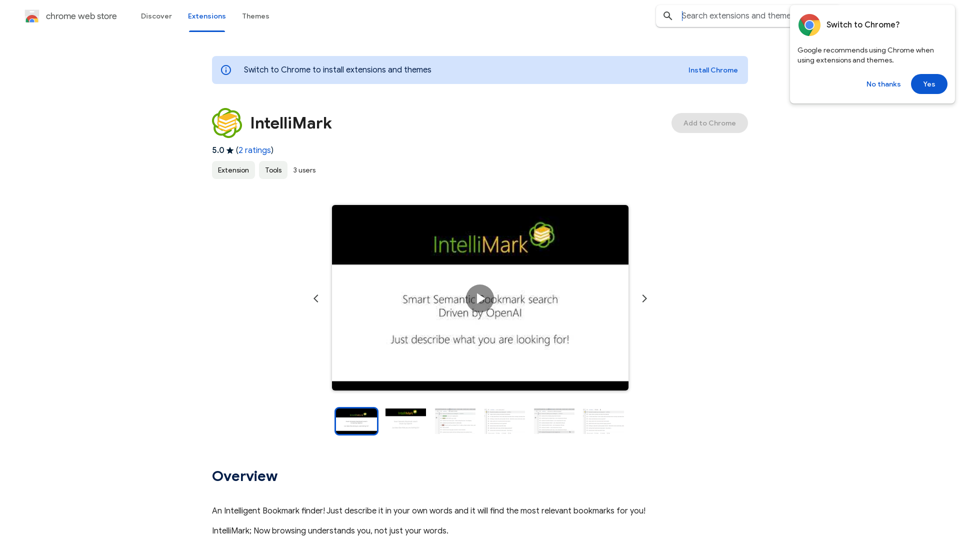
An intelligent bookmark finder! Just tell it what you're looking for in your own words, and it will find the most useful bookmarks for you!
193.90 M
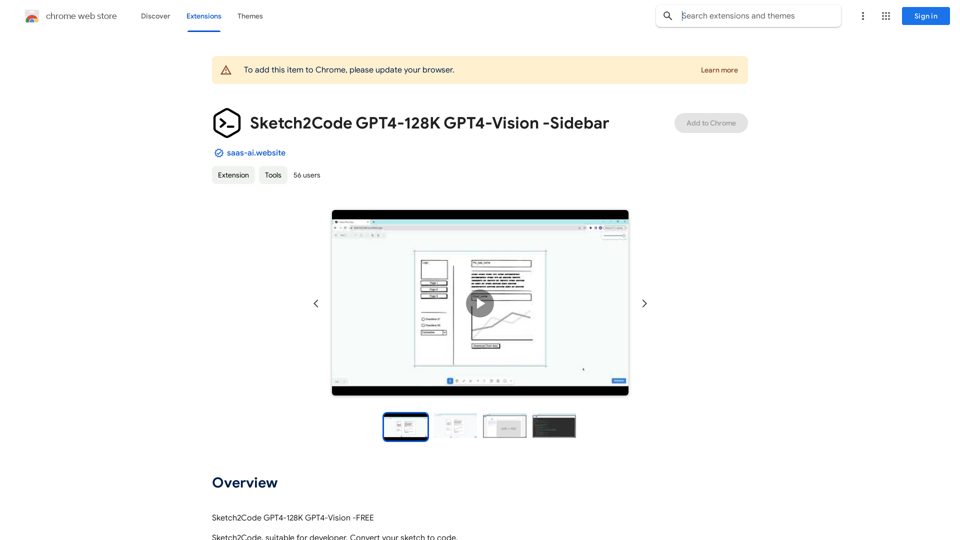
Sketch2Code GPT4-128K GPT4-Vision - Sidebar This is a simple sidebar for a Sketch2Code application powered by GPT4-128K and GPT4-Vision. It likely contains: * Upload Sketch: A button or area to upload an image sketch. * Code Generation Options: Settings to choose the programming language, desired code complexity, or other generation parameters. * Output Code: A display area to show the generated code. * Clear Output: A button to clear the generated code. Let me know if you'd like me to elaborate on any specific aspect of the sidebar!
Sketch2Code GPT4-128K GPT4-Vision - Sidebar This is a simple sidebar for a Sketch2Code application powered by GPT4-128K and GPT4-Vision. It likely contains: * Upload Sketch: A button or area to upload an image sketch. * Code Generation Options: Settings to choose the programming language, desired code complexity, or other generation parameters. * Output Code: A display area to show the generated code. * Clear Output: A button to clear the generated code. Let me know if you'd like me to elaborate on any specific aspect of the sidebar!Sketch2Code GPT4-128K GPT4-Vision - FREE
193.90 M