Astra Vision is an AI-powered web extension that enhances users' browsing experience. It combines powerful AI tools like Astra Guard and AI Snapper to provide a range of features, including protection against phishing websites and AI-powered screen analysis. This free extension is designed to improve web browsing safety and productivity.
Astra Vision
Astra Vision is an AI-powered web extension that includes a set of powerful AI tools: Astra Guard and AI Snapper.
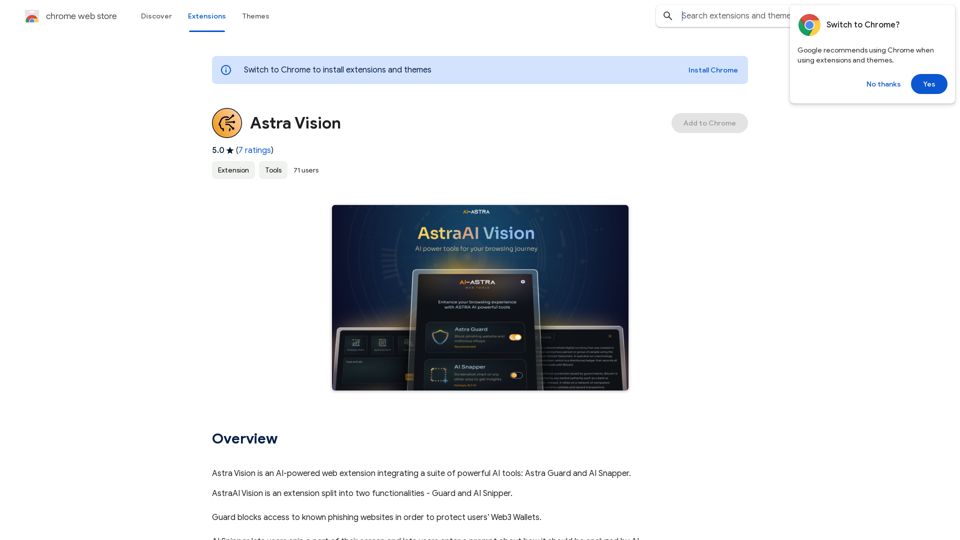
Introduction
Feature
Guard: Web3 Wallet Protection
Astra Vision's Guard feature blocks access to known phishing websites, providing an essential layer of security for users' Web3 Wallets. This proactive approach helps prevent potential scams and unauthorized access to digital assets.
AI Snipper: Intelligent Screen Analysis
The AI Snipper tool allows users to capture and analyze specific parts of their screen using advanced AI technology. This versatile feature has multiple applications:
- Analyzing financial asset charts
- Finding optimal chess moves
- Solving complex mathematical equations
- Interpreting various types of visual data
Free Access
Astra Vision is offered as a free extension, with no subscription fees required. This makes its powerful AI tools and security features accessible to all users.
Easy Installation and Use
Users can quickly install Astra Vision as a browser extension, providing immediate access to its suite of tools and features to enhance their browsing experience.
Versatile Applications
The extension's features cater to a wide range of use cases, from financial analysis to problem-solving in various fields, making it a valuable tool for different types of users.
FAQ
What are the primary components of Astra Vision?
Astra Vision consists of two main components:
- Guard: A security feature that blocks access to known phishing websites
- AI Snipper: An AI-powered tool for analyzing screen captures
How does AI Snipper work?
AI Snipper allows users to:
- Capture a specific part of their screen
- Submit the captured image for AI analysis
- Receive intelligent insights based on the image content
Is Astra Vision compatible with all browsers?
The provided information doesn't specify browser compatibility. Users should check the extension's details for supported browsers.
Can Astra Vision help with tasks other than financial analysis and chess?
Yes, Astra Vision's AI Snipper can be used for various tasks involving visual data analysis, including but not limited to:
- Solving mathematical equations
- Interpreting charts and graphs
- Analyzing any type of visual information captured from the screen
How does Astra Vision contribute to Web3 security?
Astra Vision enhances Web3 security through its Guard feature, which actively blocks access to known phishing websites, helping to protect users' Web3 wallets from potential scams and unauthorized access.
Related Websites
AI Paragraph Generator – Quickly generate paragraphs on any topic with our state-of-the-art AI Paragraph Generator
AI Paragraph Generator – Quickly generate paragraphs on any topic with our state-of-the-art AI Paragraph GeneratorAI Paragraph Generator – Quickly generate paragraphs on any topic with our state-of-the-art AI Paragraph Generator
0
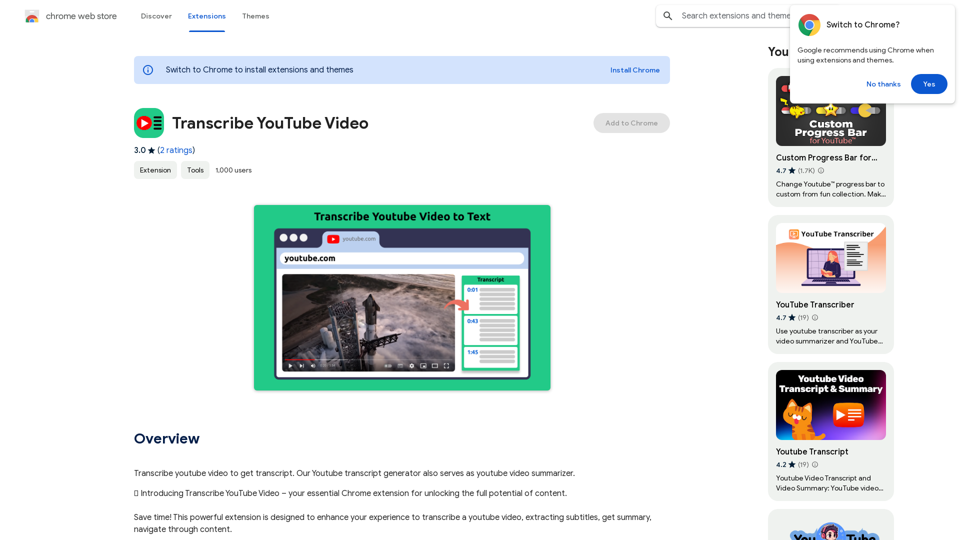
Please provide me with the YouTube video link so I can transcribe it for you.
Please provide me with the YouTube video link so I can transcribe it for you.Transcribe a YouTube video to get a transcript. Our YouTube transcript generator also acts as a YouTube video summarizer.
193.90 M
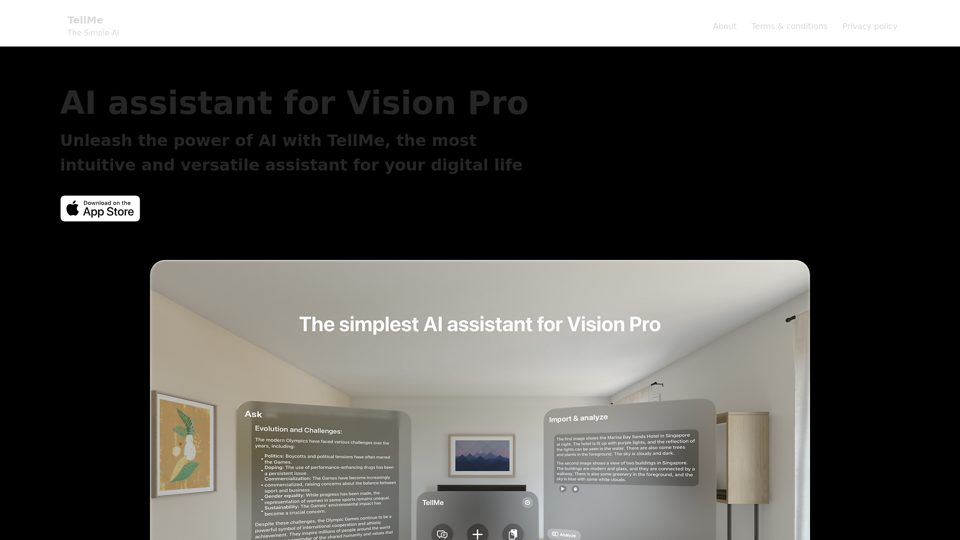
TellMe is the simplest AI assistant for Vision Pro. Unleash the power of AI with TellMe, the most intuitive and versatile assistant for your digital life.
2.48 K
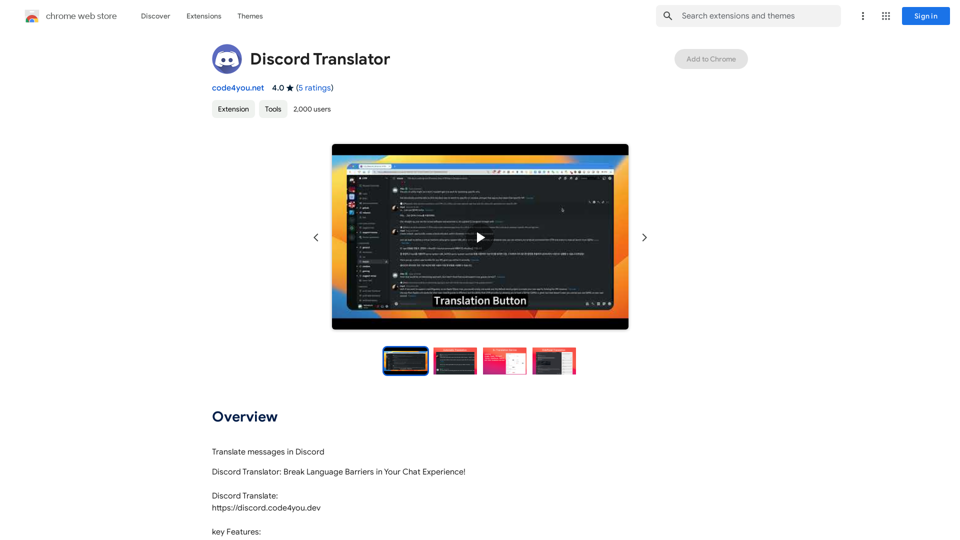
Translate Messages in Discord ============================= What is the "Translate" feature in Discord? The "Translate" feature in Discord allows users to translate messages in real-time, making it easier for people who speak different languages to communicate with each other. How to use the "Translate" feature in Discord? #1. Enable the "Translate" feature To enable the "Translate" feature, you need to go to the "User Settings" and click on the "Language" tab. Then, toggle the switch next to "Translator" to the "On" position. #2. Set your preferred language After enabling the "Translate" feature, you need to set your preferred language. You can do this by clicking on the "Language" dropdown menu and selecting your preferred language from the list. #3. Translate messages Once you've set your preferred language, you can start translating messages. To translate a message, simply hover over the message and click on the "Translate" button that appears. #4. View translated messages After clicking the "Translate" button, the message will be translated into your preferred language. You can view the translated message below the original message. Benefits of the "Translate" feature in Discord The "Translate" feature in Discord has several benefits, including: * Improved communication: The "Translate" feature helps to break down language barriers, making it easier for people who speak different languages to communicate with each other. * Increased accessibility: The "Translate" feature makes Discord more accessible to people who may not speak the dominant language of a server or community. * Enhanced collaboration: The "Translate" feature enables people to collaborate more effectively, even if they speak different languages.
193.90 M
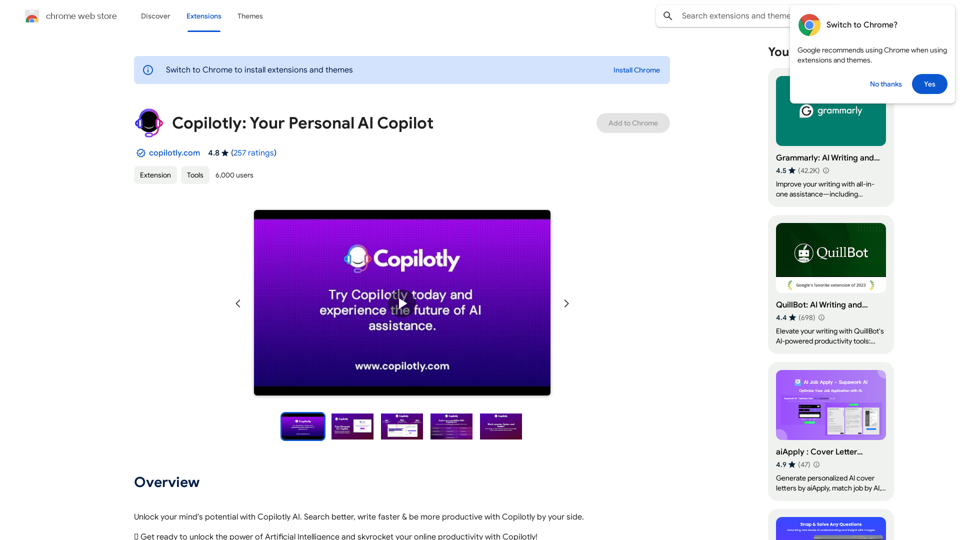
Unlock your mind's potential with Copilotly AI. Search better, write faster & be more productive with Copilotly by your side.
193.90 M
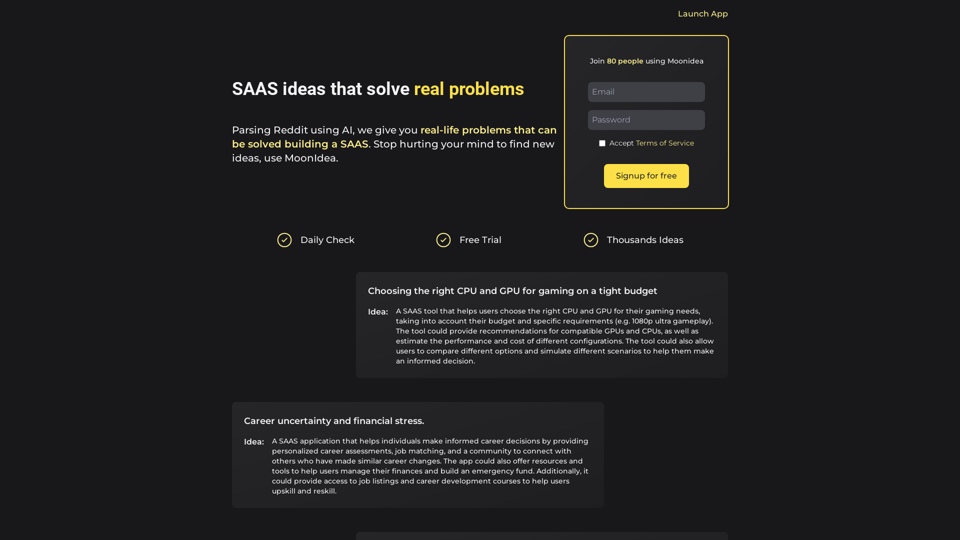
Moonidea AI-powered SaaS idea generation using Reddit threads.
Moonidea AI-powered SaaS idea generation using Reddit threads.Moonidea is an AI-powered software-as-a-service (SaaS) idea generation platform. It uses Reddit discussions to find real-world problems that could be solved by creating a new SaaS product.
0