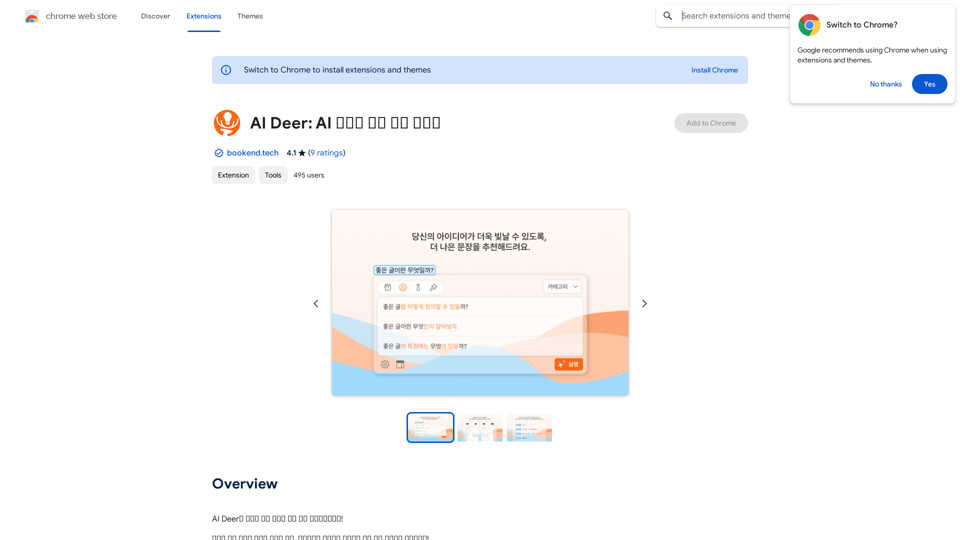
AI Deer is an innovative Chrome extension designed to enhance Korean language writing. It offers sentence correction, category-based refinement, and progress tracking features. This free tool is ideal for users looking to improve their Korean writing skills and create more polished content, whether for academic, professional, or personal use.
AI Deer: AI Korean Sentence Correction Solution
AI Deer will help you turn your great inspiration into a wonderful piece of writing!
Introduction
Feature
Sophisticated Sentence Correction
AI Deer employs advanced artificial intelligence to detect and correct grammatical errors in Korean sentences, helping users refine their writing skills and produce more accurate content.
Category-Based Correction
Users can select specific writing categories (e.g., formal or informal) to receive tailored corrections, ensuring more precise and contextually appropriate suggestions for their content.
History and Progress Tracking
The extension includes a history feature that allows users to review their corrected sentences and monitor their improvement over time, facilitating targeted learning and skill development.
User-Friendly Interface
- Install AI Deer from the Chrome Web Store
- Open the extension and choose your writing category
- Input your sentence and click "Correct"
- Review and adjust the corrected sentence as needed
Free Access
AI Deer is completely free to use, with all features accessible without any subscription or payment requirements.
FAQ
What is AI Deer?
AI Deer is an innovative Chrome extension that provides sentence correction solutions for Korean language processing, helping users improve their writing skills and create more polished content.
How does AI Deer work?
AI Deer utilizes artificial intelligence to analyze Korean sentences, detect grammatical errors, and provide corrections based on the selected writing category.
Is AI Deer suitable for academic or professional writing?
Yes, AI Deer is suitable for academic and professional writing, as it helps users refine their Korean language skills and produce more polished and accurate content.
Are there any costs associated with using AI Deer?
No, AI Deer is a free extension. Users can access all its features without any subscription or payment requirements.
Related Websites
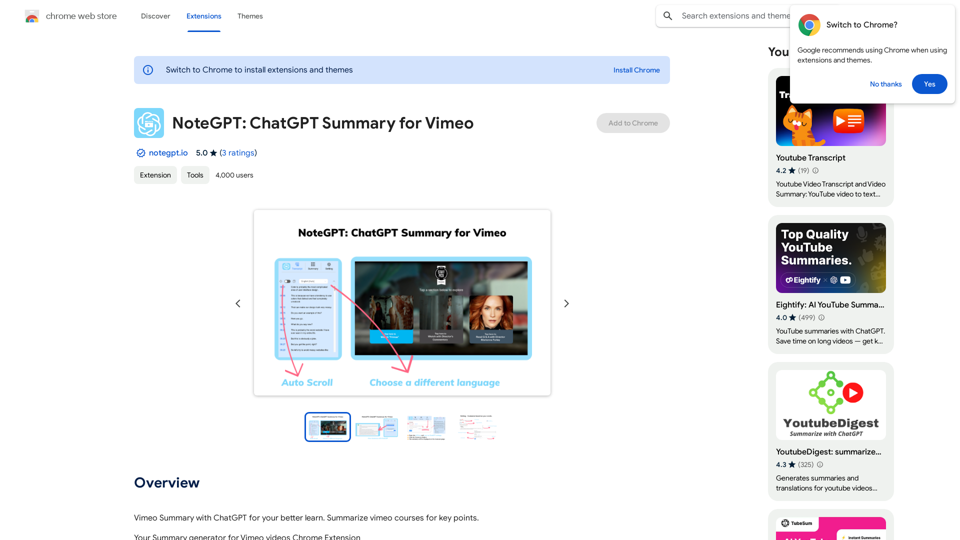
NoteGPT: ChatGPT Summary for Vimeo =============== What is NoteGPT? NoteGPT is an AI-powered note-taking tool that utilizes the capabilities of ChatGPT to assist users in summarizing and organizing their video content on Vimeo. Key Features * Automatic Summarization: NoteGPT can automatically generate a concise summary of Vimeo videos, saving users time and effort. * Customizable Notes: Users can add their own notes and tags to the generated summary, making it easy to review and reference later. * Organization: NoteGPT allows users to organize their video content by categorizing and tagging their notes, making it simple to find specific information. Benefits * Time-Saving: NoteGPT's automatic summarization feature saves users time and effort, allowing them to focus on more important tasks. * Improved Productivity: With NoteGPT, users can quickly review and reference their video content, improving their overall productivity. * Enhanced Learning: NoteGPT's customizable notes and organization features enable users to engage more effectively with their video content, leading to enhanced learning and retention. Use Cases * Education: NoteGPT is ideal for students and educators who need to review and summarize video lectures and online courses. * Business: NoteGPT can be used by professionals to summarize and organize video content for meetings, training sessions, and presentations. * Personal Development: Individuals can use NoteGPT to summarize and review video content for personal development, such as language learning or skill-building.
NoteGPT: ChatGPT Summary for Vimeo =============== What is NoteGPT? NoteGPT is an AI-powered note-taking tool that utilizes the capabilities of ChatGPT to assist users in summarizing and organizing their video content on Vimeo. Key Features * Automatic Summarization: NoteGPT can automatically generate a concise summary of Vimeo videos, saving users time and effort. * Customizable Notes: Users can add their own notes and tags to the generated summary, making it easy to review and reference later. * Organization: NoteGPT allows users to organize their video content by categorizing and tagging their notes, making it simple to find specific information. Benefits * Time-Saving: NoteGPT's automatic summarization feature saves users time and effort, allowing them to focus on more important tasks. * Improved Productivity: With NoteGPT, users can quickly review and reference their video content, improving their overall productivity. * Enhanced Learning: NoteGPT's customizable notes and organization features enable users to engage more effectively with their video content, leading to enhanced learning and retention. Use Cases * Education: NoteGPT is ideal for students and educators who need to review and summarize video lectures and online courses. * Business: NoteGPT can be used by professionals to summarize and organize video content for meetings, training sessions, and presentations. * Personal Development: Individuals can use NoteGPT to summarize and review video content for personal development, such as language learning or skill-building.Vimeo Summary with ChatGPT for Better Learning ===================================================== What is Vimeo? --------------- Vimeo is a video-hosting platform that allows users to upload, share, and view videos. It is popular among creative professionals, businesses, and individuals who want to showcase their videos in a high-quality format. How Can ChatGPT Help with Vimeo Courses? ----------------------------------------- ChatGPT is an AI-powered language model that can assist with summarizing Vimeo courses by: * Identifying key points: ChatGPT can analyze the video content and extract the most important information, making it easier to understand and retain. * Generating summaries: ChatGPT can create concise summaries of the video courses, saving time and effort. * Improving learning: By providing a clear and concise summary, ChatGPT can help learners focus on the essential concepts and improve their understanding of the material. Benefits of Using ChatGPT for Vimeo Courses --------------------------------------------- * Time-saving: ChatGPT can quickly summarize long video courses, saving learners time and effort. * Improved comprehension: ChatGPT's summaries can help learners understand complex concepts more easily. * Enhanced retention: By providing a concise summary, ChatGPT can help learners retain information better. How to Use ChatGPT for Vimeo Courses ----------------------------------------- 1. Upload the video course: Upload the Vimeo course to ChatGPT. 2. Analyze the content: ChatGPT will analyze the video content and extract key points. 3. Generate a summary: ChatGPT will create a concise summary of the video course. 4. Review and learn: Review the summary and use it to learn and retain the information. Conclusion ---------- ChatGPT can be a valuable tool for summarizing Vimeo courses, making it easier to learn and retain information. By using ChatGPT, learners can save time, improve comprehension, and enhance retention.
193.90 M
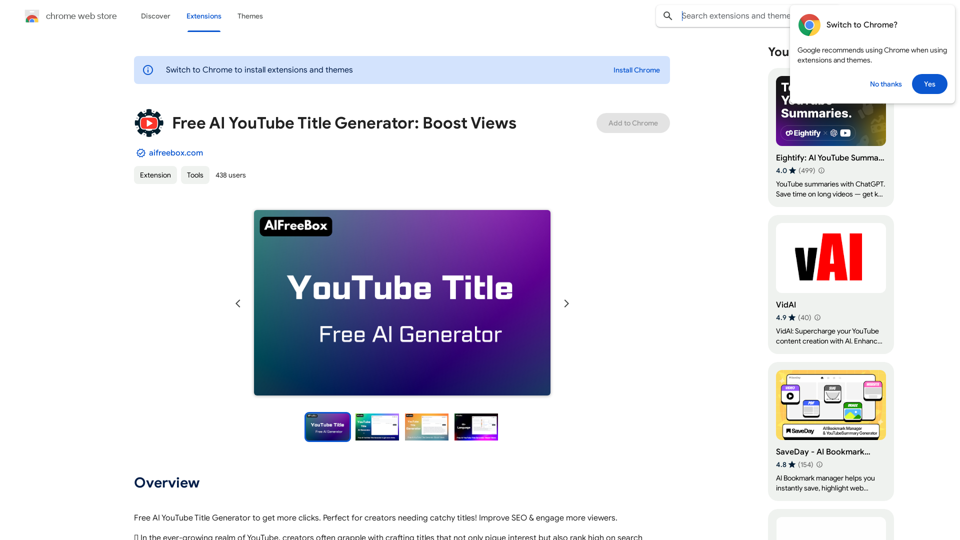
Free AI YouTube Title Generator to Get More Clicks. Perfect for Creators Needing Catchy Titles! Improve SEO & Engage More Viewers.
193.90 M
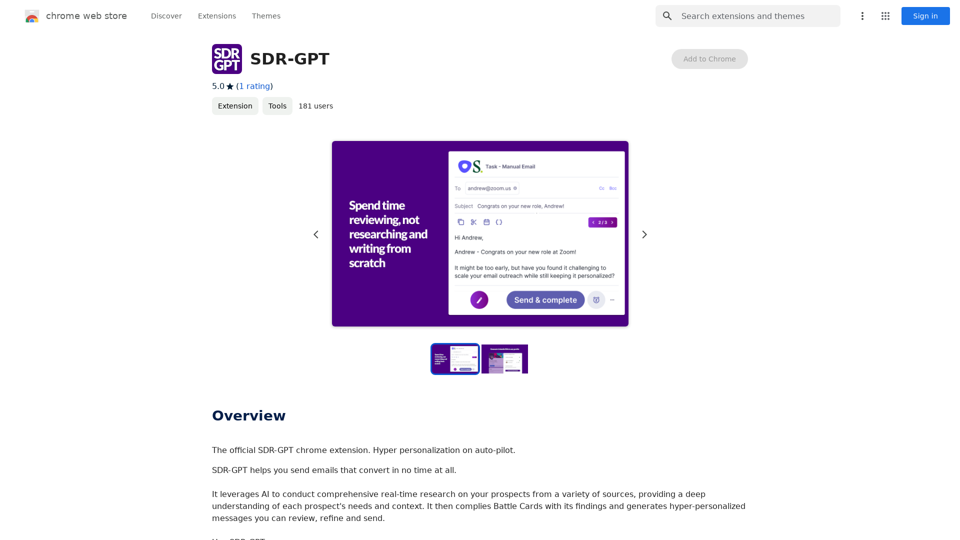
Software Defined Radio - Generative Pre-trained Transformer
Software Defined Radio - Generative Pre-trained TransformerThe official SDR-GPT Chrome extension. Hyper-personalization on autopilot.
193.90 M
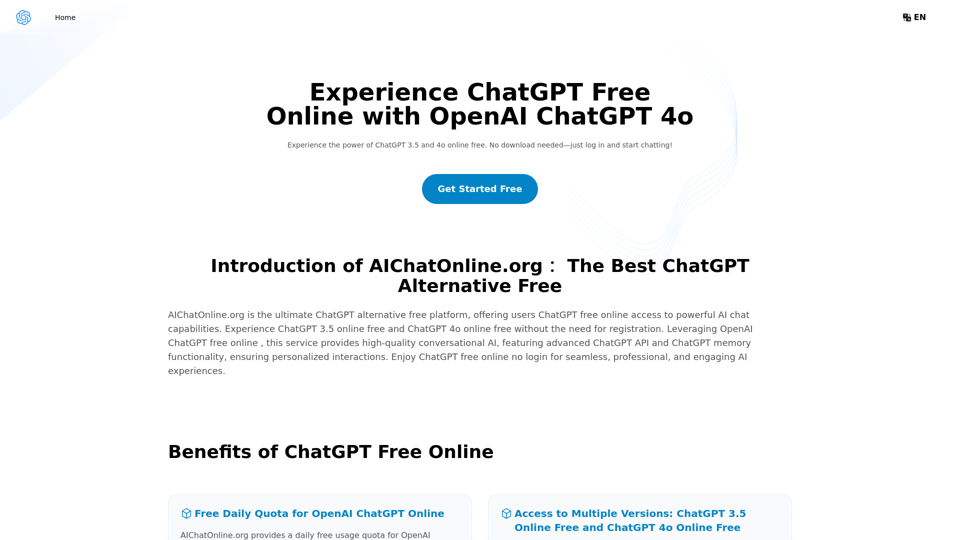
The Free Alternative to ChatGPT Powered by 4o | AIChatOnline.org
The Free Alternative to ChatGPT Powered by 4o | AIChatOnline.orgDiscover AIChatOnline.org, your ultimate platform for free online access to ChatGPT. Enjoy ChatGPT 3.5 online for free and ChatGPT 4 online for free, with no registration required. Take advantage of OpenAI's free online ChatGPT for advanced AI capabilities, including ChatGPT memory and ChatGPT API integration.
70.11 K