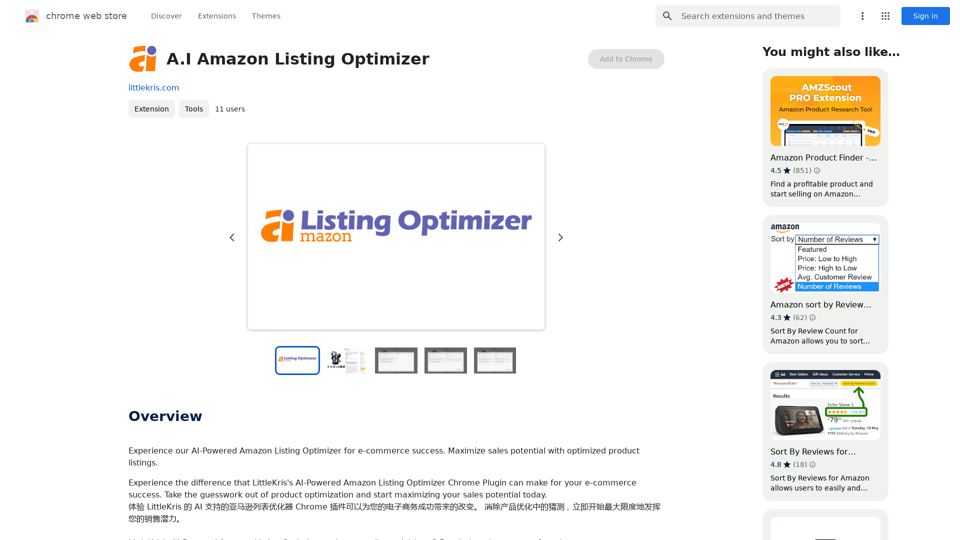
A.I Amazon Listing Optimizer is a Chrome extension designed to enhance e-commerce businesses' sales potential on Amazon. This AI-powered tool utilizes OpenAI's GPT-3.5-turbo model to analyze and improve product listings, making them more visible and appealing to potential customers. The extension is specifically tailored for Amazon listing pages on US sites, offering personalized recommendations to optimize product descriptions and increase sales.
A.I. Amazon Listing Optimizer
Experience our AI-Powered Amazon Listing Optimizer for e-commerce success. Maximize sales potential with optimized product listings.
Introduction
Feature
Advanced AI Technology
The extension leverages OpenAI's GPT-3.5-turbo model to provide intelligent analysis and improvements for Amazon product listings.
Personalized Optimization Recommendations
A.I Amazon Listing Optimizer offers tailored suggestions to enhance product listings, increasing their visibility and sales potential.
Continuous Prompt Word Updates
The tool regularly updates its prompt words to train the GPT model, ensuring more appropriate and effective responses.
Easy-to-Use Chrome Extension
Users can easily install the extension on their Chrome browser and start optimizing listings with a simple click on the extension icon.
US Amazon Site Compatibility
Currently, the extension is designed to work specifically on Amazon listing pages of US sites.
Performance Monitoring
The tool allows users to continuously track their product listings' performance, enabling them to adjust their optimization strategy as needed.
Advanced Features
Additional capabilities, such as tone analysis, are available to further enhance product listings.
FAQ
What is the main purpose of A.I Amazon Listing Optimizer?
The primary goal of A.I Amazon Listing Optimizer is to help e-commerce businesses maximize their sales potential by optimizing product listings on Amazon.
How does the A.I Amazon Listing Optimizer function?
The extension utilizes OpenAI's GPT-3.5-turbo model to analyze and improve product listings, making them more discoverable and appealing to potential customers.
Is there a cost associated with using A.I Amazon Listing Optimizer?
While specific pricing details are not provided on the website, it is likely that A.I Amazon Listing Optimizer operates on a subscription-based model with various pricing tiers based on service level and support requirements.
What are some best practices for using A.I Amazon Listing Optimizer?
To maximize the benefits of A.I Amazon Listing Optimizer:
- Regularly update your product listings
- Implement the extension's personalized recommendations
- Monitor your listings' performance consistently
- Explore advanced features like tone analysis for further improvements
Related Websites
)
* Create a new notebook
* Install the `transformers` library by running `!pip install transformers`
* Import the `transformers` library and load the ChatGPT model using `from transformers import AutoModelForCausalLM, AutoTokenizer; model = AutoModelForCausalLM.from_pretrained('chatgpt'); tokenizer = AutoTokenizer.from_pretrained('chatgpt')`
* Use the model to generate text using `input_text = "Your input here"; inputs = tokenizer.encode_plus(input_text, return_tensors='pt', max_length=1024, padding='max_length', truncation=True); output = model(inputs['input_ids'], attention_mask=inputs['attention_mask']); print(tokenizer.decode(output.logits[0], skip_special_tokens=True))`
Method 2: Google Apps Script
* Open Google Apps Script ([script.google.com](http://script.google.com))
* Create a new project
* Install the `transformers` library by running `npm install transformers`
* Import the `transformers` library and load the ChatGPT model using `const { AutoModelForCausalLM, AutoTokenizer } = require('transformers'); const model = new AutoModelForCausalLM('chatgpt'); const tokenizer = new AutoTokenizer('chatgpt');`
* Use the model to generate text using `const inputText = "Your input here"; const inputs = tokenizer.encodePlus(inputText, { return_tensors: 'pt', max_length: 1024, padding: 'max_length', truncation: true }); const output = model(inputs.inputIds, inputs.attentionMask); console.log(tokenizer.decode(output.logits[0], { skipSpecialTokens: true }));`
Note: These methods require some technical knowledge and may have limitations compared to the original ChatGPT model.](https://static.right-ai.com/tools/2024/7/3/chromewebstore-google-com-detail-chatgpt-for-google-for-fr-pabeminldebomngnkgffiejipjjaaogi-thumbnail-1720037311.png "Get ChatGPT for Free with Google
You can now access ChatGPT, a powerful language model, for free with Google. Here's how:
Method 1: Google Colab
* Open Google Colab ([colab.research.google.com](http://colab.research.google.com))
* Create a new notebook
* Install the `transformers` library by running `!pip install transformers`
* Import the `transformers` library and load the ChatGPT model using `from transformers import AutoModelForCausalLM, AutoTokenizer; model = AutoModelForCausalLM.from_pretrained('chatgpt'); tokenizer = AutoTokenizer.from_pretrained('chatgpt')`
* Use the model to generate text using `input_text = \"Your input here\"; inputs = tokenizer.encode_plus(input_text, return_tensors='pt', max_length=1024, padding='max_length', truncation=True); output = model(inputs['input_ids'], attention_mask=inputs['attention_mask']); print(tokenizer.decode(output.logits[0], skip_special_tokens=True))`
Method 2: Google Apps Script
* Open Google Apps Script ([script.google.com](http://script.google.com))
* Create a new project
* Install the `transformers` library by running `npm install transformers`
* Import the `transformers` library and load the ChatGPT model using `const { AutoModelForCausalLM, AutoTokenizer } = require('transformers'); const model = new AutoModelForCausalLM('chatgpt'); const tokenizer = new AutoTokenizer('chatgpt');`
* Use the model to generate text using `const inputText = \"Your input here\"; const inputs = tokenizer.encodePlus(inputText, { return_tensors: 'pt', max_length: 1024, padding: 'max_length', truncation: true }); const output = model(inputs.inputIds, inputs.attentionMask); console.log(tokenizer.decode(output.logits[0], { skipSpecialTokens: true }));`
Note: These methods require some technical knowledge and may have limitations compared to the original ChatGPT model.")
Get ChatGPT for Free with Google You can now access ChatGPT, a powerful language model, for free with Google. Here's how: Method 1: Google Colab * Open Google Colab ([colab.research.google.com](http://colab.research.google.com)) * Create a new notebook * Install the `transformers` library by running `!pip install transformers` * Import the `transformers` library and load the ChatGPT model using `from transformers import AutoModelForCausalLM, AutoTokenizer; model = AutoModelForCausalLM.from_pretrained('chatgpt'); tokenizer = AutoTokenizer.from_pretrained('chatgpt')` * Use the model to generate text using `input_text = "Your input here"; inputs = tokenizer.encode_plus(input_text, return_tensors='pt', max_length=1024, padding='max_length', truncation=True); output = model(inputs['input_ids'], attention_mask=inputs['attention_mask']); print(tokenizer.decode(output.logits[0], skip_special_tokens=True))` Method 2: Google Apps Script * Open Google Apps Script ([script.google.com](http://script.google.com)) * Create a new project * Install the `transformers` library by running `npm install transformers` * Import the `transformers` library and load the ChatGPT model using `const { AutoModelForCausalLM, AutoTokenizer } = require('transformers'); const model = new AutoModelForCausalLM('chatgpt'); const tokenizer = new AutoTokenizer('chatgpt');` * Use the model to generate text using `const inputText = "Your input here"; const inputs = tokenizer.encodePlus(inputText, { return_tensors: 'pt', max_length: 1024, padding: 'max_length', truncation: true }); const output = model(inputs.inputIds, inputs.attentionMask); console.log(tokenizer.decode(output.logits[0], { skipSpecialTokens: true }));` Note: These methods require some technical knowledge and may have limitations compared to the original ChatGPT model.
Get ChatGPT for Free with Google You can now access ChatGPT, a powerful language model, for free with Google. Here's how: Method 1: Google Colab * Open Google Colab ([colab.research.google.com](http://colab.research.google.com)) * Create a new notebook * Install the `transformers` library by running `!pip install transformers` * Import the `transformers` library and load the ChatGPT model using `from transformers import AutoModelForCausalLM, AutoTokenizer; model = AutoModelForCausalLM.from_pretrained('chatgpt'); tokenizer = AutoTokenizer.from_pretrained('chatgpt')` * Use the model to generate text using `input_text = "Your input here"; inputs = tokenizer.encode_plus(input_text, return_tensors='pt', max_length=1024, padding='max_length', truncation=True); output = model(inputs['input_ids'], attention_mask=inputs['attention_mask']); print(tokenizer.decode(output.logits[0], skip_special_tokens=True))` Method 2: Google Apps Script * Open Google Apps Script ([script.google.com](http://script.google.com)) * Create a new project * Install the `transformers` library by running `npm install transformers` * Import the `transformers` library and load the ChatGPT model using `const { AutoModelForCausalLM, AutoTokenizer } = require('transformers'); const model = new AutoModelForCausalLM('chatgpt'); const tokenizer = new AutoTokenizer('chatgpt');` * Use the model to generate text using `const inputText = "Your input here"; const inputs = tokenizer.encodePlus(inputText, { return_tensors: 'pt', max_length: 1024, padding: 'max_length', truncation: true }); const output = model(inputs.inputIds, inputs.attentionMask); console.log(tokenizer.decode(output.logits[0], { skipSpecialTokens: true }));` Note: These methods require some technical knowledge and may have limitations compared to the original ChatGPT model.How to Add ChatGPT to All Google Searches ===================================================== Step 1: Create a Custom Search Engine -------------------------------------- * Go to the [Google Custom Search Engine](https://cse.google.com/) website and sign in with your Google account. * Click on the "New Search Engine" button. * Fill in the required information, such as the name and description of your search engine. * Click on the "Create" button. Step 2: Add ChatGPT to the Search Engine ----------------------------------------- * In the "Setup" tab, click on the "Add" button next to "Sites to search". * Enter the following URL: `https://chat.openai.com/` * Click on the "Add" button. Step 3: Configure the Search Engine -------------------------------------- * In the "Setup" tab, click on the "Edit" button next to "Search engine keywords". * Add the following keywords: `ChatGPT` * Click on the "Save" button. Step 4: Get the Search Engine Code ------------------------------------- * In the "Setup" tab, click on the "Get code" button. * Copy the HTML code provided. Step 5: Add the Search Engine to Your Browser ------------------------------------------------ * Open your browser and go to the "Settings" or "Options" page. * Look for the "Search engine" or "Default search engine" option. * Click on the "Add" or "Manage search engines" button. * Paste the HTML code you copied earlier. * Click on the "Add" or "Save" button. You're Done! =============== Now, whenever you search on Google, ChatGPT will be included in the search results. You can also use the custom search engine URL provided by Google to search directly.
193.90 M
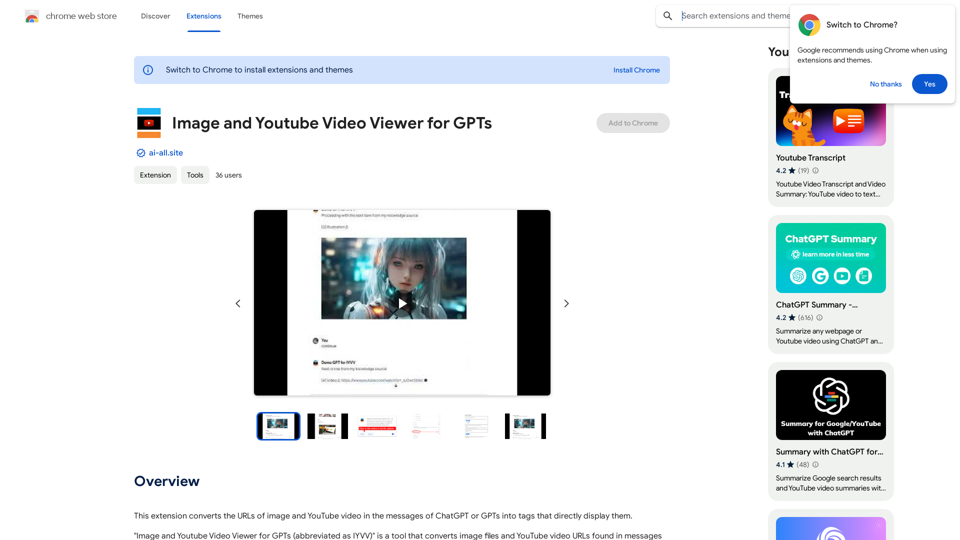
This extension changes the links for images and YouTube videos in ChatGPT or GPT messages into tags that show the images and videos directly.
193.90 M
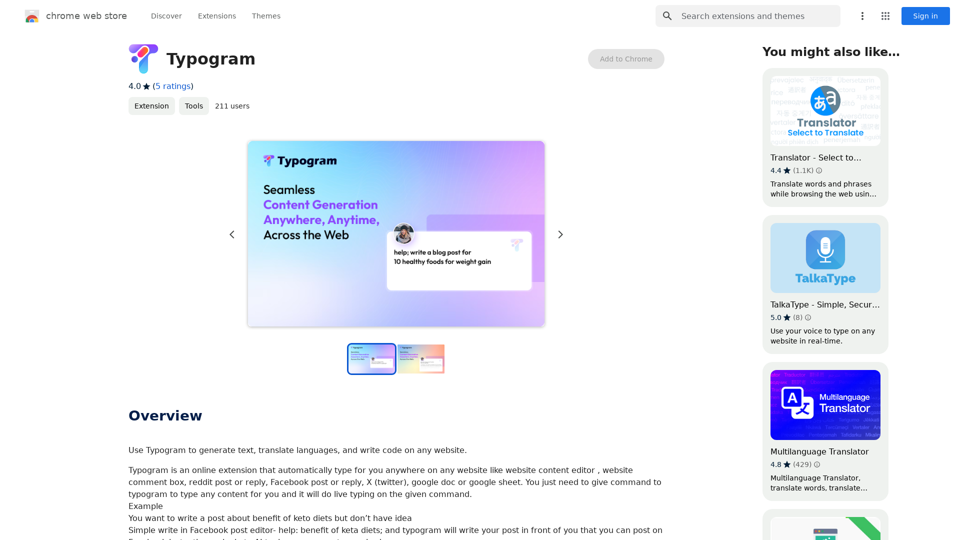

Discover HiveHubAI, your go-to AI-driven social media analytics platform. Elevate your digital influence with real-time Instagram and Facebook analytics, personalized AI insights, and strategic content optimization. Join our early access to transform your social media strategy!
740
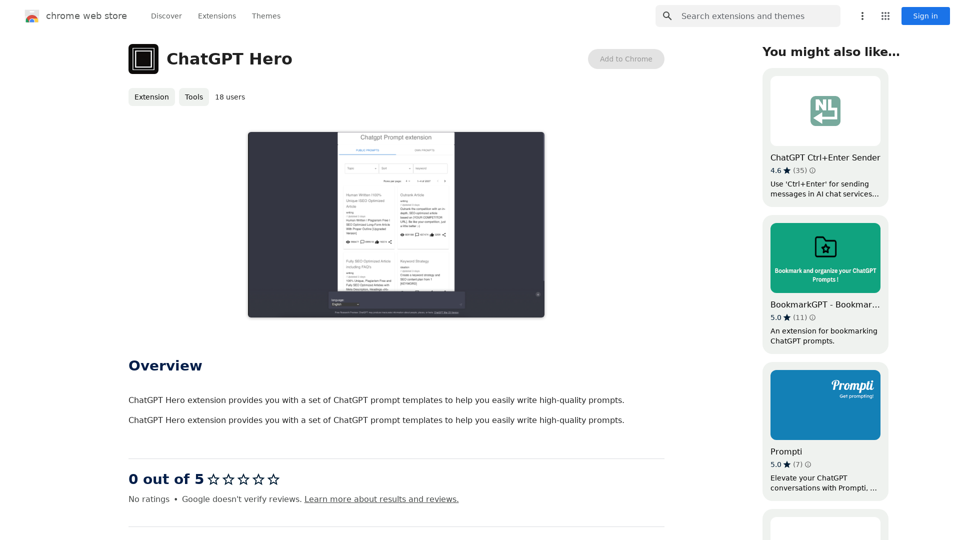
The ChatGPT Hero extension gives you a collection of ChatGPT prompt templates to make it simple to write great prompts.
193.90 M
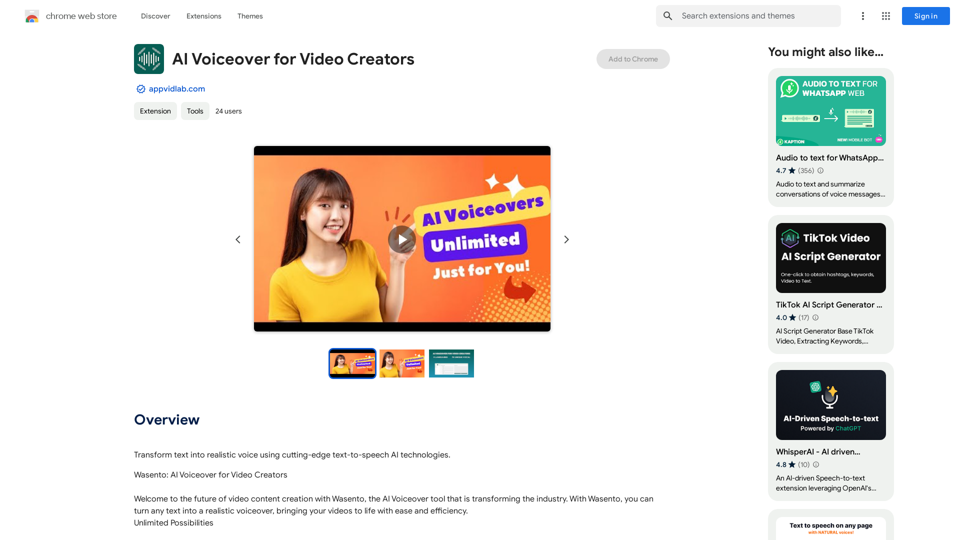
AI Voiceover for Video Creators Elevate Your Videos with Realistic AI Voices Tired of bland, monotone narration? Want to add a professional touch to your videos without breaking the bank? Introducing AI voiceover, the game-changer for video creators! Benefits of Using AI Voiceover: * High-Quality, Natural-Sounding Voices: Choose from a wide range of realistic AI voices, each with unique tones and styles. * Cost-Effective: Say goodbye to expensive voice actors and studios. AI voiceover is affordable and accessible to everyone. * Time-Saving: Generate voiceovers quickly and easily, freeing up your time to focus on other aspects of your video production. * Multilingual Support: Reach a global audience by translating your voiceovers into multiple languages. * Customizable Options: Adjust voice pitch, speed, and emphasis to perfectly match your video's tone and style. Perfect for: * YouTube Videos * Explainer Videos * Corporate Videos * E-Learning Content * Podcasts * And More! Get Started Today! Try our AI voiceover tool and experience the difference.
AI Voiceover for Video Creators Elevate Your Videos with Realistic AI Voices Tired of bland, monotone narration? Want to add a professional touch to your videos without breaking the bank? Introducing AI voiceover, the game-changer for video creators! Benefits of Using AI Voiceover: * High-Quality, Natural-Sounding Voices: Choose from a wide range of realistic AI voices, each with unique tones and styles. * Cost-Effective: Say goodbye to expensive voice actors and studios. AI voiceover is affordable and accessible to everyone. * Time-Saving: Generate voiceovers quickly and easily, freeing up your time to focus on other aspects of your video production. * Multilingual Support: Reach a global audience by translating your voiceovers into multiple languages. * Customizable Options: Adjust voice pitch, speed, and emphasis to perfectly match your video's tone and style. Perfect for: * YouTube Videos * Explainer Videos * Corporate Videos * E-Learning Content * Podcasts * And More! Get Started Today! Try our AI voiceover tool and experience the difference.Use state-of-the-art text-to-speech AI to make your text sound like a real person speaking.
193.90 M