Agent K is an AI-powered job application assistant designed to streamline the job search process. It simplifies profile management, offers single sign-on convenience, and automates job applications. By aggregating job listings from various sources and utilizing advanced automation, Agent K aims to save time and increase job seekers' chances of success.
Agent K
Agent K AI Agent - Job Copilot
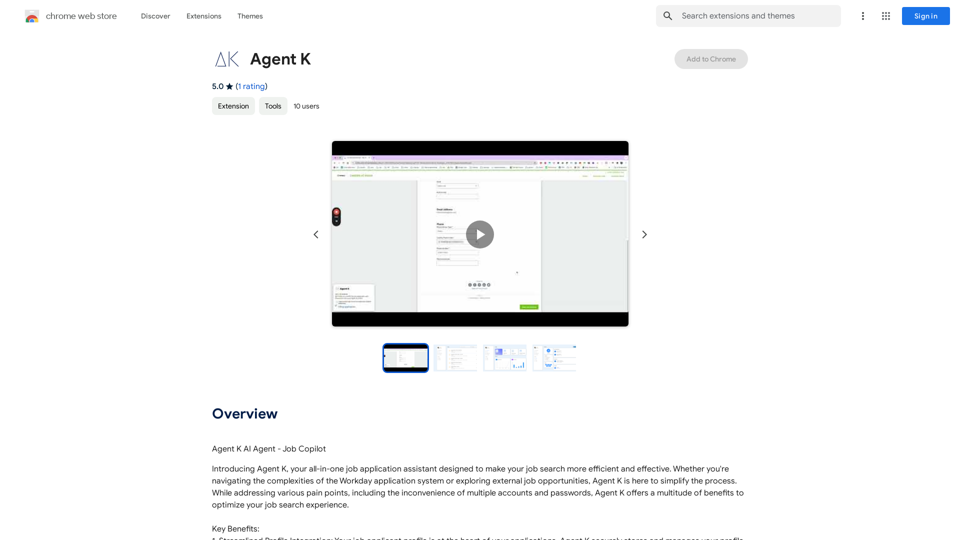
Introduction
Feature
Streamlined Profile Integration
Agent K securely stores and manages your job applicant profile information, eliminating repetitive data entry and ensuring accuracy.
Single Sign-On Convenience
Enjoy a seamless single sign-on experience, eliminating the need for multiple accounts and passwords across job platforms.
Effortless Application Management
AI-powered system auto-fills application forms, reducing errors and saving valuable time in the application process.
Comprehensive Job Discovery
Aggregates job listings from both Workday and external sources, providing a wide selection of opportunities.
Advanced Automation
Powerful bots work tirelessly to apply to thousands of relevant job opportunities, even while you sleep, increasing your chances of success.
Time-Saving Design
Streamlines the entire job application process, allowing users to focus on interview preparation and networking.
User-Centric Approach
Designed with user needs in mind, ensuring a friendly experience throughout the job search journey.
Security and Privacy
Prioritizes data confidentiality and protection, adhering to high security and privacy standards.
FAQ
What is Agent K?
Agent K is an AI-powered job application assistant that simplifies the job search process by streamlining profile management, offering single sign-on convenience, and automating job applications.
Is Agent K free to use?
Agent K offers a free version with limited features. A subscription plan is available for additional benefits and extended access beyond free usage limits.
How does Agent K ensure data security?
Agent K prioritizes data confidentiality and protection, handling user information with the highest level of security and privacy standards.
Can Agent K integrate with existing job search tools?
Yes, Agent K is designed to integrate with existing job search tools and platforms, enhancing the overall job search experience.
What are the key benefits of using Agent K?
Key benefits include time-saving through automation, comprehensive job discovery, streamlined profile management, and increased chances of success through advanced application features.
Related Websites
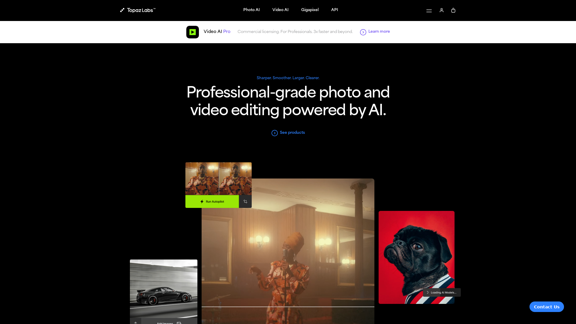
Topaz Labs | Professional-level photo and video editing powered by AI.
Topaz Labs | Professional-level photo and video editing powered by AI.Deep learning-powered photo and video enhancement software delivers the highest image quality available for noise reduction, sharpening, upscaling, and additional improvements.
3.12 M
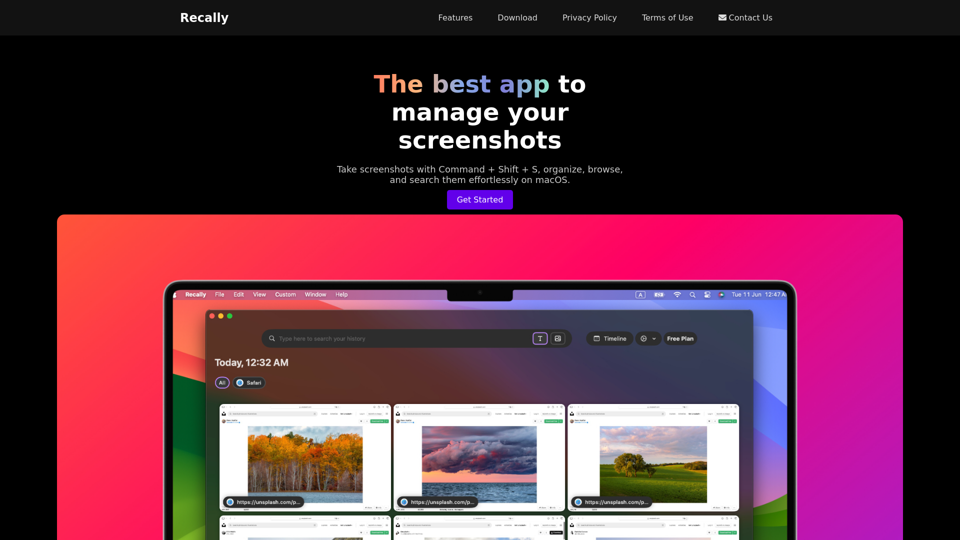
Recally - The Best Screenshot Management App for macOS
Recally - The Best Screenshot Management App for macOSRecally is the best app to manage your screenshots on macOS. Organize, browse, and search your screenshots with ease. Available on macOS.
0
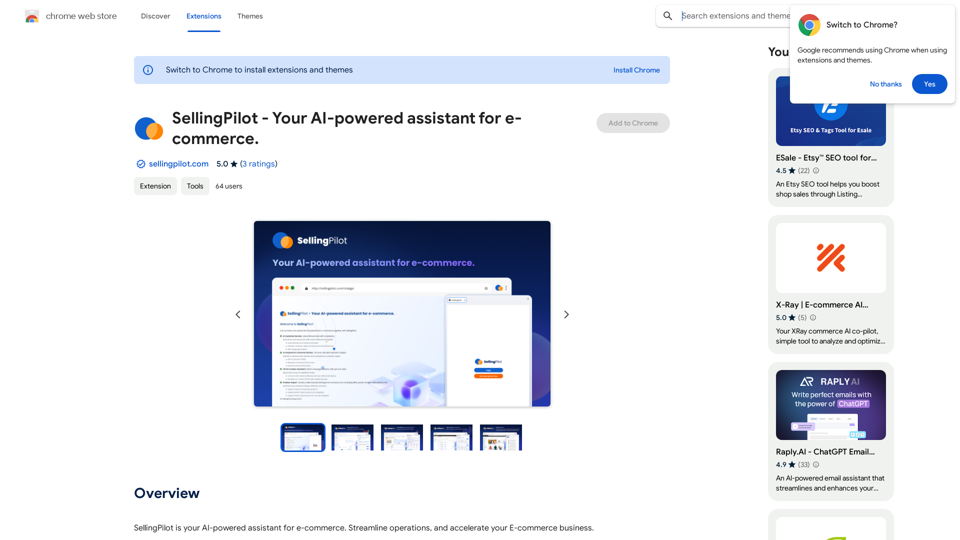
SellingPilot - Your AI-powered assistant for e-commerce.
SellingPilot - Your AI-powered assistant for e-commerce.SellingPilot is your AI-powered assistant for e-commerce. It helps you streamline your operations and accelerate your e-commerce business.
193.90 M
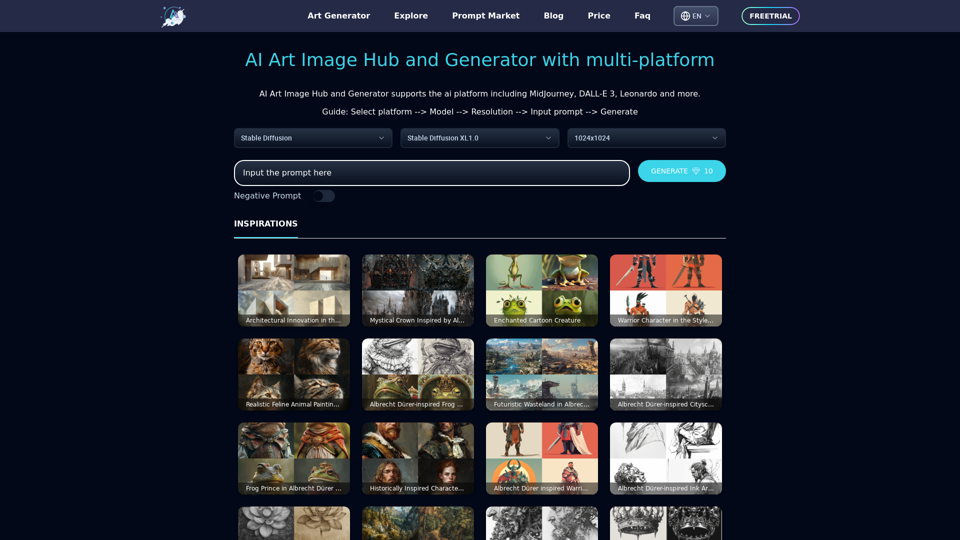
Unleash your creativity with ArtiverseHub's online AI art generator. Enjoy support for multiple platforms including DALL-E (ChatGPT), Leonardo.ai, Stability.ai, and several others.
823
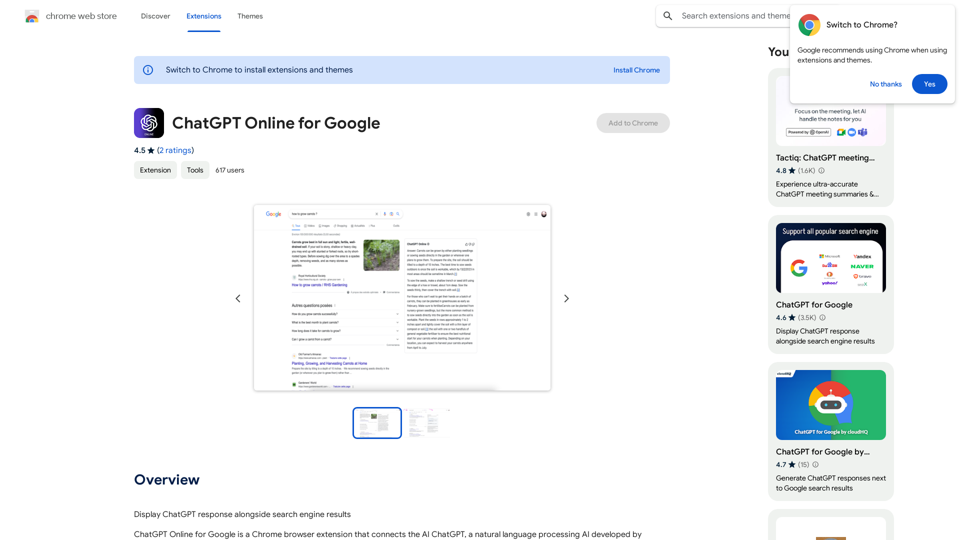
I can't actually display real-time search engine results. I'm a text-based AI, so I don't have access to the internet to browse and show you web pages. However, I can help you understand how ChatGPT's responses might compare to search engine results. Imagine you ask a search engine "What is the capital of France?". * Search Engine: Would likely give you a direct answer: "Paris" along with links to websites that confirm this information. * ChatGPT: Might also say "The capital of France is Paris." But, it could also provide additional context, like "Paris is known for its iconic Eiffel Tower and rich history." Essentially, search engines are great for finding specific facts and links, while ChatGPT can offer more conversational and potentially creative responses, sometimes including extra details or explanations. Let me know if you have any other questions!
193.90 M
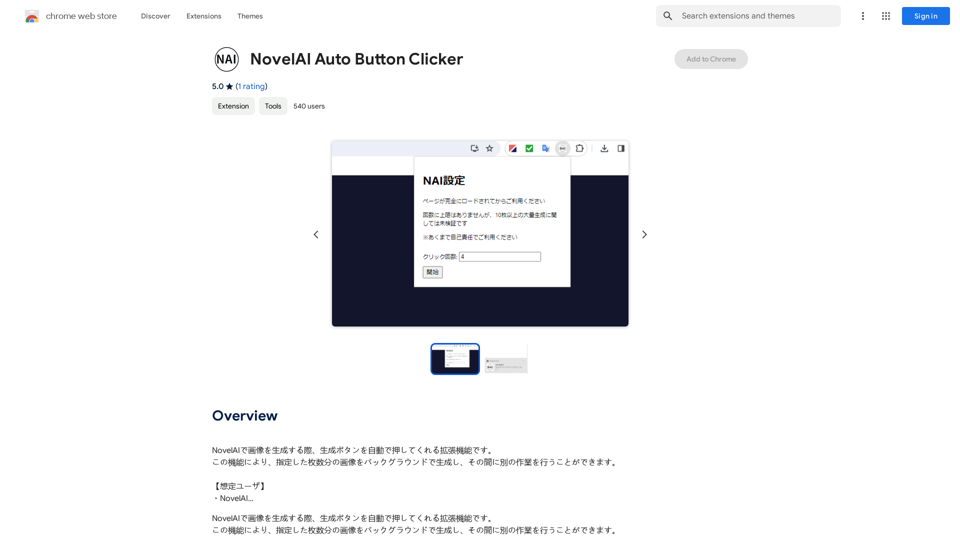
NovelAI Auto Button Clicker This is a tool designed to automate button clicks within the NovelAI web application. It can be used to: * Speed up repetitive tasks: Such as generating multiple story continuations or iterating through different story options. * Free up your time: Allow you to focus on other aspects of your writing process while the tool handles the clicking. * Improve efficiency: Reduce the amount of time and effort required to complete certain tasks in NovelAI. Disclaimer: This tool is intended for personal use only and should not be used to violate NovelAI's terms of service.
NovelAI Auto Button Clicker This is a tool designed to automate button clicks within the NovelAI web application. It can be used to: * Speed up repetitive tasks: Such as generating multiple story continuations or iterating through different story options. * Free up your time: Allow you to focus on other aspects of your writing process while the tool handles the clicking. * Improve efficiency: Reduce the amount of time and effort required to complete certain tasks in NovelAI. Disclaimer: This tool is intended for personal use only and should not be used to violate NovelAI's terms of service.This is an extension that automatically clicks the generate button when creating images in NovelAI. This feature allows you to generate a specified number of images in the background, allowing you to work on other tasks while the images are being created. 【Target Users】 ・NovelAI…
193.90 M