Midjourney is an independent research lab exploring new mediums of thought and expanding human imagination. It focuses on AI-powered image generation, design, and human infrastructure. With a small team of 11 full-time staff and notable advisors, Midjourney aims to push the boundaries of AI and human creativity.
Midjourney
An independent research laboratory investigating novel modes of thinking and enhancing the creative capabilities of humanity.
Introduction
Feature
AI-Powered Image Generation
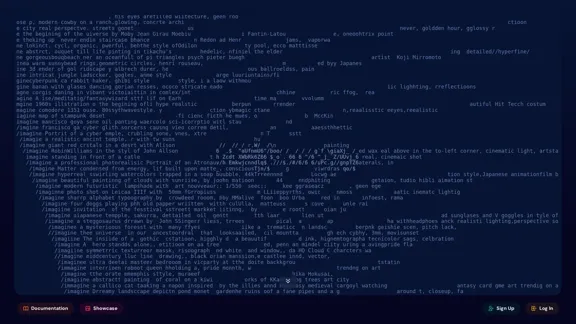
Midjourney's core feature is its ability to create images from text prompts, allowing users to generate a wide variety of visual content, from realistic portraits to abstract art.
Text-to-Image Creation
Users can input text descriptions to generate corresponding images, providing a powerful tool for visual ideation and creativity.
Artistic Style Exploration
The platform enables users to experiment with various artistic styles and techniques, expanding the possibilities for creative expression.
Community-Driven Platform
Midjourney fosters a strong community through its Discord server, where users can share creations, seek support, and find inspiration.
Research and Development
As a research lab, Midjourney continuously explores advancements in AI and human creativity, pushing the boundaries of technology and imagination.
User-Friendly Interface
- Sign up for an account on the Midjourney website
- Log in to access the platform
- Use text prompts to generate images
- Explore documentation for detailed instructions
Experienced Leadership
Led by founder David Holz (previously of Leap Motion and NASA) and supported by notable advisors from tech giants like Apple, AMD, Tesla, and Intel.
FAQ
What kind of images can I create with Midjourney?
Midjourney allows you to create a wide variety of images, from realistic portraits to abstract art, landscapes, and futuristic scenes. The platform's AI can interpret complex prompts and generate images in various styles and themes.
How do I get support for Midjourney?
For product support or questions, join the Midjourney Discord and ask in the #support chatrooms. For billing support, email [email protected].
Is Midjourney hiring?
Yes, Midjourney is actively hiring for various positions. They are a fully-distributed team looking for talented individuals to help scale, explore, and build humanist infrastructure focused on amplifying the human mind and spirit.
How can journalists contact Midjourney?
Journalists can reach out to Midjourney at [email protected] for inquiries.
What sets Midjourney apart from other AI image generation tools?
Midjourney distinguishes itself through its focus on expanding human imagination, its team of experienced executives and advisors, and its commitment to research in AI and human creativity. The platform also benefits from a strong community-driven approach.
Related Websites
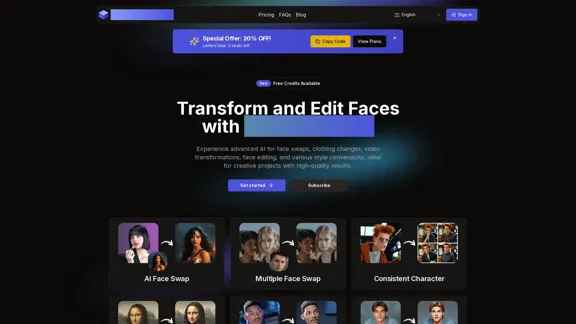
AI Face Studio - AI Face Transformation & Editing Tools
AI Face Studio - AI Face Transformation & Editing ToolsAI Face Studio provides face swapping, outfit alterations, video transformations, style conversions, and facial editing with premium security and high-quality outcomes.
27.66 K
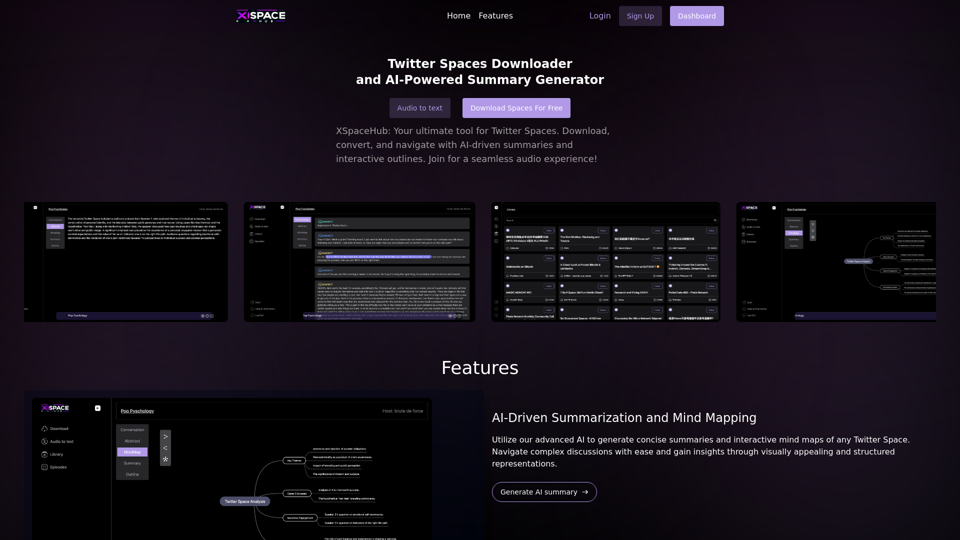
Spaces Downloader and AI-Powered Summary Generator | xspacehub.com
Spaces Downloader and AI-Powered Summary Generator | xspacehub.comXSPaceHub is your ultimate tool to download, convert, summarize, and navigate Twitter Spaces. Access a rich library, enjoy AI-driven summaries, interactive mind maps, and detailed outlines with clickable audio timestamps. Join now for a seamless audio experience!
0
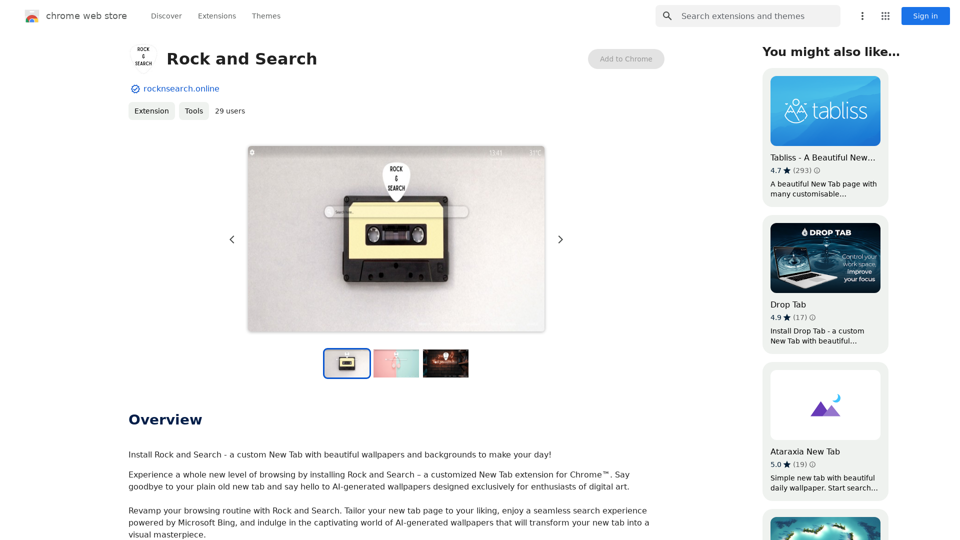
Install Rock and Search - a custom New Tab with beautiful wallpapers and backgrounds to brighten your day!
193.90 M
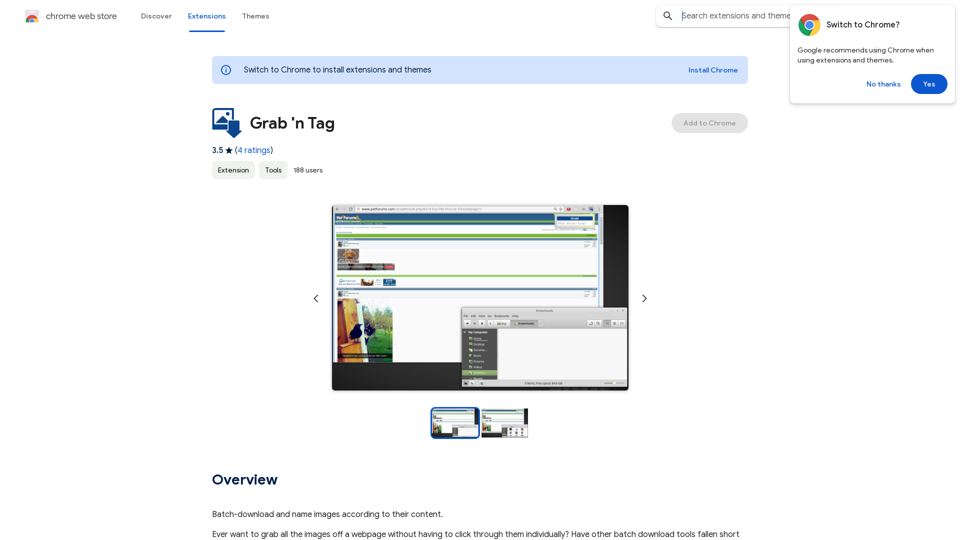
Download a group of images at once and give each one a name based on what's in the picture.
193.90 M
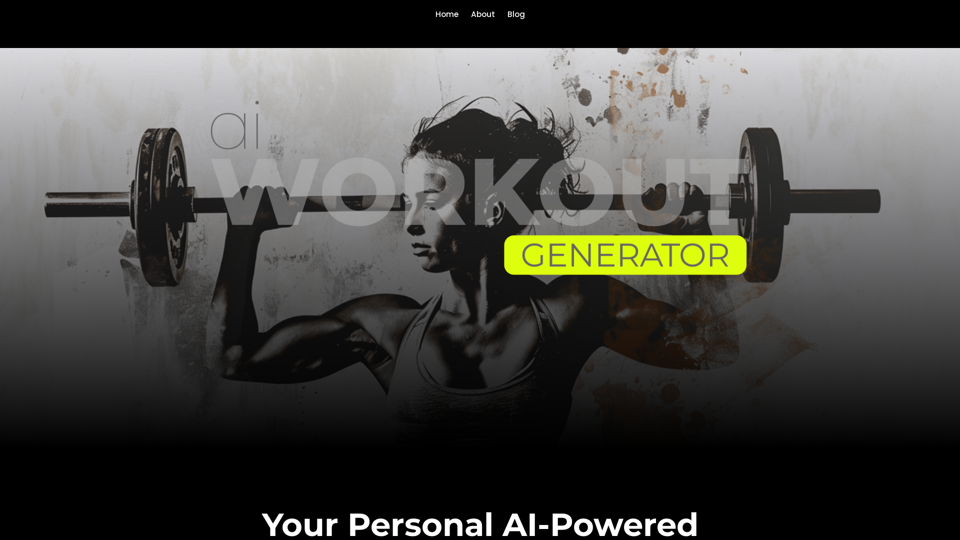
Ai Workout Generator ===================== What is an AI Workout Generator? An AI workout generator is a tool that uses artificial intelligence to create personalized workout plans tailored to an individual's fitness goals, fitness level, and preferences. How does it work? The AI workout generator uses machine learning algorithms to analyze a user's input data, such as their fitness goals, fitness level, and exercise preferences. It then generates a customized workout plan that includes a series of exercises, sets, reps, and weights tailored to the user's specific needs. Benefits of using an AI Workout Generator * Personalized workouts: The AI workout generator creates a workout plan that is tailored to the user's specific fitness goals and fitness level. * Time-saving: The AI workout generator saves time by eliminating the need to research and create a workout plan from scratch. * Increased motivation: The AI workout generator provides a sense of accountability and motivation, as users are more likely to stick to a workout plan that is tailored to their specific needs. * Improved results: The AI workout generator helps users achieve their fitness goals faster and more efficiently, as the workout plan is optimized for their specific needs. How to use an AI Workout Generator 1. Input your data: Enter your fitness goals, fitness level, and exercise preferences into the AI workout generator. 2. Select your workout type: Choose the type of workout you want to do, such as strength training, cardio, or yoga. 3. Generate your workout plan: The AI workout generator will create a customized workout plan tailored to your specific needs. 4. Start your workout: Follow the workout plan and track your progress. Conclusion An AI workout generator is a powerful tool that can help individuals achieve their fitness goals faster and more efficiently. By providing personalized workout plans, the AI workout generator saves time, increases motivation, and improves results. Whether you're a beginner or an experienced athlete, an AI workout generator can help you take your fitness to the next level.
Ai Workout Generator ===================== What is an AI Workout Generator? An AI workout generator is a tool that uses artificial intelligence to create personalized workout plans tailored to an individual's fitness goals, fitness level, and preferences. How does it work? The AI workout generator uses machine learning algorithms to analyze a user's input data, such as their fitness goals, fitness level, and exercise preferences. It then generates a customized workout plan that includes a series of exercises, sets, reps, and weights tailored to the user's specific needs. Benefits of using an AI Workout Generator * Personalized workouts: The AI workout generator creates a workout plan that is tailored to the user's specific fitness goals and fitness level. * Time-saving: The AI workout generator saves time by eliminating the need to research and create a workout plan from scratch. * Increased motivation: The AI workout generator provides a sense of accountability and motivation, as users are more likely to stick to a workout plan that is tailored to their specific needs. * Improved results: The AI workout generator helps users achieve their fitness goals faster and more efficiently, as the workout plan is optimized for their specific needs. How to use an AI Workout Generator 1. Input your data: Enter your fitness goals, fitness level, and exercise preferences into the AI workout generator. 2. Select your workout type: Choose the type of workout you want to do, such as strength training, cardio, or yoga. 3. Generate your workout plan: The AI workout generator will create a customized workout plan tailored to your specific needs. 4. Start your workout: Follow the workout plan and track your progress. Conclusion An AI workout generator is a powerful tool that can help individuals achieve their fitness goals faster and more efficiently. By providing personalized workout plans, the AI workout generator saves time, increases motivation, and improves results. Whether you're a beginner or an experienced athlete, an AI workout generator can help you take your fitness to the next level.AI generated workouts reviewed and Approved by American College of Sports Medicine certified Personal Trainers.
3.30 K
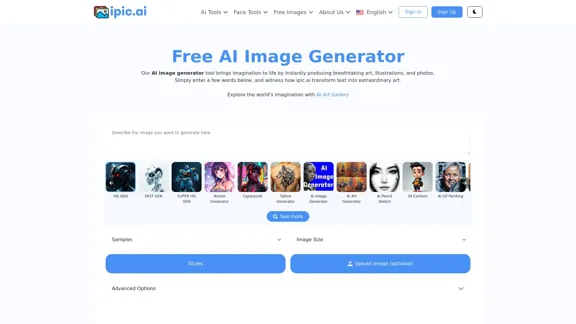
AI Powered Image Generator for Unique and Custom Images
AI Powered Image Generator for Unique and Custom ImagesCreate unique and custom images effortlessly with iPic.Ai - the AI-powered image generator.
68.28 K