Doubao is an AI-powered browser assistant that enhances web browsing experience. It resides in the browser sidebar, offering features like answering questions, summarizing web content, and assisting with email composition. Doubao serves as an AI companion and web browsing helper, designed to streamline online tasks and improve productivity.
Doubao, Browser AI Assistant
Beanbag is your AI assistant, residing in the browser sidebar, answering questions, summarizing translations of web pages, papers, and videos, and even helping you write emails quickly.

Introduction
Feature
Chat with Doubao
Doubao offers real-time question-answering capabilities, allowing users to engage in conversations and receive instant responses.
Webpage Summarization
Doubao can quickly summarize web page content, saving users time when browsing websites.
Text Selection Tool
Users can highlight words or phrases to easily summon Doubao for translations or summaries, enhancing learning and comprehension.
AI-Powered Search
Doubao provides efficient AI-powered search results, helping users find information more quickly and effectively.
Easy Installation and Access
- Add Doubao to Chrome with a single click
- Pin it to the toolbar for convenient access
- Log in to your Doubao account
- Use Opt/Alt+K shortcut to activate Doubao
Versatile Applications
Doubao is particularly useful for:
- SEO tasks
- Reading and summarizing materials
- Providing context understanding
Free to Use
Doubao is available as a free browser extension without any subscription fees.
FAQ
How do I use Doubao?
Follow these steps to get started:
- Click "Add to Chrome" in the top right corner
- Pin Doubao to the toolbar
- Log in to your Doubao account
- Press Opt/Alt+K to wake up Doubao
- Begin using the assistant for various tasks
Is my information used for training data?
Doubao handles user data according to its privacy policy, which can be found on the developer's website.
What are the key features of Doubao?
Doubao offers several key features:
- Real-time chat and question-answering
- Webpage summarization
- Text selection tool for translations and summaries
- AI-powered search functionality
Who developed Doubao and what's the current version?
- Developer: Doubao Team
- Current Version: 1.2.1
- Last Updated: July 3, 2024
How can I report concerns or contact the developers?
You can report concerns or contact the developers at [email protected].
Related Websites
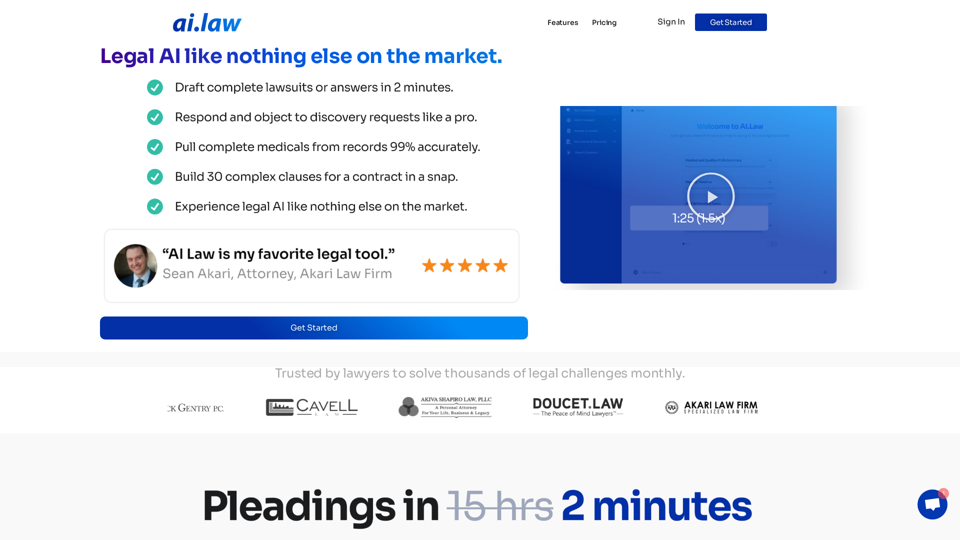
SEO2 - Legal AI Like Nothing Else on the Market. - AI.Law - ai.law
SEO2 - Legal AI Like Nothing Else on the Market. - AI.Law - ai.lawLegal AI like nothing else on the market. Get Started “>”>Trusted by lawyers to solve thousands of legal challenges monthly. AI Law provides you with top-quality legal work without the hassle. No more drafting from scratch—just high-quality results. Complaint Drafting Draft pleadings without the hassle of hours of research. AI Law will assemble a complete lawsuit […]
15.50 K
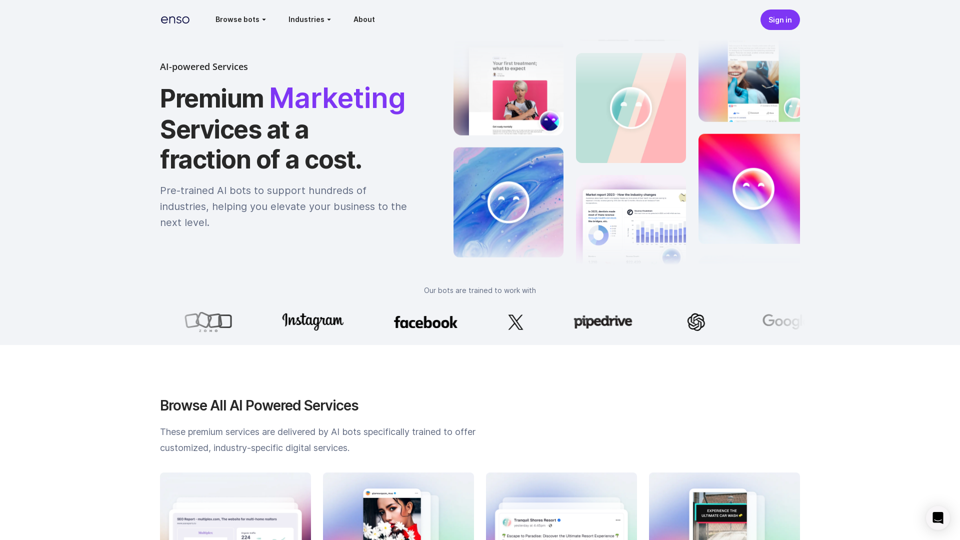
At enso, you can get AI-powered digital services for most of your essential needs at a much lower price.
0
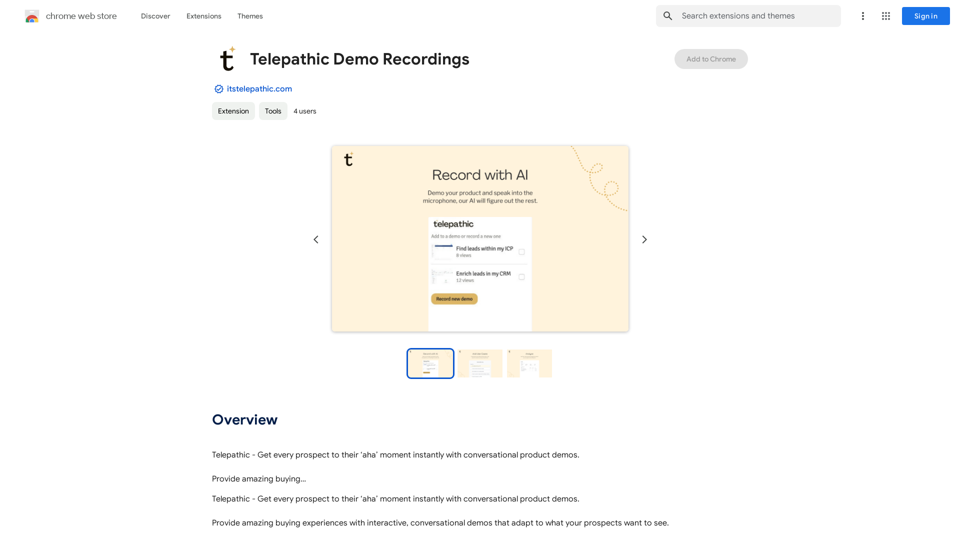
Telepathic - Instantly help every prospect reach their "aha" moment with conversational product demos. Provide an amazing buying…
193.90 M
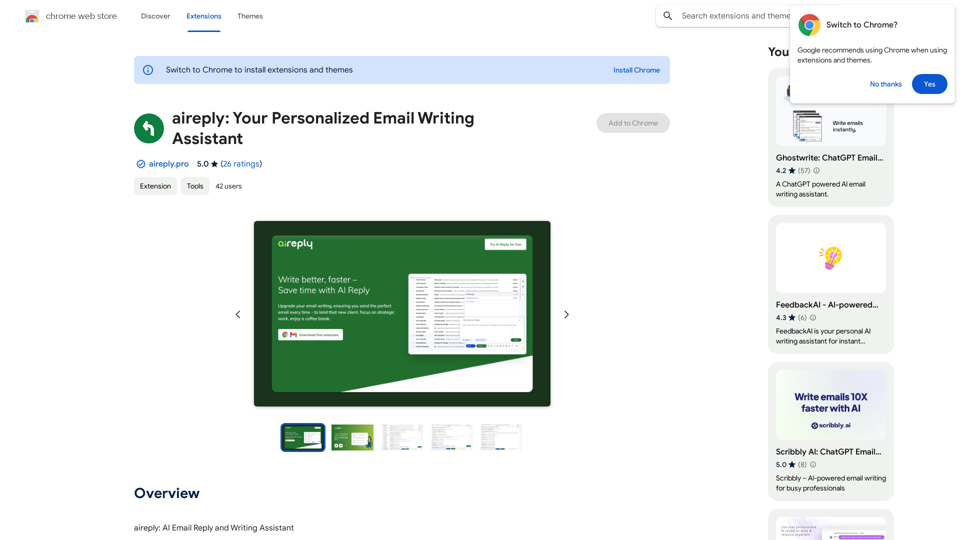
aireply: Your Personalized Email Writing Assistant
aireply: Your Personalized Email Writing AssistantAI Email Reply and Writing Assistant
193.90 M
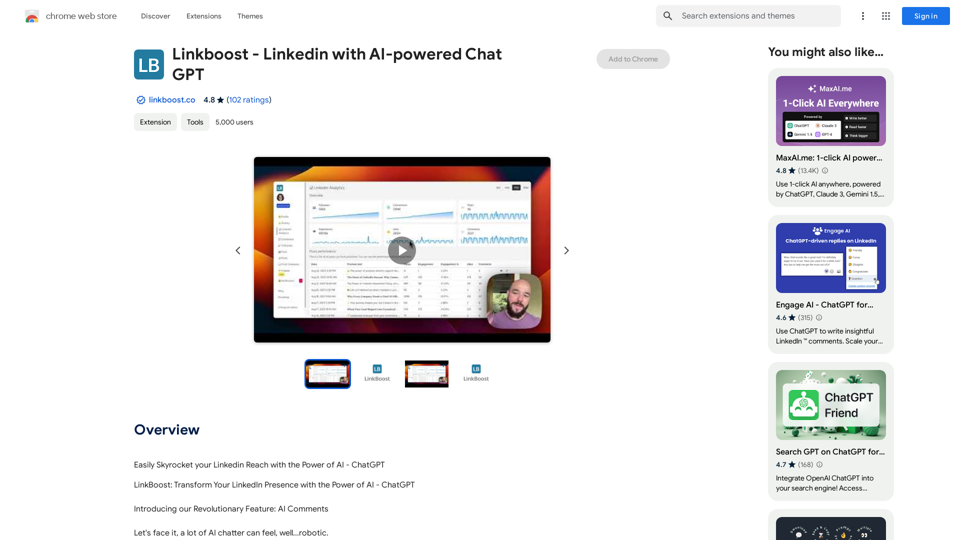
Easily Skyrocket Your LinkedIn Reach with the Power of AI - ChatGPT Let's face it, standing out on LinkedIn can be tough. But what if you could leverage the incredible power of AI to supercharge your profile and connections? That's where ChatGPT comes in. This revolutionary AI tool can help you: * Craft compelling content: Say goodbye to writer's block! ChatGPT can help you generate engaging posts, articles, and even personalized messages that resonate with your audience. * Optimize your profile: Make sure your LinkedIn profile shines! ChatGPT can suggest improvements to your headline, summary, and experience descriptions, helping you attract more views and connections. * Automate your outreach: Spend less time manually sending messages and more time building relationships. ChatGPT can help you draft personalized connection requests and follow-up messages that get results. * Unlock valuable insights: Gain a deeper understanding of your network and industry trends. ChatGPT can analyze your connections and content performance, providing actionable insights to improve your strategy. Ready to take your LinkedIn game to the next level? ChatGPT is your secret weapon.
193.90 M
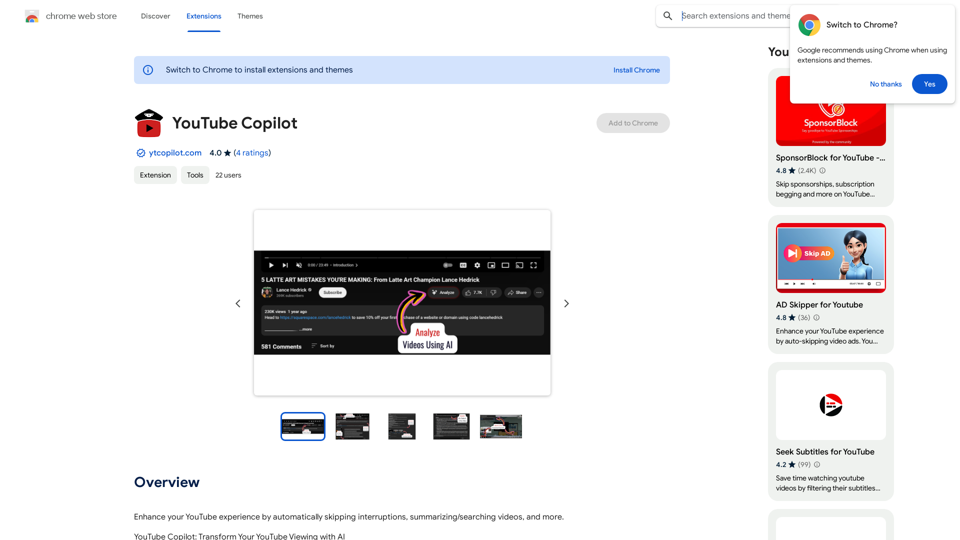
Improve your YouTube viewing by automatically skipping ads, summarizing videos, and searching within them.
193.90 M
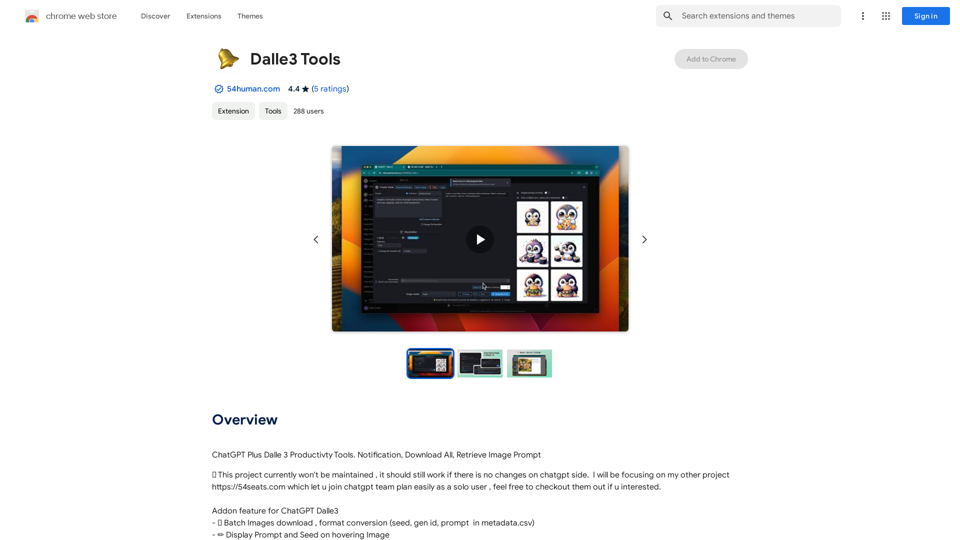
ChatGPT Plus, DALL-E 3, Productivity Tools * Notifications * Download All * Retrieve Image Prompt
193.90 M