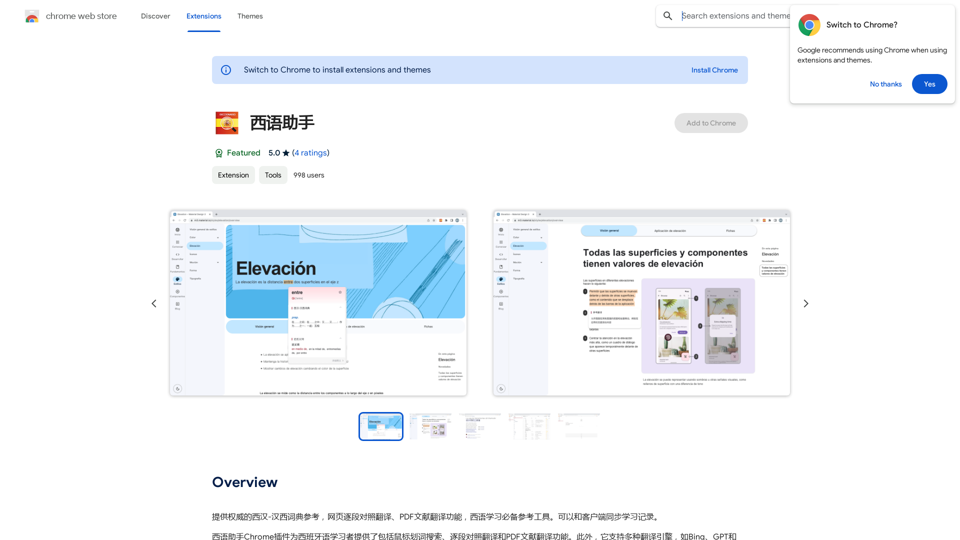
Spanish Assistant is a Chrome extension designed to assist users in learning and understanding Spanish. It offers powerful translation capabilities for text, PDF documents, and YouTube subtitles, making it an invaluable tool for Spanish language learners and professionals alike.
Western Language Assistant
Provides authoritative Xi Han-Han Xi dictionary references, with web-based paragraph-by-paragraph translation and PDF document translation functions, making it an essential reference tool for Spanish learners. It also allows synchronization of learning records with clients.
Introduction
Feature
Segment-by-Segment Translation
Users can easily translate text by hovering over it and clicking the translation icon, providing a convenient way to understand content piece by piece.
Word Search Functionality
The extension includes a word search feature that allows users to look up words and phrases in their native language, with instant translation results.
PDF Document Translation
Spanish Assistant supports the translation of PDF documents, making it easier to understand academic papers, technical manuals, and other complex materials.
Multiple Translation Engines
Users can choose from various translation engines, including Bing, GPT, and Google, to find the most accurate and suitable translation for their needs.
Free to Use
The basic version of Spanish Assistant is available for free, with no subscription fees or hidden costs. A premium version is available for users who require additional features and support.
Multi-language Support
While primarily focused on Spanish, the extension supports multiple languages, including English and others, broadening its utility for various users.
FAQ
How do I install Spanish Assistant?
Visit the Chrome Web Store and click the "Add to Chrome" button to install the extension.
How do I use Spanish Assistant?
- Click the extension icon in your Chrome browser
- Select the text or PDF to translate
- Click the translation icon
- Choose your preferred translation engine and language
- Review and adjust the results as needed
What languages does Spanish Assistant support?
Spanish Assistant primarily supports Spanish and English, but also includes multiple other languages for broader accessibility.
Related Websites
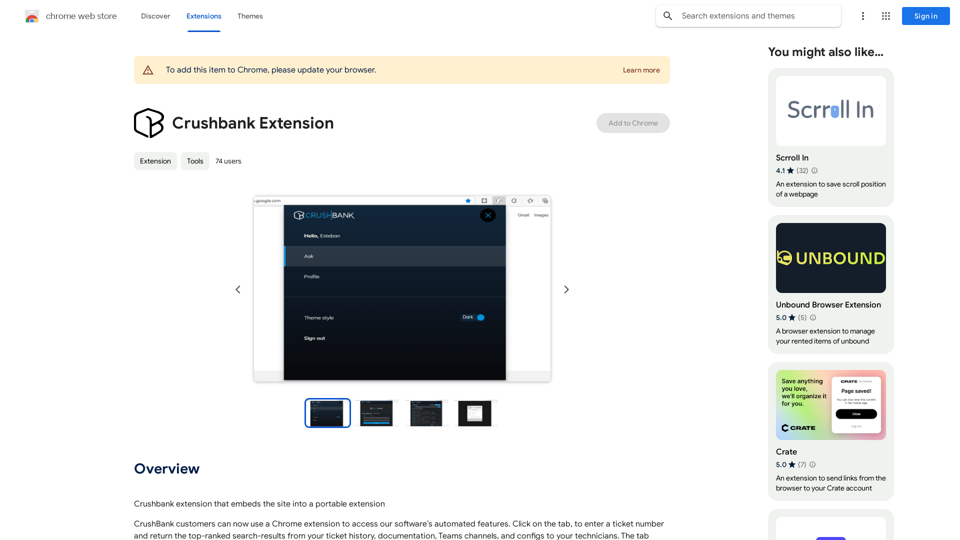
A browser extension for Crushbank that lets you use the site in a standalone, portable way.
193.90 M
Summarize and Translate with Gemini Gemini是一个基于人工智能的多语言翻译和文本摘要工具。它可以将长篇文本转换为简洁的摘要,同时提供多种语言的翻译选项。 #Key Features * Multilingual Translation: Gemini支持多种语言的翻译,包括英语、法语、德语、西班牙语、葡萄牙语、意大利语、荷兰语、俄语、中文、日语和韩语等。 * Text Summarization: Gemini可以将长篇文本转换为简洁的摘要,帮助用户快速了解文本的主要内容。 * AI-powered: Gemini基于人工智能技术,能够智能地识别和处理语言,提供高质量的翻译和摘要结果。 #How to Use Gemini 1. Copy and Paste: 将需要翻译或摘要的文本复制并粘贴到Gemini的输入框中。 2. Select Language: 选择需要翻译的语言或摘要的格式。 3. Get Result: Gemini将提供翻译或摘要结果,用户可以根据需要进行调整和编辑。 #Benefits * Save Time: Gemini可以快速地翻译和摘要长篇文本,节省用户的时间和精力。 * Improve Efficiency: Gemini的翻译和摘要结果可以帮助用户更好地理解和处理文本,提高工作效率。 * Enhance Productivity: Gemini可以帮助用户更好地与他人交流和合作,提高生产力和效率。
Summarize and Translate with Gemini Gemini是一个基于人工智能的多语言翻译和文本摘要工具。它可以将长篇文本转换为简洁的摘要,同时提供多种语言的翻译选项。 #Key Features * Multilingual Translation: Gemini支持多种语言的翻译,包括英语、法语、德语、西班牙语、葡萄牙语、意大利语、荷兰语、俄语、中文、日语和韩语等。 * Text Summarization: Gemini可以将长篇文本转换为简洁的摘要,帮助用户快速了解文本的主要内容。 * AI-powered: Gemini基于人工智能技术,能够智能地识别和处理语言,提供高质量的翻译和摘要结果。 #How to Use Gemini 1. Copy and Paste: 将需要翻译或摘要的文本复制并粘贴到Gemini的输入框中。 2. Select Language: 选择需要翻译的语言或摘要的格式。 3. Get Result: Gemini将提供翻译或摘要结果,用户可以根据需要进行调整和编辑。 #Benefits * Save Time: Gemini可以快速地翻译和摘要长篇文本,节省用户的时间和精力。 * Improve Efficiency: Gemini的翻译和摘要结果可以帮助用户更好地理解和处理文本,提高工作效率。 * Enhance Productivity: Gemini可以帮助用户更好地与他人交流和合作,提高生产力和效率。Summarize and Translate Web Pages This tool utilizes Gemini as its backend to provide a convenient way to summarize and translate web pages.
193.90 M
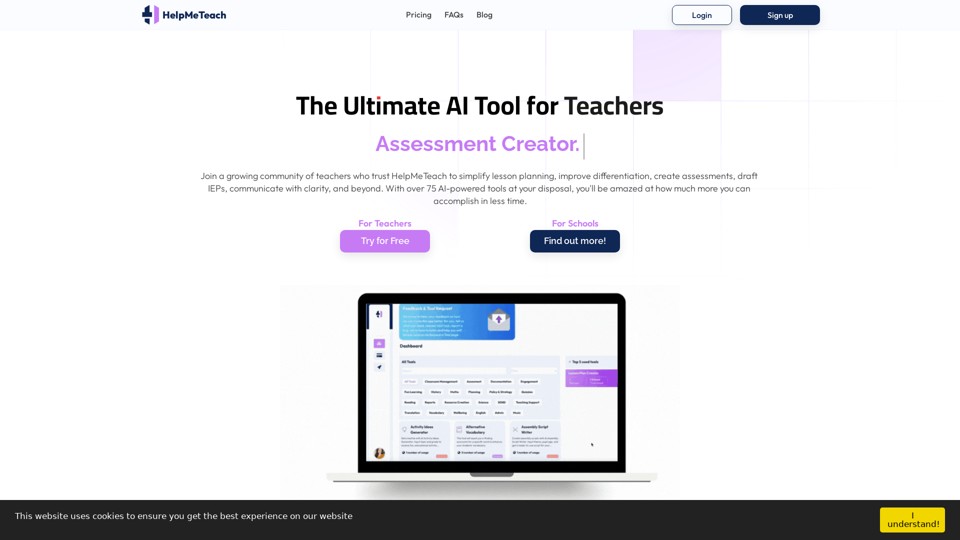
HelpMeTeach - AI Simplifies Teaching | Lesson Plans, Assessments, and More!
HelpMeTeach - AI Simplifies Teaching | Lesson Plans, Assessments, and More!Revolutionize your teaching with HelpMeTeach, the premier AI assistant for teachers. Simplify lesson plans and assessments, generate ideas, and create reports with ease. Enhance work-life balance and reduce workload with our 70+ teacher tools. Start now!
1.62 K
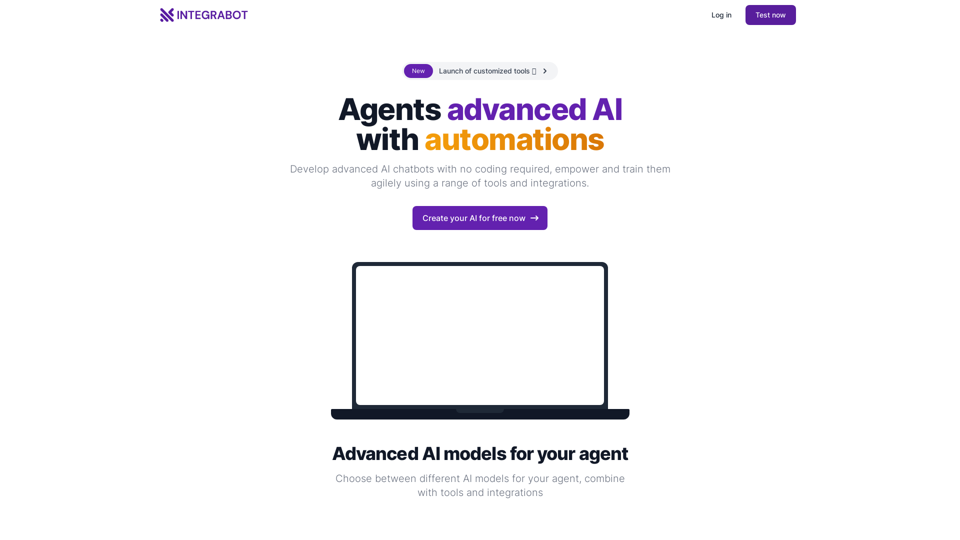
IntegraBot - Advanced Agents with AI and Automations
IntegraBot - Advanced Agents with AI and AutomationsCreate an AI chatbot from your knowledge base and add it to your website or interact with it through our API.
357