PS2 Filter AI is an online platform that transforms photos and images into the iconic visual style of PlayStation 2 era games. Using advanced AI image generation, it creates unique, retro-gaming inspired artwork from user-uploaded pictures. The tool aims to recreate the nostalgic feel of early 2000s video games, complete with low-polygon models, pixelated textures, and distinctive lighting.
PS2 Filter AI - Convert Photo to PS2 Video Game Style Online With AI, Free Trial
PS2 Filter AI transforms your photos into iconic PlayStation 2 style graphics. 🎮
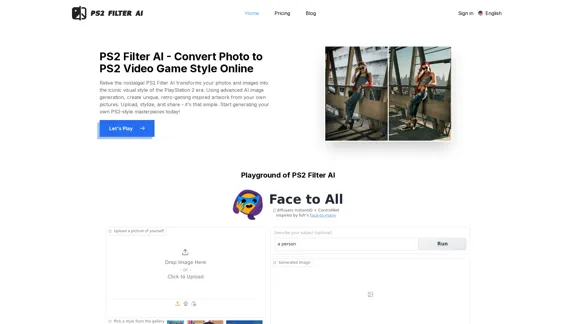
Introduction
Feature
Easy 3-Step Process
- Upload Picture or Image
- Set Style and Optional Prompt
- Generate PS2 Style Artwork
Authentic PS2 Style Recreation
- Faithfully recreates iconic PS2 visuals
- Low polygons, pixelated textures, and characteristic lighting
Customizable Results
- Choose specific PS2-inspired styles
- Fine-tune AI interpretation with text prompts
Advanced AI Technology
- Uses Generative Adversarial Networks (GANs)
- Analyzes and deconstructs images
- Recreates fundamental PS2 graphic principles
User-Friendly Interface
- No technical expertise required
- Web-based platform accessible from any browser
Fast Processing
- Transforms images in seconds
- Powered by efficient AI algorithms
Free Trial Available
- Limited usage to test the service
- Paid subscription for full access and unlimited use
FAQ
What is PS2 Filter AI?
PS2 Filter AI is an online platform that uses artificial intelligence to transform photos and images into the iconic visual style of PlayStation 2 era games. It recreates low-polygon models, pixelated textures, and the distinctive lighting of early 2000s video games.
How does PS2 Filter AI work?
The AI analyzes uploaded images, identifying key elements like objects, colors, and shapes. It then uses a Generative Adversarial Network (GAN) to recreate the PS2 aesthetic, mimicking low polygon count, limited color palettes, characteristic texture mapping, and unique lighting techniques.
What can PS2 Filter AI be used for?
PS2 Filter AI can be used for creating unique profile pictures, social media content, designing retro-themed artwork, breathing new life into old photos, or indulging in nostalgia for the classic gaming era.
Is PS2 Filter AI free to use?
PS2 Filter AI offers a free trial period with limited usage. To access the full range of features and benefit from unlimited usage, a paid subscription is required.
Are there any limitations when using PS2 Filter AI?
The AI's output quality depends on the quality of the input image. Low resolution, compressed, or complex images might not transform as cleanly as sharper, well-lit photos. Experimentation is key to getting the best results.
Related Websites
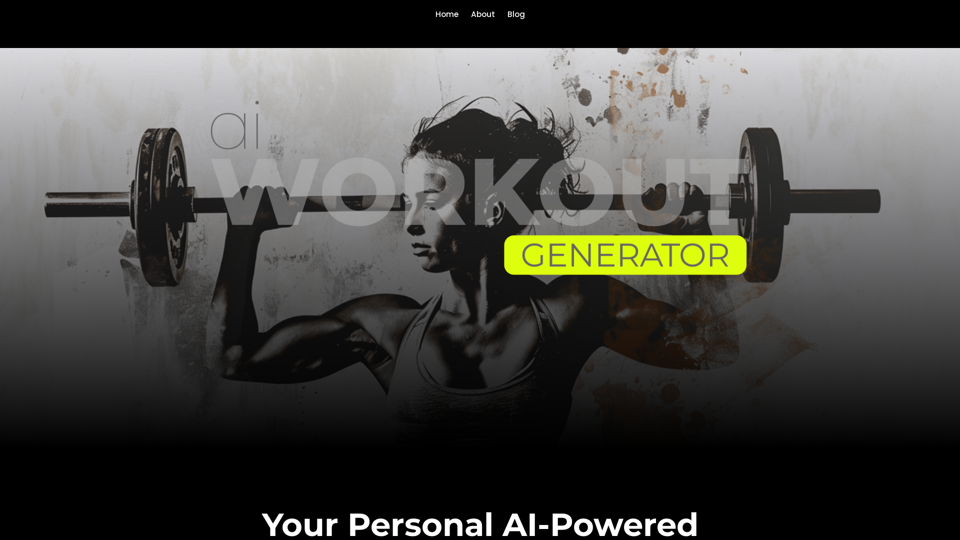
Ai Workout Generator ===================== What is an AI Workout Generator? An AI workout generator is a tool that uses artificial intelligence to create personalized workout plans tailored to an individual's fitness goals, fitness level, and preferences. How does it work? The AI workout generator uses machine learning algorithms to analyze a user's input data, such as their fitness goals, fitness level, and exercise preferences. It then generates a customized workout plan that includes a series of exercises, sets, reps, and weights tailored to the user's specific needs. Benefits of using an AI Workout Generator * Personalized workouts: The AI workout generator creates a workout plan that is tailored to the user's specific fitness goals and fitness level. * Time-saving: The AI workout generator saves time by eliminating the need to research and create a workout plan from scratch. * Increased motivation: The AI workout generator provides a sense of accountability and motivation, as users are more likely to stick to a workout plan that is tailored to their specific needs. * Improved results: The AI workout generator helps users achieve their fitness goals faster and more efficiently, as the workout plan is optimized for their specific needs. How to use an AI Workout Generator 1. Input your data: Enter your fitness goals, fitness level, and exercise preferences into the AI workout generator. 2. Select your workout type: Choose the type of workout you want to do, such as strength training, cardio, or yoga. 3. Generate your workout plan: The AI workout generator will create a customized workout plan tailored to your specific needs. 4. Start your workout: Follow the workout plan and track your progress. Conclusion An AI workout generator is a powerful tool that can help individuals achieve their fitness goals faster and more efficiently. By providing personalized workout plans, the AI workout generator saves time, increases motivation, and improves results. Whether you're a beginner or an experienced athlete, an AI workout generator can help you take your fitness to the next level.
Ai Workout Generator ===================== What is an AI Workout Generator? An AI workout generator is a tool that uses artificial intelligence to create personalized workout plans tailored to an individual's fitness goals, fitness level, and preferences. How does it work? The AI workout generator uses machine learning algorithms to analyze a user's input data, such as their fitness goals, fitness level, and exercise preferences. It then generates a customized workout plan that includes a series of exercises, sets, reps, and weights tailored to the user's specific needs. Benefits of using an AI Workout Generator * Personalized workouts: The AI workout generator creates a workout plan that is tailored to the user's specific fitness goals and fitness level. * Time-saving: The AI workout generator saves time by eliminating the need to research and create a workout plan from scratch. * Increased motivation: The AI workout generator provides a sense of accountability and motivation, as users are more likely to stick to a workout plan that is tailored to their specific needs. * Improved results: The AI workout generator helps users achieve their fitness goals faster and more efficiently, as the workout plan is optimized for their specific needs. How to use an AI Workout Generator 1. Input your data: Enter your fitness goals, fitness level, and exercise preferences into the AI workout generator. 2. Select your workout type: Choose the type of workout you want to do, such as strength training, cardio, or yoga. 3. Generate your workout plan: The AI workout generator will create a customized workout plan tailored to your specific needs. 4. Start your workout: Follow the workout plan and track your progress. Conclusion An AI workout generator is a powerful tool that can help individuals achieve their fitness goals faster and more efficiently. By providing personalized workout plans, the AI workout generator saves time, increases motivation, and improves results. Whether you're a beginner or an experienced athlete, an AI workout generator can help you take your fitness to the next level.AI generated workouts reviewed and Approved by American College of Sports Medicine certified Personal Trainers.
3.30 K
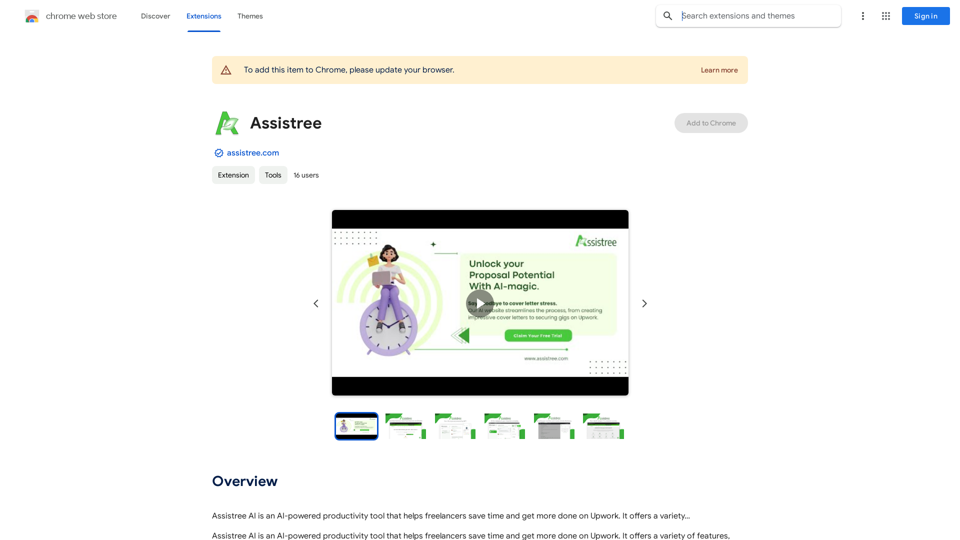
Assistree AI is an AI-powered productivity tool that helps freelancers save time and get more done on Upwork. It offers a variety...
193.90 M
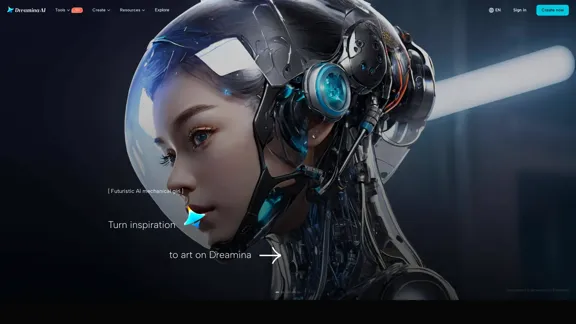
Dreamina: Free AI Image Generator - Create Art and Images from Text
Dreamina: Free AI Image Generator - Create Art and Images from TextCreate stunning art, images, and more with prompts. Turn your images into captivating animations. Dreamina is an AI platform designed to simplify your creation.
5.53 M

Meet Dating Photo AI - the only tool that helps you increase your dating profile matches by making you look like the best version of yourself. By applying the latest AI techniques, we make you get the matches that you deserve.
831
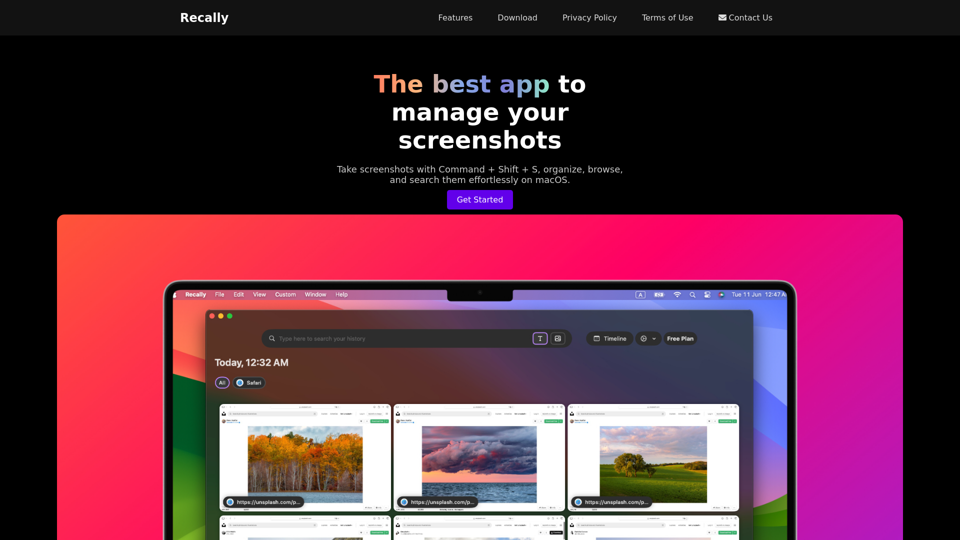
Recally - The Best Screenshot Management App for macOS
Recally - The Best Screenshot Management App for macOSRecally is the best app to manage your screenshots on macOS. Organize, browse, and search your screenshots with ease. Available on macOS.
0
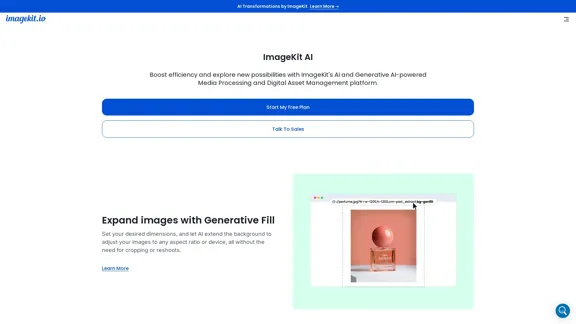
ImageKit AI for media delivery and management | ImageKit.io
ImageKit AI for media delivery and management | ImageKit.ioLeverage AI and Generative AI to transform media processing and digital asset management at scale with ImageKit AI.
1.06 M
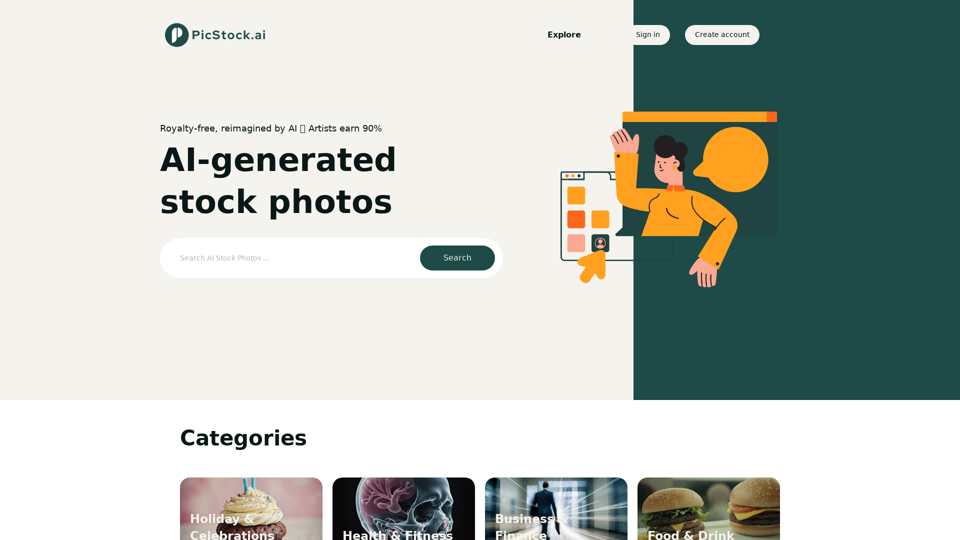
Your source for high-quality AI-generated stock images. Browse our curated collection of royalty-free images, both free and premium. Sell AI art and earn a 90% commission.
0