Open-source RightAI Tools Directory
  • Discover AI
  • Submit
  • Startup
  • Blog
Open-source RightAI Tools Directory
Discover the best AI tools of 2025 with the RightAI Tools Directory!

Friend Links

AI Anime GeneratorToolsApp AI

Support

Tap4
Privacy policyTerms & ConditionsContact Us
Loading...
loading...

Automatically Apply to Jobs on LinkedIn, Indeed, Monster, and Auto-Fill on All Websites

Save time applying for jobs! Auto-applies job bot. Auto-fills in forms on all websites. Get hired faster! - Apply smarter, not harder.

Visit Website
Automatically Apply to Jobs on LinkedIn, Indeed, Monster, and Auto-Fill on All Websites
Visit Website

Introduction

JobForm Automator is an AI-powered job application bot designed to streamline the process of filling out job application forms on popular platforms like LinkedIn, Indeed, and Monster. This innovative tool utilizes advanced AI autofill technology to save users time and effort, allowing them to focus on more critical aspects of their job search.

Feature

Be First in Job Applications

JobForm Automator ensures users stay ahead of the competition by enabling quick and efficient application submissions, preventing missed opportunities due to late applications.

Time-Saving Automation

The tool significantly reduces the time spent on manually filling out job application forms, accelerating the overall job hunting process.

Quality Application Submissions

By automating the application process, JobForm Automator helps users maintain consistency and quality in their submissions, preventing burnout from repetitive manual work.

Advanced AI Autofill Technology

The core feature of JobForm Automator is its revolutionary AI autofill capability, which accurately completes application forms with unparalleled precision. Users can activate this feature with a simple keyboard shortcut (Ctrl + Space).

Multi-Platform Support

JobForm Automator works seamlessly across major job search platforms, including LinkedIn, Indeed, and Monster.

Flexible Pricing Plans

The tool offers various pricing tiers to cater to different user needs:

PlanFeaturesPrice
BeginnerUp to 10 applications per dayFree (Lifetime)
StarterUnlimited applications with LinkedIn and Indeed automation$10 (Until hired)
ProComing soon$30 (Until hired)

Customizable Solutions

JobForm Automator allows users to tailor the tool to their specific requirements, ensuring a personalized job application experience.

FAQ

How do I get started with JobForm Automator?

To begin using JobForm Automator, visit the official website and create an account. You'll need to provide some basic information and agree to the terms and conditions.

Is it possible to customize JobForm Automator solutions?

Yes, JobForm Automator offers customization options to meet your specific needs and preferences.

How does AI benefit the job application process?

JobForm Automator leverages AI to streamline the job application process, significantly improving efficiency and saving valuable time for job seekers.

What do users say about JobForm Automator?

Users across various professions have praised JobForm Automator for its efficiency, time-saving capabilities, and effectiveness in streamlining the job application process. Testimonials highlight its value in different job markets, including Singapore and India.

Related Websites
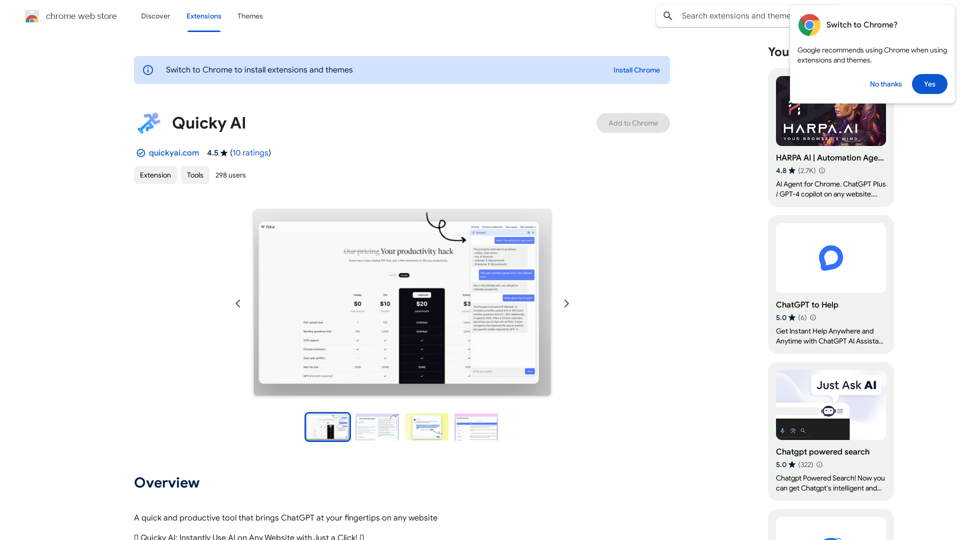
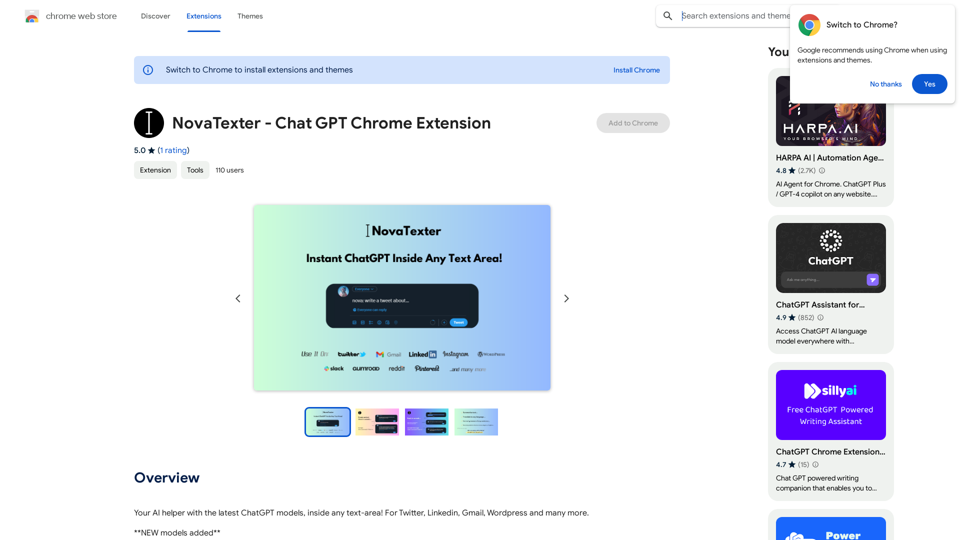
Open ChatGPT in a New Tab

You can open ChatGPT in a new tab by following these steps:

#Method 1: Using the Browser's Context Menu

1. Right-click on the ChatGPT link or button.
2. Select "Open in new tab" or "Open link in new tab" from the context menu.

#Method 2: Using the Keyboard Shortcut

1. Press `Ctrl + Click` (Windows/Linux) or `Cmd + Click` (Mac) on the ChatGPT link or button.

#Method 3: Using the Browser's Toolbar

1. Click on the ChatGPT link or button while holding down the `Ctrl` key (Windows/Linux) or `Cmd` key (Mac).
2. Release the key after the new tab is opened.

By following these methods, you can easily open ChatGPT in a new tab and start chatting without leaving your current page.
View Detail

Open ChatGPT in a New Tab You can open ChatGPT in a new tab by following these steps: #Method 1: Using the Browser's Context Menu 1. Right-click on the ChatGPT link or button. 2. Select "Open in new tab" or "Open link in new tab" from the context menu. #Method 2: Using the Keyboard Shortcut 1. Press `Ctrl + Click` (Windows/Linux) or `Cmd + Click` (Mac) on the ChatGPT link or button. #Method 3: Using the Browser's Toolbar 1. Click on the ChatGPT link or button while holding down the `Ctrl` key (Windows/Linux) or `Cmd` key (Mac). 2. Release the key after the new tab is opened. By following these methods, you can easily open ChatGPT in a new tab and start chatting without leaving your current page.

Open ChatGPT in a New Tab You can open ChatGPT in a new tab by following these steps: #Method 1: Using the Browser's Context Menu 1. Right-click on the ChatGPT link or button. 2. Select "Open in new tab" or "Open link in new tab" from the context menu. #Method 2: Using the Keyboard Shortcut 1. Press `Ctrl + Click` (Windows/Linux) or `Cmd + Click` (Mac) on the ChatGPT link or button. #Method 3: Using the Browser's Toolbar 1. Click on the ChatGPT link or button while holding down the `Ctrl` key (Windows/Linux) or `Cmd` key (Mac). 2. Release the key after the new tab is opened. By following these methods, you can easily open ChatGPT in a new tab and start chatting without leaving your current page.

New Tab with Quick ChatGPT Access

193.90 M
DecEptioner - Humanize AI Text Like A Pro!
View Detail

DecEptioner - Humanize AI Text Like A Pro!

DecEptioner - Humanize AI Text Like A Pro!

Helps to make false-positive cases of specific AI content detectors seem less like mistakes.

193.90 M
SummGen-Summary for Google/YouTube (ChatGPT) 

This is a summary of the capabilities and potential uses of SummGen, a text summarization model, specifically in the context of Google and YouTube.

* What is SummGen? 

SummGen is a powerful text summarization model developed by Google DeepMind. It excels at condensing large amounts of text into concise and informative summaries.

* How can SummGen be used with Google Search?

Imagine searching Google for a complex topic. SummGen could analyze the top search results and generate a brief, clear summary of the key information, saving you time and effort.

* Applications for YouTube:

* Video Summaries: SummGen could automatically generate summaries of YouTube videos, making it easier for viewers to quickly understand the content.
* Closed Captions:  SummGen could enhance closed captions by providing more accurate and concise summaries of the spoken words.
* Content Discovery: YouTube could use SummGen to create summaries of trending videos, helping users discover new content based on their interests.


* Benefits:

* Efficiency: SummGen saves time by providing concise summaries of large amounts of text.
* Accessibility:  Summaries can make information more accessible to people with visual or cognitive impairments.
* Improved Understanding:  Summaries can help users grasp complex topics more easily. 


SummGen has the potential to revolutionize how we interact with information on Google and YouTube, making it more efficient, accessible, and understandable.
View Detail

SummGen-Summary for Google/YouTube (ChatGPT) This is a summary of the capabilities and potential uses of SummGen, a text summarization model, specifically in the context of Google and YouTube. * What is SummGen? SummGen is a powerful text summarization model developed by Google DeepMind. It excels at condensing large amounts of text into concise and informative summaries. * How can SummGen be used with Google Search? Imagine searching Google for a complex topic. SummGen could analyze the top search results and generate a brief, clear summary of the key information, saving you time and effort. * Applications for YouTube: * Video Summaries: SummGen could automatically generate summaries of YouTube videos, making it easier for viewers to quickly understand the content. * Closed Captions: SummGen could enhance closed captions by providing more accurate and concise summaries of the spoken words. * Content Discovery: YouTube could use SummGen to create summaries of trending videos, helping users discover new content based on their interests. * Benefits: * Efficiency: SummGen saves time by providing concise summaries of large amounts of text. * Accessibility: Summaries can make information more accessible to people with visual or cognitive impairments. * Improved Understanding: Summaries can help users grasp complex topics more easily. SummGen has the potential to revolutionize how we interact with information on Google and YouTube, making it more efficient, accessible, and understandable.

SummGen-Summary for Google/YouTube (ChatGPT) This is a summary of the capabilities and potential uses of SummGen, a text summarization model, specifically in the context of Google and YouTube. * What is SummGen? SummGen is a powerful text summarization model developed by Google DeepMind. It excels at condensing large amounts of text into concise and informative summaries. * How can SummGen be used with Google Search? Imagine searching Google for a complex topic. SummGen could analyze the top search results and generate a brief, clear summary of the key information, saving you time and effort. * Applications for YouTube: * Video Summaries: SummGen could automatically generate summaries of YouTube videos, making it easier for viewers to quickly understand the content. * Closed Captions: SummGen could enhance closed captions by providing more accurate and concise summaries of the spoken words. * Content Discovery: YouTube could use SummGen to create summaries of trending videos, helping users discover new content based on their interests. * Benefits: * Efficiency: SummGen saves time by providing concise summaries of large amounts of text. * Accessibility: Summaries can make information more accessible to people with visual or cognitive impairments. * Improved Understanding: Summaries can help users grasp complex topics more easily. SummGen has the potential to revolutionize how we interact with information on Google and YouTube, making it more efficient, accessible, and understandable.

Display ChatGPT Summaries Alongside Google Search Results and YouTube Videos This feature would allow users to see concise summaries generated by ChatGPT directly integrated with their Google search results and YouTube video pages. Imagine searching for a topic on Google and seeing a ChatGPT-generated summary at the top of the results, providing a quick overview of the key points. Or, watching a YouTube video and having a ChatGPT summary appear below, highlighting the main takeaways. This integration could significantly enhance the user experience by: * Saving time: Quickly grasp the essence of information without having to read through lengthy articles or watch entire videos. * Improving comprehension: ChatGPT summaries can rephrase complex information in a more accessible way. * Encouraging exploration: Summaries can spark curiosity and lead users to explore related content further.

193.90 M
Kometa AI – Your personal AI assistant!
View Detail

Kometa AI – Your personal AI assistant!

Kometa AI – Your personal AI assistant!

Don't delay preparing a response to a client. Respond immediately to any email, LinkedIn, HH, or WhatsApp message.

193.90 M
Hey Reach
View Detail

Hey Reach

Hey Reach

A simple extension to link your LinkedIn account and HeyReach

193.90 M
AI Localizer - Easily Translate Your Project Code
View Detail

AI Localizer - Easily Translate Your Project Code

AI Localizer - Easily Translate Your Project Code

Seamlessly add localized translations to your Xcode projects. Add up to 37 languages to your app automatically, using the power of AI.

210.21 K
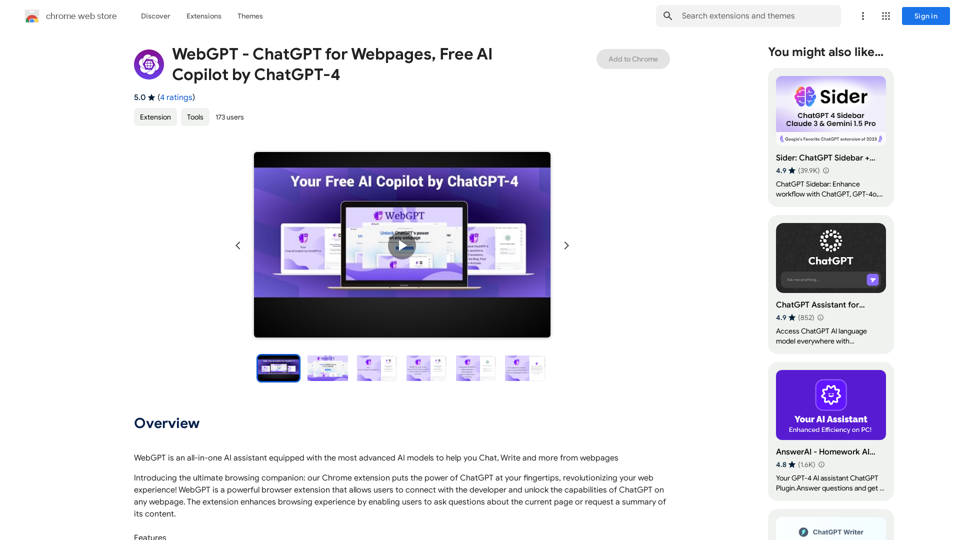
MashaGPT - Access to ChatGPT-4 with one click
View Detail

MashaGPT - Access to ChatGPT-4 with one click

MashaGPT - Access to ChatGPT-4 with one click

Description: Meet Mashagpt - your new helper for working with ChatGPT right in your browser! With Mashagpt you'll get access to...

193.90 M
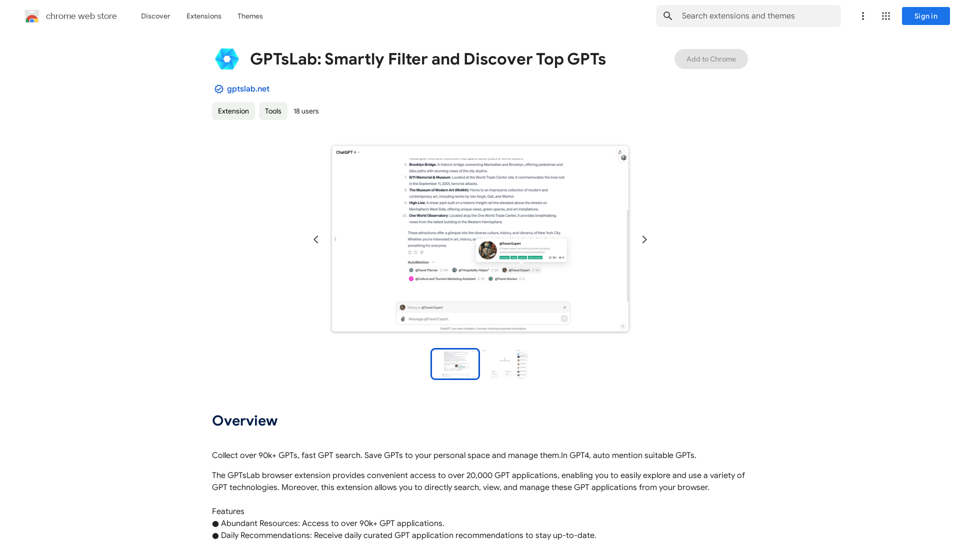
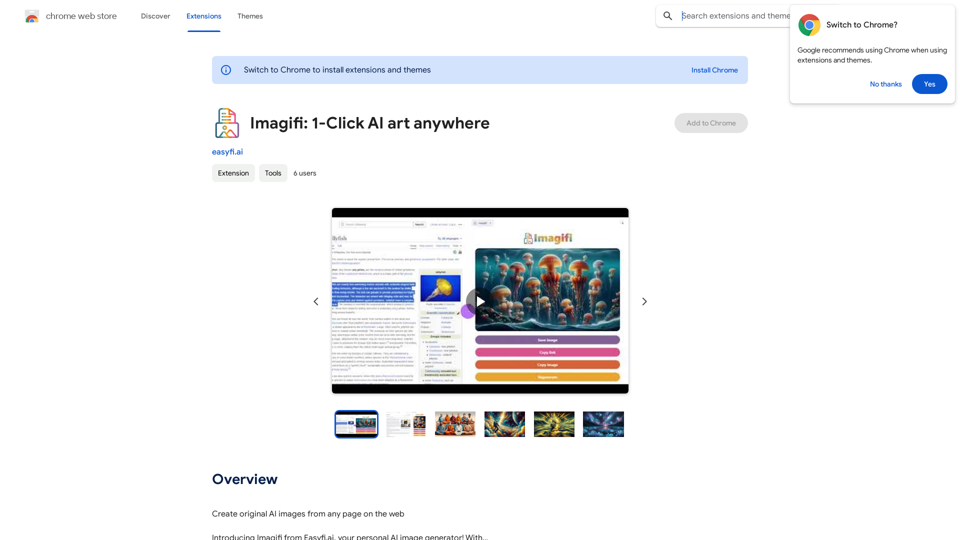
Mellow - DALL-E Image and Prompts Bulk Download 

This is a tool to download images and prompts from Mellow, a platform for creating and sharing DALL-E images.
View Detail

Mellow - DALL-E Image and Prompts Bulk Download This is a tool to download images and prompts from Mellow, a platform for creating and sharing DALL-E images.

Mellow - DALL-E Image and Prompts Bulk Download This is a tool to download images and prompts from Mellow, a platform for creating and sharing DALL-E images.

🐱 Mellow is a Chrome extension designed for users of ChatGPT who use GPTs or DALL·E to create AI images.

193.90 M