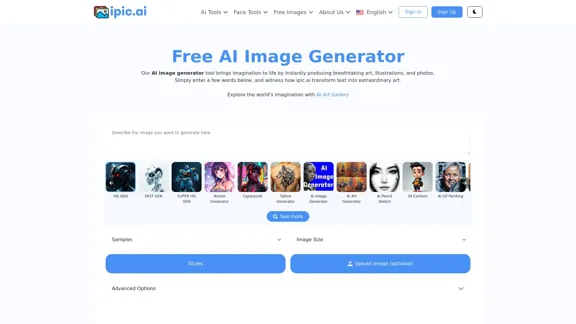
The Free AI Image Generator is a powerful tool designed to create unique and custom images using artificial intelligence. Users can input text prompts, and the generator transforms these into stunning visuals, including art, illustrations, and photographs. The platform offers a variety of features, including an AI Art Gallery, and supports multiple styles and formats, making it accessible for both casual users and professionals.
AI Powered Image Generator for Unique and Custom Images
Create unique and custom images effortlessly with iPic.Ai - the AI-powered image generator.
Introduction
Feature
-
Diverse Image Generation
The AI image generator can create a wide range of images, including abstract art, anime, landscapes, and more, catering to various creative needs.
-
User-Friendly Interface
The platform is designed with simplicity in mind, allowing users to easily input text prompts and customize their image generation experience.
-
High-Quality Outputs
The tool produces high-resolution images that are suitable for personal and professional use, ensuring quality in every creation.
-
Customization Options
Users can specify parameters such as image size, style, and additional features to tailor the generated images to their preferences.
-
Accessibility
The AI image generator is accessible to users with varying levels of technical expertise, making it a versatile tool for anyone interested in image creation.
-
Free and Paid Plans
The platform offers a free plan with basic features, as well as premium plans that unlock advanced functionalities and higher quality outputs.
How to Use?
- Start by visiting the Free AI Image Generator website and signing up for an account.
- Enter a descriptive text prompt to guide the AI in generating your desired image.
- Explore different styles and customization options to enhance your image output.
- Experiment with various prompts to discover unique and creative results.
- Utilize the AI Art Gallery for inspiration and to see examples of generated images.
FAQ
What is an AI Image Generator?
An AI image generator is a tool that uses artificial intelligence to create images based on text prompts. It employs deep learning techniques to produce realistic and coherent visuals.
Can I use the images generated through the Free AI Image Generator?
Yes, users can utilize the generated images as long as they adhere to the platform's terms of use, which outline guidelines for proper usage.
Why should I use an AI image generator?
AI image generators save time and costs in the design process, provide unique and creative outputs, and are accessible to users with limited design skills.
What are some tips for creating better AI images?
Using high-quality training data, employing data augmentation techniques, and experimenting with advanced AI models can significantly improve the quality of generated images.
Price
- Free Plan: $0/month
- Basic Plan: $9.99/month
- Standard Plan: $19.99/month
- Professional Plan: $49.99/month
The price is for reference only, please refer to the latest official data for actual information.
Evaluation
- The Free AI Image Generator excels in producing diverse and high-quality images quickly, making it a valuable tool for users seeking creative solutions.
- The user-friendly interface enhances accessibility, allowing individuals with varying skill levels to create impressive visuals.
- However, the reliance on text prompts may limit the creativity of users who are not familiar with effective prompting techniques.
- The premium plans may be seen as costly for casual users, which could deter some from fully utilizing the platform.
- Overall, while the tool offers significant advantages, continuous improvements in customization options and user guidance could enhance the overall experience.
Related Websites
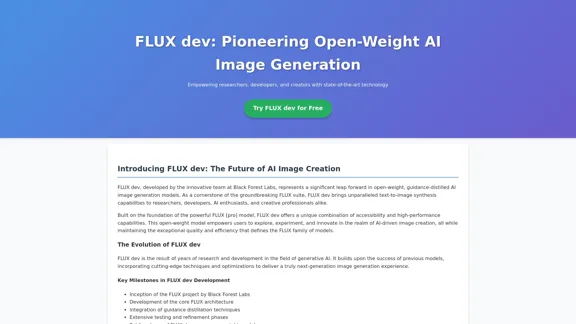
FLUX dev: A groundbreaking AI model for generating images with open weights.
FLUX dev: A groundbreaking AI model for generating images with open weights.Explore FLUX dev, the advanced open-weight AI image generation model. Discover its features for non-commercial use and try it now for free.
25.02 K
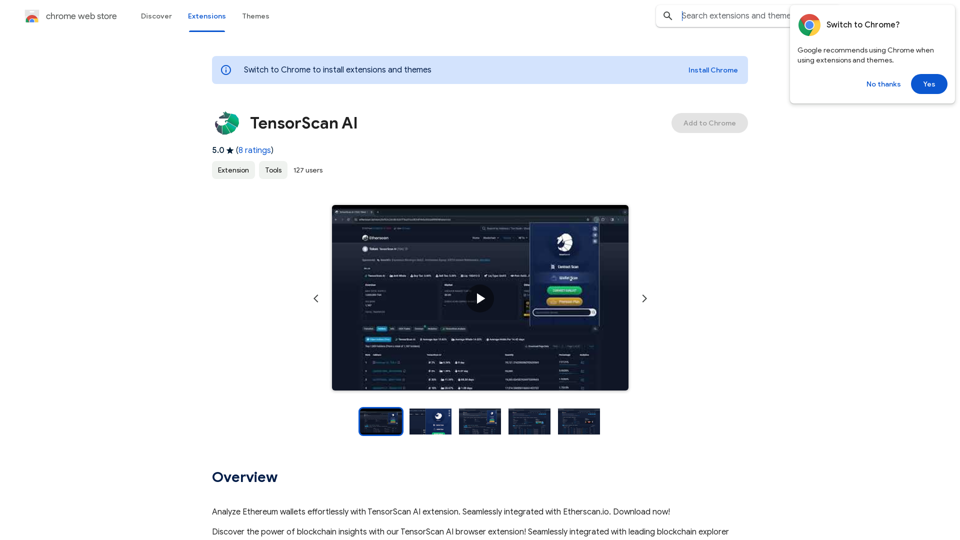
Analyze Ethereum wallets easily with the TensorScan AI extension. It works perfectly with Etherscan.io. Download it now!
193.90 M
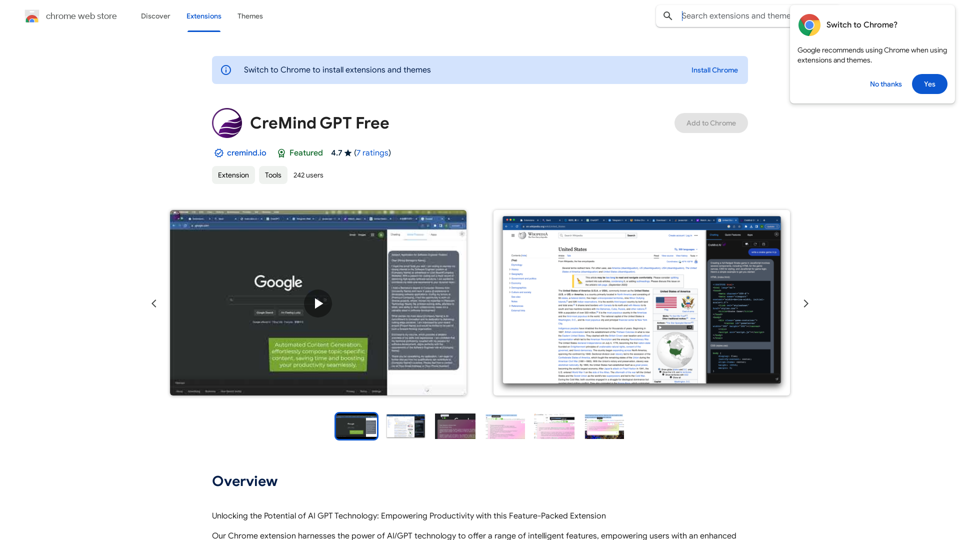
Unlocking the Potential of AI GPT Technology: Empowering Productivity with this Feature-Packed Extension
193.90 M
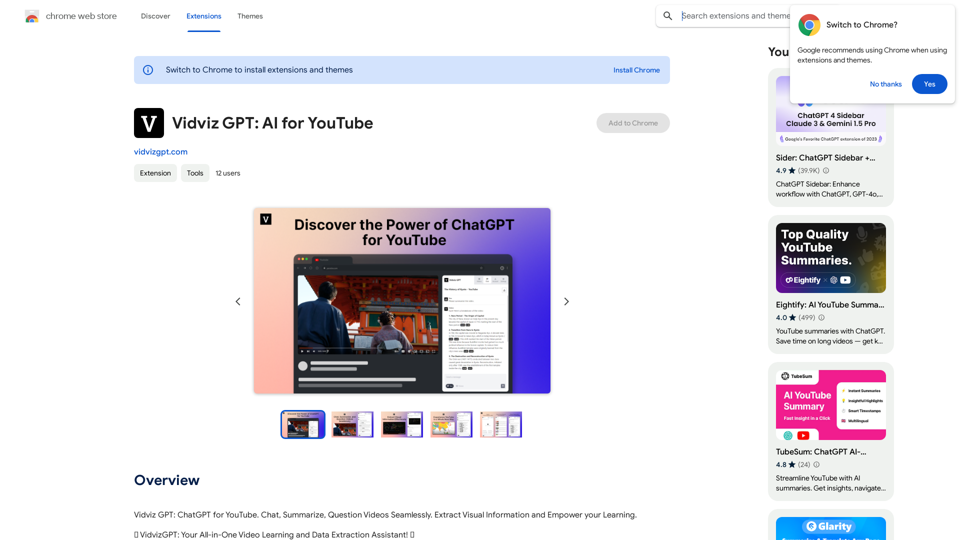
Vidviz GPT: AI for YouTube Vidviz GPT is an AI-powered tool designed to help you create amazing YouTube videos.
Vidviz GPT: AI for YouTube Vidviz GPT is an AI-powered tool designed to help you create amazing YouTube videos.Vidviz GPT: ChatGPT for YouTube. Chat, Summarize, Question Videos Seamlessly. Extract Visual Information and Empower Your Learning.
193.90 M
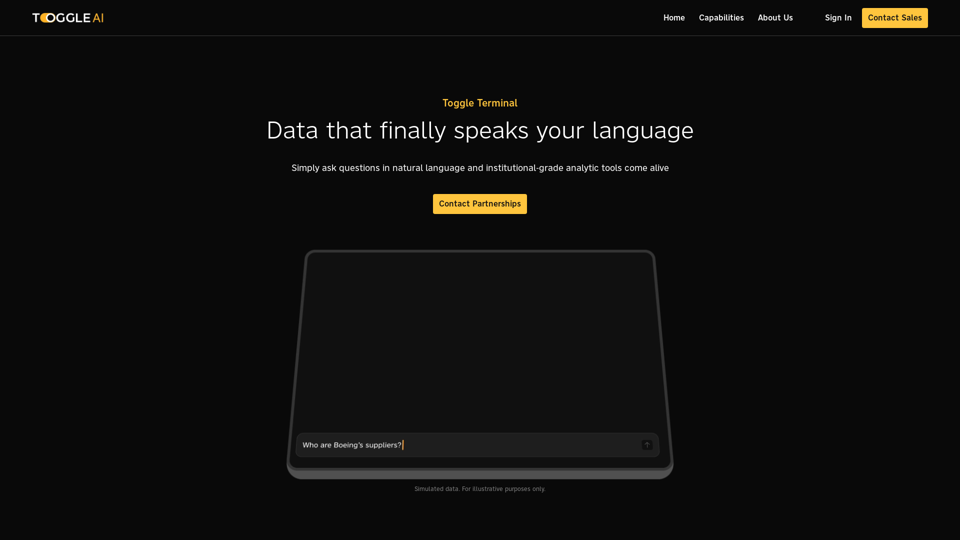
Toggle Terminal – Bring data to life with natural language
Toggle Terminal – Bring data to life with natural languageBid farewell to outdated terminals and cumbersome, antiquated interfaces. Our institutional-grade analytical tools spring into action, ready to serve you, simply by asking questions in everyday language.
0
-akpofpnbjlhfdmcmnolgbpagpdkfkbef-thumbnail-1720093897.png "Text Generation for X (formerly Twitter)")
This is a Chrome extension that analyzes images you want to post to X (formerly Twitter) and automatically generates alternative text for them.
193.90 M
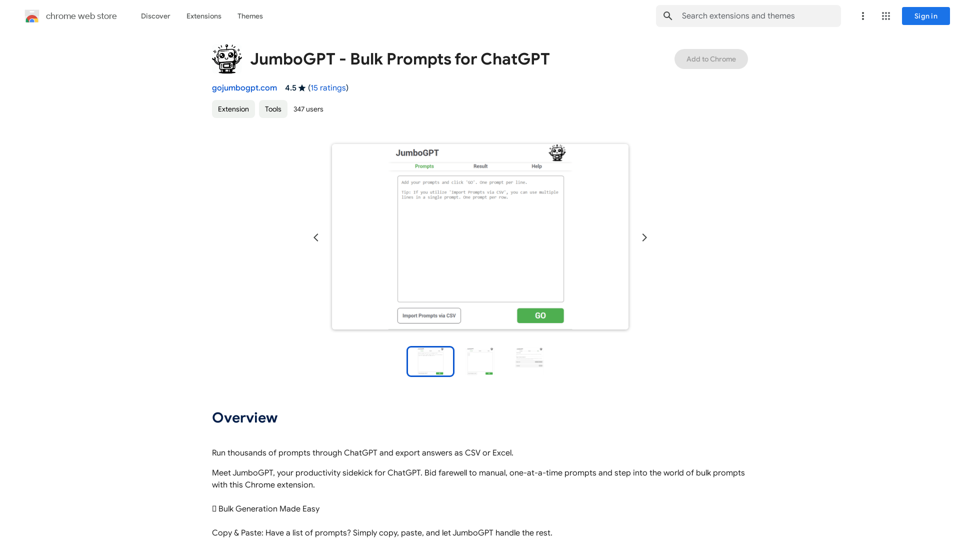
JumboGPT - Bulk Prompts for ChatGPT This is a collection of bulk prompts for ChatGPT, designed to help you explore its capabilities and generate diverse creative text formats. Instructions: * Each prompt is designed to be used individually with ChatGPT. * You can copy and paste the prompts directly into the ChatGPT interface. * Feel free to modify the prompts to suit your specific needs and interests. Categories: * Story Starters: > A lone astronaut stumbles upon a derelict spaceship... > The old woman sat on the park bench, watching the children play... > A mysterious package arrived on her doorstep, addressed simply to "The Keeper"... * Creative Writing: > Write a short poem about the feeling of nostalgia. > Compose a song about a robot who falls in love with a human. > Describe a world where animals can talk. * Dialogue Prompts: > Two friends argue about the best way to spend a weekend. > A detective interrogates a suspect in a murder case. > A parent tries to explain a difficult concept to their child. * Worldbuilding: > Create a detailed description of a fantasy city. > Design a new species of creature for a science fiction story. > Develop a unique magic system for a medieval world. * Code Generation: > Write a Python function to calculate the factorial of a number. > Generate HTML code for a simple webpage. > Create a SQL query to retrieve data from a database. * Humor: > Write a joke about a programmer. > Create a funny story about a talking cat. > Generate a list of puns about food. * Educational: > Explain the concept of photosynthesis in simple terms. > Summarize the main events of the American Revolution. > Provide a brief history of the development of the internet.
JumboGPT - Bulk Prompts for ChatGPT This is a collection of bulk prompts for ChatGPT, designed to help you explore its capabilities and generate diverse creative text formats. Instructions: * Each prompt is designed to be used individually with ChatGPT. * You can copy and paste the prompts directly into the ChatGPT interface. * Feel free to modify the prompts to suit your specific needs and interests. Categories: * Story Starters: > A lone astronaut stumbles upon a derelict spaceship... > The old woman sat on the park bench, watching the children play... > A mysterious package arrived on her doorstep, addressed simply to "The Keeper"... * Creative Writing: > Write a short poem about the feeling of nostalgia. > Compose a song about a robot who falls in love with a human. > Describe a world where animals can talk. * Dialogue Prompts: > Two friends argue about the best way to spend a weekend. > A detective interrogates a suspect in a murder case. > A parent tries to explain a difficult concept to their child. * Worldbuilding: > Create a detailed description of a fantasy city. > Design a new species of creature for a science fiction story. > Develop a unique magic system for a medieval world. * Code Generation: > Write a Python function to calculate the factorial of a number. > Generate HTML code for a simple webpage. > Create a SQL query to retrieve data from a database. * Humor: > Write a joke about a programmer. > Create a funny story about a talking cat. > Generate a list of puns about food. * Educational: > Explain the concept of photosynthesis in simple terms. > Summarize the main events of the American Revolution. > Provide a brief history of the development of the internet.Use ChatGPT to process many different questions and save the responses in a spreadsheet format like CSV or Excel.
193.90 M