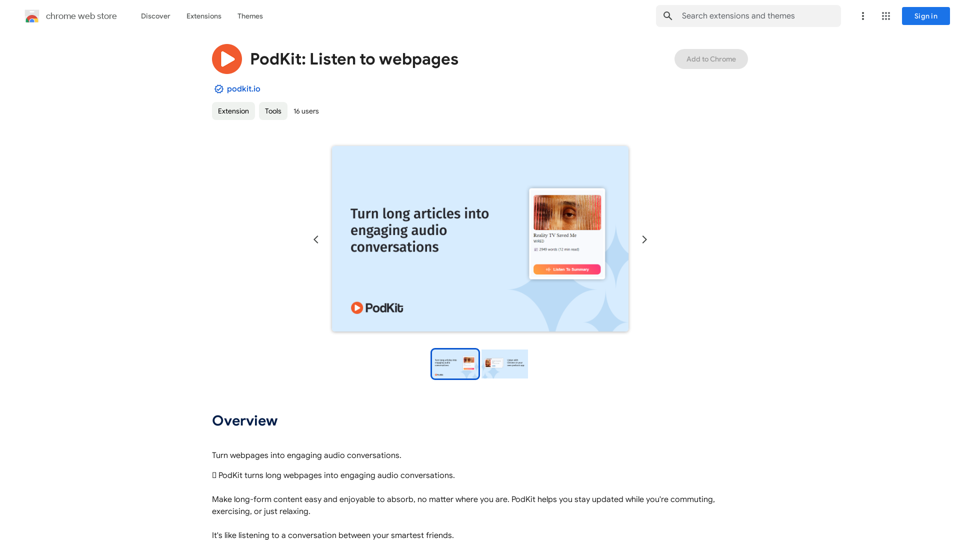
PodKit is an AI-powered platform that transforms lengthy webpages into concise audio conversations. This innovative tool allows users to stay informed while on the move, whether commuting, exercising, or relaxing. PodKit converts webpages into audio summaries, making information absorption and retention effortless.
PodKit: Listen to Web Pages
Turn webpages into engaging audio conversations.
Introduction
Feature
5-minute Audio Summaries
PodKit's advanced AI technology delivers accurate and concise summaries of webpages, focusing on essential information without unnecessary details.
Versatile Content Conversion
Convert various long-form content types into audio, including:
- Blog posts
- News articles
- Wikipedia pages
- YouTube videos (2-hour lectures into 5-minute summaries)
Interactive Q&A Session
After the summary, two AI speakers discuss key points through a series of questions and answers, enhancing comprehension of the text.
Advanced Text-to-Speech (TTS)
Two natural-sounding AI voices present the webpage summary in a lifelike manner, creating an engaging listening experience.
Flexible Listening Options
Listen to audio summaries via:
- Chrome extension
- PodKit website
- Any podcast app on mobile devices
Free Full-Text TTS
Access free full-text audio of webpages using your device's built-in system voice.
FAQ
How does PodKit work?
PodKit utilizes AI to transform lengthy articles into brief, engaging audio conversations between two virtual speakers, providing key takeaways without excess information.
Who is PodKit designed for?
PodKit's audio summaries are ideal for:
- Students
- Researchers
- Information workers
- Individuals with extensive reading lists but limited time
What is the typical length of a PodKit episode?
Episodes are approximately 3-5 minutes long, offering quick summaries of articles.
Which languages does PodKit support?
Currently, PodKit only supports English, with plans to expand language options in the future.
How much does PodKit cost?
PodKit offers credit packs:
- 50 credits
- 150 credits
- 350 credits
Unused credits never expire. One credit generates one episode, with longer webpages (1500+ words) potentially requiring additional credits.
Is there a free trial available?
Yes, new users receive 10 free credits upon signing up to try PodKit's features.
Related Websites
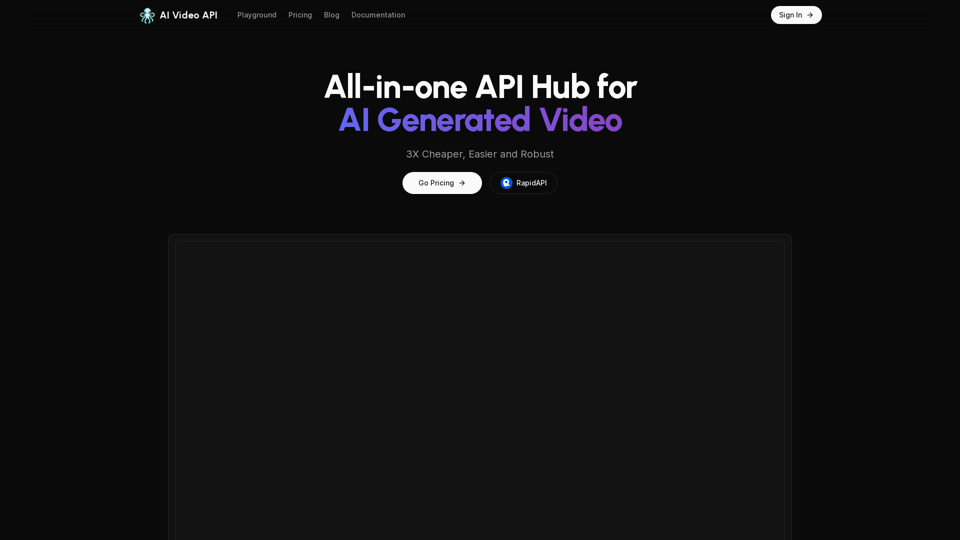
AI Video API This is a general term and could refer to many different things. To give you a helpful answer, I need more context. For example, are you interested in: * APIs that allow you to generate videos using AI? * APIs that analyze video content using AI? * APIs that edit or enhance videos using AI? Please tell me more about what you'd like to know about AI Video APIs.
AI Video API This is a general term and could refer to many different things. To give you a helpful answer, I need more context. For example, are you interested in: * APIs that allow you to generate videos using AI? * APIs that analyze video content using AI? * APIs that edit or enhance videos using AI? Please tell me more about what you'd like to know about AI Video APIs.All-in-one API Hub for AI Generated Video This is a platform that brings together all the tools you need to create videos using artificial intelligence.
16.01 K
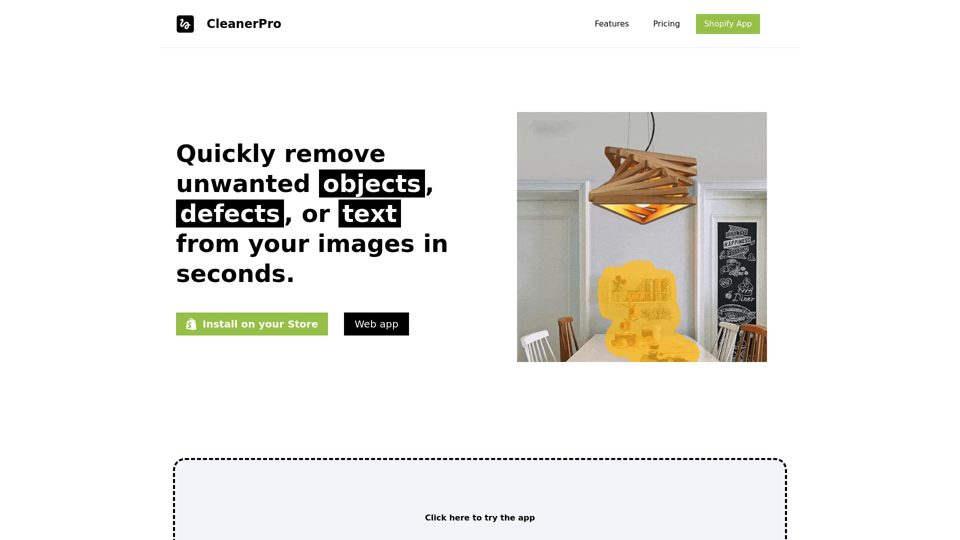
CleanerPro, our AI-powered image editor, transforms e-commerce visuals by enabling effortless removal of logos, text, and unwanted elements with just one click.
0
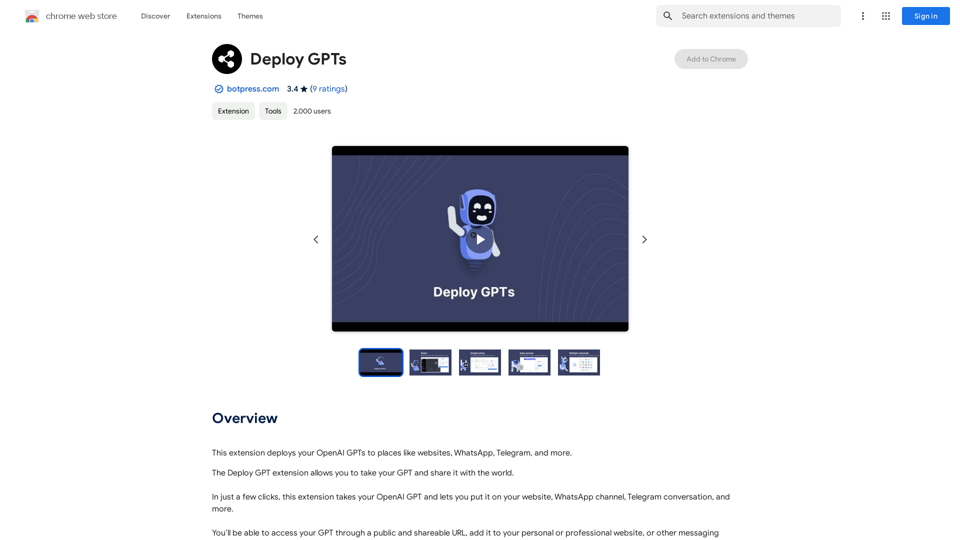
This extension deploys your OpenAI GPTs to places like websites, WhatsApp, Telegram, and more.
193.90 M
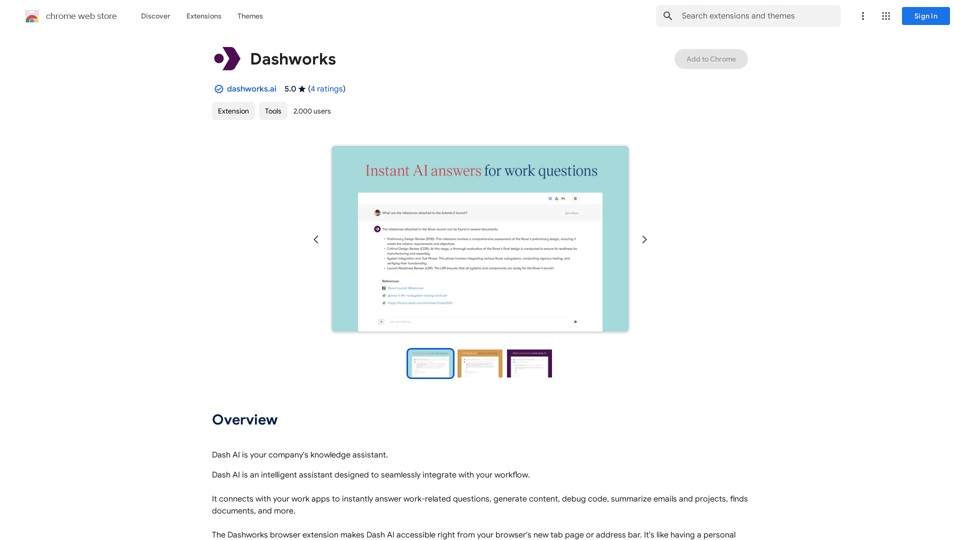
Dashworks Dashworks is a powerful and flexible IT transformation and cloud migration planning tool that helps organizations to assess, plan, and execute their IT transformation projects.
Dashworks Dashworks is a powerful and flexible IT transformation and cloud migration planning tool that helps organizations to assess, plan, and execute their IT transformation projects.Dash AI is your company's knowledge assistant.
193.90 M
I can do that! Just paste the web article text here, and I'll generate a professional and concise summary using OpenAI's powerful GPT-4 model.
193.90 M
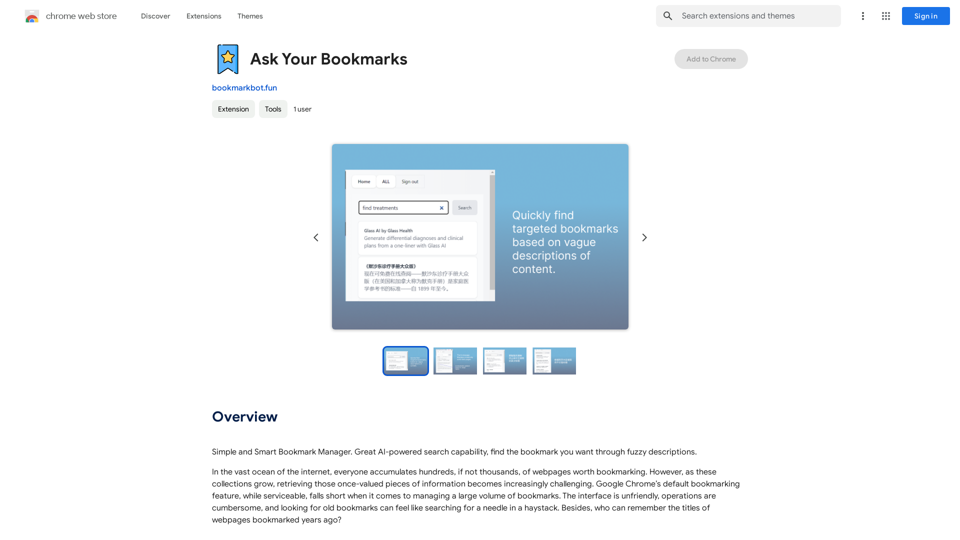
Simple and Smart Bookmark Manager. Great AI-powered search capability, find the bookmark you want with fuzzy descriptions.
193.90 M