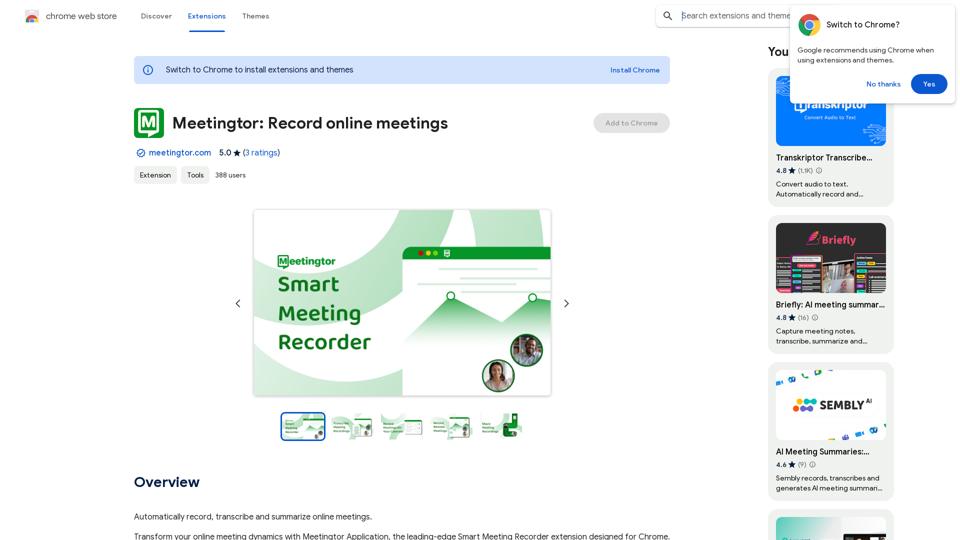
Meetingtor is an AI-powered platform designed to enhance online meetings by providing comprehensive recording, transcription, summarization, and sharing capabilities. It caters to professionals and teams using popular video conferencing platforms like Zoom, Google Meet, and Microsoft Teams. With its advanced features and user-friendly interface, Meetingtor aims to streamline the meeting process and improve productivity for global teams.
Meetingtor: Record online meetings
Automatically record, transcribe, and summarize online meetings.
Introduction
Feature
Effortless Meeting Recording and Sharing
Meetingtor offers state-of-the-art recording technology, allowing users to easily capture and share online meetings.
Enhanced Security Measures
The platform prioritizes privacy and security, boasting SOC and SSL certifications to protect confidential discussions.
AI-Powered Automatic Note-Taking
Meetingtor's innovative AI technology automatically joins meetings, records, transcribes, and summarizes content, saving time and effort.
Seamless Integration and Setup
Users can quickly set up Meetingtor and integrate it with Google or Outlook calendars for a smooth experience.
Multilingual Support
With support for over 99 languages, Meetingtor facilitates effective communication for global teams.
Advanced Recording Management
The platform offers user-friendly tools for transcribing, summarizing, downloading, and sharing meeting recordings.
Flexible Pricing Options
Meetingtor provides a free version with limited features and a paid subscription with additional benefits and extended access.
Calendar Synchronization
Users can link their calendars for a fully integrated experience, ensuring preparedness for upcoming meetings.
Autonomous Meeting Assistant
Meetingtor autonomously manages meeting recordings, from joining sessions to secure storage.
FAQ
What are the main features of Meetingtor?
Meetingtor offers:
- Meeting recording and sharing
- Enhanced security with SOC and SSL certifications
- AI-powered automatic note-taking
- Efficient setup and calendar integration
- Support for over 99 languages
- Advanced recording management tools
How can I start using Meetingtor?
To start using Meetingtor:
- Sign up for an account on the platform
- Choose between the free version or a paid subscription
- Integrate your calendar (Google or Outlook) if desired
- Begin recording, transcribing, and summarizing your online meetings
Is my information secure with Meetingtor?
Yes, Meetingtor prioritizes security and privacy. The platform is equipped with SOC and SSL certifications, ensuring that your online meeting data is protected to the highest standards.
Can Meetingtor generate images or provide GPT models?
No, Meetingtor is specifically designed for recording, transcribing, and summarizing online meetings. It does not offer image generation or GPT models. However, it does utilize advanced AI for features like automatic note-taking and summarization.
Related Websites
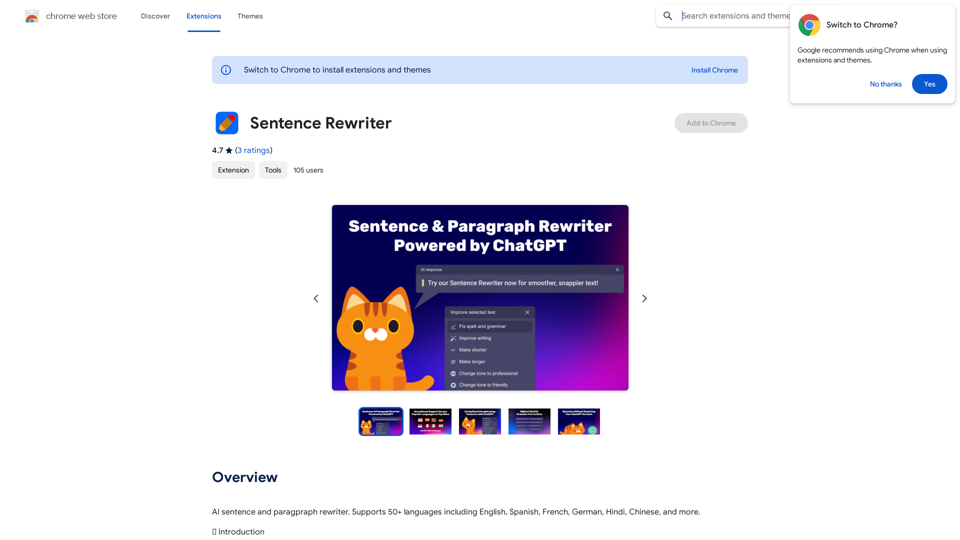
AI sentence and paragraph rewriter. Supports 50+ languages including English, Spanish, French, German, Hindi, Chinese, and more.
193.90 M
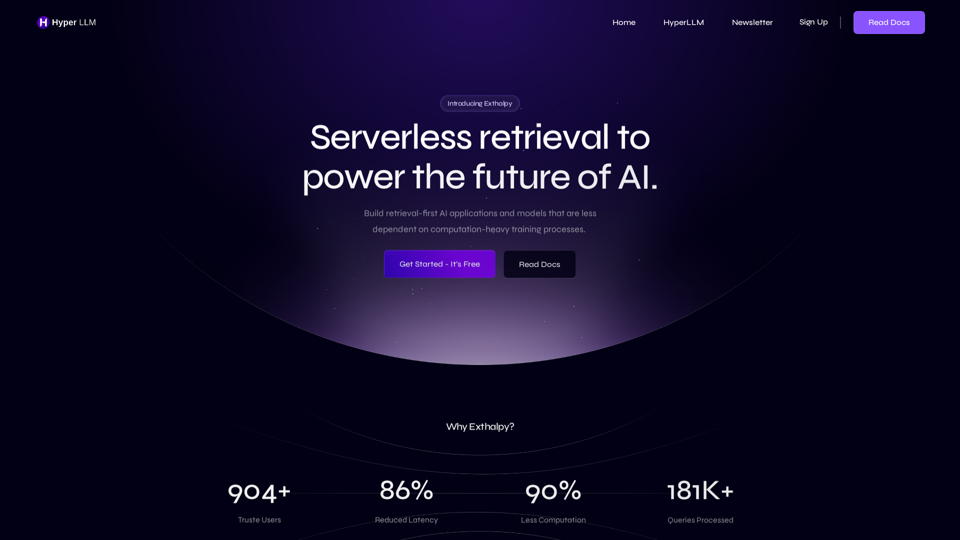
Exthalpy is a serverless retrieval platform. It powers the future of AI by building retrieval-first AI applications and models. These applications and models are less dependent on computation-heavy training processes.
0
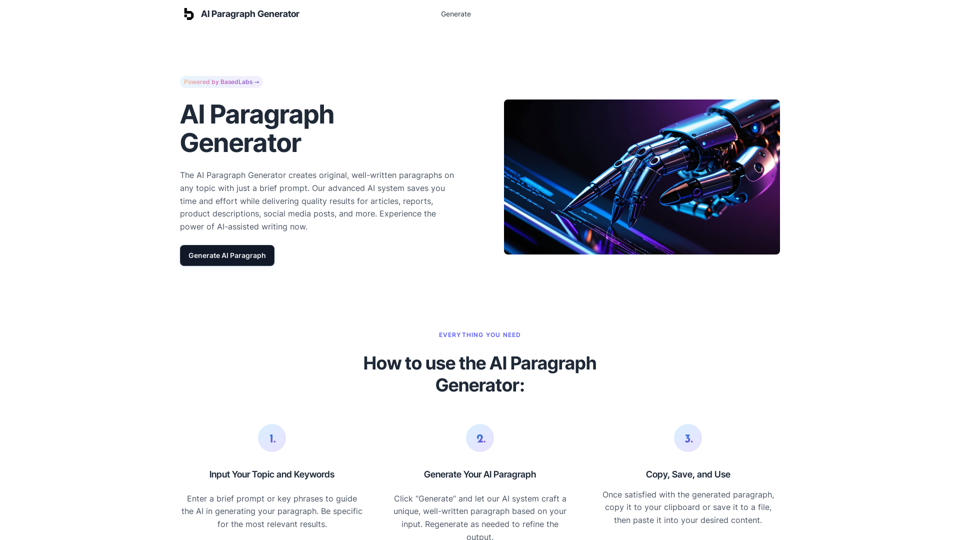
AI Paragraph Generator – Quickly generate paragraphs on any topic with our state-of-the-art AI Paragraph Generator
AI Paragraph Generator – Quickly generate paragraphs on any topic with our state-of-the-art AI Paragraph GeneratorAI Paragraph Generator – Quickly generate paragraphs on any topic with our state-of-the-art AI Paragraph Generator
0
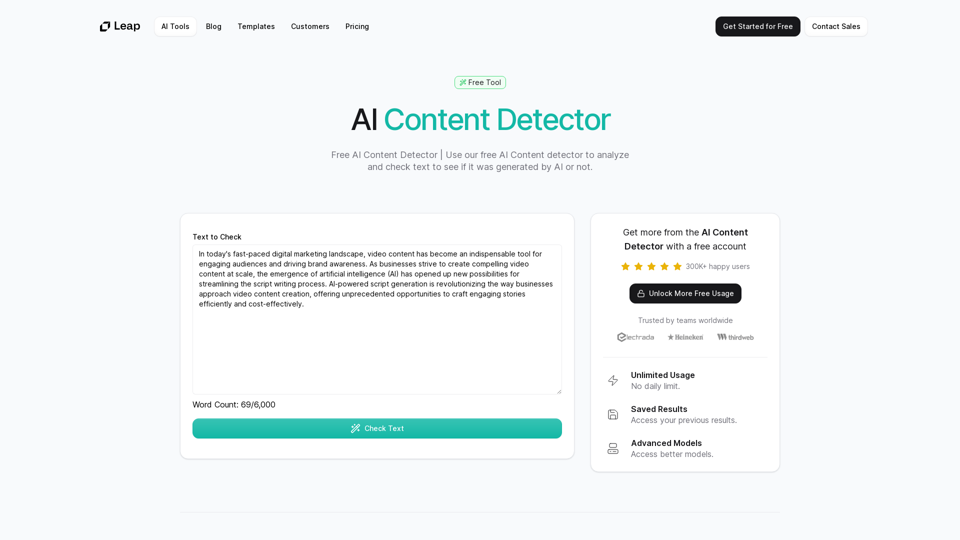
AI Content Detector | GPT-4o, Anthropic, & ChatGPT This AI content detector is designed to identify text generated by popular AI models, including GPT-4o, Anthropic, and ChatGPT.
AI Content Detector | GPT-4o, Anthropic, & ChatGPT This AI content detector is designed to identify text generated by popular AI models, including GPT-4o, Anthropic, and ChatGPT.Free AI Content Detector | 使用我们的免费AI内容检测器来分析和检查文本,以查看它是否由AI生成。
97.78 K
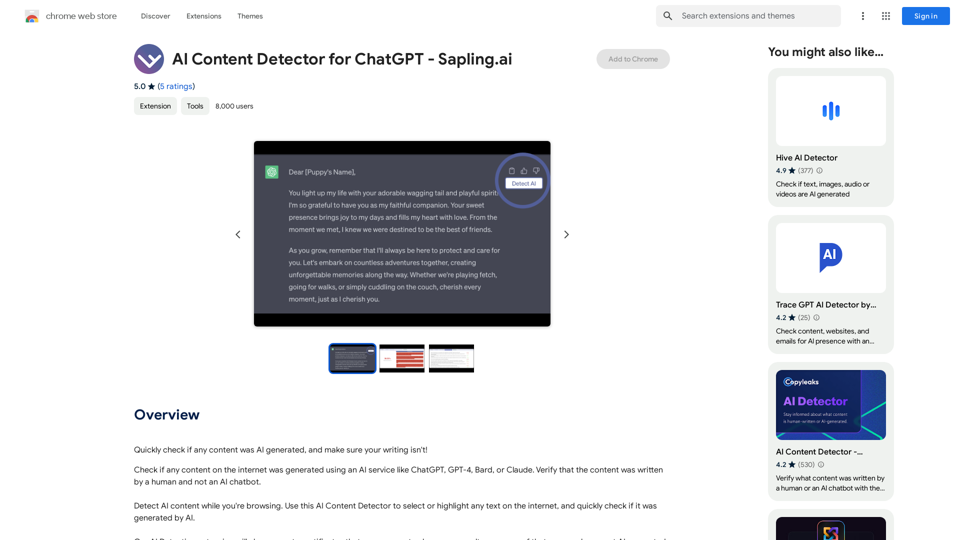
AI Content Detector for ChatGPT - Sapling.ai Sapling.ai's AI Content Detector is a powerful tool designed to detect AI-generated content, including those produced by ChatGPT. This innovative solution helps you identify and flag suspicious content, ensuring the authenticity and credibility of the information you receive. How it Works Our AI Content Detector uses advanced machine learning algorithms to analyze the linguistic patterns, syntax, and semantics of the input text. This allows it to identify the subtle differences between human-written and AI-generated content. Key Features * High Accuracy: Our detector boasts an impressive accuracy rate, ensuring reliable results even with complex or nuanced content. * Real-time Analysis: Get instant results with our real-time analysis feature, perfect for high-volume content screening. * Customizable Thresholds: Set your own thresholds for detection, allowing you to fine-tune the sensitivity of the tool to your specific needs. * Integration Ready: Seamlessly integrate our API with your existing workflows and platforms. Use Cases * Content Moderation: Ensure the quality and authenticity of user-generated content on your platform. * Academic Integrity: Detect AI-generated essays and papers, promoting original work and academic honesty. * Marketing and Advertising: Verify the authenticity of customer reviews and testimonials. Try it Out Experience the power of Sapling.ai's AI Content Detector for yourself. Sign up for a free trial and start detecting AI-generated content today!
AI Content Detector for ChatGPT - Sapling.ai Sapling.ai's AI Content Detector is a powerful tool designed to detect AI-generated content, including those produced by ChatGPT. This innovative solution helps you identify and flag suspicious content, ensuring the authenticity and credibility of the information you receive. How it Works Our AI Content Detector uses advanced machine learning algorithms to analyze the linguistic patterns, syntax, and semantics of the input text. This allows it to identify the subtle differences between human-written and AI-generated content. Key Features * High Accuracy: Our detector boasts an impressive accuracy rate, ensuring reliable results even with complex or nuanced content. * Real-time Analysis: Get instant results with our real-time analysis feature, perfect for high-volume content screening. * Customizable Thresholds: Set your own thresholds for detection, allowing you to fine-tune the sensitivity of the tool to your specific needs. * Integration Ready: Seamlessly integrate our API with your existing workflows and platforms. Use Cases * Content Moderation: Ensure the quality and authenticity of user-generated content on your platform. * Academic Integrity: Detect AI-generated essays and papers, promoting original work and academic honesty. * Marketing and Advertising: Verify the authenticity of customer reviews and testimonials. Try it Out Experience the power of Sapling.ai's AI Content Detector for yourself. Sign up for a free trial and start detecting AI-generated content today!Quickly Check if Any Content was AI Generated, and Make Sure Your Writing Isn't! With the rapid development of artificial intelligence (AI) technology, AI-generated content has become increasingly prevalent. As a result, it's essential to verify the authenticity of content and ensure that your writing is original. Here are some tips to help you quickly check if any content was AI generated and make sure your writing isn't: #1. Check for Overly Formal Language AI-generated content often uses overly formal language, which may sound unnatural or even awkward. Be wary of sentences that are too structured or contain overly complex vocabulary. #2. Look for Repetitive Phrases or Sentences AI algorithms may reuse phrases or sentences to fill content gaps. If you notice repetitive language or sentences that seem out of place, it could be a sign of AI-generated content. #3. Verify Facts and Statistics AI-generated content may contain inaccurate or outdated information. Always fact-check statistics, quotes, and other data to ensure they are reliable and up-to-date. #4. Evaluate the Writing Style AI-generated content often lacks the personal touch and emotional depth of human writing. Look for writing that seems too perfect, lacks humor, or feels overly generic. #5. Use AI Detection Tools There are various AI detection tools available online that can help identify AI-generated content. These tools analyze language patterns, syntax, and other factors to determine the likelihood of AI involvement. #6. Read Beyond the Headlines AI-generated content may have attention-grabbing headlines, but the actual content may be lacking in substance. Always read beyond the headlines to ensure the content is well-researched and informative. #7. Check for Human Touch Human writing often includes personal anecdotes, experiences, and emotions. Look for content that includes these elements, as they are more difficult for AI algorithms to replicate. By following these tips, you can quickly check if any content was AI generated and ensure that your writing is original and authentic. Remember, AI-generated content may be convenient, but it can never replace the creativity, empathy, and nuance of human writing.
193.90 M
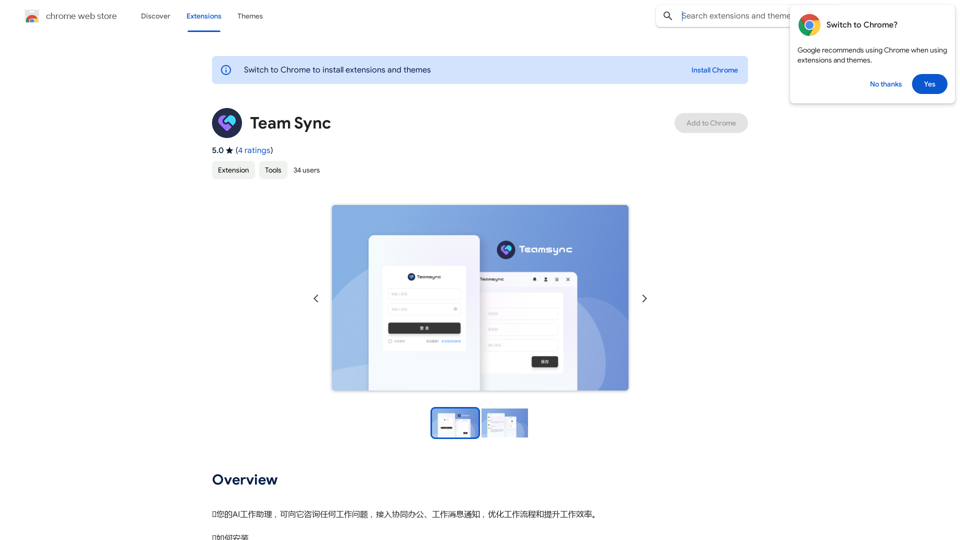
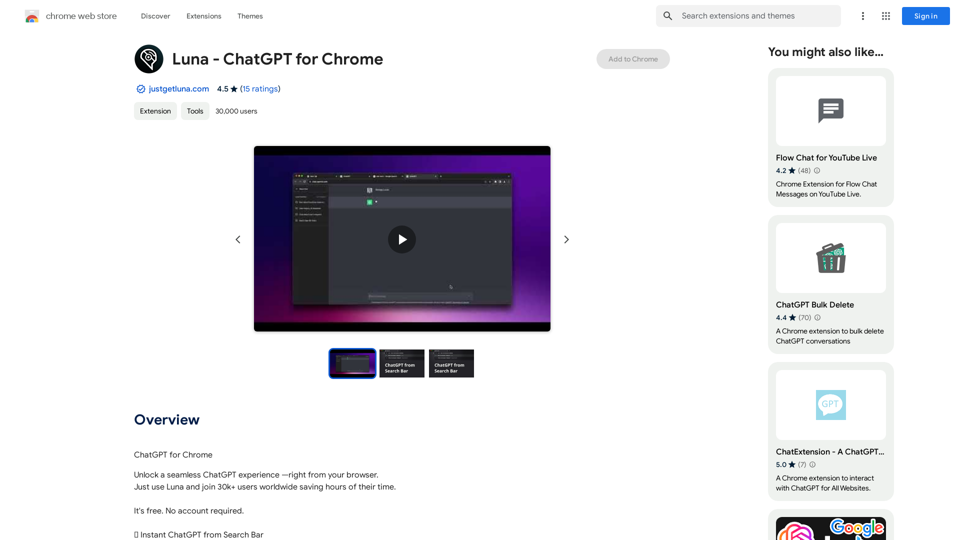
⭐ Your AI work assistant can answer any work questions you have. It integrates with collaborative work, work message notifications, to optimize your workflow and boost your productivity. ⭐ How to install Simply go to the Chrome Web Store, search for the extension, and click "Add to Chrome." Once installed, the extension will be available in your toolbar for easy access.
193.90 M