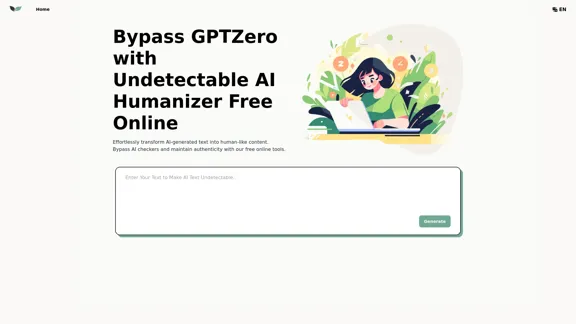
UndetectableGPT.ai offers a solution for transforming AI-generated text into human-like content, allowing users to bypass AI checkers like GPTZero. The tool utilizes advanced algorithms to ensure that the modified text remains indistinguishable from human-written content, making it suitable for various writing tasks.
UndetectableGPT.ai: Bypass GPTZero with Undetectable AI Humanizer Free Online
Transform AI-generated content with our undetectable AI humanizer and rewriter. Make AI text undetectable and bypass AI checkers like GPTZero and ZeroGPT using undetectable AI free online tools. Perfect for creating undetecable GPT content.
Introduction
Feature
-
Humanize AI Text Undetectable
The tool converts AI-generated content into natural, human-like text, effectively making it undetectable by AI checkers.
-
Bypass AI Checkers like GPTZero
Designed specifically to bypass AI detection tools, it restructures and rephrases text to ensure it passes undetected.
-
Undetectable AI Free Online Access
Users can access powerful text transformation tools without any cost, allowing for efficient content modification.
-
Versatile Applications Across Types
Suitable for various writing tasks, including articles, blog posts, product descriptions, and social media updates, ensuring undetectability across different platforms.
-
Maintain Style with AI Humanizer
The tool mimics the user's unique writing style, ensuring that the transformed text retains a personal touch while bypassing detection.
-
Enhance Text with Sentiment Analysis
Includes sentiment analysis to ensure the text conveys the desired emotions, creating engaging and emotionally resonant content.
How to Use?
- Upload your AI-generated text to the Undetectable AI tool.
- Click the "Generate" button and wait for the processing.
- Copy the undetectable AI text once the process is complete.
FAQ
How to make AI text undetectable?
You can make AI text undetectable by using tools like UndetectableGPT.ai that transform AI-generated content into human-like writing.
Is there an undetectable AI writing platform?
Yes, UndetectableGPT.ai serves as an undetectable AI writing platform that helps users bypass AI checkers.
How does Undetectable AI Humanizer make AI text undetectable?
It employs advanced algorithms for sentence restructuring and intelligent rephrasing to modify AI-generated content.
Can undetectable AI help bypass AI checkers like GPTZero and ZeroGPT?
Yes, the tool is specifically designed to bypass AI checkers such as GPTZero and ZeroGPT.
How can an AI humanizer improve my content?
An AI humanizer can enhance your content by making it sound more natural and engaging, while also ensuring it remains undetectable.
Is it possible to humanize AI text undetectable for different types of content?
Yes, the tool is versatile and can be used for various types of content, including articles and social media posts.
How effective is Undetectable AI at creating undetectable GPT content?
The tool is effective in transforming AI-generated text into content that is indistinguishable from human writing.
What should I consider when choosing a tool to make AI text undetectable?
Consider the tool's ability to maintain your writing style, its effectiveness in bypassing AI checkers, and whether it offers free access.
Price
- Free Online Access: $0/month
The price is for reference only, please refer to the latest official data for actual information.
Evaluation
- The Undetectable AI Humanizer effectively transforms AI-generated text into human-like content, making it a valuable tool for users looking to bypass AI detection.
- While the tool is efficient, users may need to experiment with different types of content to achieve optimal results.
- The reliance on algorithms means that some nuances of human writing may still be missed, potentially impacting the overall quality of the output.
- Overall, it provides a useful service for those needing to maintain authenticity in their writing, but users should remain aware of its limitations in capturing complex human expression.
Related Websites
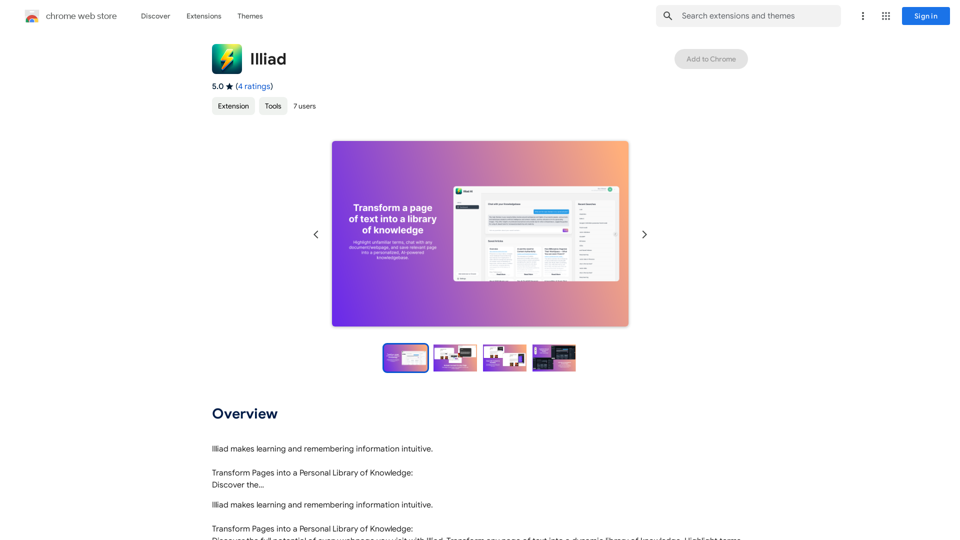
Iliad makes learning and remembering information intuitive. Transform Pages into a Personal Library of Knowledge: Discover the...
193.90 M
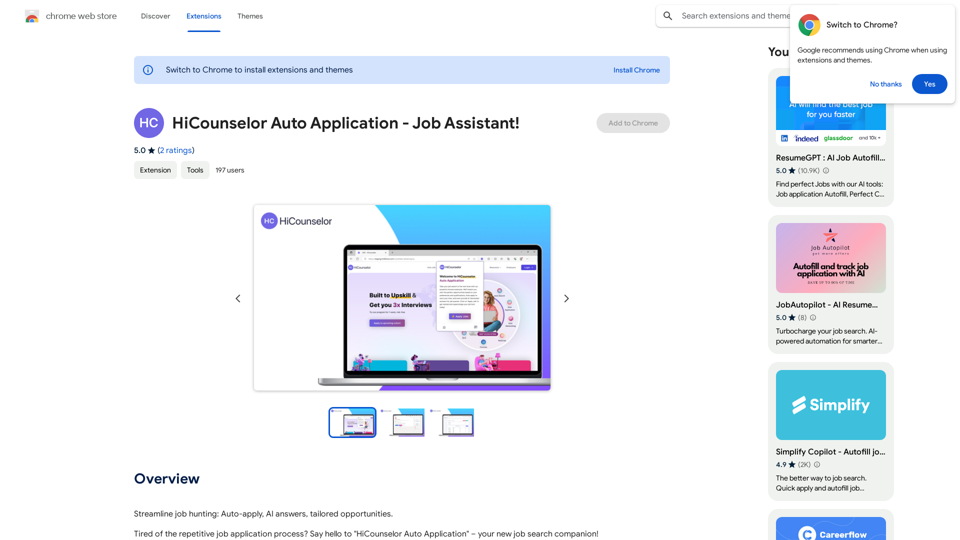
Find your dream job faster: Apply automatically, get AI-powered answers, and discover personalized opportunities.
193.90 M
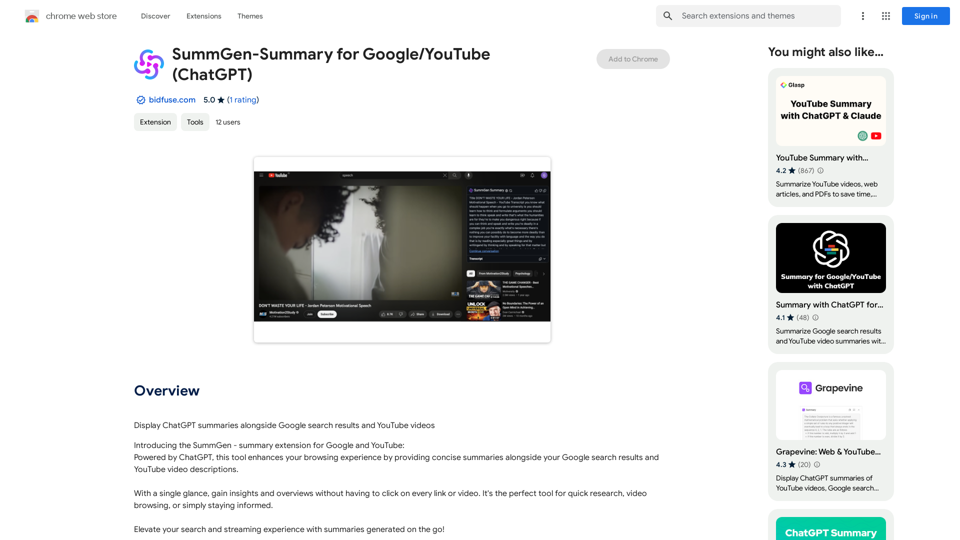
SummGen-Summary for Google/YouTube (ChatGPT) This is a summary of the capabilities and potential uses of SummGen, a text summarization model, specifically in the context of Google and YouTube. * What is SummGen? SummGen is a powerful text summarization model developed by Google DeepMind. It excels at condensing large amounts of text into concise and informative summaries. * How can SummGen be used with Google Search? Imagine searching Google for a complex topic. SummGen could analyze the top search results and generate a brief, clear summary of the key information, saving you time and effort. * Applications for YouTube: * Video Summaries: SummGen could automatically generate summaries of YouTube videos, making it easier for viewers to quickly understand the content. * Closed Captions: SummGen could enhance closed captions by providing more accurate and concise summaries of the spoken words. * Content Discovery: YouTube could use SummGen to create summaries of trending videos, helping users discover new content based on their interests. * Benefits: * Efficiency: SummGen saves time by providing concise summaries of large amounts of text. * Accessibility: Summaries can make information more accessible to people with visual or cognitive impairments. * Improved Understanding: Summaries can help users grasp complex topics more easily. SummGen has the potential to revolutionize how we interact with information on Google and YouTube, making it more efficient, accessible, and understandable.
SummGen-Summary for Google/YouTube (ChatGPT) This is a summary of the capabilities and potential uses of SummGen, a text summarization model, specifically in the context of Google and YouTube. * What is SummGen? SummGen is a powerful text summarization model developed by Google DeepMind. It excels at condensing large amounts of text into concise and informative summaries. * How can SummGen be used with Google Search? Imagine searching Google for a complex topic. SummGen could analyze the top search results and generate a brief, clear summary of the key information, saving you time and effort. * Applications for YouTube: * Video Summaries: SummGen could automatically generate summaries of YouTube videos, making it easier for viewers to quickly understand the content. * Closed Captions: SummGen could enhance closed captions by providing more accurate and concise summaries of the spoken words. * Content Discovery: YouTube could use SummGen to create summaries of trending videos, helping users discover new content based on their interests. * Benefits: * Efficiency: SummGen saves time by providing concise summaries of large amounts of text. * Accessibility: Summaries can make information more accessible to people with visual or cognitive impairments. * Improved Understanding: Summaries can help users grasp complex topics more easily. SummGen has the potential to revolutionize how we interact with information on Google and YouTube, making it more efficient, accessible, and understandable.Display ChatGPT Summaries Alongside Google Search Results and YouTube Videos This feature would allow users to see concise summaries generated by ChatGPT directly integrated with their Google search results and YouTube video pages. Imagine searching for a topic on Google and seeing a ChatGPT-generated summary at the top of the results, providing a quick overview of the key points. Or, watching a YouTube video and having a ChatGPT summary appear below, highlighting the main takeaways. This integration could significantly enhance the user experience by: * Saving time: Quickly grasp the essence of information without having to read through lengthy articles or watch entire videos. * Improving comprehension: ChatGPT summaries can rephrase complex information in a more accessible way. * Encouraging exploration: Summaries can spark curiosity and lead users to explore related content further.
193.90 M
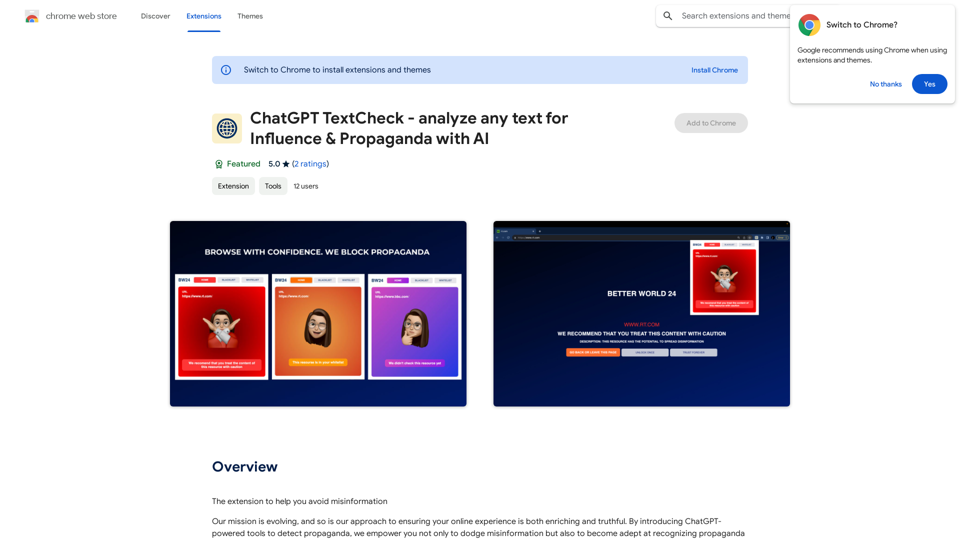
ChatGPT TextCheck - analyze any text for Influence & Propaganda with AI
ChatGPT TextCheck - analyze any text for Influence & Propaganda with AIAn extension to help you avoid misinformation
193.90 M
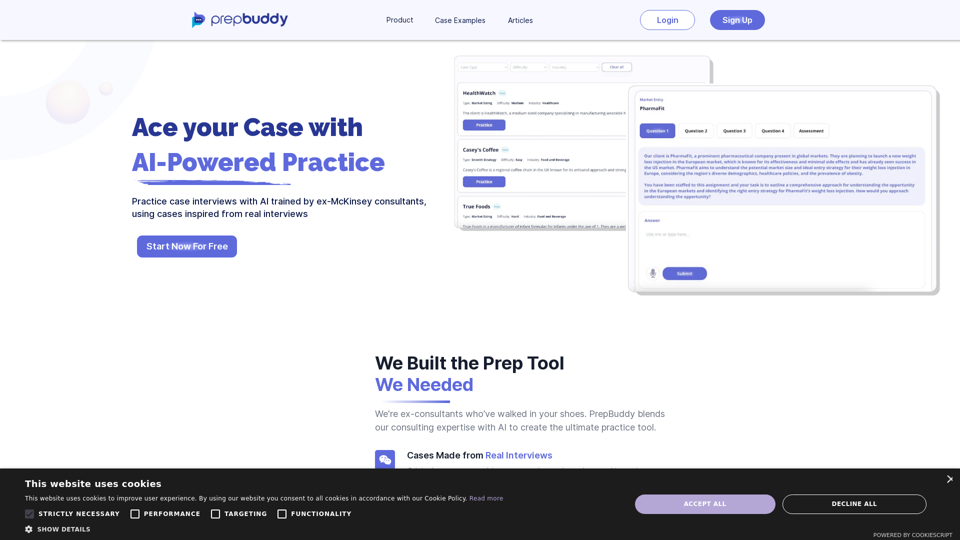
PrepBuddy offers AI-powered practice for consulting case interviews. Learn with materials from former McKinsey consultants and get instant feedback. Start your free trial today!
2.63 K
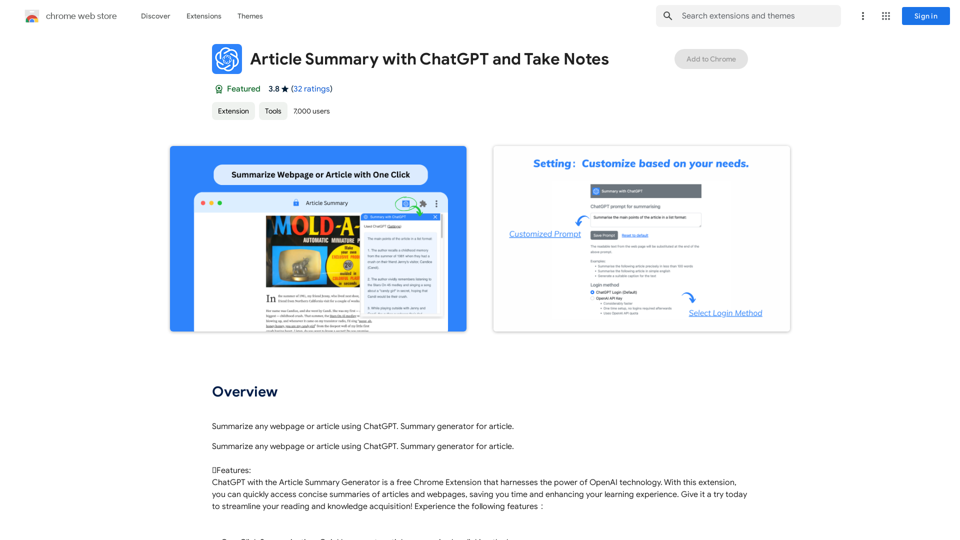
Article Summary with ChatGPT and Take Notes This is a guide on how to use ChatGPT to summarize articles and take notes effectively. Step 1: Provide ChatGPT with the Article Copy and paste the full text of the article into the ChatGPT interface. Step 2: Craft Your Prompt Tell ChatGPT what you want it to do. Here are some examples: * Summarize: "Please summarize this article in 200 words." * Key Points: "What are the main points of this article?" * Bullet Points: "Summarize the key findings of this article in bullet points." * Notes: "Take notes on this article, focusing on the author's arguments and supporting evidence." Step 3: Review and Refine ChatGPT will generate a summary, key points, bullet points, or notes based on your prompt. * Read carefully: Make sure the output accurately reflects the article's content. * Edit as needed: You can ask ChatGPT to rephrase sections or provide more detail. * Add your own insights: Don't just copy ChatGPT's output. Use it as a starting point and add your own thoughts, questions, and connections. Tips for Effective Use: * Be specific: The more specific your prompt, the better the output will be. * Experiment with different prompts: Try various phrasing to see what works best. * Use ChatGPT as a tool: It's a powerful aid, but it's not a replacement for critical reading and thinking.
Article Summary with ChatGPT and Take Notes This is a guide on how to use ChatGPT to summarize articles and take notes effectively. Step 1: Provide ChatGPT with the Article Copy and paste the full text of the article into the ChatGPT interface. Step 2: Craft Your Prompt Tell ChatGPT what you want it to do. Here are some examples: * Summarize: "Please summarize this article in 200 words." * Key Points: "What are the main points of this article?" * Bullet Points: "Summarize the key findings of this article in bullet points." * Notes: "Take notes on this article, focusing on the author's arguments and supporting evidence." Step 3: Review and Refine ChatGPT will generate a summary, key points, bullet points, or notes based on your prompt. * Read carefully: Make sure the output accurately reflects the article's content. * Edit as needed: You can ask ChatGPT to rephrase sections or provide more detail. * Add your own insights: Don't just copy ChatGPT's output. Use it as a starting point and add your own thoughts, questions, and connections. Tips for Effective Use: * Be specific: The more specific your prompt, the better the output will be. * Experiment with different prompts: Try various phrasing to see what works best. * Use ChatGPT as a tool: It's a powerful aid, but it's not a replacement for critical reading and thinking.I can do that! Please provide me with the URL of the webpage or article you'd like me to summarize. I'll do my best to create a concise and easy-to-understand summary for you.
193.90 M
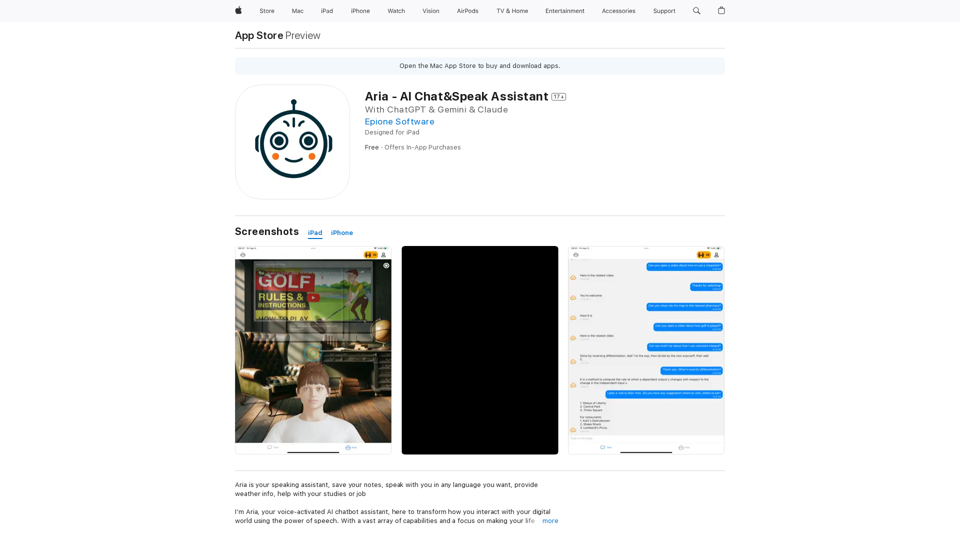
I'm Aria, your voice-activated AI chatbot assistant, here to transform how you interact with your digital world using the power of speech. With a vast array of…
124.77 M