The Empress Tarot Card is the third card in the Major Arcana of traditional Tarot decks. It embodies the energy of abundance, fertility, and nurturing, representing the creative force of nature and the nurturing aspect of motherhood. This powerful feminine archetype is rich in symbolism and offers versatile interpretations in various contexts, making it a significant card for Tarot readings and personal growth.
The Empress Tarot Card - The Empress Tarot
The Empress Tarot Card: Symbolism, Interpretations, and Significance
The Empress is the third card in the Major Arcana of the tarot deck. This powerful and nurturing figure represents feminine energy, abundance, creativity, and fertility. Here's a comprehensive look at the Empress card:
Symbolism:
1. The Empress herself: A regal woman seated on a throne, often depicted as pregnant or holding a scepter.
2. Crown: Usually adorned with 12 stars, representing the zodiac and her connection to the celestial realm.
3. Venus symbol: Often visible on her shield or clothing, emphasizing love and beauty.
4. Lush surroundings: Abundant nature, trees, and flowing water symbolize fertility and growth.
5. Wheat or grain: Represents the harvest and abundance.
6. Cushions and comfort: Signify luxury, comfort, and nurturing.
Interpretations:
Upright:
1. Fertility and creation
2. Nurturing and motherhood
3. Abundance and prosperity
4. Beauty and sensuality
5. Connection with nature
6. Creativity and artistic expression
7. Feminine power and energy
Reversed:
1. Creative block or stagnation
2. Neglect of self-care or others
3. Codependency or overprotectiveness
4. Lack of growth or progress
5. Infertility or reproductive issues
6. Materialism or vanity
7. Disconnection from nature or intuition
Significance in Tarot Readings:
1. Personal Growth: The Empress encourages embracing one's nurturing side and creative potential.
2. Relationships: Indicates a time of love, care, and emotional fulfillment in partnerships.
3. Career: Suggests a period of growth, abundance, and creative breakthroughs in professional endeavors.
4. Health: Often associated with pregnancy, fertility, and overall well-being.
5. Spirituality: Represents a connection to the divine feminine and the nurturing aspects of the universe.
6. Finances: Indicates a time of material abundance and prosperity.
7. Decision Making: Encourages trusting intuition and embracing a nurturing approach to problem-solving.
The Empress in Combinations:
- With The Emperor: Balance of masculine and feminine energies, strong partnerships.
- With The High Priestess: Powerful feminine wisdom and intuition.
- With The Star: Hope, inspiration, and creative renewal.
- With Pentacle cards: Material abundance and financial growth.
The Empress is a card of creation, nurturing, and abundance. When it appears in a reading, it often signals a time of growth, fertility (literal or metaphorical), and the blossoming of creative or nurturing energies. It reminds the querent to connect with their feminine side, regardless of gender, and to embrace the abundance that surrounds them.
Introduction
Feature
Symbolism and Meaning
- Depicted as a woman on a throne in a lush garden
- Wears a crown of stars and a robe with pomegranates
- Represents fertility, abundance, nurturing, creativity, sensuality
- Signifies growth and abundance in one's life
Interpretation Techniques
- Consider specific questions or situations
- Examine surrounding cards in the spread
- Apply themes to different life areas (career, relationships, personal growth)
- Use intuition and experience for personalized interpretations
Reading Instructions
- Study card imagery and symbolism
- Familiarize with traditional interpretations
- Practice applying meanings to various contexts
- Develop intuition for nuanced readings
Interpretation Tips
- Consider upright and reversed meanings
- Explore relevance for all genders
- Apply themes to modern contexts
- Look for connections with other cards in a spread
FAQ
How does the Empress card's interpretation vary in different contexts?
The interpretation depends on the question, surrounding cards, and circumstances:
- Career: Creative potential, innovative ideas
- Relationships: Nurturing and caring for a partner
- Health/Mental state: Self-care and emotional fulfillment
Is the reversed Empress card meaning completely opposite?
No, it often indicates:
- Imbalance or immature expression of Empress energy
- Difficulty giving/receiving love
- Lack of creative passion
- Tendency towards control in relationships
- Opportunities for growth and transformation
What do specific symbols on the Empress card represent?
| Symbol | Meaning |
|---|---|
| Crown | Cosmic principles, wisdom, authority |
| Scepter | Creation, nurturing, fertility |
| Natural scenery | Life force, harmony with nature, abundance |
| Blue and white attire | Intuition, spirituality, pure love |
| Throne decorations | Ancient maternal worship, feminine strength |
How is the Empress card interpreted for male querants or same-sex relationships?
- Male querants: Encourages acknowledging feminine aspects of personality
- Same-sex relationships: Relates to role division and partner balance
- Promotes embracing nurturing qualities regardless of gender or orientation
How to understand this card in modern society, especially for those not having children?
The Empress represents female authority beyond traditional motherhood:
- Creativity and productivity in career or other pursuits
- Nurturing projects, ideas, or causes
- Using maternal energy for positive change
- Embracing nurturing qualities in various life aspects
The card transcends biological motherhood, representing universal values applicable to all individuals.
Related Websites
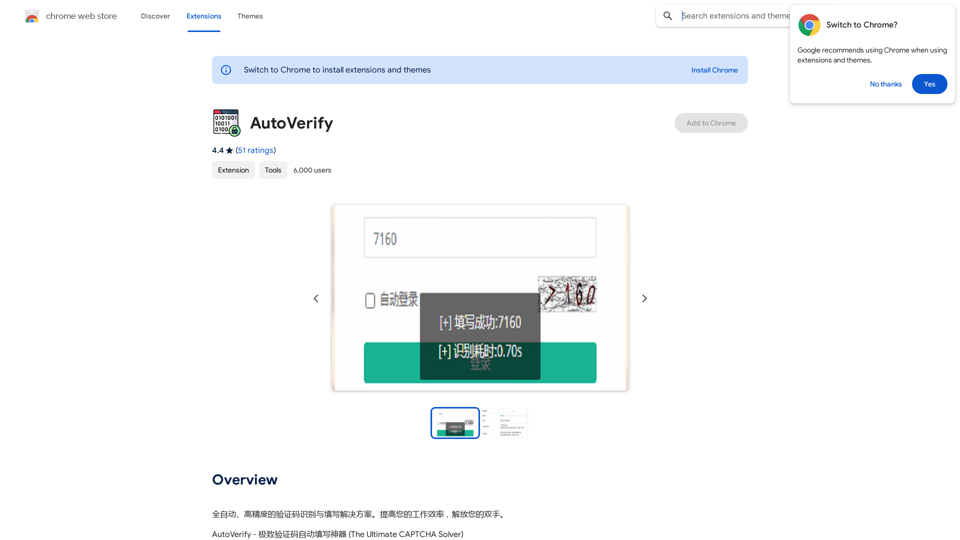
Fully automatic, high-precision CAPTCHA recognition and filling solution. Improve your work efficiency and free your hands.
193.90 M
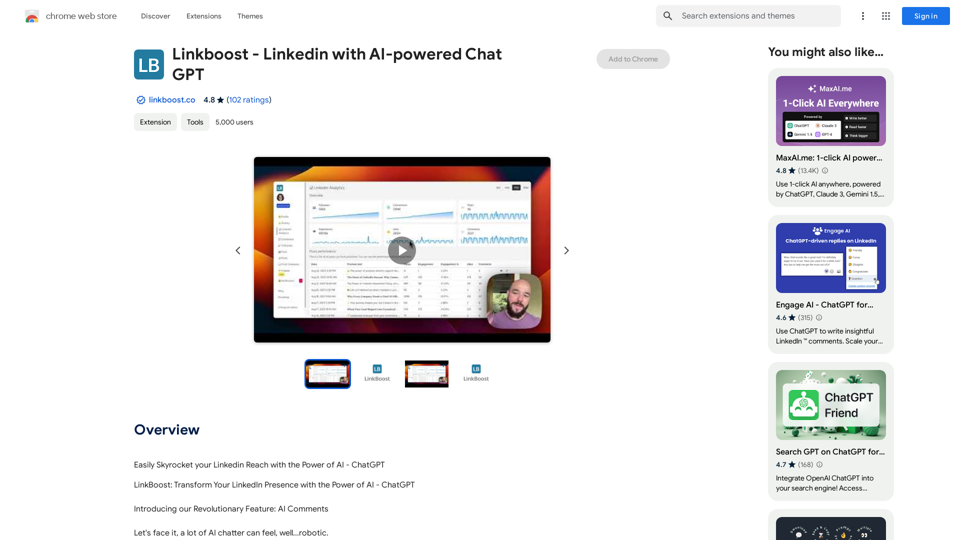
Easily Skyrocket Your LinkedIn Reach with the Power of AI - ChatGPT Let's face it, standing out on LinkedIn can be tough. But what if you could leverage the incredible power of AI to supercharge your profile and connections? That's where ChatGPT comes in. This revolutionary AI tool can help you: * Craft compelling content: Say goodbye to writer's block! ChatGPT can help you generate engaging posts, articles, and even personalized messages that resonate with your audience. * Optimize your profile: Make sure your LinkedIn profile shines! ChatGPT can suggest improvements to your headline, summary, and experience descriptions, helping you attract more views and connections. * Automate your outreach: Spend less time manually sending messages and more time building relationships. ChatGPT can help you draft personalized connection requests and follow-up messages that get results. * Unlock valuable insights: Gain a deeper understanding of your network and industry trends. ChatGPT can analyze your connections and content performance, providing actionable insights to improve your strategy. Ready to take your LinkedIn game to the next level? ChatGPT is your secret weapon.
193.90 M
Print Perfect helps you correct and edit your text to make it sound like it was written by a native English speaker.
193.90 M
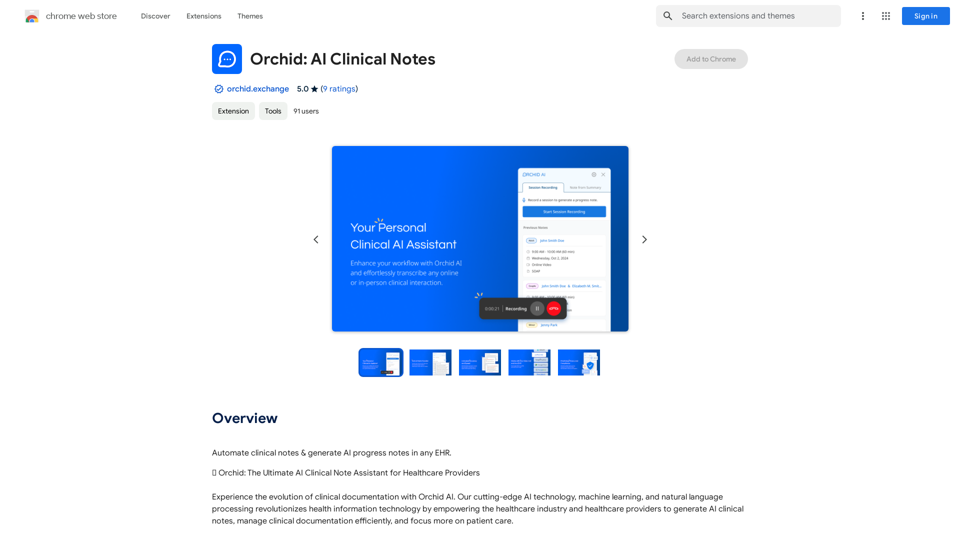
Automatically create clinical notes and generate AI-powered progress notes in any electronic health record (EHR) system.
193.90 M

With just one URL link, you can quickly generate videos in multiple styles using AI. It supports secondary editing and ensures controllable results.
193.90 M
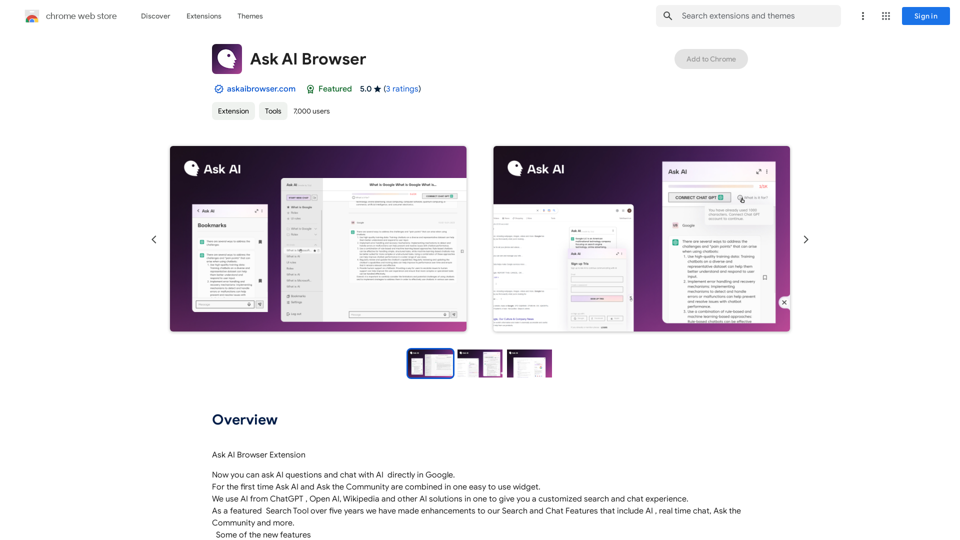
Ask AI Browser Extension ========================== Description The Ask AI browser extension is a cutting-edge tool that revolutionizes the way you interact with the internet. This innovative extension harnesses the power of artificial intelligence to provide you with instant answers, suggestions, and insights as you browse the web. Features * Instant Answers: Get quick answers to your questions without leaving the current webpage. * Smart Suggestions: Receive relevant suggestions based on your browsing history and preferences. * AI-driven Insights: Uncover hidden gems and interesting facts about the topics you're interested in. * Personalized Experience: Enjoy a tailored browsing experience that adapts to your needs and preferences. How it Works 1. Install the Extension: Add the Ask AI browser extension to your favorite browser. 2. Ask Your Question: Type your question in the search bar or highlight a phrase on a webpage. 3. Get Instant Answers: Receive accurate and relevant answers, suggestions, and insights in real-time. Benefits * Save Time: Get instant answers and reduce your search time. * Enhance Productivity: Stay focused on your tasks with relevant suggestions and insights. * Improve Knowledge: Expand your knowledge with interesting facts and hidden gems. Get Started Download the Ask AI browser extension today and experience the future of browsing!
193.90 M