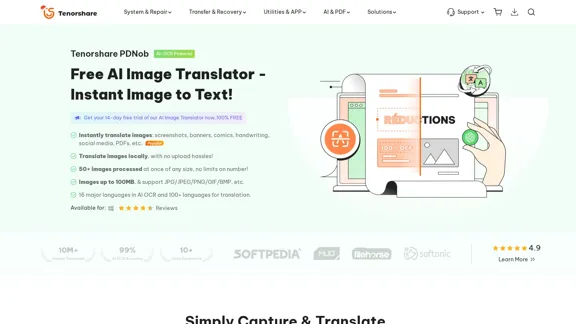
PDNob Free AI Image Translator is an innovative tool that leverages AI-OCR technology to translate images instantly. It allows users to convert various image formats, including screenshots, PDFs, and handwritten notes, into text and translate them into over 100 languages. The application is designed for efficiency and privacy, processing images locally without the need for uploads.
PDNob Free AI Image Translator app with AI-OCR
PDNob Image Translator is a powerful free image translator app that quickly extracts and translates text from images, screenshots, or scanned documents. It supports multiple languages and ensures high accuracy, making it ideal for students, professionals, and travelers.
Introduction
Feature
-
Instant Image Translation
Users can translate images instantly, processing over 50 images at once, with support for various formats such as JPG, PNG, and GIF.
-
AI-OCR Technology
The application utilizes advanced AI-OCR to accurately recognize text from images, achieving a 99% accuracy rate.
-
Multi-language Support
PDNob supports 16 major languages for OCR and can translate into over 100 languages, making it versatile for global users.
-
Local Processing
All translations are conducted locally, ensuring user privacy and security without the need for internet uploads.
-
Customizable Hotkeys
Users can set up hotkeys for quick screenshots, enhancing the efficiency of the translation process.
-
Flexible Export Options
The tool allows users to copy recognized text, export images with recognized text, or export images with translated text seamlessly.
-
User-Friendly Interface
The application is designed for ease of use, allowing users to edit and customize text directly on images quickly.
How to Use?
- Capture or batch add images to PDNob for translation.
- Use the AI-OCR feature for accurate text recognition.
- Choose your desired language for translation.
- Edit the text directly on your image for customization.
- Export the translated images or recognized text as needed.
FAQ
What is PDNob Image Translator?
PDNob Image Translator is an AI-powered tool that translates images into text and supports multiple languages, making it suitable for various applications.
How does PDNob AI Image Translator work?
Users can upload images or take screenshots, and the tool will extract the text using AI-OCR and translate it into the selected language.
Can I use PDNob on multiple devices?
Yes, your account can be used on both Mac and Windows, but it is limited to three devices simultaneously.
How accurate is the AI OCR for translations?
PDNob Image Translator boasts an impressive 99% accuracy rate for its AI OCR translations.
What types of images can I translate?
The tool supports various image formats, including JPG, PNG, GIF, and more, with no size limitations up to 100MB.
Price
- Free Plan: $0/month
- Basic Plan: $9.99/month
- Standard Plan: $19.99/month
- Professional Plan: $49.99/month
The price is for reference only, please refer to the latest official data for actual information.
Evaluation
-
Strengths
- PDNob offers a highly accurate and efficient translation service, making it a valuable tool for users needing quick translations.
- The local processing feature enhances privacy and security, which is a significant advantage over many online services.
-
Areas for Improvement
- While the tool is effective, it may struggle with complex layouts or very low-quality images, which could affect OCR accuracy.
- The user interface could benefit from additional features to enhance user experience, such as more customization options for translations.
-
Overall Impression
PDNob Free AI Image Translator is a powerful tool for anyone needing to translate images quickly and accurately. Its combination of AI technology and user-friendly features makes it a strong choice, though there is room for enhancements in handling diverse image qualities.
Related Websites
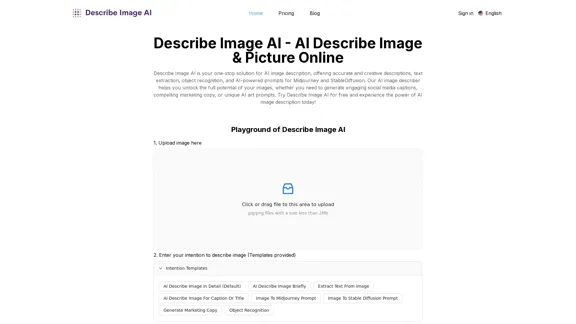
AI Describe Image & Picture Online, Free Trial This title describes an online service that uses artificial intelligence to analyze and describe images or pictures. The service offers a free trial period for users to test its capabilities. The AI technology can likely generate text descriptions of the visual content in uploaded images, helping users understand or categorize their pictures automatically.
AI Describe Image & Picture Online, Free Trial This title describes an online service that uses artificial intelligence to analyze and describe images or pictures. The service offers a free trial period for users to test its capabilities. The AI technology can likely generate text descriptions of the visual content in uploaded images, helping users understand or categorize their pictures automatically.Describe Image AI: Accurately describe images online using AI. Our image describer generates image descriptions, AI picture descriptions, text extraction, social media captions, and prompts for Midjourney & StableDiffusion. Free Trial!
5.16 K
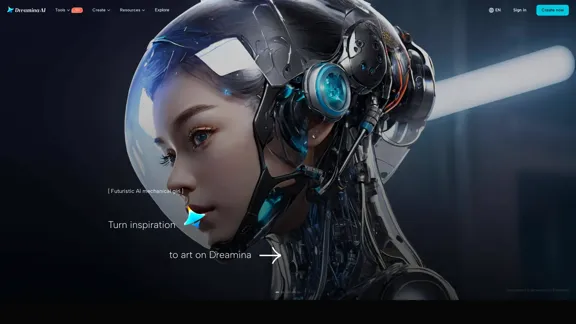
Dreamina: Free AI Image Generator - Create Art and Images from Text
Dreamina: Free AI Image Generator - Create Art and Images from TextCreate stunning art, images, and more with prompts. Turn your images into captivating animations. Dreamina is an AI platform designed to simplify your creation.
5.53 M
![Simplified Chrome Extension
This is a basic Chrome extension designed to be easy to understand and modify.
Manifest File (manifest.json):
```json
{
"manifest_version": 3,
"name": "Simplified Extension",
"version": "1.0",
"description": "A simple Chrome extension example.",
"permissions": [
"activeTab"
],
"action": {
"default_popup": "popup.html"
}
}
```
Popup HTML (popup.html):
```html
<!DOCTYPE html>
<html>
<head>
<title>Simplified Extension</title>
</head>
<body>
<h1>Hello from the extension!</h1>
<p>This is a simple popup.</p>
</body>
</html>
```
Explanation:
* manifest.json: This file tells Chrome what your extension does.
* `manifest_version`: Specifies the version of the manifest file format.
* `name`: The name of your extension.
* `version`: The current version of your extension.
* `description`: A brief description of your extension.
* `permissions`: Lists the permissions your extension needs to function. Here, it needs access to the active tab.
* `action`: Defines the popup that appears when the extension icon is clicked.
* popup.html: This file contains the HTML code for the popup window.
How it works:
1. When you install the extension, Chrome reads the `manifest.json` file.
2. When you click the extension icon, Chrome opens the `popup.html` file in a new window.
3. The popup displays the "Hello from the extension!" message.](https://static.right-ai.com/tools/2024/7/4/chromewebstore-google-com-detail-simplified-chrome-extensi-hibfheifkaehlpnfggmfimfbhhffcmla-thumbnail-1720057553.png "Simplified Chrome Extension
This is a basic Chrome extension designed to be easy to understand and modify.
Manifest File (manifest.json):
```json
{
\"manifest_version\": 3,
\"name\": \"Simplified Extension\",
\"version\": \"1.0\",
\"description\": \"A simple Chrome extension example.\",
\"permissions\": [
\"activeTab\"
],
\"action\": {
\"default_popup\": \"popup.html\"
}
}
```
Popup HTML (popup.html):
```html
<!DOCTYPE html>
<html>
<head>
<title>Simplified Extension</title>
</head>
<body>
<h1>Hello from the extension!</h1>
<p>This is a simple popup.</p>
</body>
</html>
```
Explanation:
* manifest.json: This file tells Chrome what your extension does.
* `manifest_version`: Specifies the version of the manifest file format.
* `name`: The name of your extension.
* `version`: The current version of your extension.
* `description`: A brief description of your extension.
* `permissions`: Lists the permissions your extension needs to function. Here, it needs access to the active tab.
* `action`: Defines the popup that appears when the extension icon is clicked.
* popup.html: This file contains the HTML code for the popup window.
How it works:
1. When you install the extension, Chrome reads the `manifest.json` file.
2. When you click the extension icon, Chrome opens the `popup.html` file in a new window.
3. The popup displays the \"Hello from the extension!\" message.")
Simplified Chrome Extension This is a basic Chrome extension designed to be easy to understand and modify. Manifest File (manifest.json): ```json { "manifest_version": 3, "name": "Simplified Extension", "version": "1.0", "description": "A simple Chrome extension example.", "permissions": [ "activeTab" ], "action": { "default_popup": "popup.html" } } ``` Popup HTML (popup.html): ```html <!DOCTYPE html> <html> <head> <title>Simplified Extension</title> </head> <body> <h1>Hello from the extension!</h1> <p>This is a simple popup.</p> </body> </html> ``` Explanation: * manifest.json: This file tells Chrome what your extension does. * `manifest_version`: Specifies the version of the manifest file format. * `name`: The name of your extension. * `version`: The current version of your extension. * `description`: A brief description of your extension. * `permissions`: Lists the permissions your extension needs to function. Here, it needs access to the active tab. * `action`: Defines the popup that appears when the extension icon is clicked. * popup.html: This file contains the HTML code for the popup window. How it works: 1. When you install the extension, Chrome reads the `manifest.json` file. 2. When you click the extension icon, Chrome opens the `popup.html` file in a new window. 3. The popup displays the "Hello from the extension!" message.
Simplified Chrome Extension This is a basic Chrome extension designed to be easy to understand and modify. Manifest File (manifest.json): ```json { "manifest_version": 3, "name": "Simplified Extension", "version": "1.0", "description": "A simple Chrome extension example.", "permissions": [ "activeTab" ], "action": { "default_popup": "popup.html" } } ``` Popup HTML (popup.html): ```html <!DOCTYPE html> <html> <head> <title>Simplified Extension</title> </head> <body> <h1>Hello from the extension!</h1> <p>This is a simple popup.</p> </body> </html> ``` Explanation: * manifest.json: This file tells Chrome what your extension does. * `manifest_version`: Specifies the version of the manifest file format. * `name`: The name of your extension. * `version`: The current version of your extension. * `description`: A brief description of your extension. * `permissions`: Lists the permissions your extension needs to function. Here, it needs access to the active tab. * `action`: Defines the popup that appears when the extension icon is clicked. * popup.html: This file contains the HTML code for the popup window. How it works: 1. When you install the extension, Chrome reads the `manifest.json` file. 2. When you click the extension icon, Chrome opens the `popup.html` file in a new window. 3. The popup displays the "Hello from the extension!" message.Design & Collaborate Marketing made easy #Simplified
193.90 M
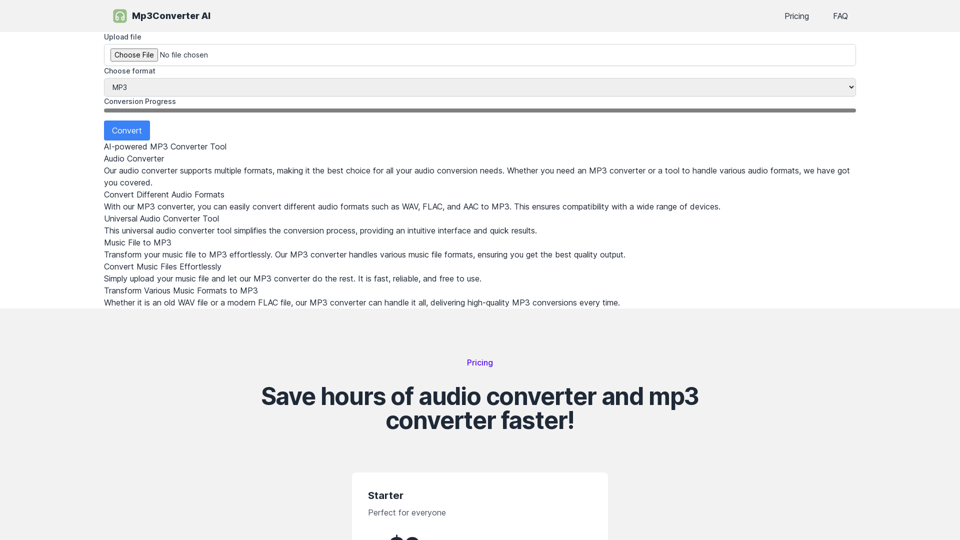
Experience high-quality, efficient audio conversions with our AI-powered MP3 Converter. Convert any format to MP3 with unmatched speed and precision. Transform your audio effortlessly!
0
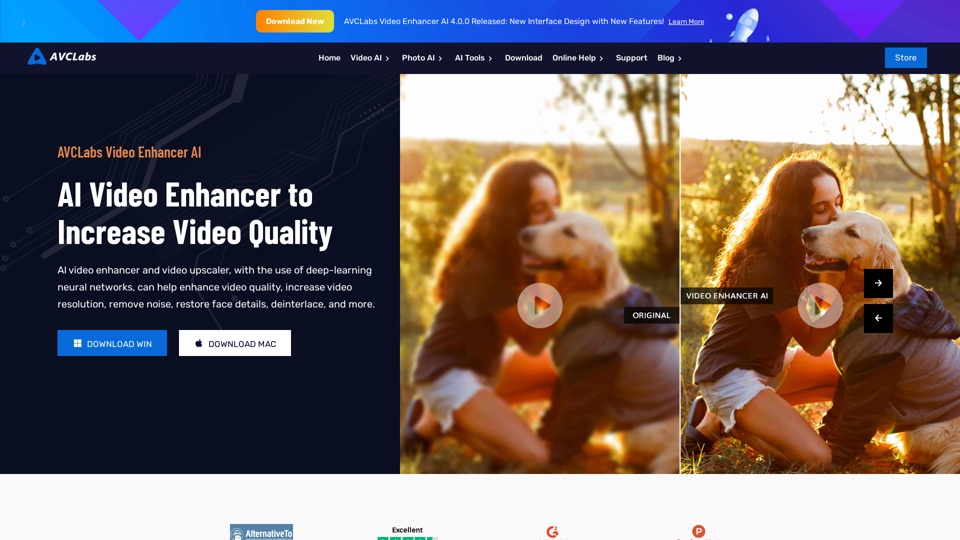
AVCLabs AI: Enhance Your Video and Photo Quality with AI
AVCLabs AI: Enhance Your Video and Photo Quality with AIAVCLabs is an AI products provider, which is dedicated to serving customers with products including Video Enhancer, Photo Editor, Photo Enhancer, and Video Blur AI.
356.07 K
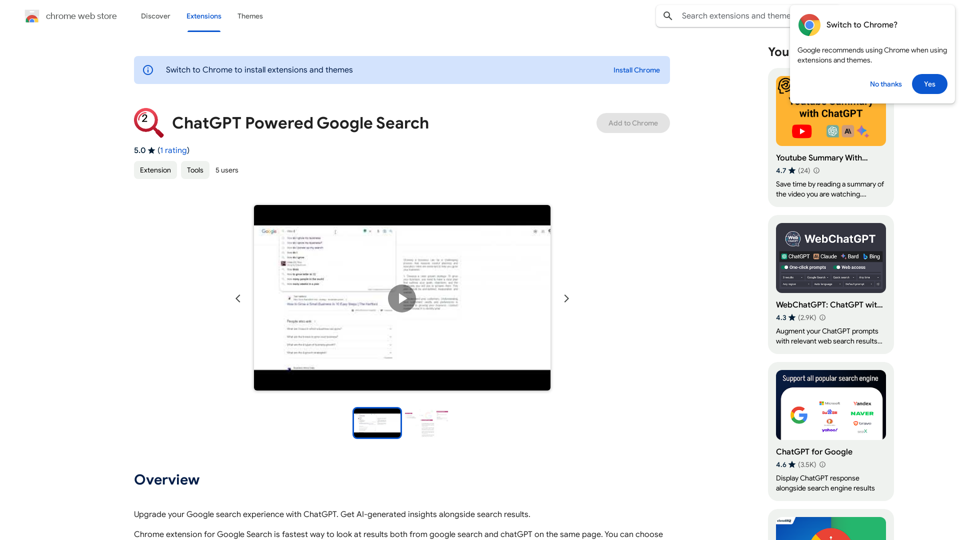
Improve your Google searches with ChatGPT. Receive AI-powered insights along with your search results.
193.90 M
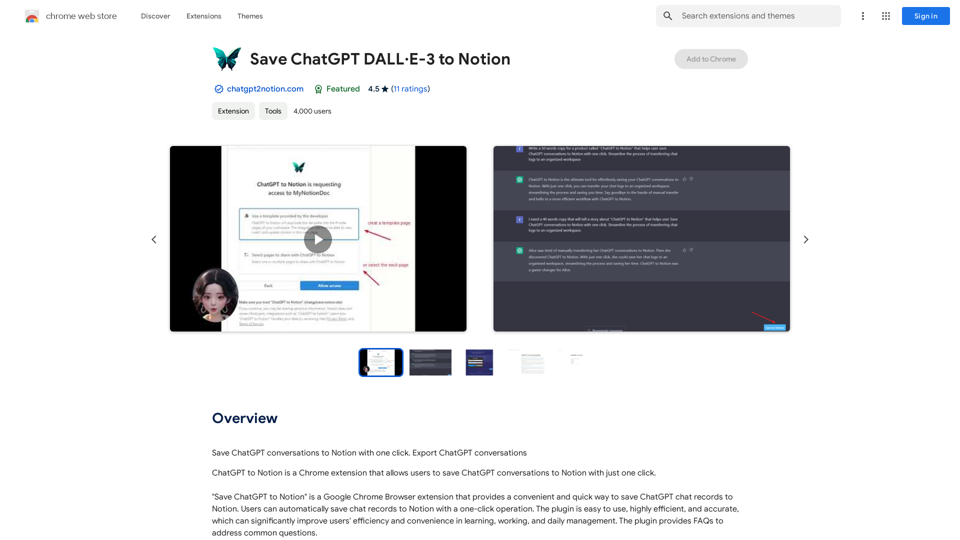
It's not possible to directly "save" ChatGPT or DALL·E-3 into Notion. ChatGPT and DALL·E-3 are powerful AI models developed by OpenAI. They are not physical files that can be downloaded and stored. Think of them like online services you access through an internet connection. You can interact with them, get outputs from them, and even use their outputs in Notion, but you can't "save" the models themselves. Let me know if you'd like to explore ways to integrate ChatGPT or DALL·E-3 outputs into your Notion workspace!
It's not possible to directly "save" ChatGPT or DALL·E-3 into Notion. ChatGPT and DALL·E-3 are powerful AI models developed by OpenAI. They are not physical files that can be downloaded and stored. Think of them like online services you access through an internet connection. You can interact with them, get outputs from them, and even use their outputs in Notion, but you can't "save" the models themselves. Let me know if you'd like to explore ways to integrate ChatGPT or DALL·E-3 outputs into your Notion workspace!Save ChatGPT conversations to Notion with one click. Export ChatGPT conversations.
193.90 M
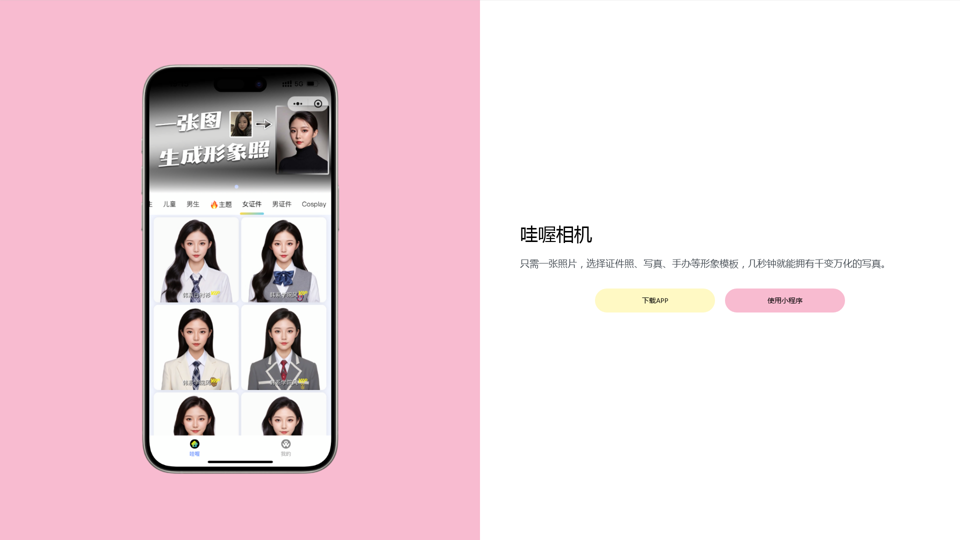
Wow, with just one photo, the camera can generate a portrait!
Wow, with just one photo, the camera can generate a portrait!Wow Camera, Wow Camera, Wao, Portrait Photography, Korean-Style Photography, Chinese-Style Photography, Old Photo Restoration, AI Face Swap, AI Video, Remini, Remini, Clay Filter, Clay Filter, Clay Clay Photo, Standard ID Photo, AI Photography, Photo Editing, Beauty Photo, Wow Photo, Portrait Photo, Butter Camera, Intelligent Photo Editing, Auto Beauty, Deep Learning Photography, Personalized Photo, Artistic Photo, Retro-Style Photo, Modern-Style Photo, Cartoon-Style Photo, Photo Post-Production, AI Photography, Photo Special Effects, Professional-Level Photography, Family Portrait, Personal Photography, Photography Art, Photo Editing, Photo Beautification, Intelligent Filter, Selfie Magic, Photography Enthusiast, Professional Photographer.
0