Sigma AI Browser is an innovative web browser that combines speed, security, and artificial intelligence to enhance the browsing experience. It allows users to browse faster, search smarter, and maintain privacy while online. With features like AI-powered content creation, translation, and summarization, Sigma AI Browser caters to both casual users and professionals looking for efficiency and productivity.
Sigma AI Browser
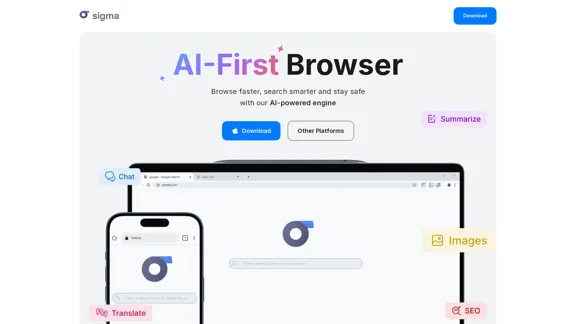
Introduction
Feature
-
AI-Powered Content Creation
Users can easily create articles, emails, and essays by simply describing their needs. The AI generates content tailored to the user's specifications.
-
Smart Summarization Tool
Quickly condense long texts into brief summaries, making it easier to digest information without losing key points.
-
AI Chat Assistant
Engage with an AI assistant that responds naturally to queries, helping users find information or generate content seamlessly.
-
Image Generation
Describe desired images, and the AI will create them for you, enhancing creativity and visual content production.
-
Privacy and Security Features
Sigma AI Browser includes a private browsing mode, advanced data protection, and tracker blocking to ensure user anonymity and security.
-
Cross-Device Synchronization
Keep bookmarks, settings, and browsing history consistent across all devices, providing a seamless user experience.
-
Fast Browsing Experience
Optimized for speed, Sigma AI Browser allows users to navigate the internet quickly while conserving battery life.
How to Use?
- Download Sigma AI Browser from the official website for your operating system (Windows, macOS, Linux, Android, or iOS).
- Activate the AI Chat feature to start asking questions or generating content.
- Use the summarization tool to condense lengthy articles or documents for quicker understanding.
- Explore the built-in SigmaGPT extension for enhanced AI interactions right after installation.
- Utilize the image generation feature by providing a clear description of the desired image.
FAQ
How to use AI chat for free?
Sigma AI Browser includes a built-in AI Chat that is free to use. Simply activate it and start asking questions or creating content.
Is Sigma AI Browser safe?
Yes, it offers a high level of security, including incognito mode and tracker protection to safeguard your identity.
What pre-installed extensions does Sigma AI Browser have?
The SigmaGPT extension is pre-installed, allowing immediate access to AI chat functionalities.
Are there any free AI tools in Sigma Browser?
Yes, Sigma AI Browser provides free AI tools like SigmaGPT for content creation, summarization, and multimedia generation.
Why is Sigma AI Browser better than Chrome?
It integrates advanced AI features, enhanced privacy tools, and a more modern interface, making it a superior choice for users seeking efficiency.
Price
- Free Plan: $0/month
- Basic Plan: $9.99/month
- Standard Plan: $19.99/month
- Professional Plan: $49.99/month
The price is for reference only, please refer to the latest official data for actual information.
Evaluation
- Sigma AI Browser excels in integrating AI features that enhance productivity and creativity, making it a valuable tool for users.
- The user-friendly interface and fast browsing capabilities are significant advantages over traditional browsers.
- However, some users may find the reliance on AI for content creation can lead to generic outputs if not guided properly.
- Continuous updates and improvements are necessary to keep pace with evolving user needs and competitive browsers.
- Overall, Sigma AI Browser is a promising tool for those looking to enhance their browsing experience, but it may require users to adapt to its AI-driven functionalities.
Latest Traffic Insights
Monthly Visits
60.85 K
Bounce Rate
41.10%
Pages Per Visit
1.74
Time on Site(s)
24.28
Global Rank
568324
Country Rank
United States 1105510
Recent Visits
Traffic Sources
- Social Media:6.01%
- Paid Referrals:1.07%
- Email:0.17%
- Referrals:15.77%
- Search Engines:45.60%
- Direct:31.26%
Related Websites
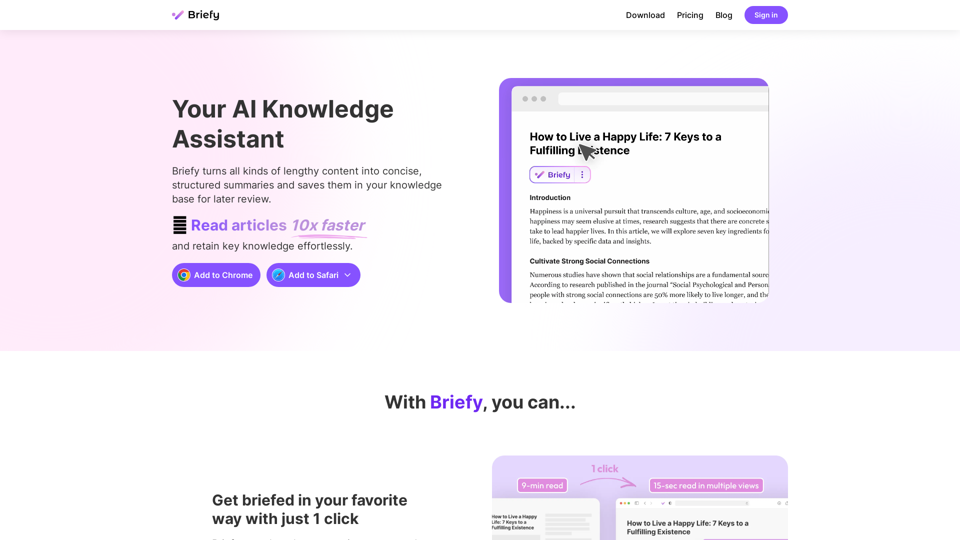
Briefy turns all kinds of lengthy content into structured summaries and saves them to your knowledge base for later review.
67.70 K
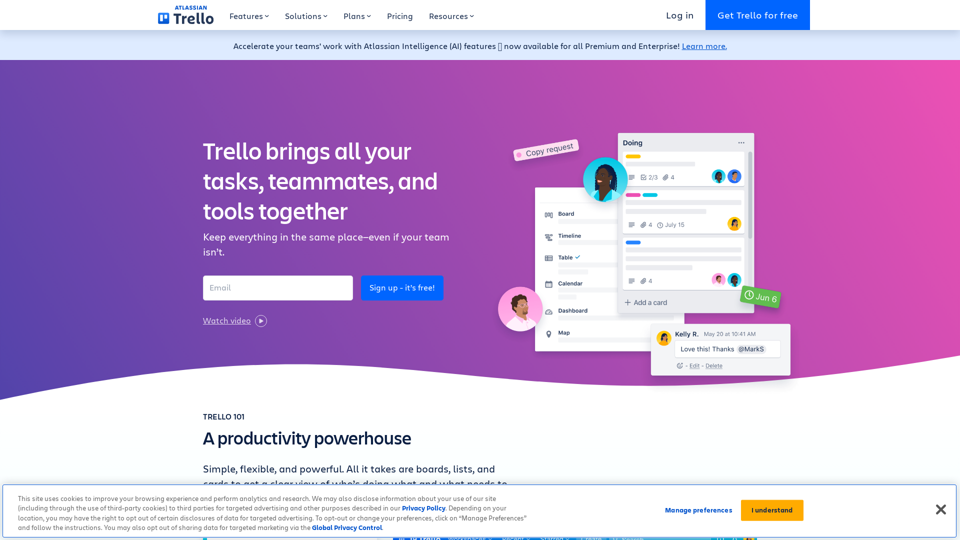
Manage Your Team's Projects From Anywhere | Trello
Manage Your Team's Projects From Anywhere | TrelloMake the impossible, possible with Trello. The ultimate teamwork project management tool. Start up a board in seconds, automate tedious tasks, and collaborate anywhere, even on mobile.
76.84 M
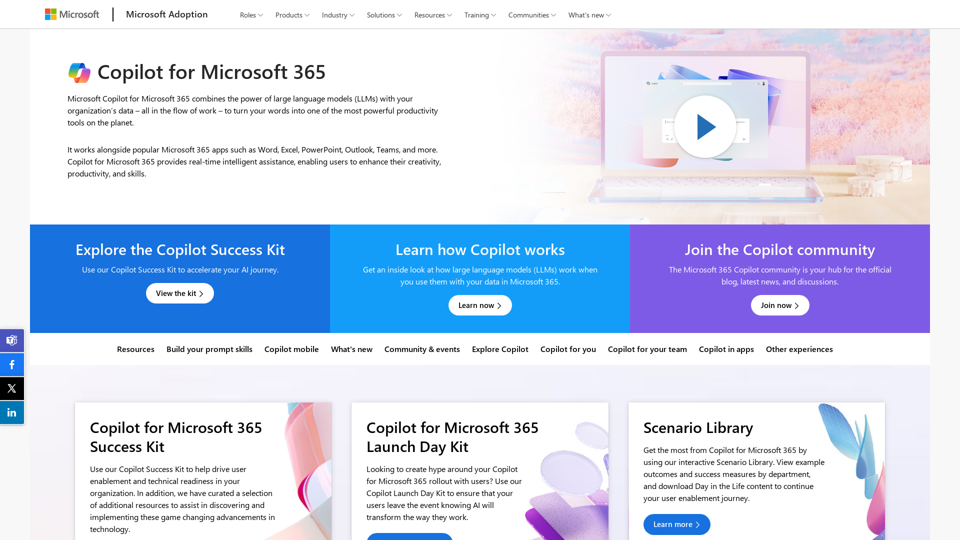
Copilot for Microsoft 365 – Microsoft Adoption Copilot for Microsoft 365 is a powerful AI assistant that helps you work smarter and faster across Microsoft 365 apps and services. It combines the power of large language models (LLMs) with your organization's data in the Microsoft Graph and Microsoft 365 apps to turn your words into the most powerful productivity tool on the planet. Copilot is designed to help you: • Unleash creativity • Unlock productivity • Uplevel skills Copilot is built on Microsoft's comprehensive approach to security, compliance, and privacy. Copilot in Microsoft 365 apps and services: • Does not use your data to train the underlying LLM • Does not replace human ingenuity and judgment • Is designed to keep humans in the loop Copilot is currently available in Word, Excel, PowerPoint, Outlook, Teams, and more. Getting Started with Copilot To get started with Copilot, follow these steps: 1. Check availability: Ensure your organization has access to Copilot. 2. Learn the basics: Familiarize yourself with Copilot's capabilities and how to use it effectively. 3. Explore use cases: Discover how Copilot can help you in your specific role and tasks. 4. Practice and refine: Use Copilot regularly and refine your prompts for better results. 5. Share and collaborate: Collaborate with colleagues using Copilot and share best practices. Best Practices for Using Copilot 1. Be specific in your prompts 2. Provide context for better results 3. Review and edit Copilot's output 4. Use Copilot as a starting point, not a final product 5. Experiment with different approaches 6. Stay informed about new features and updates Copilot in Different Microsoft 365 Apps • Word: Draft, edit, summarize, and rewrite content • Excel: Analyze data, create formulas, and generate insights • PowerPoint: Create presentations, design slides, and generate content • Outlook: Compose emails, summarize threads, and manage your inbox • Teams: Summarize meetings, generate action items, and create meeting notes Responsible AI and Copilot Microsoft is committed to developing AI systems responsibly. When using Copilot, keep in mind: • AI-generated content may contain biases or inaccuracies • Always review and verify Copilot's output • Use your judgment and expertise alongside Copilot's suggestions • Be aware of your organization's policies regarding AI use Conclusion Copilot for Microsoft 365 is a powerful tool that can significantly enhance your productivity and creativity. By understanding its capabilities, following best practices, and using it responsibly, you can make the most of this AI assistant in your daily work.
Copilot for Microsoft 365 – Microsoft Adoption Copilot for Microsoft 365 is a powerful AI assistant that helps you work smarter and faster across Microsoft 365 apps and services. It combines the power of large language models (LLMs) with your organization's data in the Microsoft Graph and Microsoft 365 apps to turn your words into the most powerful productivity tool on the planet. Copilot is designed to help you: • Unleash creativity • Unlock productivity • Uplevel skills Copilot is built on Microsoft's comprehensive approach to security, compliance, and privacy. Copilot in Microsoft 365 apps and services: • Does not use your data to train the underlying LLM • Does not replace human ingenuity and judgment • Is designed to keep humans in the loop Copilot is currently available in Word, Excel, PowerPoint, Outlook, Teams, and more. Getting Started with Copilot To get started with Copilot, follow these steps: 1. Check availability: Ensure your organization has access to Copilot. 2. Learn the basics: Familiarize yourself with Copilot's capabilities and how to use it effectively. 3. Explore use cases: Discover how Copilot can help you in your specific role and tasks. 4. Practice and refine: Use Copilot regularly and refine your prompts for better results. 5. Share and collaborate: Collaborate with colleagues using Copilot and share best practices. Best Practices for Using Copilot 1. Be specific in your prompts 2. Provide context for better results 3. Review and edit Copilot's output 4. Use Copilot as a starting point, not a final product 5. Experiment with different approaches 6. Stay informed about new features and updates Copilot in Different Microsoft 365 Apps • Word: Draft, edit, summarize, and rewrite content • Excel: Analyze data, create formulas, and generate insights • PowerPoint: Create presentations, design slides, and generate content • Outlook: Compose emails, summarize threads, and manage your inbox • Teams: Summarize meetings, generate action items, and create meeting notes Responsible AI and Copilot Microsoft is committed to developing AI systems responsibly. When using Copilot, keep in mind: • AI-generated content may contain biases or inaccuracies • Always review and verify Copilot's output • Use your judgment and expertise alongside Copilot's suggestions • Be aware of your organization's policies regarding AI use Conclusion Copilot for Microsoft 365 is a powerful tool that can significantly enhance your productivity and creativity. By understanding its capabilities, following best practices, and using it responsibly, you can make the most of this AI assistant in your daily work.Microsoft Copilot combines the power of large language models (LLMs) with your organization's data to turn your words into one of the most powerful productivity tools on the planet.
608.60 K

Sully.ai - The #1 all-in-one AI solution for saving doctors' time
Sully.ai - The #1 all-in-one AI solution for saving doctors' timeSully.ai is an all-in-one AI Medical Assistant designed to save doctors' time by helping them with time-consuming tasks performed before, during, and after patient visits.
42.63 K
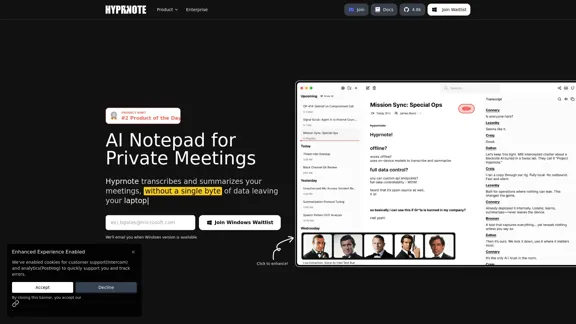
Hyprnote: A Private, Local-First AI Notetaker for Safe Meetings
Hyprnote: A Private, Local-First AI Notetaker for Safe MeetingsHyprnote is an open-source AI notetaker designed for compliance and privacy. Take and organize meeting notes entirely on your device with no data leaving your control. Think of Granola AI, but it operates entirely locally on your device.
20.63 K