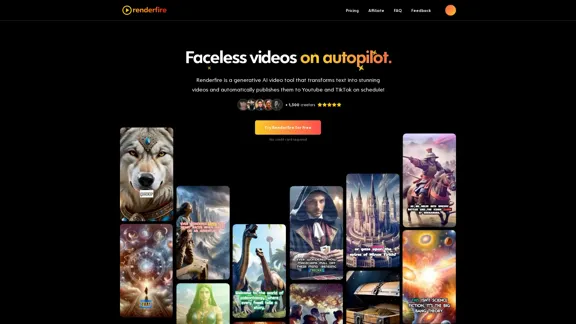
Renderfire is an innovative AI-powered video creation tool designed to transform text into captivating videos. It offers automated publishing to popular platforms like YouTube and TikTok, along with scheduling capabilities. This tool caters to content creators looking to produce faceless videos efficiently and maintain a consistent posting schedule across multiple social media channels.
Renderfire — Automated Faceless Videos
Discover Renderfire – the revolutionary app that completely automates Faceless Videos from start to finish. Just provide a topic and our AI will create and post fresh videos to your YouTube or TikTok daily.
Introduction
Feature
AI-Powered Video Creation
Renderfire utilizes advanced AI technology to convert text input into visually appealing videos. This feature streamlines the video production process, making it accessible to creators of all skill levels.
Automated Publishing
The tool offers seamless integration with YouTube and TikTok, allowing for automatic video uploads. This feature saves time and ensures consistent content delivery across platforms.
Scheduling Functionality
Users can plan their content strategy by scheduling video posts in advance. This feature helps maintain a regular posting schedule without manual intervention.
Customizable Video Series
Renderfire enables users to create and manage multiple video series. Each series can be tailored to specific topics or themes, providing flexibility in content creation.
Preview and Edit Options
Before scheduling, users can preview and make necessary edits to their videos. This feature ensures quality control and allows for last-minute adjustments.
Multiple Pricing Tiers
Renderfire offers various pricing plans to suit different needs and budgets:
| Plan | Price/Month | Videos | Series | Resolution | Images |
|---|---|---|---|---|---|
| Free | $0 | 1 | 1 | 1080p | HD |
| Hobby | $29 | 3/week | 1 | 1080p | HD |
| Pro | $59 | 1/day | 1 | 1080p | 4K UHD |
| Premium | $99 | 2/day | 1 | 1080p | 4K UHD |
Multi-Language Support
The tool supports multiple languages, making it accessible to a global audience of content creators.
High-Quality Output
Renderfire produces videos in high resolution (up to 1080p) with HD or 4K UHD images, depending on the chosen plan.
FAQ
What platforms does Renderfire support for video posting?
Renderfire currently supports automatic posting to YouTube and TikTok.
Can I edit the videos created by Renderfire?
Yes, Renderfire allows users to preview and edit their videos before scheduling them for posting.
Is there a limit to the number of videos I can create?
The number of videos you can create depends on your chosen plan. Each plan has a specific allocation of credits per month.
Does Renderfire support multiple languages?
Yes, Renderfire supports content creation in multiple languages, making it suitable for a global audience.
Can I use Renderfire for short-form content?
Yes, Renderfire is capable of creating short-form content suitable for platforms like TikTok.
Is there a free trial available?
Yes, Renderfire offers a free trial with no credit card required. Users can test the platform's basic features before committing to a paid plan.
Related Websites
The Most Natural AI Dubbing – Reach Millions with PERSO.ai
The Most Natural AI Dubbing – Reach Millions with PERSO.aiSign up for free! Localize videos in minutes with seamless AI dubbing, voice cloning & lip sync – Grow your global audience effortlessly.
245.18 K
Create AI Lip-Sync Videos Lip-sync technology has advanced significantly, allowing for the creation of realistic videos where characters appear to speak in different languages or say things they never actually said. Here's how to create AI lip-sync videos: 1. Choose your video editing software - Popular options include Adobe After Effects, Reallusion's CrazyTalk, or Synthesia 2. Prepare your source video - Select a high-quality video clip with clear facial features 3. Generate or record the audio - Create the audio track you want the character to lip-sync to 4. Use AI-powered lip-sync tools - Many software options now include AI-driven lip-sync features - Upload your video and audio files - The AI will analyze the audio and match it to the character's mouth movements 5. Fine-tune the results - Adjust timing and mouth shapes as needed for a more natural look 6. Render the final video - Export your lip-synced video in your desired format Tips: - Ensure good lighting and clear facial features in the source video - Use high-quality audio for better results - Practice and experiment with different tools to improve your skills Remember to consider ethical implications and obtain necessary permissions when creating lip-sync videos of real people.
0
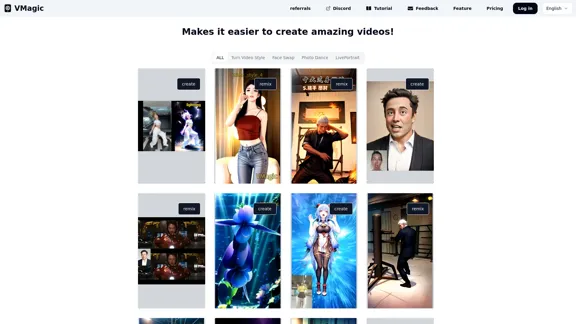
VMagic AI: Convert Videos to Animations & AI Face Swap
VMagic AI: Convert Videos to Animations & AI Face SwapAI video platform featuring video-to-animation conversion, image dance, AI video face swap, face motion, and video enhancer
1.04 K
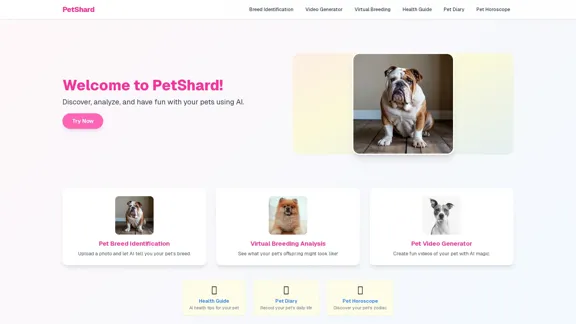
PetShard - AI Tools for Identifying Pet Breeds and Virtual Breeding
PetShard - AI Tools for Identifying Pet Breeds and Virtual BreedingIdentify your pet's breed, obtain health insights, create pet videos, analyze virtual breeding compatibility, and generate pet content with our AI-powered tools.
0
AI Video Generator – Create Videos from Text, Images, or Clips | Image-to-Video Maker
AI Video Generator – Create Videos from Text, Images, or Clips | Image-to-Video MakerGenerate AI videos from text, images, or video clips with the Image-to-Video Maker. Add effects, templates, and upscale to 4K—all in one powerful video platform.
25.40 K
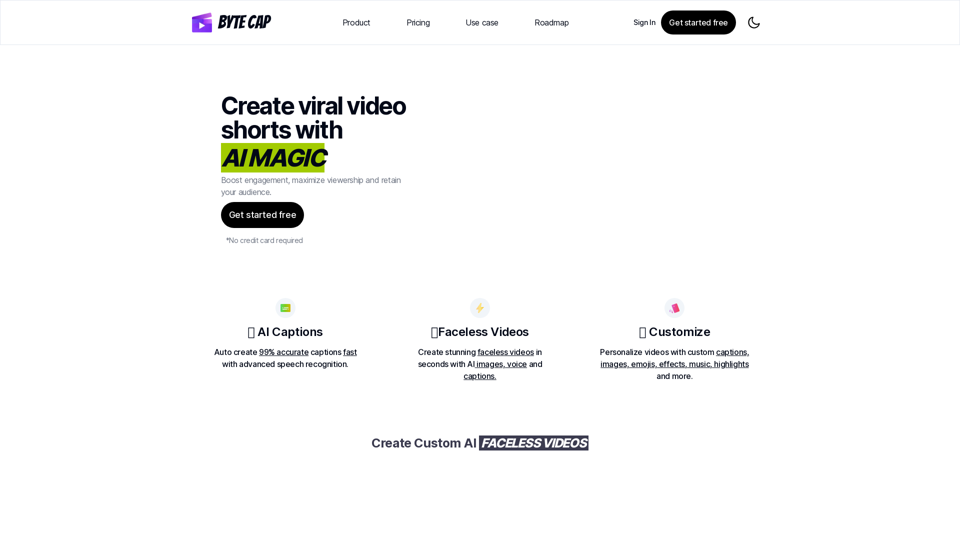
Bytecap - Enhance your videos with personalized AI captions
Bytecap - Enhance your videos with personalized AI captionsEnhance your videos with personalized captions Increase engagement, expand your audience, and improve viewer retention.
5.96 K
Create automated AI short videos by converting text into a 30-60 second reel. Ideal for building faceless YouTube channels.
2.52 K