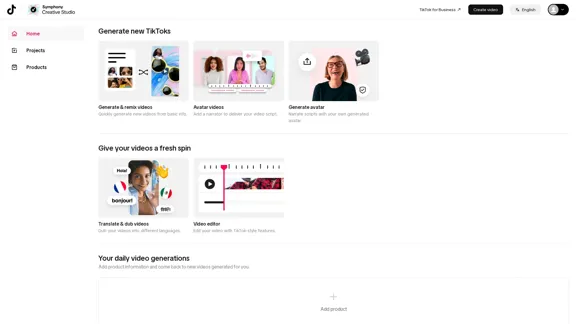
Symphony Creative Studio offers innovative tools for creating and editing videos, particularly tailored for TikTok. Users can quickly generate new videos from basic information, add narrators using avatars, translate and dub videos into different languages, and utilize a video editor with TikTok-style features. This platform aims to streamline the video creation process and enhance user engagement.
Symphony Creative Studio
Introduction
Feature
-
Generate & Remix Videos
Quickly create new videos based on simple input, allowing for rapid content generation.
-
Avatar Videos
Users can add a personalized narrator to their videos by generating an avatar that delivers the video script.
-
Translate & Dub Videos
The platform supports dubbing videos into various languages, making content accessible to a wider audience.
-
Video Editor
A built-in video editor provides TikTok-style features, enabling users to enhance their videos with ease.
-
Daily Video Generations
Users can input product information and receive newly generated videos tailored to their needs on a daily basis.
How to Use?
- Start by logging into your Symphony Creative Studio account.
- Navigate to the "Generate & Remix Videos" section to create new content.
- For avatar videos, select the option to generate an avatar and input your script.
- Use the translation feature to dub your videos into different languages for broader reach.
- Edit your videos using the TikTok-style video editor to add effects and transitions.
FAQ
What is Symphony Creative Studio?
Symphony Creative Studio is a video creation platform designed to help users generate and edit videos, particularly for TikTok.
How does the video generation process work?
Users provide basic information, and the platform quickly generates videos based on that input, allowing for easy content creation.
Can I use avatars in my videos?
Yes, users can create avatars to narrate their video scripts, adding a unique touch to their content.
Is it possible to translate my videos?
Yes, the platform offers translation and dubbing features that allow users to make their videos available in multiple languages.
What editing features are available?
The video editor includes TikTok-style features, enabling users to enhance their videos with various effects and tools.
Price
- Free plan: $0/month
- Basic plan: $9.99/month
- Standard plan: $19.99/month
- Professional plan: $49.99/month
The price is for reference only, please refer to the latest official data for actual information.
Evaluation
- Symphony Creative Studio effectively simplifies the video creation process, making it accessible for users of all skill levels.
- The avatar feature adds a creative element, allowing for personalized narration that can enhance viewer engagement.
- However, the platform may benefit from additional editing features to compete with more established video editing software.
- While the translation and dubbing capabilities are valuable, the quality of the translations may vary and could be improved.
- Overall, Symphony Creative Studio is a promising tool for TikTok content creators, but ongoing enhancements will be necessary to maintain competitiveness in the market.
Related Websites
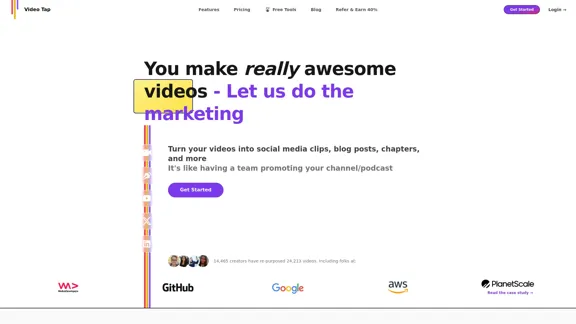
Transform videos into endless content such as blog posts, short clips, summaries and more with Video Tap.
19.54 K

CreativeAI - Professional AI Short Video Script Creation Tool | Enhance Script Writing Efficiency
CreativeAI - Professional AI Short Video Script Creation Tool | Enhance Script Writing EfficiencyChuang Yi AI is an AI script creation tool specifically designed for short video creators. It offers features such as video analysis, theme optimization, and script generation, helping users create high-quality short video scripts.
8.17 K
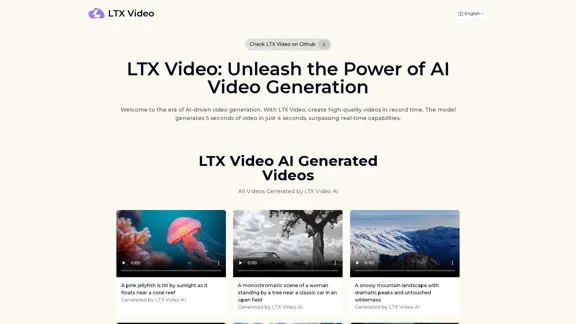
Experience the cutting-edge of AI video generation with LTX-Video AI! LTX-Video AI transforms text and images into dynamic, engaging videos in just minutes.
0
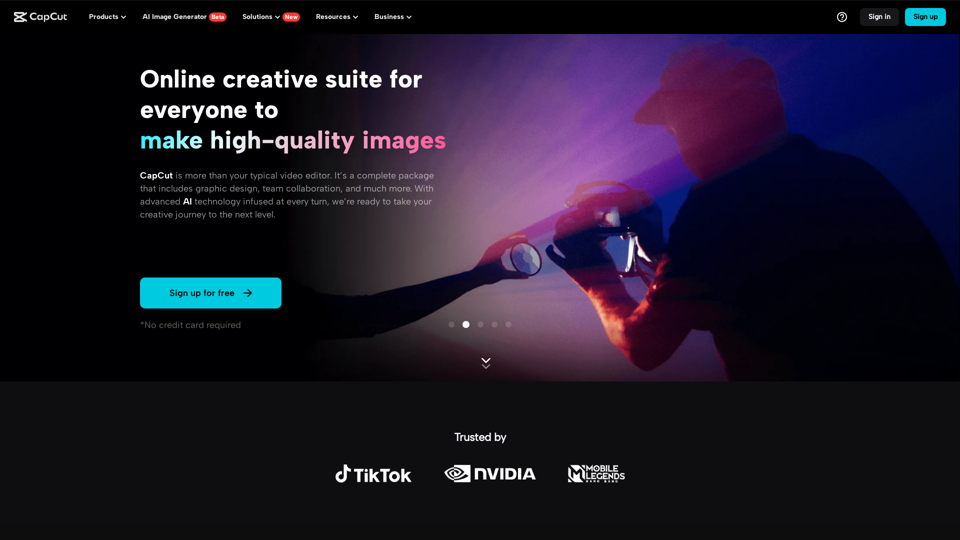
CapCut | All-in-one video editor & graphic design tool powered by AI
CapCut | All-in-one video editor & graphic design tool powered by AICapCut is an all-in-one creative platform powered by AI that enables video editing and image design on browsers, Windows, Mac, Android, and iOS.
39.44 M
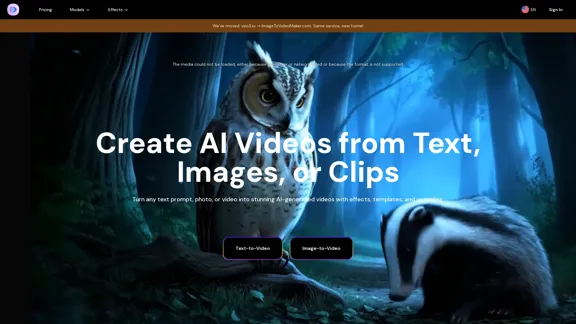
AI Video Generator – Create Videos from Text, Images, or Clips | Image-to-Video Maker
AI Video Generator – Create Videos from Text, Images, or Clips | Image-to-Video MakerGenerate AI videos from text, images, or video clips with the Image-to-Video Maker. Add effects, templates, and upscale to 4K—all in one powerful video platform.
1.06 K
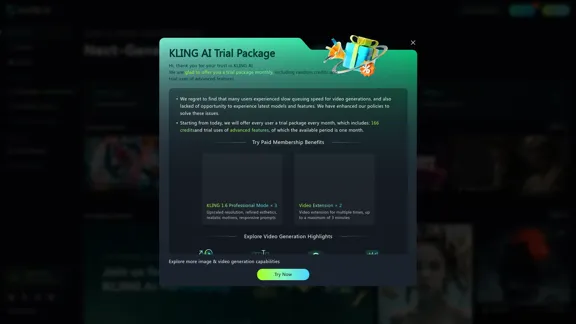
KLING AI: Studio for Creative AI of the Next Generation
KLING AI: Studio for Creative AI of the Next GenerationKLING AI, tools for creating imaginative images and videos, based on state-of-the-art generative AI methods.
11.51 M