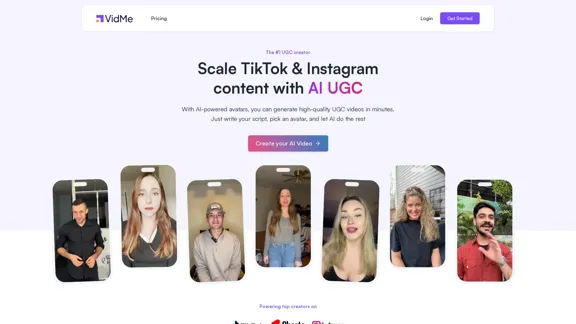
VidMe is a cutting-edge platform designed to streamline the creation of user-generated content (UGC) videos for TikTok and Instagram using AI technology. Users can generate high-quality videos in minutes by simply writing a script and selecting an avatar. The platform offers a library of real actors with pre-recorded footage, ensuring that the final product is both authentic and engaging.
Scale your TikTok and Instagram content with AI-generated user content.
The #1 UGC creator. Scale TikTok & Instagram content with AI UGC. With AI-powered avatars, you can generate high-quality UGC videos in minutes. Just write your script, choose an avatar, and let AI handle the rest.
Introduction
Feature
-
Script Input
Users can enter their message, and the AI will sync it with the actor's footage, ensuring that lip movements and expressions match perfectly.
-
Avatar Selection
VidMe provides a library of real actors who deliver natural expressions and professional performances, enhancing the authenticity of the videos.
-
AI Transformation
The platform's AI quickly transforms the original footage into a personalized video, significantly reducing production time.
-
Multiple Languages
VidMe supports video creation in 29 languages, making it accessible to a global audience.
-
Custom Avatar Creation
Users can upload their own videos to create custom avatars, allowing for a more personalized touch in their content.
-
Flexible Pricing Plans
VidMe offers various subscription plans catering to different needs, from basic to enterprise levels, allowing users to generate multiple videos per month.
How to Use?
- Start by logging into your VidMe account.
- Click on the "Create Your AI Video" option to begin.
- Enter your script in the designated area.
- Browse the library and select an avatar that fits your video's theme.
- Review your selections and click "Generate" to create your video.
- Once generated, you can download and share your video across social media platforms.
FAQ
What is VidMe?
VidMe is an AI-powered platform that enables users to create high-quality UGC videos for social media platforms like TikTok and Instagram quickly and efficiently.
How does VidMe work?
Users write a script, choose an avatar from a library of real actors, and VidMe's AI synchronizes the script with the actor's footage to create a personalized video.
Can I use the videos created by VidMe commercially?
Yes, the videos generated by VidMe can be used for commercial purposes, making them suitable for marketing and advertising.
How fast is video generation?
VidMe's AI can generate videos in minutes, significantly speeding up the content creation process.
Are the actors real or AI?
The avatars available on VidMe are real actors who have pre-recorded high-quality footage.
Price
| Plan | Monthly Price | Video Limit | Credits |
|---|---|---|---|
| Basic | $39/month | Up to 10 videos | 500 Credits |
| Pro | $99/month | Up to 50 videos | 2,500 Credits |
| Enterprise | $249/month | Up to 200 videos | 10,000 Credits |
The price is for reference only, please refer to the latest official data for actual information.
Evaluation
VidMe excels in providing a fast and efficient way to create UGC videos, making it a valuable tool for content creators and marketers. The ability to select from a range of real actors enhances the authenticity of the videos produced. However, the platform could improve by offering more customization options for avatars and scenes, as well as enhancing the user interface for easier navigation. Additionally, expanding the library of avatars could provide users with more diverse choices for their content. Overall, VidMe is a powerful tool for those looking to scale their video marketing efforts.
Related Websites
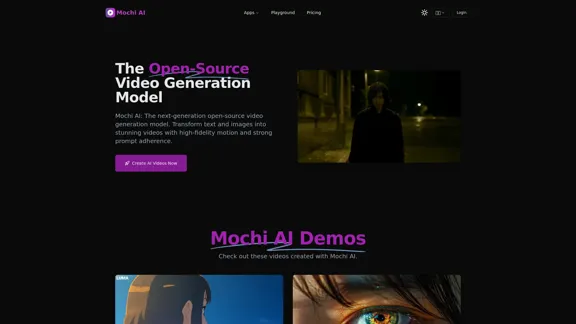
Mochi AI - Advanced Open-Source Video Generation Model
Mochi AI - Advanced Open-Source Video Generation ModelMochi AI: The next-generation open-source video generation model. Create stunning videos with high-fidelity motion and strong prompt adherence using our cutting-edge AI technology.
0
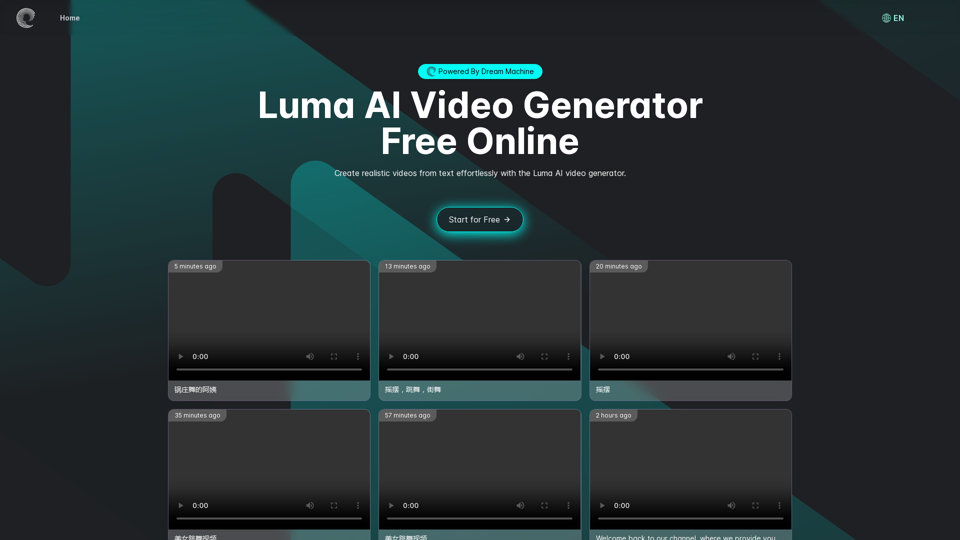
Luma AI Video Generator Free Online - Powered By Dream Machine
Luma AI Video Generator Free Online - Powered By Dream MachineDiscover Luma AI, a video generator from Luma Labs. It's a powerful tool that makes high-quality videos from text descriptions. Check out Luma AI's Dream Machine and compare it to OpenAI's Sora. You'll see how special Luma Video AI technology is.
446.17 K

Complete Walkthrough & Guide for Dreamy Room Level 1-145 | Video Tutorial Collection
Complete Walkthrough & Guide for Dreamy Room Level 1-145 | Video Tutorial CollectionLooking for a Dreamy Room guide? We provide detailed video walkthroughs and guides for all Dreamy Room levels (Level 1-145), covering puzzle-solving techniques for every Dreamy Room Level to help you pass easily. Get the latest Dreamy Room level guide and enjoy the game!
24.36 K
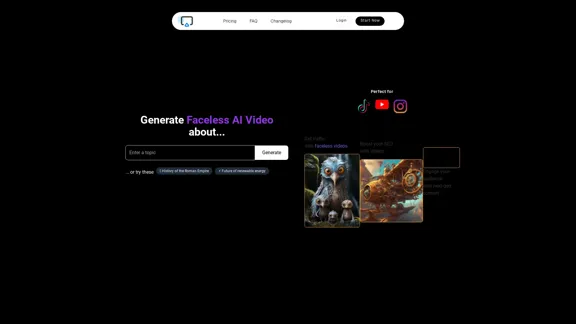
AI Shorts Generator - Create AI Videos in minutes, post automatically on your Social Media. High quality video in 5 minutes
90.24 K


CreativeAI - Professional AI Short Video Script Creation Tool | Enhance Script Writing Efficiency
CreativeAI - Professional AI Short Video Script Creation Tool | Enhance Script Writing EfficiencyChuang Yi AI is an AI script creation tool specifically designed for short video creators. It offers features such as video analysis, theme optimization, and script generation, helping users create high-quality short video scripts.
8.17 K
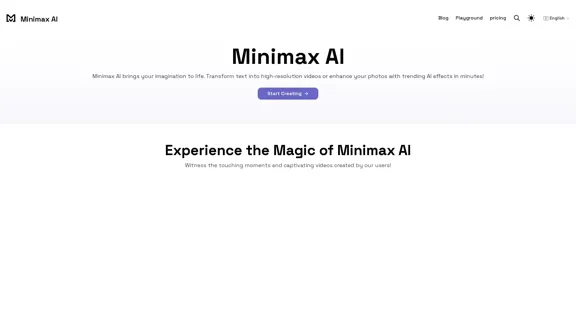
Minimax AI | Advanced AI-powered Video Generation & Photo Enhancement Platform
Minimax AI | Advanced AI-powered Video Generation & Photo Enhancement PlatformMinimax AI revolutionizes content creation with cutting-edge AI. Generate stunning videos from text and transform your photos with innovative AI effects.
158.66 K
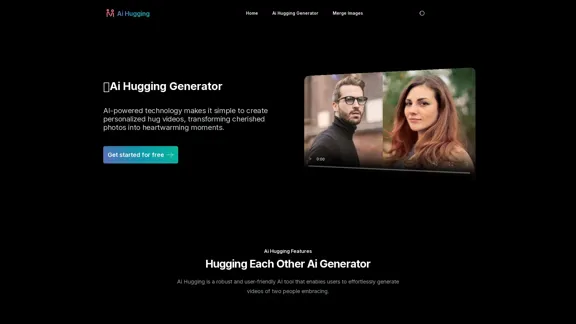
Ai Hugging Generator | Create People Hugging With AI Free Online
Ai Hugging Generator | Create People Hugging With AI Free OnlineUse our AI Hugging Generator to create free AI hugs online. Experience the joy of hugging each other with AI technology, making AI hugs free and accessible to everyone.
9.29 K