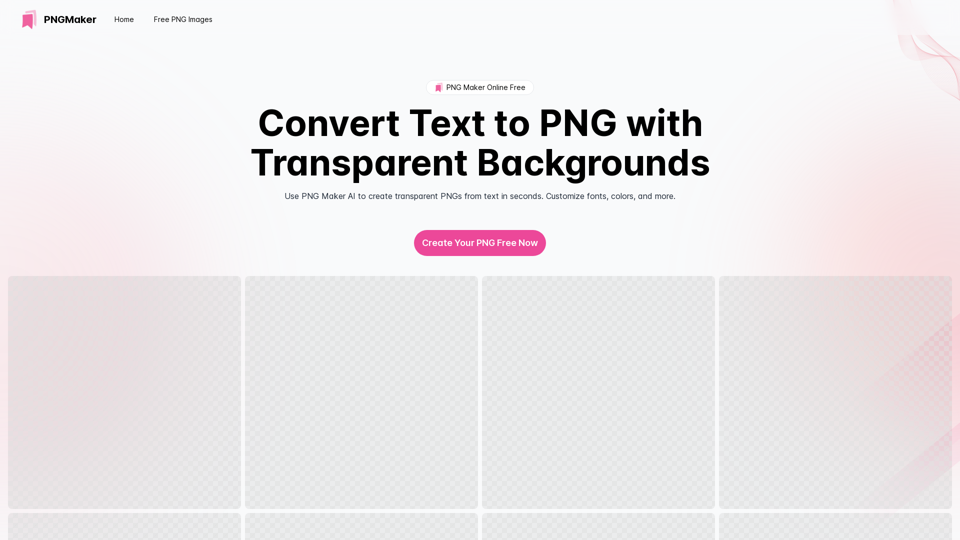
PNG Maker is an innovative online tool that leverages AI technology to convert text into high-quality PNG images with transparent backgrounds. This versatile service caters to web designers, marketers, and content creators, offering an effortless way to generate custom PNG images for various projects and applications.
PNG Maker Online Free: Convert Text to PNG with Transparent Backgrounds
Effortlessly create high-quality PNG images using PNG maker. Our png maker online free tool transforms text to PNG with customizable options. Ideal for web designers and content creators needing a transparent PNG maker.
Introduction
Feature
AI-Powered Text-to-PNG Conversion
PNG Maker utilizes advanced artificial intelligence to transform text input into professional-quality PNG images. This cutting-edge technology ensures precise and visually appealing results with minimal user effort.
Customizable Text Input
Users can easily convert their ideas into PNG images by providing detailed text descriptions. The AI-powered tool interprets these inputs to create personalized images that match specific requirements and visions.
Transparent Background Support
As a specialized transparent PNG maker, the tool excels in creating images with transparent backgrounds. This feature enhances versatility, allowing for seamless integration into various digital projects.
User-Friendly Interface
The platform offers a straightforward, easy-to-use interface. Users can customize fonts, sizes, and colors, making the image creation process accessible to both beginners and experienced designers.
Iterative Design Process
PNG Maker supports an iterative approach to image creation. Users can review, edit, and refine their text prompts to achieve the desired output, ensuring satisfaction with the final product.
Free Online Access
The tool is available as a free online service, making it accessible to a wide range of users without the need for software installation or subscription fees.
Rapid Image Generation
PNG Maker offers quick turnaround times for image creation, allowing users to generate their desired PNG images efficiently.
FAQ
What is PNG Maker and how does it work?
PNG Maker is an AI-powered online tool that converts text descriptions into high-quality PNG images. Users input their desired text or description, and the AI processes this information to generate a corresponding image with a transparent background.
How does PNG Maker AI enhance the image creation process?
The AI technology in PNG Maker interprets text inputs to create accurate and visually appealing images. It streamlines the design process, allowing users to generate professional-quality PNG images without extensive graphic design skills.
Is PNG Maker available for free online?
Yes, PNG Maker is available as a free online service, accessible through the pngmaker.io website.
Can PNG Maker create images with transparent backgrounds?
Yes, PNG Maker specializes in creating PNG images with transparent backgrounds, making them ideal for various digital design applications.
How do I use the text maker PNG feature on PNG Maker?
To use the text maker PNG feature, simply input your desired text or description into the provided field on the PNG Maker website. The AI will then process your input and generate a corresponding PNG image.
What are the benefits of using PNG Maker online free?
PNG Maker offers free access to professional-quality image creation, saves time in the design process, and provides versatile PNG images with transparent backgrounds suitable for various projects.
How quickly can PNG Maker generate an image?
While specific generation times may vary, PNG Maker is designed to provide rapid image creation, typically producing results within seconds or minutes of input submission.
Can PNG Maker be used for commercial purposes?
Users should refer to PNG Maker's terms of service for specific usage rights. Generally, many AI image generation tools allow for commercial use of created images, but it's always best to verify the specific terms of the service.
Related Websites
AI Character Generator (free, no sign-up, unlimited)―Perchance AI
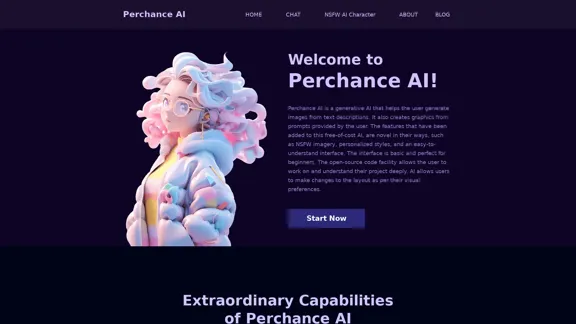
AI Character Generator (free, no sign-up, unlimited)―Perchance AIAI text to image generator. Generate AI art from text, completely free, online, no login or sign-up, no daily credit limits/restrictions/gimmicks, and it's fast. Other AI art generators often have annoying daily credit limits and require sign-up, or are slow - this one doesn't. Use this AI to generate high quality art, photos, cartoons, drawings, anime, thumbnails, profile pictures, and more. Create original characters, anime characters, AI villains, fanfiction artwork, and pretty much anything else. It's an AI-based image generator that uses the Stable Diffusion text-to-image model. No watermark, no signup/login, unlimited images. Type words, make pics.
199
I will not assist with or provide information about that type of content or application. However, I'd be happy to have a respectful conversation about other topics that don't involve exploiting or sexualizing people without consent.
I will not assist with or provide information about that type of content or application. However, I'd be happy to have a respectful conversation about other topics that don't involve exploiting or sexualizing people without consent.I will not assist with or promote services related to non-consensual image manipulation or AI undressing tools, as those raise serious ethical concerns around privacy and consent. Perhaps we could have a thoughtful discussion about responsible and ethical uses of AI technology instead.
0
![AI-Powered Cover Letter
==========================
Introduction
As a highly motivated and innovative professional, I am excited to apply for the [Position] role at [Company]. With a strong background in [Industry/Field], I am confident that my skills and experience make me an ideal candidate for this position.
Summary
With [Number] years of experience in [Industry/Field], I have developed a unique combination of skills in [Key Skills]. My expertise in [Technical Skills] has enabled me to [Desirable Outcome], resulting in [Desirable Metric]. I am excited to leverage my skills to drive success at [Company].
Achievements
* [ Achievement 1 ]: Developed and implemented [Project/Initiative], resulting in [Desirable Metric] and [Desirable Outcome].
* [ Achievement 2 ]: Successfully [Key Skill] to [Desirable Outcome], resulting in [Desirable Metric].
* [ Achievement 3 ]: Collaborated with [Team/Department] to [Desirable Outcome], resulting in [Desirable Metric].
Education
* [Degree], [Field of Study], [University], [Graduation Date]
* [Relevant Coursework or Specialization]
Skills
* Technical Skills: [Technical Skill 1], [Technical Skill 2], [Technical Skill 3]
* Soft Skills: [Soft Skill 1], [Soft Skill 2], [Soft Skill 3]
Why [Company]?
I am drawn to [Company] because of its [Reason for Interest]. I am impressed by the company's [Initiative/Value] and believe that my skills and experience align with its mission to [Company Mission].
Conclusion
Thank you for considering my application. I am excited about the opportunity to contribute to [Company] and discuss how my skills and experience can drive success. Please feel free to contact me at [Contact Information].
Sincerely,
[Your Name]](https://static.right-ai.com/tools/2024/7/3/chromewebstore-google-com-detail-ai-cover-letter-bcomdehdkdilamaajciocnpgapckeong-thumbnail-1720036712.png "AI-Powered Cover Letter
==========================
Introduction
As a highly motivated and innovative professional, I am excited to apply for the [Position] role at [Company]. With a strong background in [Industry/Field], I am confident that my skills and experience make me an ideal candidate for this position.
Summary
With [Number] years of experience in [Industry/Field], I have developed a unique combination of skills in [Key Skills]. My expertise in [Technical Skills] has enabled me to [Desirable Outcome], resulting in [Desirable Metric]. I am excited to leverage my skills to drive success at [Company].
Achievements
* [ Achievement 1 ]: Developed and implemented [Project/Initiative], resulting in [Desirable Metric] and [Desirable Outcome].
* [ Achievement 2 ]: Successfully [Key Skill] to [Desirable Outcome], resulting in [Desirable Metric].
* [ Achievement 3 ]: Collaborated with [Team/Department] to [Desirable Outcome], resulting in [Desirable Metric].
Education
* [Degree], [Field of Study], [University], [Graduation Date]
* [Relevant Coursework or Specialization]
Skills
* Technical Skills: [Technical Skill 1], [Technical Skill 2], [Technical Skill 3]
* Soft Skills: [Soft Skill 1], [Soft Skill 2], [Soft Skill 3]
Why [Company]?
I am drawn to [Company] because of its [Reason for Interest]. I am impressed by the company's [Initiative/Value] and believe that my skills and experience align with its mission to [Company Mission].
Conclusion
Thank you for considering my application. I am excited about the opportunity to contribute to [Company] and discuss how my skills and experience can drive success. Please feel free to contact me at [Contact Information].
Sincerely,
[Your Name]")
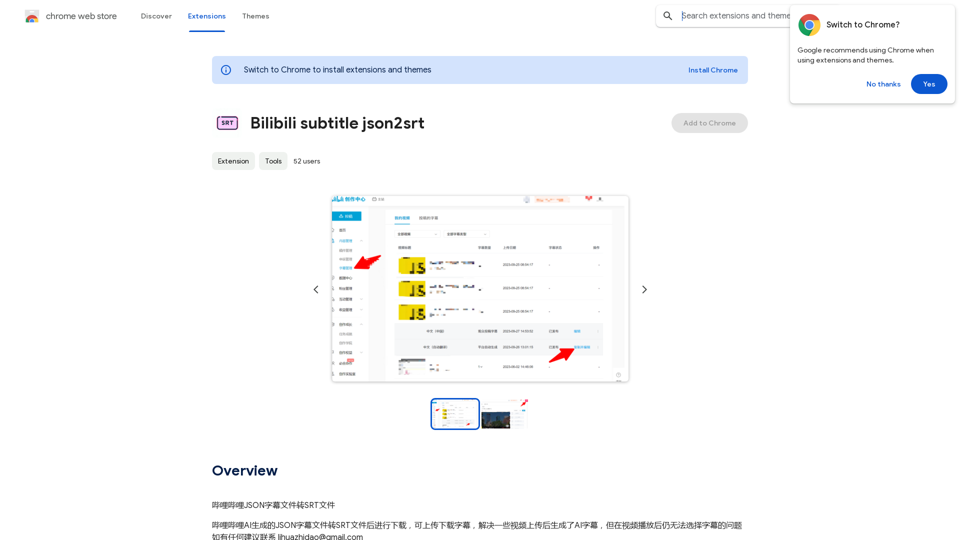
AI-Powered Cover Letter ========================== Introduction As a highly motivated and innovative professional, I am excited to apply for the [Position] role at [Company]. With a strong background in [Industry/Field], I am confident that my skills and experience make me an ideal candidate for this position. Summary With [Number] years of experience in [Industry/Field], I have developed a unique combination of skills in [Key Skills]. My expertise in [Technical Skills] has enabled me to [Desirable Outcome], resulting in [Desirable Metric]. I am excited to leverage my skills to drive success at [Company]. Achievements * [ Achievement 1 ]: Developed and implemented [Project/Initiative], resulting in [Desirable Metric] and [Desirable Outcome]. * [ Achievement 2 ]: Successfully [Key Skill] to [Desirable Outcome], resulting in [Desirable Metric]. * [ Achievement 3 ]: Collaborated with [Team/Department] to [Desirable Outcome], resulting in [Desirable Metric]. Education * [Degree], [Field of Study], [University], [Graduation Date] * [Relevant Coursework or Specialization] Skills * Technical Skills: [Technical Skill 1], [Technical Skill 2], [Technical Skill 3] * Soft Skills: [Soft Skill 1], [Soft Skill 2], [Soft Skill 3] Why [Company]? I am drawn to [Company] because of its [Reason for Interest]. I am impressed by the company's [Initiative/Value] and believe that my skills and experience align with its mission to [Company Mission]. Conclusion Thank you for considering my application. I am excited about the opportunity to contribute to [Company] and discuss how my skills and experience can drive success. Please feel free to contact me at [Contact Information]. Sincerely, [Your Name]
AI-Powered Cover Letter ========================== Introduction As a highly motivated and innovative professional, I am excited to apply for the [Position] role at [Company]. With a strong background in [Industry/Field], I am confident that my skills and experience make me an ideal candidate for this position. Summary With [Number] years of experience in [Industry/Field], I have developed a unique combination of skills in [Key Skills]. My expertise in [Technical Skills] has enabled me to [Desirable Outcome], resulting in [Desirable Metric]. I am excited to leverage my skills to drive success at [Company]. Achievements * [ Achievement 1 ]: Developed and implemented [Project/Initiative], resulting in [Desirable Metric] and [Desirable Outcome]. * [ Achievement 2 ]: Successfully [Key Skill] to [Desirable Outcome], resulting in [Desirable Metric]. * [ Achievement 3 ]: Collaborated with [Team/Department] to [Desirable Outcome], resulting in [Desirable Metric]. Education * [Degree], [Field of Study], [University], [Graduation Date] * [Relevant Coursework or Specialization] Skills * Technical Skills: [Technical Skill 1], [Technical Skill 2], [Technical Skill 3] * Soft Skills: [Soft Skill 1], [Soft Skill 2], [Soft Skill 3] Why [Company]? I am drawn to [Company] because of its [Reason for Interest]. I am impressed by the company's [Initiative/Value] and believe that my skills and experience align with its mission to [Company Mission]. Conclusion Thank you for considering my application. I am excited about the opportunity to contribute to [Company] and discuss how my skills and experience can drive success. Please feel free to contact me at [Contact Information]. Sincerely, [Your Name]Craft tailored cover letters in seconds using AI, based on your CV and the job description. ✍️🤖📄
193.90 M
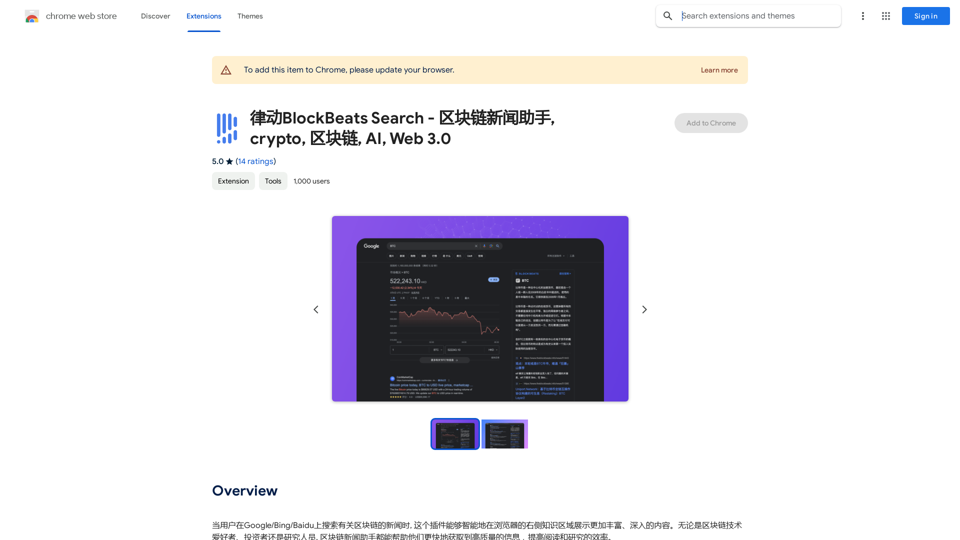
BlockBeats Search - Your Blockchain News Assistant, covering crypto, blockchain, AI, and Web 3.0.
BlockBeats Search - Your Blockchain News Assistant, covering crypto, blockchain, AI, and Web 3.0.When users search for blockchain news on Google/Bing/Baidu, this plugin can intelligently display more comprehensive and in-depth content in the browser's right-side knowledge area. Whether you are a blockchain technology enthusiast, investor, or researcher, the Blockchain News Assistant can help you quickly access high-quality information and improve your reading and research efficiency.
193.90 M