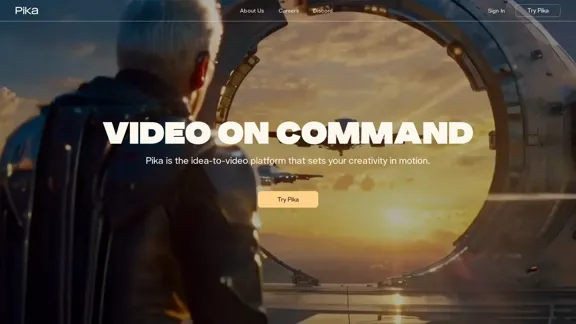
Pika is an innovative AI-powered platform that transforms ideas into videos. It offers users the ability to create dynamic visual content based on their imagination, serving as a comprehensive idea-to-video solution. Pika caters to a wide range of creative needs, from simple memes to complex movie scenes, making it versatile for various users and projects.
Pikachu
The concept-to-video platform that brings your imagination to life.
Introduction
Feature
Text-to-Video Generation
- Converts written descriptions into dynamic video scenes
- Responds to detailed textual prompts
Image-to-Video Conversion
- Transforms static images, paintings, and drawings into moving scenes
- Brings still visuals to life with motion and animation
Video-to-Video Transformation
- Allows modification and style changes to existing videos
- Enables users to breathe new life into pre-existing video content
Advanced Editing Capabilities
- Modify Region: Seamlessly alter specific areas within a frame
- Lip Sync: Synchronize character lips with user-provided dialogue
- Sound Effects: Generate or prompt for specific audio elements
- Expand Canvas: Extend the video frame beyond its original boundaries
- Extend Video Length: Add additional time to existing videos
User-Friendly Interface
- Intuitive design that responds to simple commands
- Easy-to-use tools for fine-tuning and editing
Community Showcase
- Demonstrates the platform's potential through user-created content
- Provides inspiration for new users
Multi-Platform Support
- Available on various social media platforms (Instagram, X, YouTube, LinkedIn, TikTok)
- Discord community for user interaction and collaboration
FAQ
What types of videos can I create with Pika?
Pika supports a wide range of video types, from short memes to more complex movie scenes. The platform's versatility allows for creating cartoons, short films, and various other video content.
Can I modify existing videos using Pika?
Yes, Pika offers a video-to-video transformation feature that allows you to modify existing videos, change styles, and add new elements to pre-existing content.
Is there a community of Pika users I can connect with?
Absolutely! Pika has a Discord community where users can connect, share experiences, and potentially collaborate on projects.
How can I stay updated on new Pika features?
You can stay informed about Pika updates by:
- Signing up for their email newsletter
- Following Pika on social media platforms (Instagram, X, YouTube, LinkedIn, TikTok)
- Joining their Discord community
Does Pika offer customer support?
While not explicitly mentioned, Pika provides a "Contact Us" option on their website, suggesting that customer support is available for users who need assistance.
Related Websites
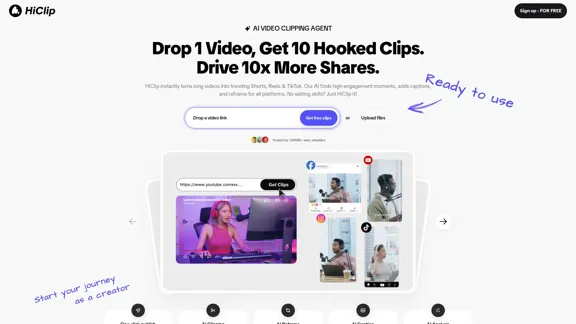
HiClip instantly transforms long videos into trending Shorts, Reels, and TikTok. Our AI identifies high-engagement moments, adds captions, and reframes for all platforms. No editing skills? Just HiClip it!
0
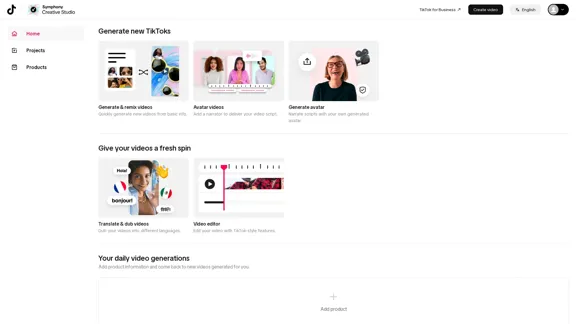
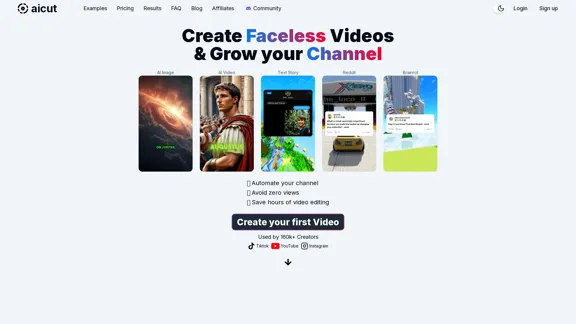
Create short AI videos that expand your faceless channel.
Create short AI videos that expand your faceless channel.Create short AI videos that expand your faceless channel.
264.02 K
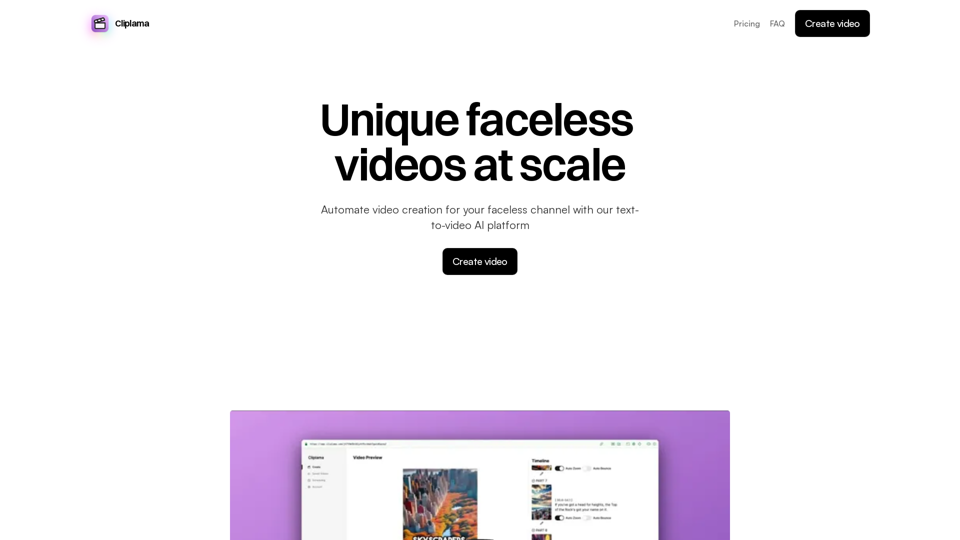
Automate Your Faceless Video Channel with AI Tired of spending hours creating videos? Let AI do the heavy lifting! * Generate scripts: Say goodbye to writer's block. AI can write engaging scripts for your videos on any topic. * Create voiceovers: Give your videos a professional voice with AI-generated voiceovers in multiple languages. * Produce stunning visuals: Use AI to generate captivating visuals, animations, and graphics to accompany your videos. * Edit and optimize: AI can automatically edit your videos, add music, transitions, and optimize them for different platforms. * Schedule and publish: Set it and forget it! AI can schedule and publish your videos to your chosen platforms. Start creating faceless videos effortlessly with the power of AI.
Automate Your Faceless Video Channel with AI Tired of spending hours creating videos? Let AI do the heavy lifting! * Generate scripts: Say goodbye to writer's block. AI can write engaging scripts for your videos on any topic. * Create voiceovers: Give your videos a professional voice with AI-generated voiceovers in multiple languages. * Produce stunning visuals: Use AI to generate captivating visuals, animations, and graphics to accompany your videos. * Edit and optimize: AI can automatically edit your videos, add music, transitions, and optimize them for different platforms. * Schedule and publish: Set it and forget it! AI can schedule and publish your videos to your chosen platforms. Start creating faceless videos effortlessly with the power of AI.Create videos with text and transform your ideas into amazing videos using pictures, GIFs, music, transitions, and captions. Boost your social media presence automatically, saving you time and money.
4.34 K
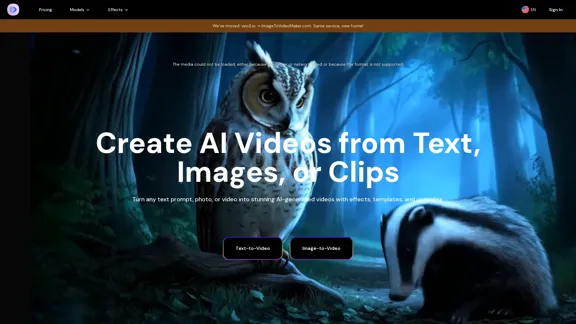
AI Video Generator – Create Videos from Text, Images, or Clips | Image-to-Video Maker
AI Video Generator – Create Videos from Text, Images, or Clips | Image-to-Video MakerGenerate AI videos from text, images, or video clips with the Image-to-Video Maker. Add effects, templates, and upscale to 4K—all in one powerful video platform.
25.40 K

JoggAI - AI Ad Generator to Create Videos Using URL
JoggAI - AI Ad Generator to Create Videos Using URLThe leading AI commercial generator. Jogg offers a diverse selection of templates and a user-friendly interface. Create your video ads quickly and effectively.
787.09 K
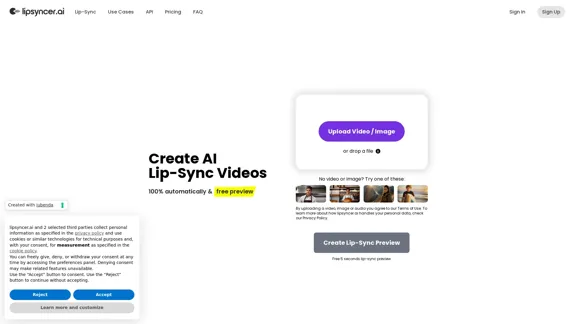
Create AI Lip-Sync Videos Lip-sync technology has advanced significantly, allowing for the creation of realistic videos where characters appear to speak in different languages or say things they never actually said. Here's how to create AI lip-sync videos: 1. Choose your video editing software - Popular options include Adobe After Effects, Reallusion's CrazyTalk, or Synthesia 2. Prepare your source video - Select a high-quality video clip with clear facial features 3. Generate or record the audio - Create the audio track you want the character to lip-sync to 4. Use AI-powered lip-sync tools - Many software options now include AI-driven lip-sync features - Upload your video and audio files - The AI will analyze the audio and match it to the character's mouth movements 5. Fine-tune the results - Adjust timing and mouth shapes as needed for a more natural look 6. Render the final video - Export your lip-synced video in your desired format Tips: - Ensure good lighting and clear facial features in the source video - Use high-quality audio for better results - Practice and experiment with different tools to improve your skills Remember to consider ethical implications and obtain necessary permissions when creating lip-sync videos of real people.
0