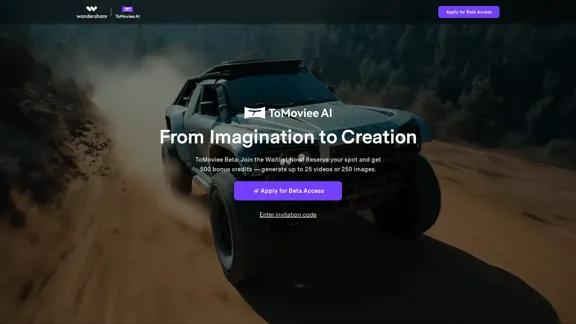
ToMoviee AI is an all-in-one creative studio powered by artificial intelligence, designed to streamline the content creation process. It offers a range of features that allow users to generate videos, images, and audio from text prompts, making it accessible for creators of all levels. The platform emphasizes speed, authenticity, and control, enabling users to bring their imaginative ideas to life efficiently.
ToMoviee AI – Your Comprehensive AI Creative Studio
Generate video, images, music, and sound with AI. Fast, realistic, fully controllable. Designed for creators, marketers, filmmakers, designers, and teams.
Introduction
Feature
-
Text to Video
Instantly transform scripts into lifelike videos, allowing complete creative control over the storytelling process.
-
Image to Video
Convert still images into dynamic video stories that captivate audiences and enhance engagement.
-
Video Extend
Seamlessly continue your narrative by extending existing videos with AI-generated content.
-
AI Image Generation
Generate realistic and creative images from text prompts, enhancing visual storytelling capabilities.
-
Text to Music
Compose original, royalty-free music tracks based on textual input, suitable for various projects.
-
Text to Sound Effects
Create high-definition sound effects from simple prompts, adding depth to your audio-visual projects.
-
Text to Voice
Generate realistic voiceovers with emotional nuance, enhancing the quality of video content.
How to Use?
- Sign up for beta access on the ToMoviee website to start using the features.
- Familiarize yourself with the various AI capabilities available, including text-to-video and image generation.
- Experiment with different prompts to see how the AI interprets your ideas.
- Utilize the auto BGM feature to enhance your videos with AI-generated soundtracks.
- Keep your content compliant with copyright laws and platform guidelines.
FAQ
Is AI-generated content copyright-free?
Copyright laws for AI-generated content vary by jurisdiction. While ToMoviee transfers potential rights to users, it's advisable to consult legal counsel before commercial use.
How is my data used?
ToMoviee prioritizes user privacy and data security, collecting only necessary information and never selling data to third parties.
What creation capabilities does ToMoviee offer?
ToMoviee provides a comprehensive suite for generating images, videos, and audio, including text-to-video, image-to-video, and text-to-music functionalities.
What should I avoid when using AI features?
Ensure that your inputs comply with relevant laws and ethical standards, avoiding content that infringes on others' rights.
Price
-
Beta Access: Free with 500 bonus credits for initial use.
-
Subscription Plans: Pricing details are not specified on the website.
The price is for reference only, please refer to the latest official data for actual information.
Evaluation
ToMoviee AI presents a robust platform for content creation, offering a wide range of features that cater to various creative needs. The ability to generate high-quality videos, images, and audio from text prompts is a significant advantage, especially for content creators looking to enhance their productivity.
However, the platform is currently in beta, which may come with limitations in terms of features and stability. Users may also need to navigate the complexities of copyright laws when using AI-generated content. Additionally, while the AI provides impressive results, a deeper understanding of creative principles may be necessary for users aiming to produce high-level content consistently. Overall, ToMoviee AI is a promising tool for both novice and experienced creators, but ongoing improvements and user feedback will be essential for its development.
Related Websites
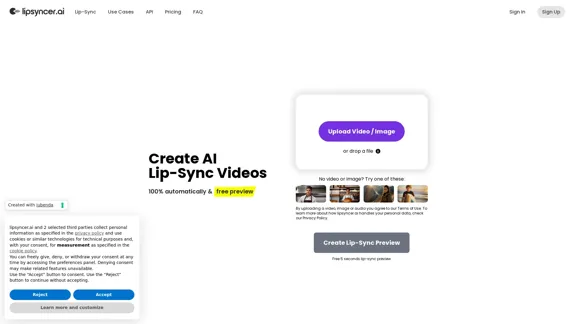
Create AI Lip-Sync Videos Lip-sync technology has advanced significantly, allowing for the creation of realistic videos where characters appear to speak in different languages or say things they never actually said. Here's how to create AI lip-sync videos: 1. Choose your video editing software - Popular options include Adobe After Effects, Reallusion's CrazyTalk, or Synthesia 2. Prepare your source video - Select a high-quality video clip with clear facial features 3. Generate or record the audio - Create the audio track you want the character to lip-sync to 4. Use AI-powered lip-sync tools - Many software options now include AI-driven lip-sync features - Upload your video and audio files - The AI will analyze the audio and match it to the character's mouth movements 5. Fine-tune the results - Adjust timing and mouth shapes as needed for a more natural look 6. Render the final video - Export your lip-synced video in your desired format Tips: - Ensure good lighting and clear facial features in the source video - Use high-quality audio for better results - Practice and experiment with different tools to improve your skills Remember to consider ethical implications and obtain necessary permissions when creating lip-sync videos of real people.
0
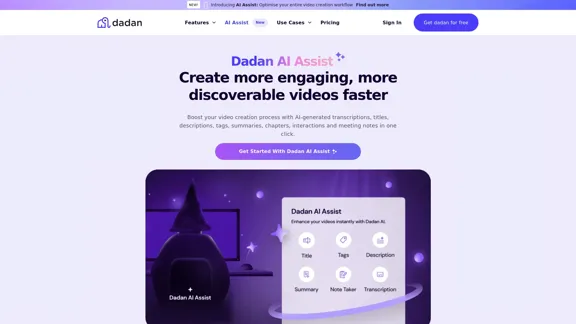
Dadan AI Assist: Create more engaging, more discoverable videos faster
Dadan AI Assist: Create more engaging, more discoverable videos fasterEnhance your video production workflow with our powerful suite of AI video tools.
144.59 K
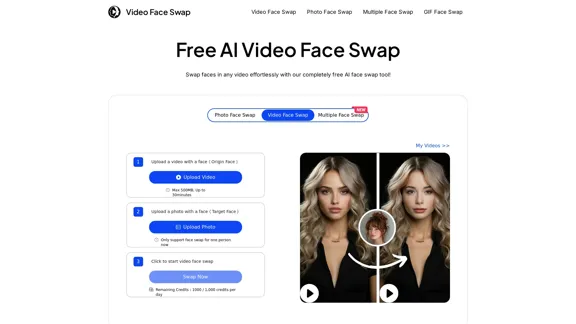
AI Video Face Swap - Free Online Face Swapping Tool
AI Video Face Swap - Free Online Face Swapping ToolSwap faces in videos with AI-powered precision. Our free online video face swap tool offers fast, secure, and high-quality results. No downloads needed!
334.26 K
Minimax AI | Advanced AI-powered Video Generation & Photo Enhancement Platform
Minimax AI | Advanced AI-powered Video Generation & Photo Enhancement PlatformMinimax AI revolutionizes content creation with cutting-edge AI. Generate stunning videos from text and transform your photos with innovative AI effects.
158.66 K
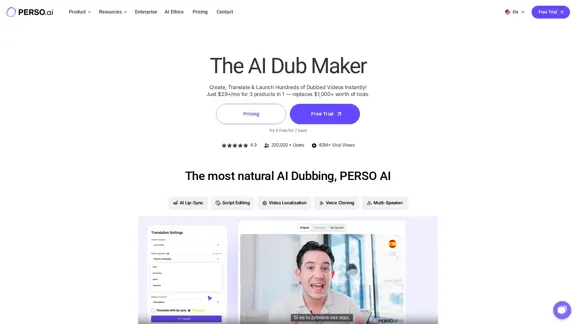
The Most Natural AI Dubbing – Reach Millions with PERSO.ai
The Most Natural AI Dubbing – Reach Millions with PERSO.aiSign up for free! Localize videos in minutes with seamless AI dubbing, voice cloning & lip sync – Grow your global audience effortlessly.
245.18 K
Transform your ideas into captivating short videos with ease. Our AI-powered tool automatically crafts and posts engaging shorts to your social media, effortlessly driving views and generating revenue.
51.15 K
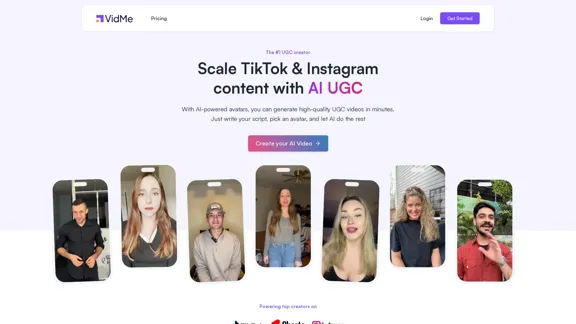
Scale your TikTok and Instagram content with AI-generated user content.
Scale your TikTok and Instagram content with AI-generated user content.The #1 UGC creator. Scale TikTok & Instagram content with AI UGC. With AI-powered avatars, you can generate high-quality UGC videos in minutes. Just write your script, choose an avatar, and let AI handle the rest.
9.35 K